

myNeutron
myNeutron · Leaning
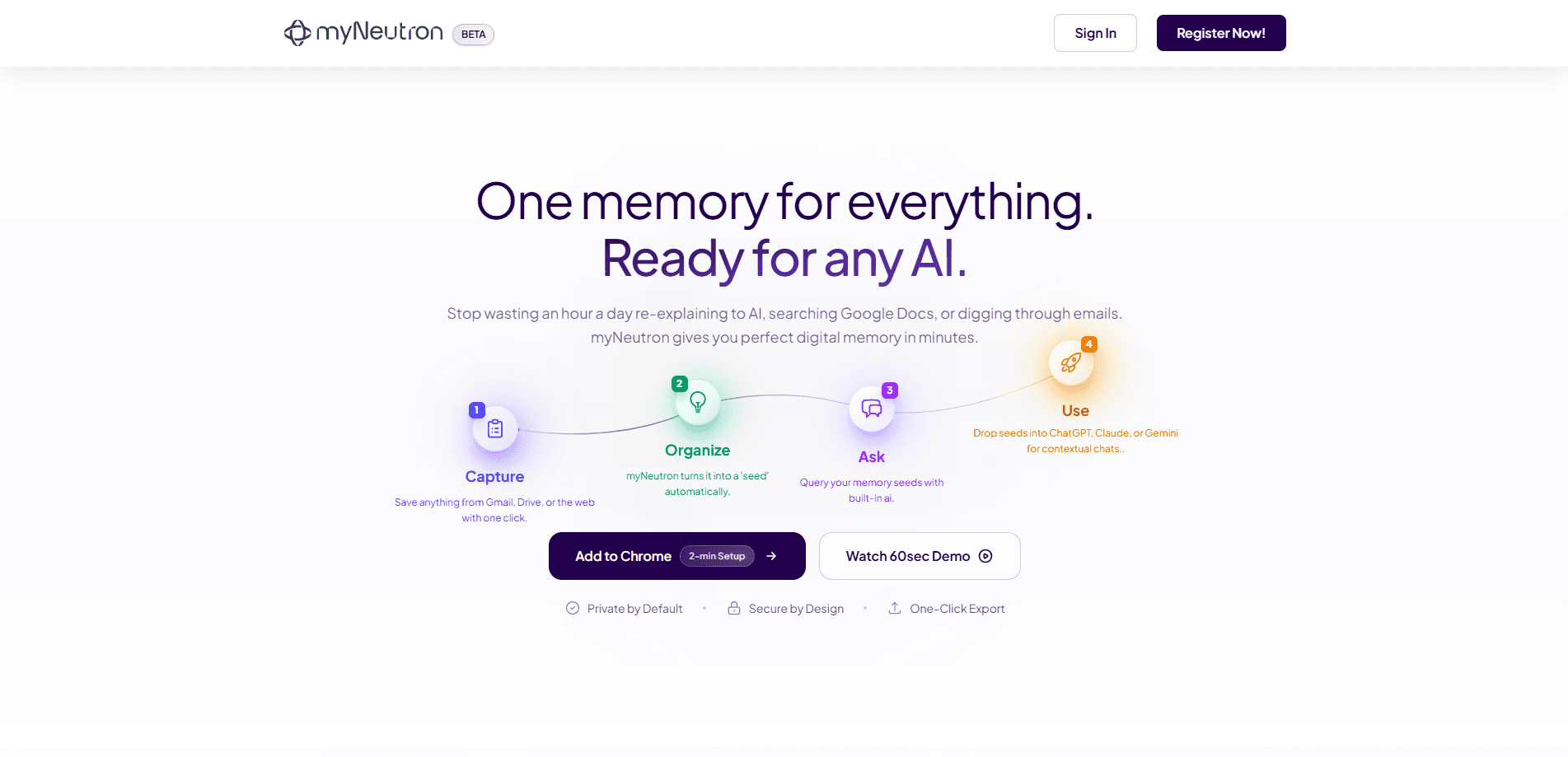
myNeutron is a Chrome extension built for AI memory management. It captures what you write and collect across the web, organizes that material into a personal memory store, and injects the relevant pieces into whatever AI chatbot you're using. The point is continuity. You stop re-explaining your project, your preferences, or last week's conversation every time you open a new tab. The extension carries that context from one AI platform to the next. That's the whole idea.
About myNeutron
What Is myNeutron
myNeutron is a browser-based memory layer for people who live inside AI chat tools. Instead of trapping your history inside a single chatbot, it keeps a personal store of the facts, snippets, and preferences you want every AI to know, then feeds them in on demand. The result is a workflow where switching between assistants doesn't reset everything you've already established. Why does that matter? Context is the bottleneck.
The problem it targets is simple to describe. Most AI platforms forget you the moment you start a new chat. You paste the same background paragraph, retype the same constraints, and remind the model of the same decisions again and again. It gets old fast. myNeutron moves that repeated context into one place you control and reuse across tools. It runs as a Chrome extension, so it lives inside the browser where you already do your AI work rather than as a separate app you have to open.
The limits are worth stating up front. It only works where Chrome does. Mobile and desktop apps that aren't the browser are out of reach. It's a young product from a small team, which means fewer integrations and less polish than the big AI platforms offer. And because it holds a personal memory store, how that data is handled is the first thing you should read about before installing. I couldn't confirm the current specifics of its data policy, since the official site wasn't reachable when I checked.
Getting Started
- Install the myNeutron Chrome extension from the Chrome Web Store and pin it to your toolbar.
- Create an account or sign in so your memory store is tied to you rather than to one browser profile.
- Save your first memories: highlight text, or let the extension capture notes as you work, and label them so you can find them later.
- Open your preferred AI platform and use the extension to inject the relevant memory into the conversation.
- Review and prune your stored memories every so often, since a clean store is what makes injection actually useful.
Product Information
A quick look at myNeutron's pricing, supported platforms, and performance.
Best for
The users, tasks, and scenarios where this tool fits best.
Users
- Heavy AI chat users who bounce between ChatGPT, Claude, Gemini, and similar tools and want context to follow them
- Writers and researchers who keep re-pasting the same background and source material
- Freelancers juggling several projects at once
Tasks
- Carrying project context across AI platforms
- Keeping tone and preference notes handy
- Reusing research snippets
Scenarios
- Switching from one AI assistant to another mid-project
- Picking up a long-running task after a break
- Comparing answers from two different models
Key features
Capture Without Leaving the Page
myNeutron saves material as you browse, so a useful passage or a note you jot down doesn't disappear into another forgotten tab. You highlight or capture it, and it lands in your memory store where it stays available. That matters when the thing you'll need later is a paragraph buried in a long article you read once.
One Memory Store Across All Your AI Tools
The extension keeps a single personal store and pushes the relevant parts into whatever AI platform is open. Instead of maintaining separate notes for each chatbot, you keep one source of truth. One store. Every tool. The appeal is obvious if you've ever pasted the same three paragraphs into ChatGPT in the morning and Claude in the afternoon.
Context Injection on Demand
Rather than dumping everything you've ever saved into a prompt, myNeutron lets you inject the pieces that fit the task. You control what the model sees, which keeps prompts focused and avoids dragging in irrelevant history. That control is the whole feature. Used well, this is the difference between a focused answer and a muddled one.
Organizing and Reusing Your Data
Saved memories can be labeled and grouped, which turns a pile of captured text into something you can actually search and reuse. The organization step is what makes the store useful over months rather than days. It's not glamorous. Skip it, and you end up with a folder of unlabeled snippets you never touch again.
Runs Inside Chrome
Because it's a browser extension, myNeutron sits where you already work. There's no second app to install or window to manage, and it follows your browser session across tabs. Install it, pin it, done. The trade-off is the obvious one: no browser, no extension.
Pros and cons
Pros
- Keeps context portable across different AI platforms in one store.
- Saves the repeated setup step of re-pasting background into every new chat.
- Runs in Chrome, so there's no separate app to manage.
- Lets you inject only the memories that fit the task, keeping prompts clean.
Cons
- It's Chrome only, so AI tools on mobile or in desktop apps get no benefit.
- The official site was unreachable when I checked, which makes current pricing and the data policy hard to verify.
- As a young product, expect fewer integrations than established AI memory tools offer.
- The value depends on you organizing your memories, which takes ongoing effort.
Frequently asked questions
It's a Chrome extension for AI memory management. It captures your data as you browse, stores it in a personal memory bank, and injects the relevant parts into whichever AI platform you're using so context carries across tools.
Related content
Explore related tools, skills, and articles for myNeutron.
myNeutron Alternatives

Kaggle AI
Google · Coding · LeaningKaggle AI is a community platform where people build, test, and compare machine learning models against shared data. It combines data science competitions, tens of thousands of public datasets, and free cloud notebooks with GPU and TPU access, so anyone with a browser can train a model without buying hardware. Google owns the platform, and joining costs nothing.

Bunch
Bunch AI · Leaning · BusinessBunch is an AI leadership coaching app that turns a few spare minutes a day into real management practice. It hands you one short, personalized tip each day, tracks how you respond, and lets you compare notes with peers inside private groups. The pitch is simple: you lead better by practicing a little, often, instead of sitting through a weekend seminar. Think of it as a leadership training app you actually open.

AI Mock Interview
SQLPad · Coding · LeaningAI Mock Interview is a practice tool built into SQLPad that simulates real job interviews and gives you instant feedback on both what you say and how you say it. You pick a role template or upload a job description, answer questions out loud in real time, and then review a transcript with notes on structure, clarity, and grammar. It's aimed at data professionals prepping for SQL, Python, data engineering, machine learning, and system design roles, and it works entirely in the browser. No install needed.