

Myvocal
Myvocal.AI · Voice & Language
Myvocal is an AI voice platform that clones a speaking or singing voice from a short sample, then puts it to work across text to speech, song covers, and full text to music generation. It suits creators, marketers, and hobbyists who want a recognizable voice on demand without a recording studio. One cloned identity carries across more than 100 languages, so the same voice can narrate a lesson, sing a chorus, or answer inside an app.
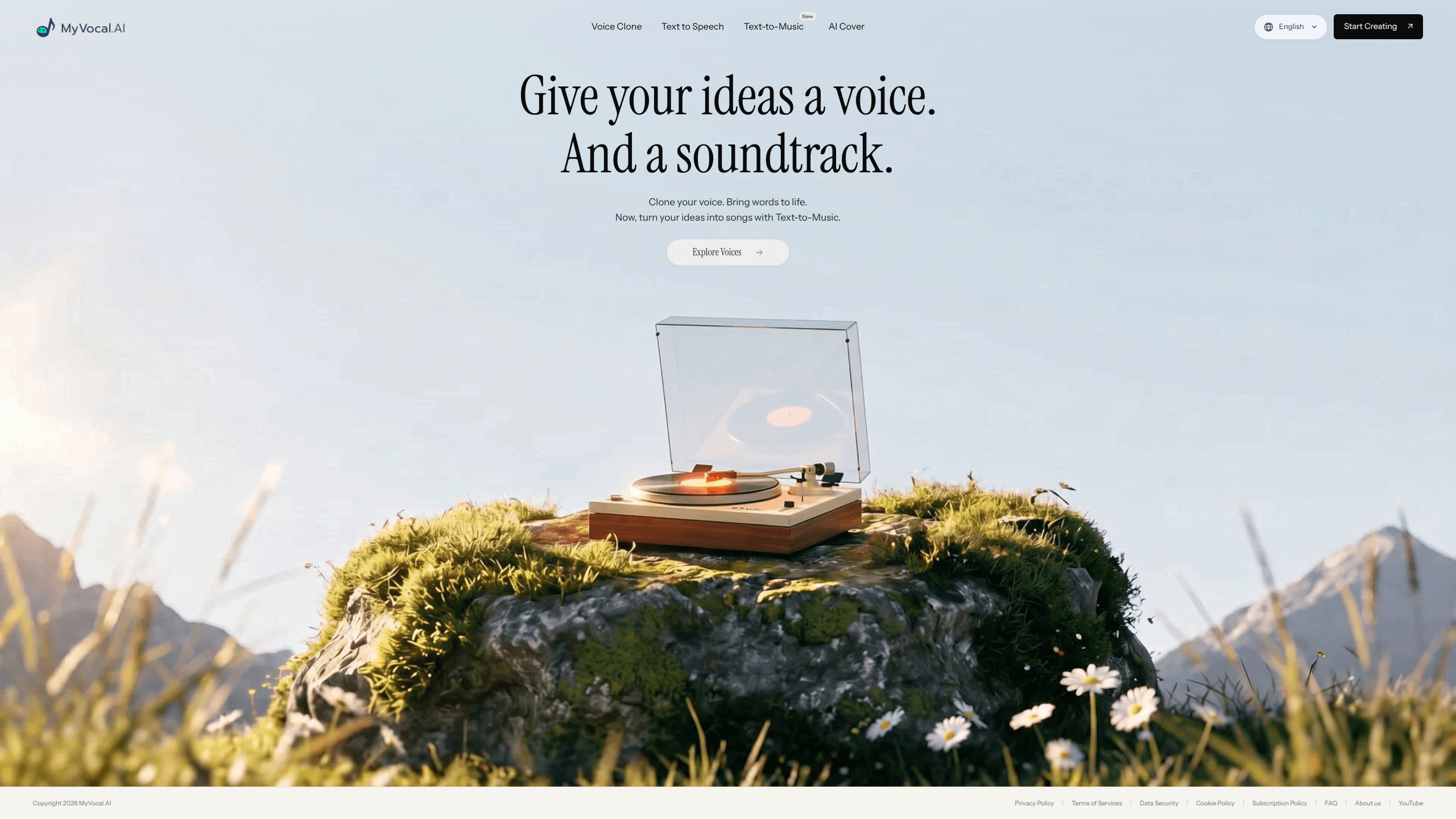
About Myvocal
What Is Myvocal
Myvocal is a web-based AI voice studio built around three connected tools: voice cloning, text to speech, and text to music. Instead of treating each task as a separate product, it lets you build one voice and reuse it almost anywhere. Narration, song covers, generated tracks, all the same voice.
The pitch is simple. You leave a short recording, the platform studies your tone and pronunciation, and it gives you a voice you can type into. From there you can read a script aloud, cover a song in any language, or describe a mood and let the system write the melody. Want the same voice to sing? It can do that too.
The main limit is that music generation is still marked as new and pricing depends on plans and Characters, so costs aren't fully public until you sign in. Treat any single demo as a promise the studio still has to keep.
Getting Started
- Sign in to the Myvocal workspace.
- Record or upload at least one minute of clear audio to clone your voice, or pick a premade voice to skip this step.
- Choose a tool: text to speech for spoken lines, text to music for original songs, or AI Cover for singing over an existing track.
- Type your script or describe your song idea, then pick a genre, mood, tempo, and vocal style.
- Review the lyrics and arrangement, generate the audio, and download the finished MP3.
Product Information
A quick look at Myvocal's pricing, supported platforms, and performance.
Best for
The users, tasks, and scenarios where this tool fits best.
Users
- Content creators
- Musicians and hobbyists
- Product teams
Tasks
- Narrating videos and lessons
- Making song covers
- Drafting original songs
Scenarios
- Building a consistent brand voice
- Localizing audio for global audiences
- Quick idea capture
Key features
AI Voice Cloning
Myvocal builds a clone from a short sample, ideally at least one minute of clear audio, and improves it with five to ten minutes. It captures tone, pronunciation, and vocal character. Then it reuses that identity for speech, singing, and AI covers. Setup is quick.
Text to Speech With Emotion Control
The text to speech editor pairs premade voices with emotion tags and sound cues, so a line can sound warm, urgent, or playful. Myvocal builds its realistic AI voices on the V3 neural model it names in its own demos. A guest editor also lets you hear a few samples before you sign in.
Text to Music Generation
The newest tool works as an AI song generator that turns a description or your own lyrics into a finished song. You choose genre, mood, and vocal style. Then you review the arrangement and pick from 60, 90, 120, or 180 second lengths. Editing the chorus or nudging the tempo happens before the track generates.
AI Cover Creation
AI Cover applies a cloned voice to an existing song. Singing samples from the same person tend to give better results than a speaking voice. The feature works either way and isn't tied to one language.
Multilingual Voice Across 100+ Languages
A single cloned voice can speak more than 100 languages, and singing language is set separately from the site's display language. That makes it practical to keep one recognizable voice while reaching several markets. Few tools do that well.
Cross-Platform Identity and API
The same cloned identity is meant to travel across products, and Myvocal offers a developer API so speech can be generated inside apps and AI agents. That's useful when a voice has to stay consistent between a website and an app. One voice, no do-overs.
Pros and cons
Pros
- One cloned voice covers speech, singing, and covers, which cuts setup time across projects.
- Emotion tags and sound cues give fine control over how spoken lines land.
- Guest text to speech samples let you test output quality before committing.
- Support for 100+ languages keeps a single voice usable across markets.
Cons
- Pricing depends on plans and Characters, and the workspace only shows estimated costs after sign-in, so budgeting up front is hard.
- Music generation is labeled new, and commercial-use terms for generated songs aren't final yet, which matters if you plan to sell or publish tracks.
- Cloning needs at least a minute of clean audio, so a noisy recording can hold back voice quality.
Frequently asked questions
You can clone a speaking or singing voice, read text aloud with emotion, generate original songs from a description, and create AI covers of existing tracks, all from a web workspace.
Related content
Explore related tools, skills, and articles for Myvocal.
Myvocal Alternatives

Foley
Hanamori Labs, LLC · Voice & Language · Productivity · AI AssistantFoley is a voice to-do list that turns a spoken sentence into a filed task, complete with project, date and time, then helps you plan the day around what is already there.

HireKey
HireKey · Voice & Language · Productivity · LeaningHireKey is an AI job search copilot built by a former tech recruiter. It checks role fit, tailors resumes, runs interview practice and tracks every application.

Fluence
Yay Software (Yannick Huchard) · Writing · Voice & Language · ProductivityFluence is an Android app that reads PDFs, EPUBs, Word files and web articles aloud, follows each sentence as it speaks, and answers questions about the text on the phone itself.