
n8n
n8n GmbH · Coding
n8n is a fair-code workflow automation platform that links apps, APIs, and AI models on a visual canvas. It appeals to teams that want Zapier-style automation with code-level control.
About n8n
What Is n8n
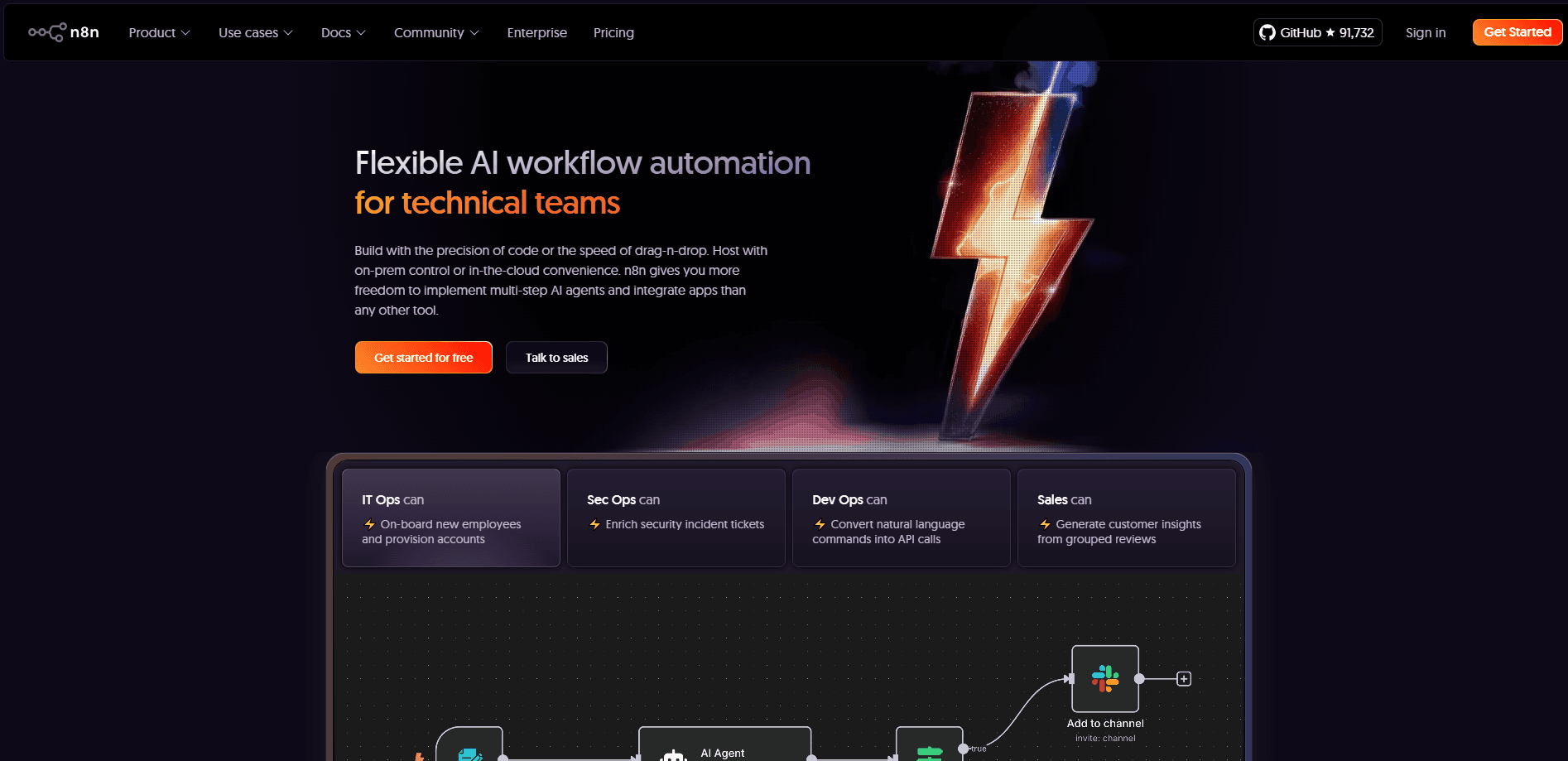
n8n is a workflow automation tool built for people who outgrow drag-and-drop connectors. You place nodes on a canvas, wire them together, and let the workflow run on a schedule, a webhook, or a manual trigger. A node might fetch a spreadsheet row, call an API, branch on a condition, or hand a task to an AI model.
The product sits between pure no-code tools and writing your own scripts. Non-developers can assemble a working automation in an afternoon. Developers can drop in JavaScript or Python when a node doesn't do quite what they need. That mix is the core pitch: visual speed when you want it, real code when you don't.
The biggest catch is the learning curve. A first workflow is easy. A messy one with dozens of nodes, retries, and error handling takes real effort to keep tidy, and self-hosting puts server maintenance on your own plate.
Getting Started
- Create an n8n Cloud account or install the community edition on your own server with Docker or npm.
- Add a trigger node, such as a schedule, webhook, or app event, to decide when the workflow runs.
- Add action nodes and connect them, passing data from one step to the next.
- Test the workflow with sample data, then activate it so the trigger goes live.
- Watch executions in the editor and adjust nodes when something fails.
Product Information
A quick look at n8n's pricing, supported platforms, and performance.
Best for
The users, tasks, and scenarios where this tool fits best.
Users
- Developers and technical teams
- Operations and marketing staff
- Small businesses tired of per-task pricing
Tasks
- Connecting apps that don't share a native integration
- Building AI agents and chatbots
- Syncing data between a CRM, spreadsheets, and a database on a schedule
Scenarios
- Routing new form submissions to the right team with an alert
- Pulling a daily report from several APIs into one sheet
- Adding AI summaries to incoming email or support tickets
Key features
Visual Node Editor
You build workflows by dragging nodes onto a canvas and connecting them. Each node is one action, like sending an email, reading a database, or branching on a value. The editor shows data flowing between steps, so you can spot where a payload goes wrong without digging through logs.
Native AI and Agent Nodes
n8n ships nodes for large language models, vector stores, and agent tooling, plus support for LangChain. That means you can build a chatbot or an agent that calls models, retrieves context, and runs tools inside the same workflow that handles your regular automation. You don't have to stitch a separate AI stack onto your logic.
Custom Code in JavaScript and Python
When a built-in node falls short, you drop a code node into the flow and write JavaScript or Python. This is the feature that separates n8n from stricter no-code tools: the platform assumes some users will want to bend it, and it gives them the hooks to do that.
Self-Hosting and Data Control
You can run the community edition on your own servers with Docker, npm, or a cloud provider. Your data stays on your infrastructure, which matters for teams bound by privacy rules or worried about sending customer records through a third party. You take on the patching and uptime work in return.
400+ Integrations and HTTP Access
n8n connects to hundreds of apps out of the box, from Slack and Google Sheets to databases and CRMs. When there's no built-in node, HTTP request and webhook nodes cover the gap, so any service with an API is reachable. You rarely hit a wall just because a connector is missing.
Workflow Templates and Sharing
The product ships with a library of ready-made templates you can import and adapt, which shortens the first build. Teams on paid plans get shared projects, workflow history, and version control through Git, so several people can work on the same automation without stepping on each other.
Pros and cons
Pros
- You can mix no-code speed with custom JavaScript or Python in the same workflow, which suits both analysts and developers.
- Self-hosting keeps your data on your own servers and cuts per-task costs compared with hosted competitors.
- AI and agent nodes are built in, so LLM steps don't need a separate toolchain.
- Hundreds of native integrations plus HTTP nodes cover almost any service with an API.
- Templates and Git-based version control make it easier to reuse and share workflows across a team.
Cons
- The learning curve is steeper than drag-only tools, which means non-technical users may need help for complex flows.
- Self-hosting shifts maintenance, upgrades, and security patching onto your team, which isn't free.
- Complex workflows with many nodes can get hard to read and debug over time.
- The most useful team features, like SSO and longer insights, sit behind the higher paid tiers.
Frequently asked questions
n8n automates workflows that move data between apps, APIs, and AI models. Teams use it to sync systems, send alerts, generate reports, and build chatbots or agents without writing a full application from scratch.
Related content
Explore related tools, skills, and articles for n8n.
n8n Alternatives

Base Code
Base44 (Wix) · Coding · ProductivityBase Code is a shared cloud development environment from Base44. Teammates describe changes to an existing GitHub codebase in chat, preview them live and send them back as pull requests.

Google EmbeddingGemma 2
Google DeepMind · Writing · Image · CodingGoogle EmbeddingGemma 2 is a 740M-parameter open model that turns text, code, images, audio, and video frames into vectors in one 768-dimension space, running on phones and laptops.

GitGlow
GitGlow · Coding · ProductivityGitGlow is a local-first desktop Git client that lets independent developers review their own code and their AI agents' changes in one place before shipping.