

n8nCoder
Kazen · Coding · Productivity
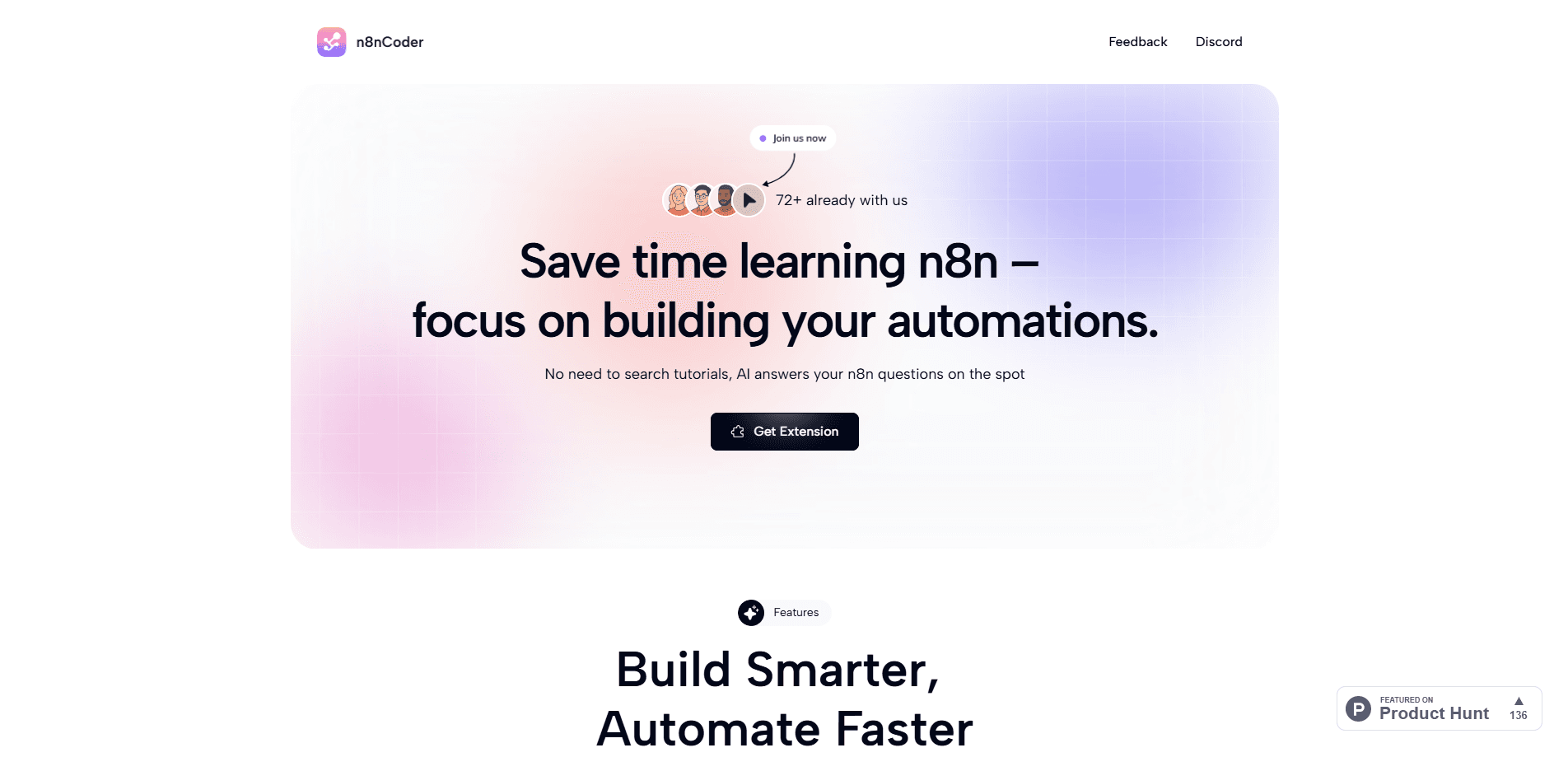
n8nCoder is a Chrome extension that turns plain chat into working n8n automations, letting you build, edit, and debug workflows without wiring every node by hand.
About n8nCoder
What Is n8nCoder
n8nCoder is a browser extension for n8n, the popular workflow automation platform. Instead of dragging nodes one by one, you describe what you want in a chat panel and the assistant proposes the nodes, connections, and Code Node scripts for you. It lives inside the n8n editor, so anything it generates shows up on the canvas you already use.
The tool targets a specific gap: n8n is powerful but has a real learning curve. Beginners stall on which trigger to pick and how to connect services, and even experienced users spend time on repetitive glue work like writing SQL or JavaScript for a Code Node. n8nCoder answers both cases with a conversational layer that reads the workflow structure and edits it in place.
The main limits are worth knowing up front. It supports only n8n, so it will not help with Zapier or Make. The AI runs on your own API key, which means your quality and costs depend on the model you connect. And the free tier caps MCP tool calls at 100 a day, so heavy automation work pushes you toward the paid plan.
Getting Started
- Install the n8nCoder extension from the Chrome Web Store and open your n8n instance.
- Add an API key from OpenAI, Google Gemini, or OpenRouter in the extension settings. The key is encrypted before it is stored.
- Open the chat panel and describe the automation you want in plain language, such as a daily digest that pulls headlines and posts them to Slack.
- Review the workflow the assistant builds, then ask it to adjust nodes, generate a Code Node, or explain an error you hit.
- Run the workflow from inside n8n and keep chatting to debug any node that fails.
Product Information
A quick look at n8nCoder's pricing, supported platforms, and performance.
Best for
The users, tasks, and scenarios where this tool fits best.
Users
- Automation beginners
- Developers and technical teams
- Productivity and ops staff
Tasks
- Building a new workflow from a description
- Writing Code Node and SQL scripts
- Debugging a failing run
- Finding a starting template
Scenarios
- Turning a recurring manual routine into an automation without prior n8n experience.
- Cleaning up an existing workflow that has grown messy and slow.
- Connecting n8n to an MCP-compatible client like Claude Desktop or Cursor to drive builds from another tool.
Key features
Chat-Based Workflow Building
This n8n workflow builder starts from conversation: you describe the automation you want and the n8n AI assistant drafts the nodes and connections on the canvas. It reads the current workflow structure (JSON) to suggest edits, and a dynamic thinking mode decides when a request needs deeper analysis before it answers. The result is a first draft you can refine through conversation rather than a blank editor.
Real-Time Edit and Preview
Edits land directly on the canvas you are working in, so you can watch nodes change as you chat instead of copying output between tools. This keeps the AI and your manual adjustments in the same view, which makes it easier to catch a wrong connection before you run the workflow.
MCP Tool Integration
n8nCoder ships an MCP client that connects n8n to clients like Claude Desktop and Cursor, with 30+ tools for building, executing, and debugging. You install it through a simple config entry, then drive workflows from whichever AI client you already prefer. The free plan includes 100 MCP calls a day; Pro removes that limit.
Smart Template Search
n8n template search here uses semantic matching across 3,000+ community templates, so a query about a goal returns a relevant starting point rather than an exact-title match. Pro lifts the library to 7,000+ templates. It saves the time you would otherwise spend browsing directories for something close enough.
Code Node and SQL Generation
Rather than hand-writing JavaScript for a Code Node or a SQL query, you ask the assistant to generate it. This targets the fiddly part of n8n work where a single syntax slip breaks a run. You still review the output, but you start from working code instead of an empty editor.
Model and API Flexibility
The assistant works with OpenAI, Google Gemini, and OpenRouter, including newer models like GPT-5 and Gemini 2.5, with auto model detection. You bring your own AI key, so you control which provider you use and how much you spend. Keys are encrypted before storage.
Pros and cons
Pros
- Cuts the learning curve for newcomers by explaining node choices in plain language.
- Generates Code Node and SQL scripts, which removes a common source of syntax errors.
- One-time $29 Pro price with no subscription, unlike most recurring automation add-ons.
- Works with both n8n Cloud and self-hosted instances, so privacy-focused setups are covered.
- Multilingual interface and image paste support make it usable for international teams.
Cons
- Only works inside n8n, so teams on Zapier or Make get no benefit.
- Requires your own AI API key, meaning costs and response quality depend on the provider you pick.
- The free plan limits MCP tools to 100 calls a day, which heavy users will exhaust quickly.
- It is a Chrome extension, so it is tied to a Chromium browser rather than a native desktop app.
Frequently asked questions
Both. The extension works with the official n8n Cloud and with self-hosted instances, so you can use it whether your workflows run in n8n's cloud or on your own server.
Related content
Explore related tools, skills, and articles for n8nCoder.
n8nCoder Alternatives

Base Code
Base44 (Wix) · Coding · ProductivityBase Code is a shared cloud development environment from Base44. Teammates describe changes to an existing GitHub codebase in chat, preview them live and send them back as pull requests.

Google EmbeddingGemma 2
Google DeepMind · Writing · Image · CodingGoogle EmbeddingGemma 2 is a 740M-parameter open model that turns text, code, images, audio, and video frames into vectors in one 768-dimension space, running on phones and laptops.

GitGlow
GitGlow · Coding · ProductivityGitGlow is a local-first desktop Git client that lets independent developers review their own code and their AI agents' changes in one place before shipping.