
Napi Bot
Napi-bot · Voice & Language · Coding
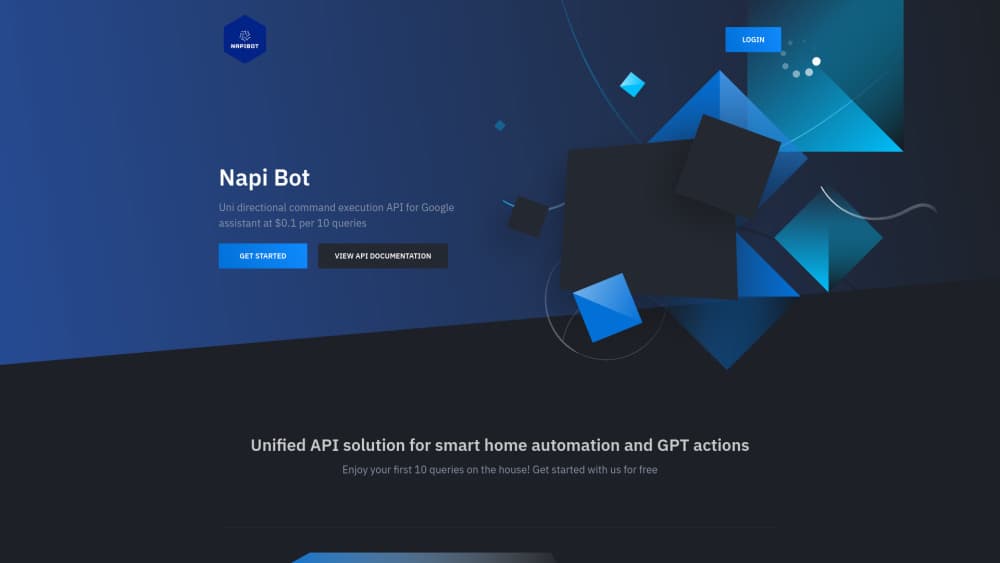
Napi Bot is a command execution API that lets developers run Google Home device actions and GPT requests through Google Assistant. It costs $1 per 100 queries, with 10 free.
About Napi Bot
What Is Napi Bot
Napi Bot is a single-purpose API service for people who want to control Google Assistant devices from code. You connect it to the Google Assistant account that already runs your smart home, copy an API key, and then send plain HTTP requests that the Assistant carries out. The same channel passes prompts and actions to GPT-powered services, so one call can dim a lamp or return a model response.
The problem it addresses is narrow and real. Google Home devices answer voice commands easily and resist automation from scripts. Napi Bot puts an HTTP layer over that gap. A cron job, a small backend, or an AI agent can now trigger the routines you'd otherwise have to say out loud.
The tradeoff sits in the name of the product category: it's a unidirectional command execution API. Napi Bot sends the command and tells you whether the request was accepted. It doesn't return device state, sensor values, or proof that the light actually changed. Projects that need to read data back need a second integration.
The service is run by a small team under the Napi-bot name, with support handled by email. That matters for anyone weighing it for production work, and the pricing reflects the scope.
Getting Started
- Create an account at napibot.com with your email address and log in.
- Use the connect link to authorize Napi Bot against the Google Assistant account that already controls your devices.
- Copy the API key shown in the dashboard. The same panel lets you refresh the key or revoke access later.
- Open the Postman documentation, pick the command endpoint, and send a test request with your key attached.
- Run through the 10 free queries, then buy credits at $1 per 100 if the response pattern suits your project.
Product Information
A quick look at Napi Bot's pricing, supported platforms, and performance.
Best for
The users, tasks, and scenarios where this tool fits best.
Users
- Indie developers
- Google Home owners who write code
- AI builders connecting assistants to hardware
Tasks
- Firing a bedtime or away routine from a script
- Letting a chatbot turn lights on or off
- Prototyping voice control for a product
- Running scheduled commands from a server
Scenarios
- A weekend home automation project
- An internal demo of a voice-driven feature
- Adding device actions to a GPT agent
Key features
A Single Command Endpoint
Every action goes through one HTTP request with a command payload and your API key. There's no device-by-device SDK, no OAuth dance per device, and no library to install. That keeps the integration small enough to drop into a script you already have.
Google Assistant as the Execution Layer
Napi Bot relies on the Assistant account you already use, so devices stay paired where they are. Commands land on the same routines and device names you set up in the Google Home app. You don't rebuild your device list inside another dashboard.
GPT Action Bridge
The same API can push prompts or actions into GPT-powered services. A model can decide to change the room and then call the command endpoint to do it. This is the feature that separates Napi Bot from a plain smart home bridge.
Key Management in the Dashboard
The dashboard issues your API key, shows remaining credits, and offers a refresh button plus a revoke option. Rotation is a click rather than a support ticket. Revoking access cuts the Assistant link when a key leaks or a project ends.
Prepaid Query Credits
Pricing runs at $1 per 100 queries, and the first 10 are free. You buy credits before you spend them, so the balance caps your bill. Remaining queries sit on the dashboard next to the key, which makes cost easy to check without a billing page.
Plain HTTP With Postman Docs
The documentation is a Postman collection, which means you can send a request from the browser before writing any code. Any language that speaks HTTP works: Python, Node, Go, or a shell script with curl. The barrier is an API key and a JSON body, not a framework.
Pros and cons
Pros
- Query pricing is low enough to test on a hobby budget, at $1 per 100 requests with 10 free.
- No SDK or device pairing work, since commands ride on the Google Assistant account you already have.
- The dashboard covers key rotation and revocation, which many small API services leave to email.
- Device control and GPT actions share one endpoint, so an AI agent needs a single tool.
- Prepaid credits keep spending visible and capped, with the balance shown next to the key.
Cons
- Commands only travel one way, so you can't confirm that a device changed or read its state. Any logic that depends on real status needs another data source.
- Documentation is a Postman collection with limited examples, which means some trial and error before the payload shape is clear.
- The service depends entirely on Google Assistant and your Google account, so a policy change or account issue stops your commands.
- Support comes from a small team over email with no published SLA, and the refund window is one day. Treat it as a prototyping tool rather than infrastructure for a paid product.
Frequently asked questions
It turns an HTTP request into a Google Assistant command. You send a command with your API key, and the Assistant acts on the Google Home devices tied to your account. The same endpoint can pass a request to a GPT-powered service.
Related content
Explore related tools, skills, and articles for Napi Bot.
Napi Bot Alternatives

Foley
Hanamori Labs, LLC · Voice & Language · Productivity · AI AssistantFoley is a voice to-do list that turns a spoken sentence into a filed task, complete with project, date and time, then helps you plan the day around what is already there.

HireKey
HireKey · Voice & Language · Productivity · LeaningHireKey is an AI job search copilot built by a former tech recruiter. It checks role fit, tailors resumes, runs interview practice and tracks every application.

Fluence
Yay Software (Yannick Huchard) · Writing · Voice & Language · ProductivityFluence is an Android app that reads PDFs, EPUBs, Word files and web articles aloud, follows each sentence as it speaks, and answers questions about the text on the phone itself.