

Narakeet
Video Puppet Limited · Voice & Language · Video
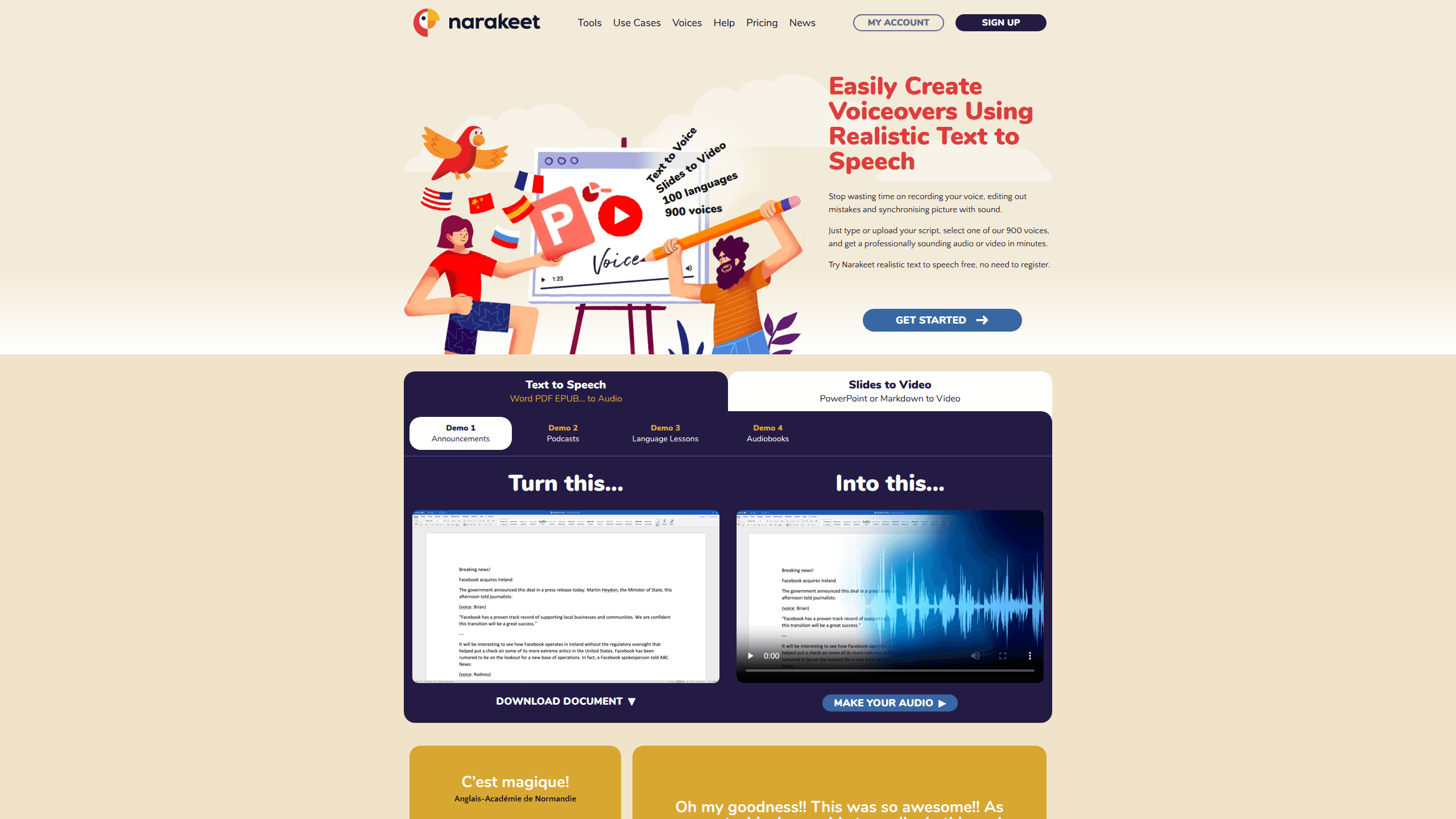
Narakeet is an online text to speech and video production tool that turns written scripts, PowerPoint slides and subtitle files into narrated audio and video without a microphone. It works as a full AI voice generator as well: 900 voices across 100 languages. It can also build narrated videos directly from Markdown scripts, so edits to a voiceover are just edits to text.
About Narakeet
What Is Narakeet
Narakeet is a browser-based voiceover and narrated video tool from Video Puppet Limited. Need a voiceover generator that never re-records? Paste a script, pick a voice, and it returns an audio file in seconds. The same account also converts PowerPoint, Google Slides or Keynote decks into narrated videos and turns SRT or WebVTT subtitles into synchronized dubbing.
The pitch is simple: change the words, not the recording. If your lecture slides or product demo change next month, you edit a line of text and rebuild the file. No re-recording, no re-syncing audio to slides.
The biggest limitation sits in the pricing model. Narakeet runs on prepaid credits rather than a monthly subscription, so you buy a block of minutes upfront and spend it as you produce files. Free accounts are real. They're restricted to 20 conversions and can't be used commercially or through the API.
Getting Started
- Create a free account on the Narakeet site, which gives you 20 conversions to test voices and scripts.
- Open the text to speech tool, paste your script, then choose a language and voice from the library.
- Pick a format and generate the audio, or switch to the video tool and upload slides to narrate them.
- Buy a credit package if you need commercial rights, longer scripts or API access.
- Download the finished audio or video and reuse the same script whenever you need a new version.
Product Information
A quick look at Narakeet's pricing, supported platforms, and performance.
Best for
The users, tasks, and scenarios where this tool fits best.
Users
- Content creators
- Educators and trainers
- Small marketing teams
Tasks
- Converting a Word document or text script into an audio file
- Turning subtitles into dubbing
- Building documentation videos
Scenarios
- Producing training videos in 100 languages without recording each one separately.
- Making marketing videos for global markets where the script gets reused across campaigns.
- Adding a voiceover to YouTube videos quickly when a human narrator isn't available.
Key features
900 Voices Across 100 Languages
Narakeet's library covers 100 languages with roughly 900 voices, and the range matters more than the raw number. You can pick regional accents, male or female narrators, and different delivery styles, then preview them before spending credits. For a two-language product demo, that means building both audio tracks from one script instead of booking two voice actors. That's the real win.
Text to Speech From Any Script
The core tool converts a Word document or plain text script into an audio file fast. Narakeet charges by the final duration in one-second increments, so a 40-second greeting costs 40 seconds of credit, not a whole minute block. It handles pronunciation and pacing well enough for tutorials and announcements. It won't match a trained human performer on emotional reads.
Narrated Videos From Slides
Point the tool at a PowerPoint, Google Slides or Keynote deck and it adds a voiceover, syncs it to the slides, and can attach subtitles automatically. This is where the time savings show up. Updating a single slide means updating one line of text. Rebuild the whole video in minutes rather than re-recording narration.
Markdown Video Scripting
You can script an entire video in Markdown, embedding images, screen recordings and video clips alongside the narration text. Stage directions handle slides, call-outs and text overlays, and the same script generates subtitle files. Developers use it to keep video source under version control, so a product change triggers a rebuilt documentation video that matches the current interface instead of an outdated recording.
Subtitle to Audio Dubbing
Upload an SRT or WebVTT file and Narakeet produces audio aligned to the subtitle timestamps. That fits localization work, where you already have subtitled content and want a matching audio track in another language. You skip the tedious part of syncing a new recording against original clip durations by hand, and the output lands where the subtitles already sit.
Developer API and Automation
Commercial, metered accounts get API keys for text to speech, video building, voice listing and account credits. There's no extra charge for API use, and it slots into continuous delivery pipelines for automated documentation videos, so a product change can trigger a fresh build without a human touching the editor. Free accounts and unmetered plans are excluded from API access. Automation needs a paid, metered plan.
Pros and cons
Pros
- 900 voices in 100 languages make multi-language voiceover work practical from a single script.
- Narakeet's pricing is a one-time credit purchase, so you aren't locked into a recurring subscription.
- Video builds straight from PowerPoint, Google Slides and Keynote, plus Markdown for fully scripted productions.
- API access is bundled into metered commercial plans at no extra cost.
- Editing text is the only step needed to rebuild a voiceover or narrated video.
Cons
- Free accounts cap out at 20 conversions and can't be used for commercial projects or the API.
- The credit model means you estimate your audio and video minutes in advance; running out mid-project blocks work until you buy more.
- Automated PowerPoint to video conversion isn't supported through the API, so that workflow stays manual.
- The API rejects external resources in audio projects, which limits background music or extra audio in API-driven jobs.
Frequently asked questions
It has a free account tier, but it's limited to 20 conversions and comes without commercial rights, automation or SSML scripting. For anything you plan to publish or monetize, you need a paid commercial plan.
Related content
Explore related tools, skills, and articles for Narakeet.
Narakeet Alternatives

Foley
Hanamori Labs, LLC · Voice & Language · Productivity · AI AssistantFoley is a voice to-do list that turns a spoken sentence into a filed task, complete with project, date and time, then helps you plan the day around what is already there.

HireKey
HireKey · Voice & Language · Productivity · LeaningHireKey is an AI job search copilot built by a former tech recruiter. It checks role fit, tailors resumes, runs interview practice and tracks every application.

Fluence
Yay Software (Yannick Huchard) · Writing · Voice & Language · ProductivityFluence is an Android app that reads PDFs, EPUBs, Word files and web articles aloud, follows each sentence as it speaks, and answers questions about the text on the phone itself.