

NativeMind
NativeMind · Other
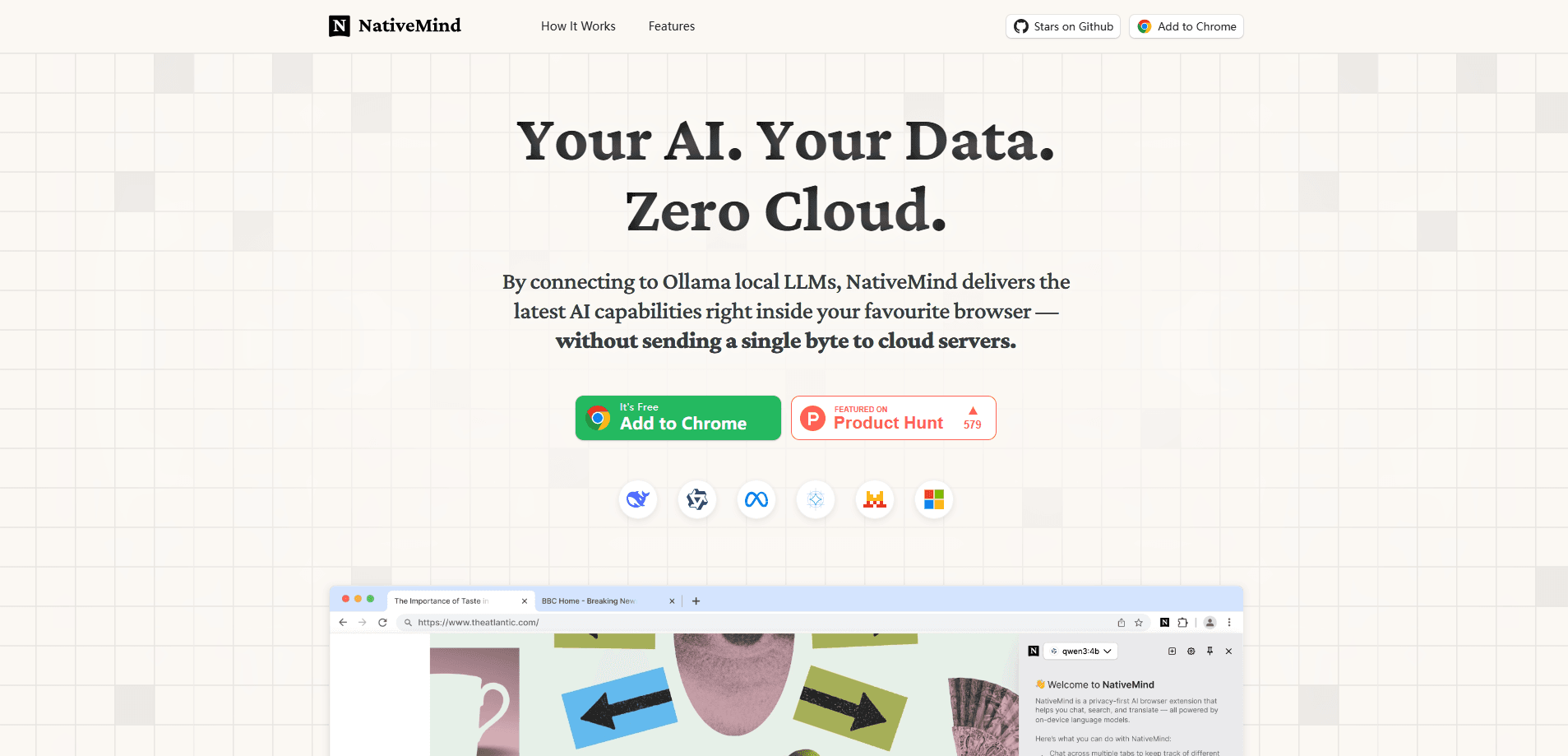
NativeMind is a free, open-source AI assistant browser extension that runs models on your device via Ollama, so your chats, PDFs, and pages stay private and work offline.
About NativeMind
What Is NativeMind
NativeMind is a browser extension that brings an AI assistant into Chrome, Firefox, Brave, or Edge without routing your data through a cloud server. It connects to Ollama, the tool many people already use to run open models like Llama, Qwen, Gemma, Mistral, and DeepSeek on their own computer. Once set up, you can chat with pages, summarize articles, translate text, and work with PDFs while everything stays on your machine.
The problem it targets is straightforward. Most AI assistants send your prompts, documents, and browsing context to remote servers, which is awkward when you're handling contracts, medical notes, or code you can't share. NativeMind flips that: the model runs locally, the extension reads the page locally, and nothing leaves your device. There's no account, no tracking, and no subscription.
The main limitation is that it needs a capable machine. Running models locally eats RAM and CPU, so older laptops may feel slow or struggle with larger models. You also need to install and run Ollama yourself to unlock the full model lineup. Without it, the extension still offers a small in-browser model for a quick trial, but that's far less capable.
Getting Started
- Install the NativeMind extension from the Chrome Web Store or the Firefox Add-ons store, then pin it to your toolbar.
- Set up Ollama on the same computer and pull at least one model, such as Llama 3 or Qwen.
- Open the extension sidebar and pick that model from the list. NativeMind detects your local Ollama install automatically.
- Start working: ask a question, summarize the current page, translate a selection, or upload a PDF to chat with it.
Product Information
A quick look at NativeMind's pricing, supported platforms, and performance.
Best for
The users, tasks, and scenarios where this tool fits best.
Users
- Privacy-focused professionals
- Developers and researchers
- Everyday readers
Tasks
- Summarizing long articles and web pages
- Chat with PDF locally
- Translating full pages or selected text
- Drafting and rewriting text
Scenarios
- Working with sensitive material on a laptop that must stay offline
- Multi-step research across several tabs
- Using AI inside a web app you're building
Key features
On-Device Models via Ollama
NativeMind hooks into your local Ollama server, so it runs open models such as Llama, Qwen, Gemma, Mistral, DeepSeek, and gpt-oss directly on your hardware. You switch between them from the sidebar depending on how much speed or quality you need. A small in-browser model powered by WebAssembly gives you a no-setup trial before you install Ollama.
Chat Across Tabs
You can add open tabs to a conversation as context, so questions and summaries carry across sites instead of starting fresh each time. That's handy when you're comparing sources or tracking a topic over several pages.
Agent Mode
The autonomous agent breaks a request into steps and uses on-device tools, like local web search or file analysis, to work through multi-step tasks. It all runs locally, which matters when the task touches private data.
Local Web Search
NativeMind searches and finds answers inside your browser without calling external search APIs. The results come back through your local model, keeping the query off third-party servers.
Writing Tools
A writing assistant refines, rewrites, proofreads, and adjusts tone wherever you're typing, and you can brainstorm without pasting your draft into a separate site. It stays embedded in the page you're on.
Read and Translate Pages
The extension summarizes and interprets pages you're reading and translates a full page or a selection into a side-by-side bilingual view. Layout and privacy stay intact throughout.
In-Browser LLM API
Developers get a lightweight API to send prompts to the local model from their own web app, with no SDK and no server to run. The GitHub docs cover how to wire it up.
Pros and cons
Pros
- Keeps chats, documents, and browsing context on your device, with no cloud transmission.
- Free and fully open-source AI assistant, so the code can be audited and there's no subscription.
- Works offline after you download a model, useful on planes or air-gapped machines.
- No account or sign-up required to use the extension.
- Runs on all major browsers, including Chrome, Firefox, Brave, and Edge.
Cons
- Needs a reasonably powerful machine; larger models can be slow or memory-hungry on older hardware.
- The full model lineup depends on installing and running Ollama yourself, which isn't for non-technical users.
- The built-in no-setup model is small and limited, so it's really just for testing.
Frequently asked questions
It's a private AI assistant that lives in your browser. You use it to summarize pages, chat with PDFs and images, translate text, rewrite your writing, and run multi-step agent tasks, all with models running on your own device.
Related content
Explore related tools, skills, and articles for NativeMind.
NativeMind Alternatives

JarvisCore
Prescott Data · Coding · Productivity · OtherJarvisCore is an open source Python runtime where AI agents work as equal peers on an agent mesh, claim tasks from a shared ledger, and reach external services through a zero-trust broker.
Clef
Cloudflare · Business · OtherClef is Cloudflare's open-source decision model for Workers AI. It returns calibrated probabilities for typed questions, not generated text, so agents can classify, route, and act fast.

iFixAi
iFixAi · Business · OtheriFixAi is an open-source auditor for AI agents. It runs your agent through a simulation of your business, grades every reply, and returns an A to F scorecard backed by evidence.