

Naver Papago - AI Translator
Naver Corp. · Writing · Voice & Language
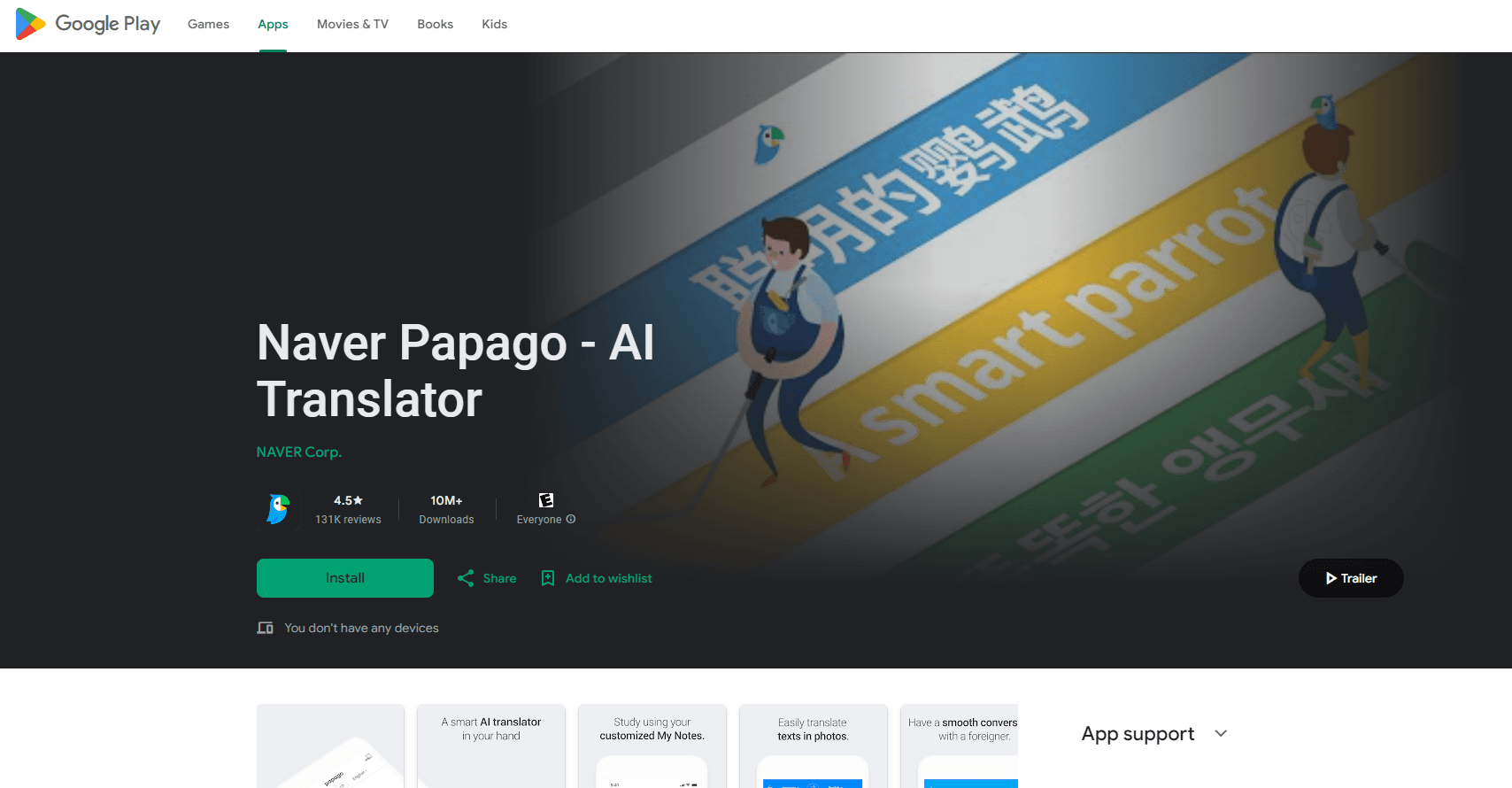
Naver Papago is an AI translator from Naver, built around Korean and 14 languages. It handles text, voice, image, document and offline translation in one app.
About Naver Papago - AI Translator
What Is Naver Papago
Papago is Naver's translation service, and it leans on Korean more than any general-purpose translator does. The name comes from the Esperanto word for parrot, and Naver has marketed the app as the smart parrot you carry into places where you can't read the signs. It covers 14 languages: Korean, English, Japanese, Chinese in both simplified and traditional forms, Spanish, French, Vietnamese, Thai, Indonesian, Russian, German, Italian and Arabic.
Most people meet Papago through the mobile app, but the same engine runs on the web at papago.naver.com and through a paid business API. A review of the app has to start with where it earns its keep: Korean to English and Korean to Chinese. Papers comparing machine translation systems have found it competitive on those pairs, and the community around Korean language learning tends to treat it as the default rather than a backup.
The service also sells a subscription called Papago Plus, which raises the monthly ceiling on document and image translation. That detail matters. The core translation features are free, and the paid tier is mainly about volume, not about unlocking text translation.
Getting Started
- Open the app or papago.naver.com and pick your two languages
- Type, speak, or point the camera at text you want translated
- Download a language pack if you want text translation to work without a connection
- Sign in with a Naver account to keep history and translation settings across devices
Product Information
A quick look at Naver Papago - AI Translator's pricing, supported platforms, and performance.
Best for
The users, tasks, and scenarios where this tool fits best.
Users
- Korean learners and K-drama fans
- Travelers to South Korea
- Business users working with Korean firms
- Multilingual teams
Tasks
- Text translation
- Voice and conversation translation
- Camera translation
- Document translation
- Offline translation
Scenarios
- A traveler lands in Seoul without a SIM card
- A student works through a Korean article
- An office receives a Korean contract
- A visitor reads a hand-written note
- A shopper browses an overseas store in Japanese
Key features
Korean-First Translation Quality
Papago's edge sits with Korean. The engine handles honorifics, particles and word order that trip up translators trained mostly on European pairs, and it returns romanization alongside Hangul so learners can pronounce what they see. Ask it to translate Korean to English, Korean to Japanese or Korean to Chinese and it is the tool most learners and travelers reach for, and Naver has kept building the model around those pairs rather than spreading equal effort across all of them.
Text and Voice Translation
The text mode translates as you type, and voice mode captures speech and returns it in the other language. Conversation mode splits the screen so two people can talk face to face, each speaking their own language and reading the reply. The app supports both pressing a button to start and recording a short phrase, which fits scenarios where you want to control when it listens.
Camera and Handwriting Translation
Camera translation reads text through the viewfinder and lays the translation over the original, which works for menus, signs and printed documents. Handwriting mode lets you draw characters with a finger, useful when you can't type a script you don't know. Between the two, you can get through most printed and handwritten material without knowing the keyboard.
Document and Website Translation
Document translation takes uploaded files and returns them in the target language with the original formatting kept, so tables and headings survive the round trip. Website translation takes a URL and renders the whole page in your language. Both sit behind a monthly limit that the free tier caps and Papago Plus raises.
Offline Translation
You can download language packs and translate text with no connection at all, which is the feature travelers lean on most. Not every language is available offline, and offline mode covers text rather than voice or camera, but it is enough to read a menu or a sign when roaming data isn't an option.
Dictionary and International Phrasebook
Every translation comes with a dictionary view that shows other senses of a word, which turns the app into a study tool rather than a one-line answer machine. An international phrasebook holds common travel phrases that work even without a network. For language learners, that pairing is often the reason to keep Papago installed over the browser tab.
Papago Plus Subscription
Papago Plus raises the monthly quotas for document and image translation and adds higher limits for heavy users. Text, voice and camera translation stay free, so the subscription is about volume. Naver refunds unused quotas on a prorated basis, and the help pages spell out how that is calculated for monthly and annual plans.
Pros and cons
Pros
- Korean translation quality beats general-purpose tools on honorifics, particles and word order
- Camera, voice, conversation, handwriting, document and offline modes live in a single app
- Text translation is free with no account required for a one-off phrase
- Romanization and dictionary views make it a study aid, not just a lookup tool
- Offline packs cover the travel cases where a data connection fails
Cons
- Weaker than rivals on language pairs that don't involve Korean, such as Spanish to German
- Only 14 languages, fewer than Google Translate and Microsoft Translator
- Document and image translation hit monthly limits, and Papago Plus exists mainly to raise them
- Offline mode is text only, so voice and camera need a connection
Frequently asked questions
Naver Papago is an AI translation service from Naver Corp. that supports 14 languages, with Korean as its strongest pair. It runs as a mobile app and on the web, and it covers text, voice, conversation, camera, handwriting, document and offline translation in one place.
Related content
Explore related tools, skills, and articles for Naver Papago - AI Translator.
Naver Papago - AI Translator Alternatives

Google EmbeddingGemma 2
Google DeepMind · Writing · Image · CodingGoogle EmbeddingGemma 2 is a 740M-parameter open model that turns text, code, images, audio, and video frames into vectors in one 768-dimension space, running on phones and laptops.

MePersona
MePersona, Inc. · Writing · Productivity · MarketingMePersona is an AI unified inbox for creators. It learns your voice, drafts replies to fan messages from 12 platforms, and sends only what you approve.

Fluence
Yay Software (Yannick Huchard) · Writing · Voice & Language · ProductivityFluence is an Android app that reads PDFs, EPUBs, Word files and web articles aloud, follows each sentence as it speaks, and answers questions about the text on the phone itself.