

Nayla
Nayla Inc. · Coding · Productivity
Nayla is an AI-native web browser by Nayla Inc. It reads your inbox, runs tasks on its own and helps you as you browse, and it costs $20 a month.
About Nayla
What Is Nayla
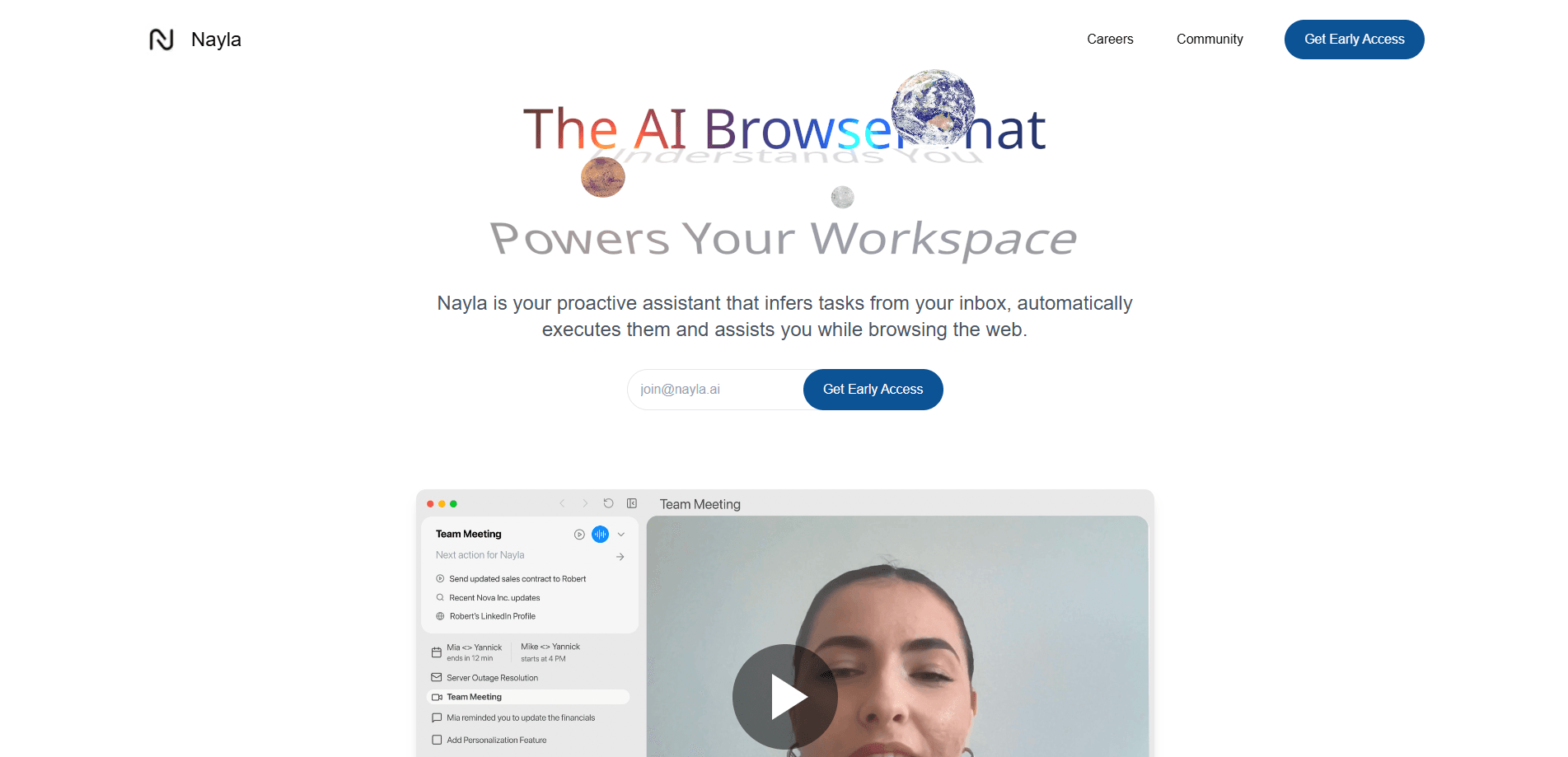
Nayla is a web browser built around an AI assistant instead of a search box. The company calls it a proactive assistant: it watches your inbox, works out which tasks follow from what lands there, and then carries them out. While you browse, it stays in the background and offers help with what you're reading or doing.
That framing is the whole pitch. Most AI browsers bolt a chat sidebar onto a normal Chromium window. Nayla flips the order, so the assistant is the surface you work from and the web pages open inside it. The company ships it through an early access waitlist rather than a public download, and it describes the product as experimental.
Two limits are worth knowing before you sign up. It is an experimental build with no uptime promise, and the terms carry a $20 monthly fee with no refunds. It also asks to connect your Google account, which is how it reaches your calendar and inbox.
Getting Started
- Join the early access waitlist on the site and wait for an invite
- Install the browser and create an account, then grant it read-only access to the Google account you want it to work with
- Set the preferences the assistant should follow, so it knows what to automate and what to leave alone
- Let it run, review the tasks it completes, and tune the rules as you go
Product Information
A quick look at Nayla's pricing, supported platforms, and performance.
Best for
The users, tasks, and scenarios where this tool fits best.
Users
- People who live in email
- Busy operators who want less admin
- Early adopters curious about AI browsers
- Voice-first users
Tasks
- Turning messages into to-dos
- Handling routine follow-ups
- Getting help on a page
- Personalised suggestions while browsing
Scenarios
- A confirmed booking lands in your inbox
- You're deep in research and lose the thread
- You switch between the browser and three other apps all day
- You want hands-free browsing
Key features
Proactive Task Handling
The core of Nayla is that it starts work before you ask. It reads what arrives in your inbox, works out which actions follow, and runs them. That's a different posture from a chatbot that waits for a prompt, and it's the feature the company leads with. The trade-off is trust, since the assistant acts on its own and you have to be comfortable with that.
Inbox-to-Task Automation
Nayla watches your email and turns messages into tasks. A booking becomes a calendar entry, a request becomes a to-do, a follow-up gets scheduled. The point is to skip the manual step where you read something and then retype it into another app. You keep control by setting what it should and shouldn't touch.
Built-In Voice Assistant
The browser ships with a voice assistant for hands-free use. You speak a request, it answers or acts. Nayla lists voice alongside chat as a way in, so people who don't want to type can still drive the assistant. It's also useful when you're reading and don't want to break away from the screen.
Personalized Browsing Help
Nayla says it learns your preferences and delivers suggestions as you browse. The idea is a browser that adjusts to how you actually work instead of treating every session the same. Over time it builds a picture of your habits, and the help it offers should track that picture rather than a generic default.
Google Account Integration
Nayla connects to your Google account. It asks for read-only access to Google Calendar to show upcoming events, and for your profile details, email, picture and Google ID, to identify you and manage the account. Calendar data is fetched live from Google when you open the calendar rather than stored on Nayla's servers.
AI-Native Interface
The AI is the interface, not an add-on. Pages open inside an assistant-driven environment where the assistant can read context and offer help in place. For people tired of a chat window pinned to the side of a standard browser, this is the reason to try it. The company frames the whole product as an AI-native browser, and the layout follows from that.
Pros and cons
Pros
- Ties email directly to tasks, so messages that need action don't sit unread
- Runs work on its own instead of waiting for a prompt, which suits people who don't want to babysit a chatbot
- Bundles a voice assistant, so you can drive it without typing
- One flat price of $20 a month with no tiers to compare
Cons
- Experimental build with no uptime guarantee, so you shouldn't lean on it for work you can't redo
- The $20 monthly fee is non-refundable under the terms
- Early access through a waitlist means you can't install it on demand
- It wants a connected Google account and collects browsing data to train its AI, which rules it out for anyone with strict privacy needs
Frequently asked questions
Nayla is an AI-native web browser made by Nayla Inc. Its assistant reads your inbox, works out which tasks follow from your messages and runs them, and it also helps you while you browse. The company markets it as a browser that works for you rather than one you drive by hand.
Related content
Explore related tools, skills, and articles for Nayla.
Nayla Alternatives

Base Code
Base44 (Wix) · Coding · ProductivityBase Code is a shared cloud development environment from Base44. Teammates describe changes to an existing GitHub codebase in chat, preview them live and send them back as pull requests.

Google EmbeddingGemma 2
Google DeepMind · Writing · Image · CodingGoogle EmbeddingGemma 2 is a 740M-parameter open model that turns text, code, images, audio, and video frames into vectors in one 768-dimension space, running on phones and laptops.

GitGlow
GitGlow · Coding · ProductivityGitGlow is a local-first desktop Git client that lets independent developers review their own code and their AI agents' changes in one place before shipping.