

Negator
Negator · Marketing
Negator is an AI-powered Google Ads term classifier that reads the search terms flowing into your campaigns and sorts each one as Relevant, Not Relevant, or Competitor. From there it builds ready-to-upload negative keyword lists, which is the fastest way to stop paying for clicks that never convert. It runs in the browser. It connects to your account through Google sign-in. And it exports CSV files that Google Ads Editor accepts directly.
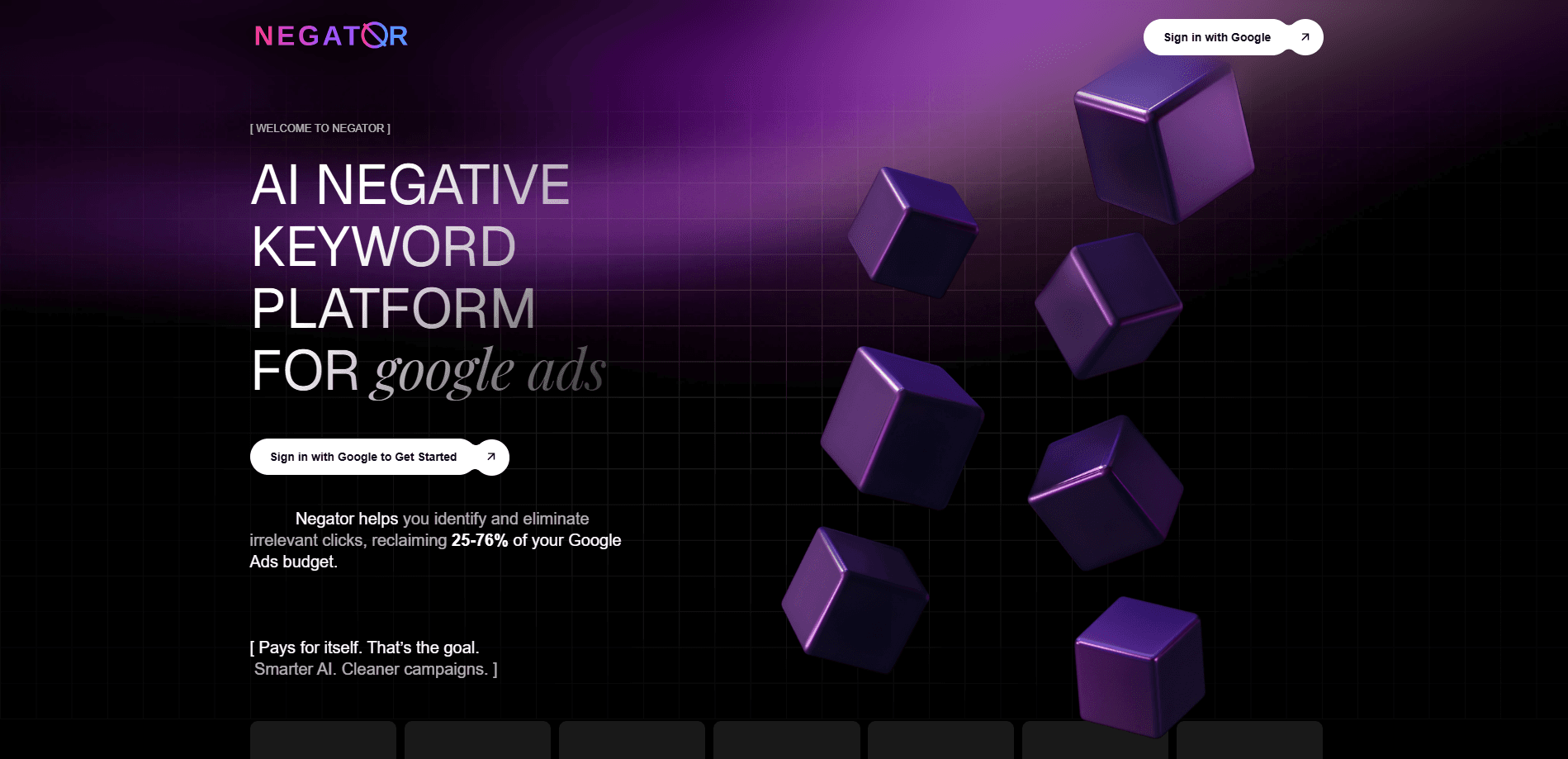
About Negator
What Is Negator
Negator is a web tool built for PPC teams juggling Google Ads accounts. The problem it targets is familiar to anyone who manages search campaigns: a meaningful chunk of your budget leaves through clicks from people who were never going to buy in the first place, and those clicks never show up clearly in a spreadsheet. Negator automates the boring part, reading your search terms and marking each one so you can decide what to block.
The tool leans on AI to judge intent, conversion potential, and brand fit rather than matching against a fixed word list that someone typed out by hand. You still review the calls it makes, so it isn't a black box that quietly edits your account behind your back. The main limit is scope. Negator only works with Google Ads, so if you advertise on Meta or Microsoft Ads, it won't touch those campaigns. It also asks you to sign in with Google, which some agencies can't do on client accounts without getting written permission first.
Getting Started
- Sign in with Google to connect the Google Ads account you want analyzed.
- Describe your business goals, target audience, and campaign objectives so the AI has context.
- Let Negator pull the search term data from your selected campaigns.
- Review each term as Relevant, Not Relevant, or Competitor, then pick the ones to block.
- Download the negative keyword list as a CSV and upload it through Google Ads Editor or the bulk upload tool.
Product Information
A quick look at Negator's pricing, supported platforms, and performance.
Best for
The users, tasks, and scenarios where this tool fits best.
Users
- PPC managers running several Google Ads accounts
- Small agencies short on headcount
- Solo business owners who run their own ads
Tasks
- Cleaning up wasted ad spend
- Building negative keyword lists
- Routine account audits
Scenarios
- A lead-gen campaign pulling a flood of free-intent searches
- An agency onboarding a new client account
- Monthly performance reviews
Key features
AI Search Term Classification
Negator reads every search term in your campaigns and labels it as Relevant, Not Relevant, or Competitor. The labels lean on intent, conversion potential, and brand alignment rather than a static blocklist. So close variants that a plain keyword rule would miss still get caught. You stay in control of the final call.
Negative Keyword List Generation
Once terms are classified, the tool turns your selections into a negative keyword list you can apply right away, without any reformatting or cleanup on your side. That's the core of PPC optimization at the account level. Rather than exporting a messy spreadsheet, you get something shaped for Google Ads and ready to paste into a campaign or a shared list across multiple campaigns.
CSV Export for Google Ads Editor
Negator exports your finished lists as CSV files that Google Ads Editor and the bulk upload tool accept. That means no manual reformatting and no copy-paste errors. Simple as that. It matters when you're updating several accounts in one sitting.
Google Account Connection
You sign in with Google to link your Google Ads accounts, so there's no separate password and no API key to manage. Access stays tied to the Google credentials you already control. No setup headache. You choose which account the AI analyzes.
Business Context Input
Before it classifies anything, Negator asks you to define your goals, audience, and campaign objectives. Feeding it that context helps the AI tell a genuinely relevant term from one that merely looks related. That cuts down on false positives you'd have to undo later. Worth the two minutes.
Daily Term Monitoring
The classifier updates daily, so new search terms get sorted as they appear. That keeps junk terms from building up between manual reviews. It adds up fast. That's where a lot of quiet budget loss happens in search campaigns.
Pros and cons
Pros
- Cuts the manual slog of negative keyword review from hours to minutes, according to user testimonials on the site.
- Exports to CSV that Google Ads Editor takes directly, so existing workflows don't need rebuilding.
- A free tier of 100 search terms with no credit card makes it easy to test on a real account.
- The three-way classification (Relevant, Not Relevant, Competitor) is more useful than a simple block/keep split.
Cons
- It only covers Google Ads, so teams running Meta or Microsoft Ads need a separate tool for those campaigns.
- Signing in with Google may be a hurdle on client accounts where you don't control the login or need written approval.
- Pricing isn't published on the site, so you have to contact the team to work out what the paid plans cost.
Frequently asked questions
It analyzes the search terms in your Google Ads campaigns and classifies each one so you can block the irrelevant ones. Instead of a fixed word list, it uses AI to judge intent and brand fit. Then it produces a negative keyword list you can upload. That's it.
Related content
Explore related tools, skills, and articles for Negator.
Negator Alternatives

Emailwritr
Emailwritr · Writing · MarketingEmailwritr is an AI email copywriting tool built for affiliates, course creators, and online businesses that want more revenue from the list they already own. Instead of blank pages or generic chatbot prompts, this AI email writer generates welcome sequences, launch campaigns, cart recovery emails, and promo series from frameworks modeled on well-known direct-response copywriters. You connect your autoresponder, answer a few questions about your offer, and it writes the copy for you.

Prosp
Prosp · Writing · Voice & Language · MarketingProsp is an AI LinkedIn outreach tool built for agencies and sales teams, and it writes the message and the voice note in your own voice for each prospect so they actually reply. You connect your accounts, find leads, and let the AI draft and send personalized messages at scale, all from one inbox. It's built for people running outbound at volume. That's the whole pitch. Every touchpoint still has to feel human.

On Model
On Model · Image · MarketingOn Model is an AI fashion model tool that places your clothing on virtual models so online stores can get on-model product photos without booking a photoshoot. It runs as a Shopify app, letting you swap the model in an existing image, change backgrounds, and generate faces for cropped or headless shots. The goal is simple: match your product photos to your customers and stand out from competitors using the same supplier images.