

Neural Draft
Neural Draft · AI Detection · Other
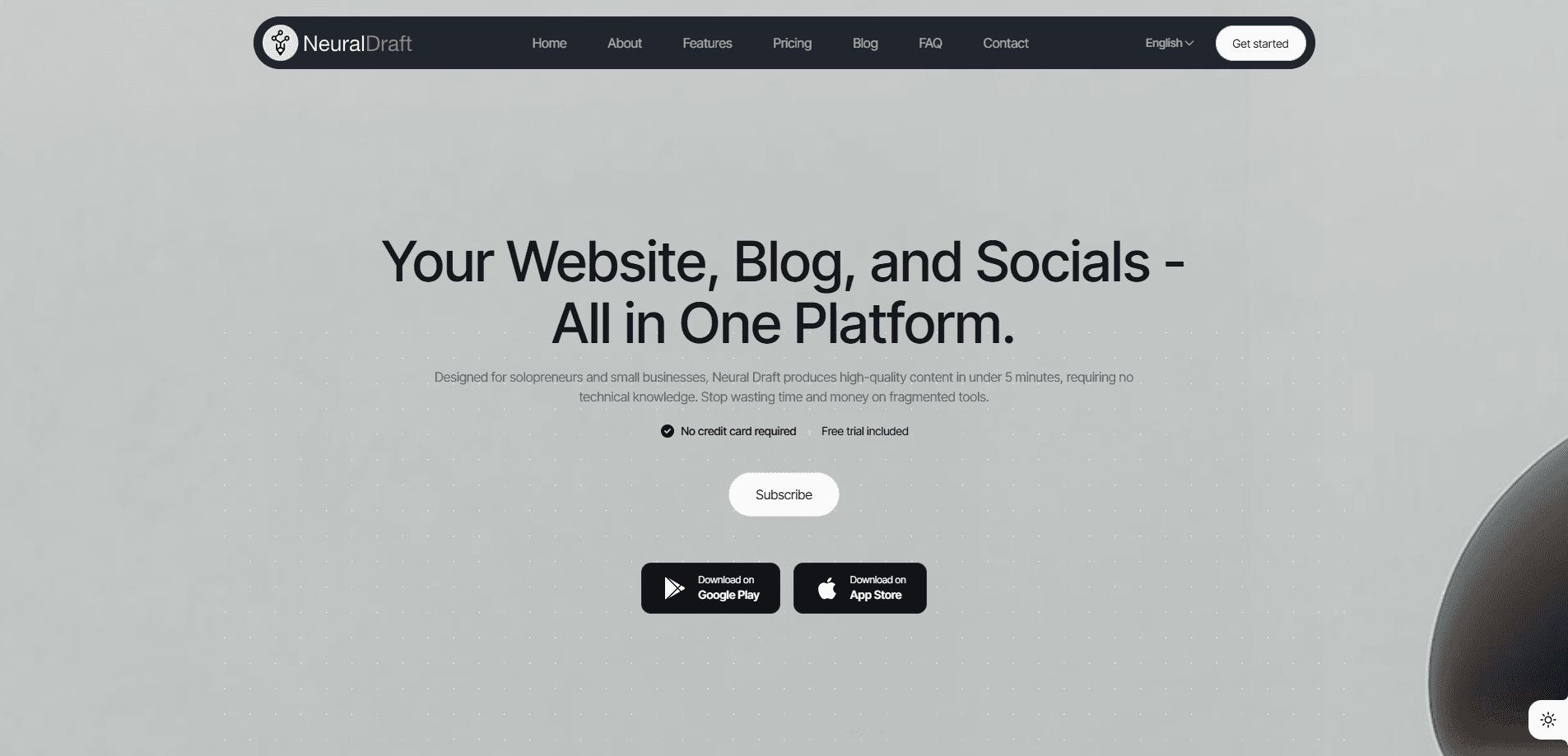
Neural Draft is an AI content automation platform that acts as the backend for sites built with AI coding tools. It bundles CMS, blog, social media, booking, and commerce into a single API key, so a Lovable or Claude Code frontend can ship a working business instead of a static mockup.
About Neural Draft
What Is Neural Draft
Neural Draft is an AI-native AI website backend for sites that were generated by tools like Lovable, Claude Code, v0, Cursor, and Bolt. Those tools are good at building a frontend. They don't give you an editable CMS, a publishing pipeline, or a checkout. That's a real gap. Neural Draft fills it with one API key that covers five separate products.
The platform comes from a company that already ran all five of these features inside an older SaaS. Rather than build a new product from scratch, the team unbundled its existing CMS, blog, social, booking, and commerce modules and exposed them as APIs. That history matters, because the pieces are tested in production rather than fresh out of a demo.
The biggest limitation is what Neural Draft isn't. It won't design your website or write your whole marketing strategy. It's infrastructure. You still bring a frontend and a brand, and you still pay per operation through a credit system. So who is this actually built for? Mostly teams already using an AI codegen tool. Anyone expecting a drag-and-drop website builder will find it more technical than they want.
Getting Started
- Register for a free account on the Neural Draft site. No credit card is required, and you get 250 credits per month to test the API.
- Create an API key from your dashboard. This single key unlocks all five pillars.
- Install the MCP server with
npm install -g @neuraldraft/mcp, then add it to your tool's MCP config so your AI assistant can read your brand context. - Connect a frontend by calling the REST API directly or dropping in the SDK, then generate or import your first content.
- Publish. Blog posts, social posts, bookings, and products all go live from the same admin.
Product Information
A quick look at Neural Draft's pricing, supported platforms, and performance.
Best for
The users, tasks, and scenarios where this tool fits best.
Users
- Solopreneurs and small business owners
- Developers on AI codegen tools
- Agency teams managing multiple client sites
Tasks
- Publishing blog content at scale
- Scheduling cross-platform social posts
- Taking bookings and payments
Scenarios
- Turning an AI-generated landing page into a live business within a day
- Running a multilingual content strategy from day one
- Testing a product idea cheaply
Key features
Five Pillars Behind One API Key
Neural Draft covers CMS, blog, social, booking, and commerce, and every one of them is available on every plan. You don't pick and choose modules or pay for seats you never use. For a builder who's tired of stitching together a headless CMS, a scheduler, and a payment tool, that consolidation is the main appeal.
Drop-In MCP Server
Installing @neuraldraft/mcp lets Claude Code, Cursor, and Continue.dev read your brand context and generate Neural Draft-compatible code by default. The AI tool then produces correct API calls, data attributes, and translation keys without being reminded. It's the difference between an assistant that guesses at your stack and one that already knows it.
Full Blog Automation Pipeline
The blog pillar runs an entire content workflow: research, writing, image generation, translation, and SEO. You can edit the result in the browser and publish with one click. A full blog post with translations costs 60 credits, which works out to about $0.30 at the Hobby tier. That's cheap for a finished article.
Brand-Aware Social Scheduling
Social media automation here means each post inherits the same brand voice as your blog, and the platform can schedule and cross-post to multiple platforms and languages. Each post to a single platform costs 5 credits. The connection keeps campaigns consistent instead of letting each channel drift into its own tone.
Booking and Commerce APIs
Booking covers multi-service, multi-staff appointments with embeddable widgets your AI tool can drop in correctly. Commerce ships with Stripe Connect already wired, handling products, cart, and checkout through storefront components. Together they turn a marketing site into something that takes money.
Usage-Based Credit Pricing
There are no seat fees or bandwidth tiers. You buy credits and spend them, and operations hit a hard stop at zero with no overages. The free tier's 250 credits, the Hobby plan's 5,000, and the Scale plan's 100,000 let you match spend to actual workload. Higher tiers lower the per-credit rate too.
Pros and cons
Pros
- One API key and one MCP install cover five separate business functions, cutting the number of vendors you manage.
- The free tier gives 250 credits a month with no credit card, so evaluation costs nothing.
- Pricing is purely usage-based with a hard stop at zero, which removes the risk of a surprise bill.
- Built-in support for 25+ languages makes multilingual content a default rather than an add-on.
- Brand context flows through the MCP server, so AI-generated code stays consistent across sessions.
Cons
- It's backend infrastructure, not a website builder. You still need an AI codegen tool or a developer to produce the frontend.
- The credit model can be hard to predict. Heavy operations like website generation cost 240 credits and video costs 40 to 300, so costs scale quickly with volume.
- Premium video generation is locked to the Build tier and above, which pressures lighter users toward a higher plan.
- The free tier caps connected social accounts at one and products at five, so it's really for testing rather than running a live business.
Frequently asked questions
It gives AI-built websites a working backend. When a tool like Lovable generates your frontend, Neural Draft supplies the CMS, blog, social scheduling, booking, and commerce layers through a single API key, so the site becomes an editable, functioning business.
Related content
Explore related tools, skills, and articles for Neural Draft.
Neural Draft Alternatives
Isgen AI
Isgen · AI DetectionIsgen AI is a web-based AI detector that scores text for machine authorship and shows you which sentences and phrases push the number up. It's built for teachers, editors, students, and writers. Their question is simple: did this draft come from ChatGPT, GPT-5, Claude, Gemini, DeepSeek, or another model? You paste or upload content, run a scan, and get a Human, AI, and Mixed breakdown in seconds. There's also a companion editor that scores text while you write it.
Humanizeai Tools
Humanizeai Tools · Writing · AI DetectionHumanizeai Tools is a web-based AI humanizer that rewrites machine-generated text so it sounds like a person wrote it, which is the whole point of the category it belongs to. Paste a draft from ChatGPT, Claude, or Gemini, run it through the tool, and it swaps out the phrases and sentence patterns that AI detectors flag. If your goal is to make AI text sound human before you publish it, this is the kind of tool built for exactly that. It suits students, bloggers, and marketers who need copy that reads naturally and clears tools like GPTZero, Copyleaks, and Winston AI after a single pass.

Hidemyai
Hidemyai · Writing · AI DetectionHidemyai is an AI content humanizer. It rewrites text from ChatGPT, Jasper, and similar tools so the result reads like a person wrote it. You paste your draft, pick a document type and tone, and the service returns a version meant to bypass AI detectors such as Originality.ai, Turnitin, and ZeroGPT. It targets writers, marketers, and students who lean on AI drafts but can't ship copy that sounds robotic. The promise is simple: make AI content undetectable.