

Nexa
Nexa AI (acquired by Qualcomm) · Coding · Marketing
Nexa is an open-source on-device AI SDK that runs LLMs, VLMs, and speech models locally on Qualcomm NPUs, GPUs, and CPUs, with no cloud calls and no per-token fees.
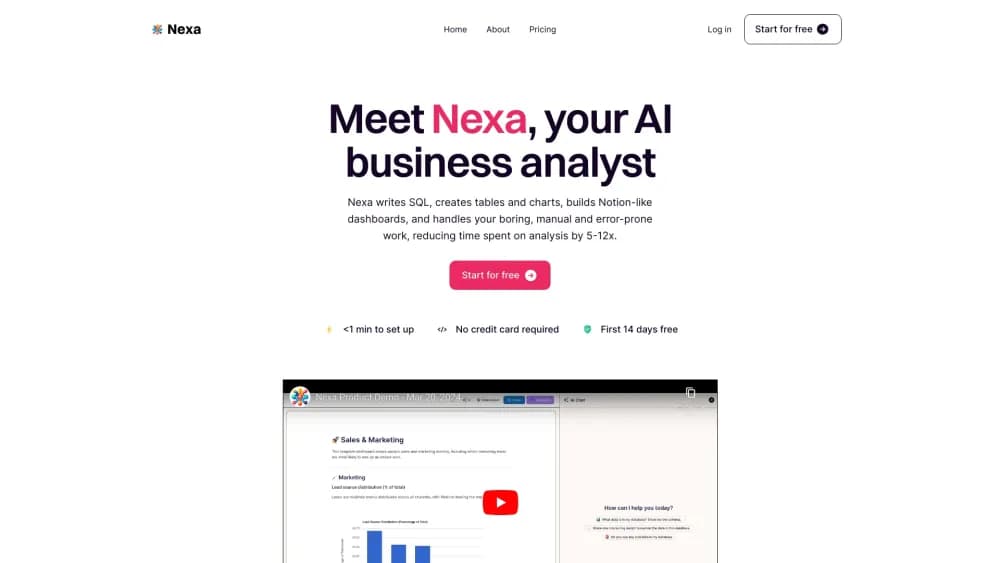
About Nexa
What Is Nexa
Nexa is the on-device AI software line from Nexa AI, a startup founded by two Stanford alumni. The team built the Octopus family of small language models first, then turned the deployment work into Nexa SDK, a toolkit for getting open models onto phones, laptops, and edge boards without renting cloud GPUs.
Nexa ships as an edge AI toolkit built around one rule: reach for the NPU first, the GPU second, and the CPU last. That order matters on real hardware. In Qualcomm's own testing on a Galaxy S25 Ultra, a small Granite model hit 92 tokens per second on the Hexagon NPU against 40 tokens per second on the CPU, with up to 9x better energy efficiency on NPU workloads.
Qualcomm acquired Nexa AI in 2026. The old nexa.ai site now redirects to Qualcomm AI Hub, and the NexaAI/nexa-sdk repo redirects to qualcomm/GenieX. Existing Nexa SDK projects carry over to GenieX, the community edition of Qualcomm GENIE, which ships under the BSD-3-Clause license and went out as a developer preview in July 2026.
The limit is hardware. GenieX runs on Snapdragon silicon only, which means Windows on ARM laptops, Snapdragon Android phones, and Linux ARM64 edge boards. An Intel laptop, a Mac, or an iPhone won't run it.
Getting Started
- Install the CLI on Windows ARM64 from the GitHub releases page, or run the one-line install script on Linux ARM64.
- Pull a model: either a GGUF build from Hugging Face, ModelScope, or Docker Hub, or a pre-compiled bundle from Qualcomm AI Hub.
- Start a chat with geniex infer plus the model name, or run geniex serve to put an OpenAI-compatible endpoint on port 18181.
- On Android, add com.qualcomm.qti:geniex-android to your Gradle build and open the sample chat app in qualcomm/ai-hub-apps as a starting point.
Product Information
A quick look at Nexa's pricing, supported platforms, and performance.
Best for
The users, tasks, and scenarios where this tool fits best.
Users
- Android developers
- Windows on ARM owners
- Edge and IoT engineers
Tasks
- Shipping an offline chat assistant
- Running vision models on a phone
- Replacing a cloud API call with a local endpoint
Scenarios
- Field work with no reliable network
- Data that can't leave the device
- Prototyping on Qualcomm hardware before a product build
Key features
NPU-first local inference
GenieX sends work to the Hexagon NPU when the model and chipset allow it, then falls back to the Adreno GPU or the CPU. The gap is not academic: Qualcomm's published numbers show more than double the token rate on NPU versus CPU for a small model, and far lower power draw per token. If the goal is to run LLM locally without a server in the room, that routing is the whole product.
Two runtimes behind one command
The SDK ships with llama.cpp for GGUF files and with Qualcomm AI Engine Direct for pre-compiled per-chipset bundles. Llama.cpp spreads across NPU, GPU, and CPU, which gives you room to experiment. The AI Engine Direct path is faster on supported chips but locks you to a bundle built for that exact silicon.
Model pulls from four sources
You can point the CLI at Hugging Face, ModelScope, Docker Hub, or Qualcomm AI Hub and skip the usual download, convert, and quantize routine. For GGUF files, Q4_0 is the precision to pick if you want the NPU path, since other precisions fall back to slower compute units.
An OpenAI-compatible server on localhost
A local AI runtime is easier to adopt when it speaks a protocol you already use. Running geniex serve exposes a REST endpoint at 127.0.0.1:18181 that speaks the same chat completions format as OpenAI. Any client library that accepts a custom base URL works unchanged, which makes the switch from cloud to local a config edit instead of a rewrite.
A Python API built like transformers
The Python package mirrors the from_pretrained and generate calls that Hugging Face users already know, including streaming output. Anyone who has loaded a model in Python can be productive in a few minutes, and the same script runs on a laptop or an edge board.
Kotlin and Java bindings for Android
The Android artifact wraps the C core for app developers, and Qualcomm publishes a sample chat app with a model picker for both GGUF and AI Hub bundles. That sample covers the awkward parts, like model download, storage, and image input for vision models.
Docker image for Linux edge devices
On ARM64 Linux, the container bundles the CLI and the runtime libraries, so a device only needs Docker to run models. This is the shortest path for industrial hardware where installing compilers and drivers on the device is a hassle.
Pros and cons
Pros
- Free and open source under BSD-3-Clause, so commercial products can ship it without a per-seat or per-token fee.
- Installation and model pulls take minutes, which beats the usual day of driver hunting on embedded hardware.
- The same runtime covers Windows, Android, and Linux, so one codebase travels across laptop, phone, and board.
- The OpenAI-compatible server means existing app code usually works after a base URL change.
Cons
- Snapdragon only. No Apple silicon, no Intel or AMD x86, no iOS, which rules out most consumer laptops and every iPhone.
- Pre-compiled bundles are tied to one chipset, so moving to a different Snapdragon tier means finding or rebuilding the model.
- It's a developer preview, so interfaces and packaging can shift between releases.
- Documentation leans on CLI and Python examples, so Android and Docker users have more gaps to fill on their own.
Frequently asked questions
Nexa is used to run AI models directly on a device instead of in the cloud. Developers use it for offline chat assistants, on-device image understanding, speech transcription, and any feature where sending data to a server is either too slow, too expensive, or not allowed.
Related content
Explore related tools, skills, and articles for Nexa.
Nexa Alternatives

Base Code
Base44 (Wix) · Coding · ProductivityBase Code is a shared cloud development environment from Base44. Teammates describe changes to an existing GitHub codebase in chat, preview them live and send them back as pull requests.

Google EmbeddingGemma 2
Google DeepMind · Writing · Image · CodingGoogle EmbeddingGemma 2 is a 740M-parameter open model that turns text, code, images, audio, and video frames into vectors in one 768-dimension space, running on phones and laptops.

GitGlow
GitGlow · Coding · ProductivityGitGlow is a local-first desktop Git client that lets independent developers review their own code and their AI agents' changes in one place before shipping.