

Nexa SDK
Nexa AI · Coding
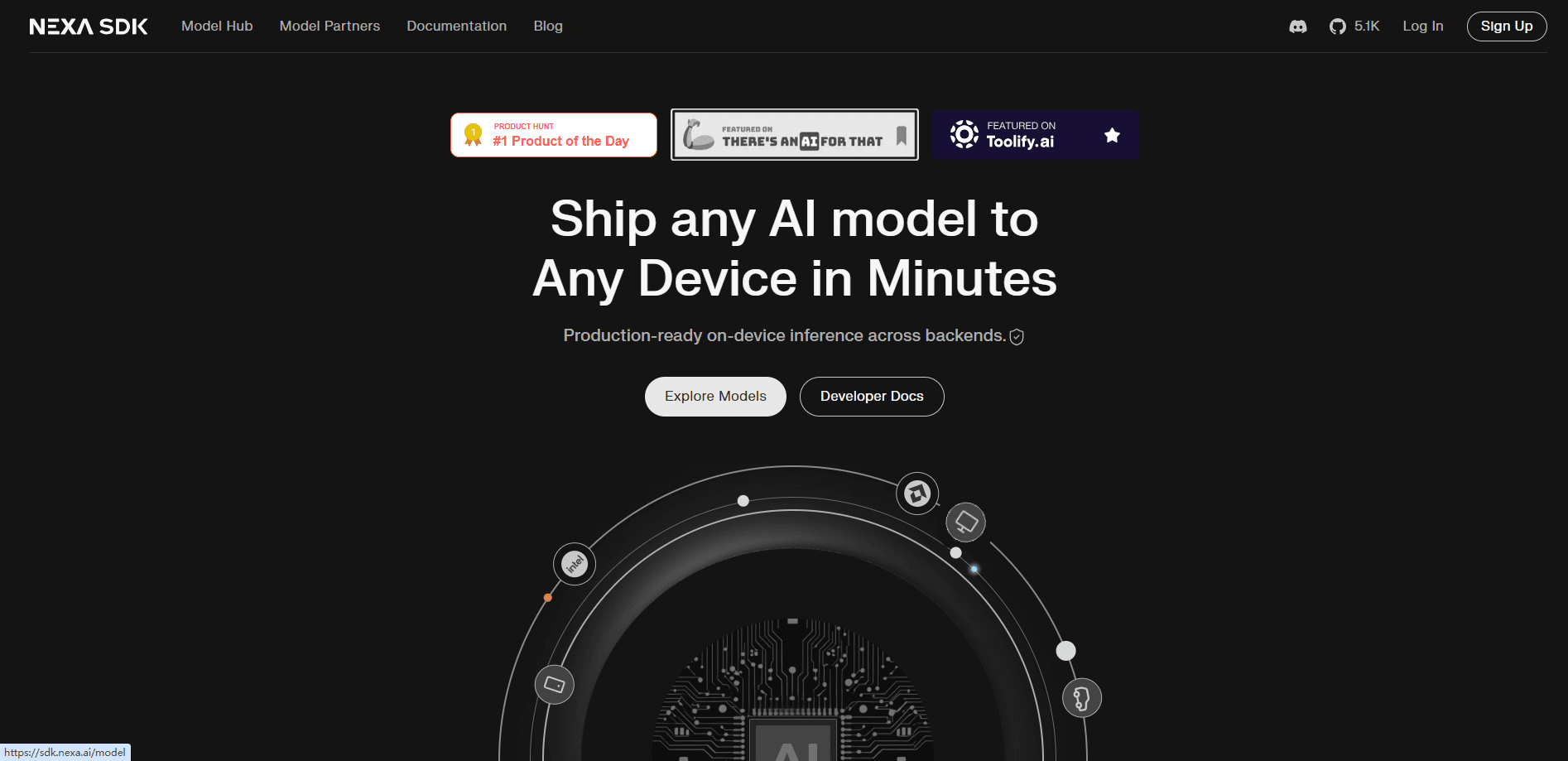
Nexa SDK is an open-source on-device AI inference framework from Nexa AI that runs text, image, and audio models straight on your hardware instead of the cloud. It supports CPU, GPU, and NPU backends across Windows, macOS, Linux, Android, and iOS, and ships an OpenAI-compatible API server so existing apps can point at it with little code change. Think of it as a local AI framework. Developers pick it when they need local AI inference that stays fast, works offline, and keeps user data on the device.
About Nexa SDK
What Is Nexa SDK
Nexa SDK is an inference framework built by Nexa AI, a Silicon Valley team that now works closely with Qualcomm on edge AI. The idea is simple. Instead of sending every prompt to a remote server, you run the model on the phone, laptop, or IoT board sitting in front of you.
That approach solves three problems that show up over and over in edge deployments. Cloud calls need a steady connection, so offline devices are stuck. Sensitive data leaves the device, which rules out a lot of health, finance, and enterprise use cases. And round-trip latency makes real-time work like live transcription awkward.
The tradeoff is hardware. Nexa SDK gets its speed from acceleration, and the biggest gains come from an NPU, which many older devices lack. On CPU alone, large models run slower, and local memory limits how big a model you can load. So does that mean older phones are out? Not exactly. You just have to size the model to the device. If your target is a recent Snapdragon, Apple Silicon, or Intel/AMD AI PC, you'll see the framework at its best.
Getting Started
- Install the CLI. On Windows ARM64 grab the installer, on macOS use the pkg, and on Linux run the one-line install script.
- Pull a model from Hugging Face. GGUF, MLX, and Nexa AI's own .nexa format all work, and you can start with something small like a Qwen3 GGUF build.
- Run it locally with a single command, for example
nexa inferfollowed by the model repo name. - Pick your backend (NPU, GPU, or CPU) based on what the device has, then test throughput before shipping.
- Point your app at the bundled OpenAI-compatible server if you already have code written against that API.
Product Information
A quick look at Nexa SDK's pricing, supported platforms, and performance.
Best for
The users, tasks, and scenarios where this tool fits best.
Users
- Mobile and edge developers
- Privacy-focused teams
- AI hobbyists and researchers
Tasks
- Local chat and generation
- Multimodal reasoning
- Speech and transcription
- Function calling in agents
Scenarios
- Building an offline AI feature
- Cutting cloud inference costs
- Automotive and IoT deployment
Key features
Multiple Model Formats in One Runtime
Nexa SDK reads GGUF, MLX, and Nexa AI's own .nexa format, so you aren't locked to a single source of models. GGUF works across Windows, Linux, and macOS, while MLX targets Apple Silicon. That flexibility means you can pull almost any recent model from Hugging Face and run it without hunting for a special build.
NPU-First Acceleration
The framework treats the NPU as the primary engine, then falls back to GPU or CPU when needed. On Qualcomm hardware, Nexa AI's own testing shows a small Granite model hitting 92 tokens per second on the NPU versus 40 on the CPU, with up to 9x better energy efficiency. That's a big gap. It shows up as faster replies and longer battery life on the devices people actually carry.
OpenAI-Compatible API Server
The SDK bundles a server that speaks the OpenAI API, including streaming and JSON schema-based function calling. If you already built against that interface, you can redirect your app to the local server and keep most of your code intact. That's the shortest path from cloud inference to on-device inference. No rewrite needed.
Day-0 Model Support
New open models land in the framework soon after release rather than a year later, which is a known gap on many NPU toolchains. Nexa AI curates its own collection for the best results, and the team's OmniNeural-4B model was built specifically to handle text, images, and audio on NPUs.
Cross-Platform, Cross-Backend Coverage
One codebase reaches Windows ARM64, macOS, Linux ARM64, Android, and iOS, with CUDA, Metal, Vulkan, and Qualcomm NPU backends. No separate runtime per chip vendor. Developers pick a backend and keep the same inference code across devices.
Multimodal and Speech Support
Beyond text LLMs, the SDK covers vision-language models, automatic speech recognition, text-to-speech, and embeddings. The CLI even has a /mic mode to transcribe live speech in the terminal. Handy for quick testing. You can try a feature before you wire it into an app.
Pros and cons
Pros
- Runs entirely on-device, so prompts and media never leave the hardware.
- One runtime spans Windows, macOS, Linux, Android, and iOS with NPU, GPU, and CPU backends.
- OpenAI-compatible server lets existing cloud-based apps switch with minimal changes.
- Free and open-source, with no per-token cost once the model is local.
- Strong NPU support on Qualcomm hardware, where efficiency gains are largest.
Cons
- The best performance depends on an NPU, so older or budget devices fall back to slower CPU inference.
- Local memory caps model size, meaning the largest models won't fit on phones or small edge boards.
- Setup leans technical. Getting the right backend and model format working takes some trial and error.
Frequently asked questions
It's used to run AI models locally on phones, PCs, cars, and IoT devices instead of in the cloud. Developers use it for offline chat, on-device speech, image understanding, and any feature where privacy or latency matters.
Related content
Explore related tools, skills, and articles for Nexa SDK.
Nexa SDK Alternatives
Forefront
Forefront · CodingForefront is a web platform for building with open-source AI. It lets you fine-tune leading open-source language models on your own data, evaluate how they perform, and run them through an API or export them to host yourself. Developers who want the convenience of a closed-source platform but insist on owning their models and data are the target audience here.

Startkit
StartKit.AI · CodingStartkit is a boilerplate for building AI SaaS and AI wrapper products. Think of it as an AI startup boilerplate with the boring parts already wired up: authentication, Stripe and Lemon Squeezy payments, usage limits, transactional email, and an AI API starter that talks to OpenAI, Anthropic, Groq, or Llama. You clone the repo, set your price, and start on the part of your product that people actually pay for. It's Next.js under React and Tailwind, so most of the boilerplate code already feels familiar.
Testim
Tricentis · CodingTestim is an AI-powered test automation platform for building and running end-to-end tests across web, mobile, and Salesforce applications. It leans on machine learning to keep tests stable when an interface changes, so teams spend less time fixing broken selectors. Not bad for an automated testing tool you can start using today. You create tests by recording actions in a browser, then optionally add JavaScript when you need more control. It's a solid pick for busy QA teams.