

Nexorify
Nexorify · Voice & Language · Productivity
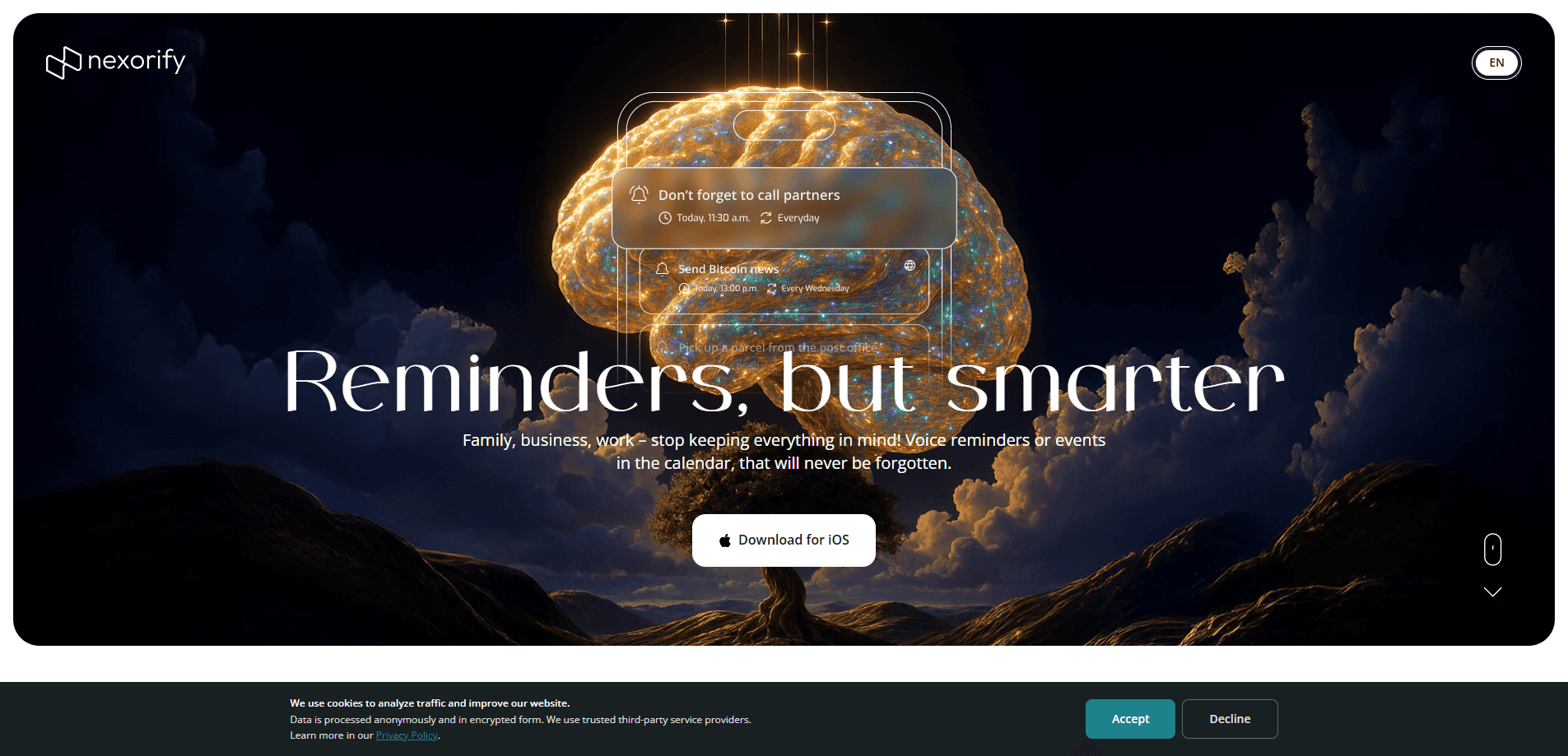
Nexorify is a voice-enabled task management app that lets you create reminders and calendar events by speaking instead of typing. Built around AI, it listens to natural speech, pulls out the important details, and turns them into organized tasks so nothing slips through the cracks. It fits people who think faster than they type and want a lighter way to keep track of meetings, errands, and deadlines.
About Nexorify
What Is Nexorify
Nexorify sits between a to-do list and a voice assistant. You say what you need to remember, and the app handles the structuring, turning a spoken sentence into a task with a reminder attached. The pitch is simple: your memory is unreliable under pressure, so let the software carry the load. Not a bad trade.
The problem it solves is capture speed. Typing into a task app takes taps, menus, and time, and that friction is exactly when most people drop a task entirely. Nexorify trades that friction for a single spoken instruction. So does it help? Mostly, yes.
The main limitation is that voice-first tools live or die on speech recognition. In a noisy room or with an unusual accent, a voice task manager can misread a name or a time. That hurts. Treat the transcript as a draft to check, not gospel.
Getting Started
- Create a Nexorify account and sign in on your device.
- Grant microphone access and any permission the app needs to reach your calendar.
- Speak a task the way you would say it aloud, such as a reminder to call someone at a set time.
- Review the task Nexorify created, then correct any date, name, or detail the AI misheard.
- Confirm the item so it saves and, if you connected a calendar, syncs to your schedule.
Product Information
A quick look at Nexorify's pricing, supported platforms, and performance.
Best for
The users, tasks, and scenarios where this tool fits best.
Users
- Busy professionals
- Students
- Anyone with a crowded schedule
Tasks
- Creating reminders
- Building calendar events
- Quick thought capture
Scenarios
- Capturing tasks while your hands are full, like cooking or driving between stops.
- Turning a verbal plan into structured tasks at the start of a workday.
- Catching last-minute reminders on the move without opening a full to-do app.
Key features
Voice Task Creation
The core of Nexorify is speaking a task instead of typing it. You describe what you need to remember, and the app converts your speech into a structured task with the details attached, which means a half-formed thought spoken out loud can become a real, dated item on your list rather than another thing you meant to write down and never did. For anyone who loses tasks to the friction of typing, this removes the biggest stumbling block.
AI Task Understanding
Nexorify uses AI to work out what matters in what you said. Think of it as an AI task management app that reads your sentence the way a careful assistant would. Rather than dumping raw text into a note, it identifies the task itself and the timing around it. That parsing is what separates a voice task manager from a plain voice recorder, because it produces something you can actually act on.
Reminders and Calendar Sync
Once a task exists, Nexorify turns it into a reminder and, when you connect a calendar, places the event on your schedule. That's the payoff. This means a spoken sentence can move straight into the place you already check for your day. For people who live out of a calendar, that sync is the feature that makes the app worth keeping open.
Natural Speech in Plain Language
You don't need to learn commands or a fixed phrasing. Nexorify is built to accept natural speech, so a normal sentence works as well as a rigid instruction. That lowers the learning curve and makes the voice reminder app quick to adopt, even for people who avoid technical tools. and makes the voice reminder app quick to adopt, even for people who avoid technical tools.
Hands-Free Capture
The app is built for hands-free task capture, for moments when typing isn't practical. Say your hands are covered in flour and you remember a call you owe a client. You speak, it captures. The value here is speed in the instant a task appears, which is often the only moment you'll remember it at all.
Pros and cons
Pros
- Captures tasks by voice, cutting out the typing that makes people abandon to-do apps. That matters more than it sounds.
- AI parsing turns spoken sentences into structured tasks rather than raw notes.
- Reminders and calendar sync keep everything in the schedule you already check.
- Natural-language input means no command syntax to memorize.
- Fits hands-free situations where typing isn't realistic.
Cons
- Speech recognition can misread names or times in noisy places, so you need to review each task, and if you're capturing a lot of items in a crowded space, that review step starts to add up quickly.
- No API means you can't wire Nexorify into a custom workflow, which rules it out for teams automating their stack.
- Exact premium limits aren't clear from the outside, so heavy users should check the paid tier before committing.
Frequently asked questions
Nexorify is a voice-enabled task management app that turns spoken reminders into structured tasks and calendar events. You say what you need to remember, and its AI handles the organizing, so you spend seconds capturing a task instead of minutes typing it. Think of it as an AI reminder assistant that writes the note you'd otherwise forget to make.
Related content
Explore related tools, skills, and articles for Nexorify.
Nexorify Alternatives

Foley
Hanamori Labs, LLC · Voice & Language · Productivity · AI AssistantFoley is a voice to-do list that turns a spoken sentence into a filed task, complete with project, date and time, then helps you plan the day around what is already there.

HireKey
HireKey · Voice & Language · Productivity · LeaningHireKey is an AI job search copilot built by a former tech recruiter. It checks role fit, tailors resumes, runs interview practice and tracks every application.

Fluence
Yay Software (Yannick Huchard) · Writing · Voice & Language · ProductivityFluence is an Android app that reads PDFs, EPUBs, Word files and web articles aloud, follows each sentence as it speaks, and answers questions about the text on the phone itself.