

Nfig AI
Nfig · Coding
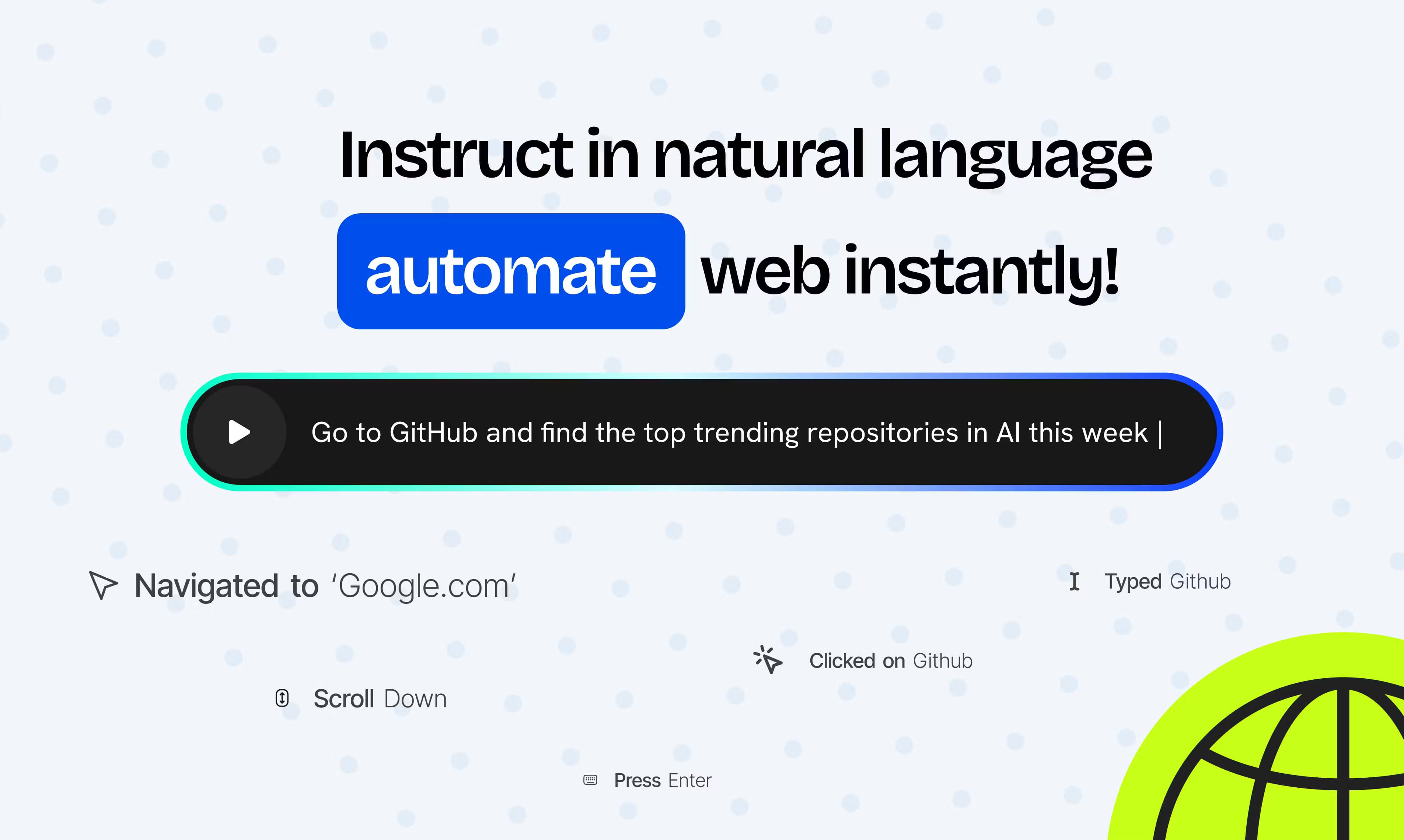
Nfig AI is a browser automation API that lets AI agents browse, click, and complete tasks on any website through plain-language instructions.
About Nfig AI
What Is Nfig AI
Nfig AI is an API for developers. It lets their AI agents do real work inside a web browser. Instead of writing brittle selectors and wait loops, you send a sentence like "search for a phone and add the first result to the cart." The agent carries it out on a live page. It sits between your application and a cloud-hosted browser, and it handles the messy parts: navigation, typing, scrolling, file uploads, pop-ups, and logins. Think of it as a remote pair of hands that reads the page the way a person would.
The product targets teams shipping agentic features rather than people who just want a chatbot. Nfig runs remote browsers at scale, so you don't have to spin up your own browser fleet or babysit crashes during long automations. It also covers sites that hide behind a login or virtualize their DOM, such as Google Docs, which is where most simple scraping tools give up.
The catch is that this is a developer tool, not a point-and-click app. Working with it means handling an API key, managing sessions, and reading SDK docs. Pricing is metered by the step, so cost tracks usage rather than a flat subscription, and heavier tasks burn more steps. Budget accordingly before you wire it into a big workflow.
Getting Started
- Sign up at nfig.io and generate an API key from your dashboard.
- Install the SDK and create a client. Pick a browser mode such as REMOTE.
- Open a session, then send an action like
nfig.act('go to example.com'). - Chain further
actcalls to type, scroll, click, or upload files. - Close the session when the run finishes, then check the step count in your usage dashboard.
Product Information
A quick look at Nfig AI's pricing, supported platforms, and performance.
Best for
The users, tasks, and scenarios where this tool fits best.
Users
- Developers building AI agents that need to act on live websites, provided they're comfortable with API keys and SDK setup
- Product teams shipping agentic features who'd rather rent cloud browsers than maintain their own infrastructure
- Automation engineers replacing fragile scripted scraping with natural-language instructions
Tasks
- Filling forms, searching, and adding items to a cart across e-commerce sites
- Pulling data from pages that sit behind a login, where plain scraping breaks
- Automating repetitive workflows like order checks or report collection on a schedule
Scenarios
- A support bot that needs to look something up in an internal portal and return the answer
- A shopping assistant that compares listings across several stores in one run
- A back-office flow that logs in, downloads a file, and files it without human clicks
Key features
Natural-Language Actions
You drive Nfig AI with plain sentences rather than CSS selectors. An action like "open the first product and click add to cart" runs against the live page. Your automation then survives layout changes that would break a hardcoded script. No selector rewrites, no weekly fixes.
Cloud Browser Infrastructure
Nfig runs the browsers for you and scales them on demand. You skip provisioning machines, keeping sessions alive, and recovering from crashes. That matters most when an automation runs for hours or across many parallel tasks.
Login and Virtualized DOM Support
The agent can work inside sites that require authentication. It also handles pages that render their interface through something other than standard HTML, such as Google Docs. That opens up workflows casual automation tools can't reach, including anything behind a company login.
Immediate API Registry
If you have a repeatable flow, you can instruct it once in the playground or over the API and turn it into a ready-to-call endpoint. Replayed runs cost less than re-reasoning every step, so common tasks get faster and cheaper the more you reuse them.
Built-In Browser Actions
File uploads and downloads, copy and paste, pop-up handling, and audio playback are handled out of the box. These are the small features that quietly decide whether an agent can finish a job or stalls halfway through.
Step-Based Pricing Tiers
Nfig AI charges per step. Lite costs $0.005 and the higher-accuracy Advanced tier costs $0.015, plus proxy bandwidth at $12.5 per GB. There are no monthly commitments. A side project and a production workload pay the same way.
Security and Compliance Posture
Nfig states that it only accesses data customers agree to and doesn't learn from or share customer data across instances. It reports SOC 2 compliance, adherence to ISO 20017 and GDPR, and a blend of in-house models with OpenAI under the hood.
Pros and cons
Pros
- Pay-as-you-go pricing with no monthly commitment, so small experiments stay cheap
- Handles logins and DOM-virtualized sites that trip up basic scraping tools
- Cloud browsers remove infrastructure setup and scaling headaches
- Reusable instructions can cut the cost of repeated flows
- Natural-language actions are easier to maintain than hardcoded selectors
Cons
- No free tier, so you pay from the first step to test whether it fits
- Costs scale with steps and proxy bandwidth, which can add up on long or heavy automations
- It's a developer tool, so non-technical users face a real setup barrier
Frequently asked questions
Nfig AI lets AI agents control a browser to complete tasks on websites, such as searching, filling forms, and clicking through checkout flows. Developers use it to add real web actions to their apps instead of just generating text.
Related content
Explore related tools, skills, and articles for Nfig AI.
Nfig AI Alternatives

Base Code
Base44 (Wix) · Coding · ProductivityBase Code is a shared cloud development environment from Base44. Teammates describe changes to an existing GitHub codebase in chat, preview them live and send them back as pull requests.

Google EmbeddingGemma 2
Google DeepMind · Writing · Image · CodingGoogle EmbeddingGemma 2 is a 740M-parameter open model that turns text, code, images, audio, and video frames into vectors in one 768-dimension space, running on phones and laptops.

GitGlow
GitGlow · Coding · ProductivityGitGlow is a local-first desktop Git client that lets independent developers review their own code and their AI agents' changes in one place before shipping.