

Nightfall AI
Nightfall AI · Coding
Nightfall AI for Zendesk scans support tickets, comments, and attachments for PII, PHI, card numbers, and credentials, then redacts or deletes what policies flag.
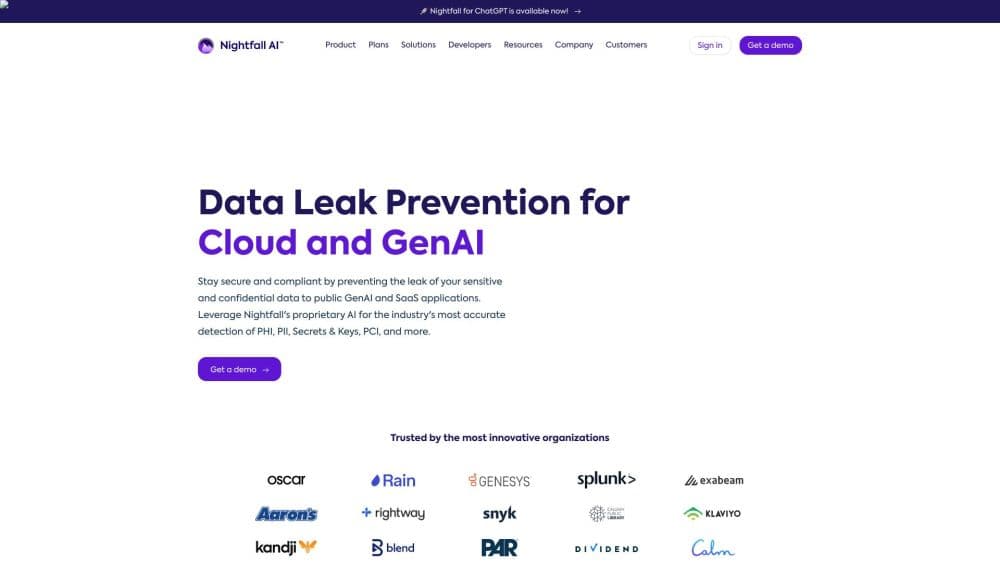
About Nightfall AI
What Is Nightfall AI for Zendesk
Nightfall AI for Zendesk is the support-desk side of Nightfall's data loss prevention platform. It connects to your Zendesk account and reads what customers send in: ticket bodies, replies, chat transcripts, and attachments. Machine learning models built by Nightfall's own team look for personal data, health information, payment card numbers, API keys, passwords, and source code. When something matches a policy, Nightfall performs sensitive data redaction inside Zendesk instead of leaving it in an alert queue.
The problem it addresses is specific. PII detection in tickets is hard because support desks collect whatever customers type or upload. Nobody reviews a ticket before a password or a medical record lands in the reply thread. Compliance teams can't sit in every queue either. Nightfall finds that data after it arrives and cleans it up.
Set expectations early. Customer support data security at this level means an enterprise tool with a sales-led process. There's no advertised price list, no self-serve signup, and the Zendesk app alone doesn't do the work: you need a Zendesk admin to authorize the connection and install the marketplace app. Small teams that want a quick fix for one or two secrets leaking into tickets will find this heavier than needed.
Getting Started
- Confirm your Zendesk plan. Nightfall requires a Team, Growth, Professional, Enterprise, or Enterprise Plus instance, and an admin who can install Support apps. Nightfall recommends a dedicated service account so the connection survives staff turnover.
- Authorize the connection in the Nightfall console. Pick Zendesk, choose sandbox or production, enter your Zendesk subdomain, and approve the OAuth request.
- Install the Nightfall DLP app from the Zendesk Marketplace. OAuth and app installation are separate steps, and both are mandatory. The instance should then read Authorized, with the app installed.
- Build detection rules and attach them to a policy. Choose which detectors apply, how many findings trigger a match, and which actions run when the rule fires.
- Roll out in monitor mode first, then turn on automated remediation once you've seen what the detectors catch in your own ticket history.
Product Information
A quick look at Nightfall AI's pricing, supported platforms, and performance.
Best for
The users, tasks, and scenarios where this tool fits best.
Users
- Security and compliance teams at mid-size to large companies
- Customer support operations leads with outsourced or offshore agents
- Healthcare, financial services, and legal support desks
Tasks
- Removing card numbers and passwords from incoming tickets
- Making public comments private after a data spill
- Quarantining attachments that carry health records
- Checking years of old tickets for exposed data
Scenarios
- Onboarding a new outsourced support team
- Preparing for a SOC 2 or HIPAA review
- Auditing what actually reaches tickets
Key features
Pre-Trained Detectors for Support Data
Nightfall ships trained models for personal data, health information, payment cards, credentials, and source code, and the company puts detection precision at 95 percent on customer data. The training approach matters more than the number. These models read context instead of matching a pattern, so a 16-digit string in a phone directory isn't treated the same as one in a payment response. Less noise means agents keep their work and analysts stop chasing false positives.
Attachment and Image Scanning
Most ticket data arrives as files. Screenshots, PDFs, and pasted conversation threads carry customer records that text-only scanners miss. Nightfall reads inside attachments, including images, and classifies the content the same way it classifies typed text. For a support desk where customers upload invoices and ID photos, that coverage is the difference between a real control and a checkbox.
Automated Remediation Inside Zendesk
Detection without action just creates a queue. Nightfall can redact text in tickets and comments, redact inline images, delete or redact attachments, mark public comments as private, and add tags or a follow-up comment after it acts. Actions are set per policy, so you can redact in a healthcare queue and only notify in a general queue. Each action writes to a log that ties back to the ticket.
Data Lineage for Investigations
Every finding carries its history: who touched the data, which agent group could see it, when it was exported, and where it went. When an incident lands, the security team gets that trail in one place instead of stitching together Zendesk audit logs, export records, and user directories. That saves the slowest part of an investigation, which is figuring out how far the exposure spread.
Shadow AI and Endpoint Coverage Alongside Zendesk
Zendesk is one surface the platform watches. The same account can cover employee use of unsanctioned AI tools, endpoint file transfers, clipboard pastes, USB drives, and connected SaaS apps like Slack, Google Drive, and Salesforce. Data that leaves a ticket and lands in a personal ChatGPT session gets caught on the endpoint side. That's the case for buying the platform rather than a Zendesk-only plugin.
Scanning API and SDKs
Developers can call Nightfall's scanning API directly, with SDKs for Java, Python, Go, and Node.js. A support engineering team can screen text or files before writing them into a ticket, or check content in a custom integration that sits between the help center and Zendesk. The API uses the same detectors as the Zendesk policies, so results stay consistent across channels.
Pros and cons
Pros
- Detectors are pretrained and context-aware, so deployment doesn't need months of regex writing or rule tuning.
- Remediation happens inside Zendesk, not in a separate console, which keeps the ticket as the single record of what happened.
- Historical ticket scanning surfaces exposure that predates the rollout, which matters for audits and incident cleanup.
- Coverage stretches past Zendesk to AI tools, endpoints, and other SaaS apps, so one contract replaces several point tools.
- Nightfall publishes its compliance posture openly: SOC 2 Type II, ISO 27001, HIPAA-ready, and GDPR-compliant.
Cons
- Pricing is quote only. There's no published rate card, so budgeting means talking to sales and accepting an annual per-user contract.
- Setup requires a Zendesk admin plus an app installation, and a suspended service account breaks the connection silently.
- Detection precision is vendor-reported. Plan a proof of value on your own tickets before you sign, because precision on your data is what matters.
- The Zendesk app is one module of a broader platform, so the cost reflects the whole product even if you only want ticketing covered.
Frequently asked questions
It reads ticket text, comments, chat transcripts, and attachments, flags sensitive content according to your policies, and then acts: redacting text, deleting or redacting attachments, making public comments private, or adding tags. It runs inside Zendesk, so agents work in the same interface they already use.
Related content
Explore related tools, skills, and articles for Nightfall AI.
Nightfall AI Alternatives

Base Code
Base44 (Wix) · Coding · ProductivityBase Code is a shared cloud development environment from Base44. Teammates describe changes to an existing GitHub codebase in chat, preview them live and send them back as pull requests.

Google EmbeddingGemma 2
Google DeepMind · Writing · Image · CodingGoogle EmbeddingGemma 2 is a 740M-parameter open model that turns text, code, images, audio, and video frames into vectors in one 768-dimension space, running on phones and laptops.

GitGlow
GitGlow · Coding · ProductivityGitGlow is a local-first desktop Git client that lets independent developers review their own code and their AI agents' changes in one place before shipping.