

NioLeads
NioLeads · Marketing
NioLeads is a B2B lead generation tool that scrapes LinkedIn and finds verified business emails for sales prospecting, recruiting, and outreach teams.
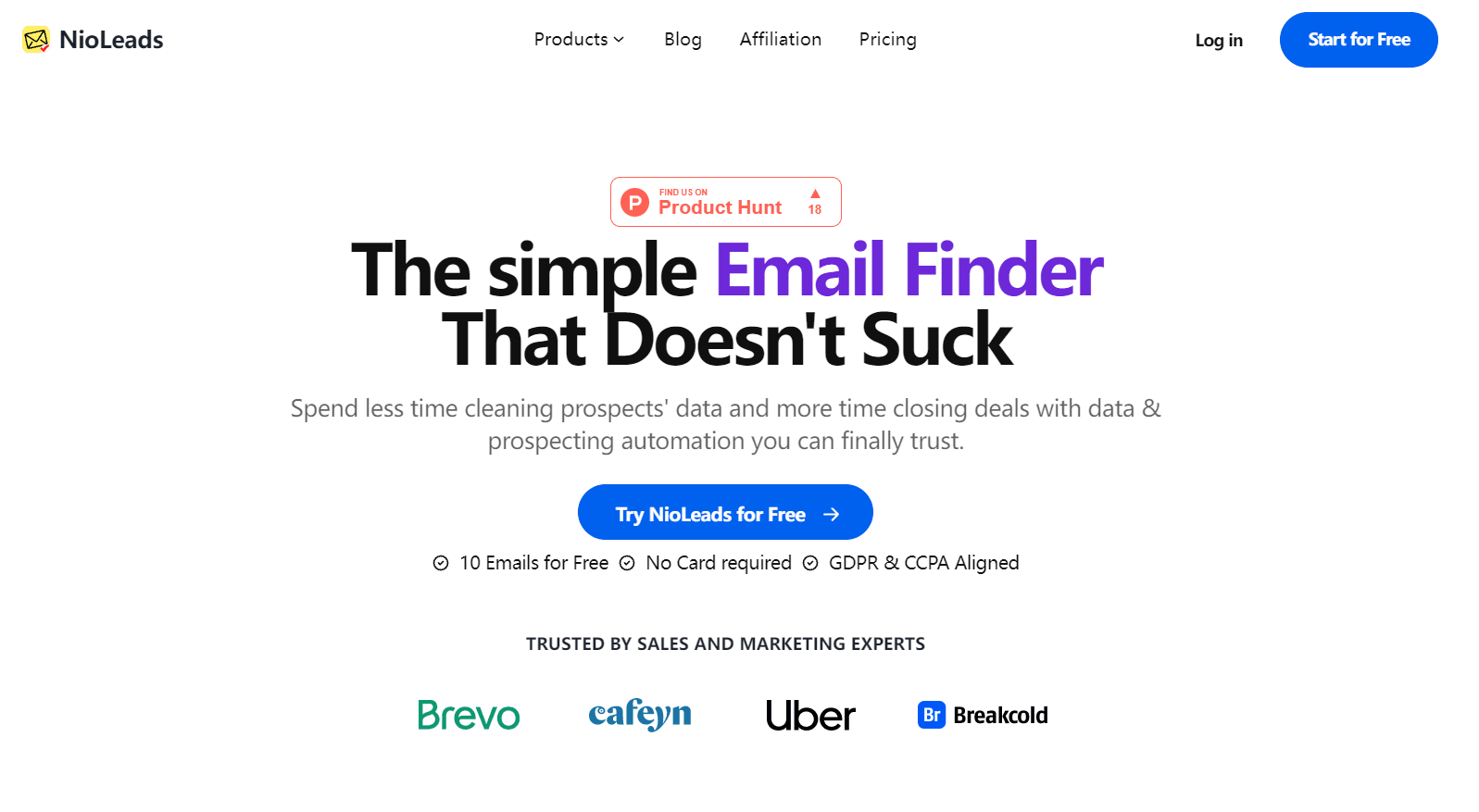
About NioLeads
What Is NioLeads
NioLeads pulls contact data out of LinkedIn and turns it into a clean list you can actually email. It's built for people who spend their week hunting prospects: sales reps, recruiters, agency owners, and founders doing their own outreach.
No more copy-paste. You point it at a set of LinkedIn profiles, and it hands back names, job titles, companies, and business email addresses.
That's the whole pitch. No dashboard to learn.
The pitch is simple. Most lead lists rot fast. Emails bounce, people change jobs, and a list you bought six months ago is half dead. NioLeads scrapes live data instead of selling you a stale database, then runs each address through a verification step before it lands in your export. Lower bounce rates mean fewer wasted sends and a cleaner sender reputation.
Bad data costs money.
It isn't magic, mind you. NioLeads can't invent an email that doesn't exist, and LinkedIn doesn't hand out public email access. If someone keeps their contact info private, the tool may come back empty. Treat it as a strong prospecting assistant, not a guarantee that every row fills in.
Getting Started
- Install the NioLeads Chrome extension and sign in to your account.
- Open LinkedIn and run a search or open a profile you want to scrape.
- Set your filters (job title, location, company, industry) to narrow the list.
- Let NioLeads scrape the profiles and match business emails to each contact.
- Export the finished list as CSV or Excel and import it into your CRM or outreach tool.
Product Information
A quick look at NioLeads's pricing, supported platforms, and performance.
Best for
The users, tasks, and scenarios where this tool fits best.
Users
- Sales reps
- Recruiters
- Agency owners
- Founders doing solo outreach
Tasks
- Building a cold email list
- Finding emails for people you haven't connected with
- Enriching an existing CRM
- Cleaning a messy list
Scenarios
- Launching a new outbound campaign
- Hiring for a hard-to-fill role
- Testing a new market
Key features
LinkedIn profile scraping
NioLeads runs as a LinkedIn scraper that reads the fields you actually need from a profile: full name, headline, job title, current and past companies, location, and skills. It runs on top of LinkedIn in your browser, so you work inside the interface you already use rather than switching between a dozen tabs. The scrape pulls from live pages, which is why the data tends to be fresher than a database someone compiled last year.
Business email discovery
The core of the tool is email matching, and this is where NioLeads sells itself as a LinkedIn email finder first. NioLeads combines profile scraping with an email-finding step to surface business addresses, including for people you aren't connected to. LinkedIn itself doesn't expose public emails, so the addresses come from connections, interactions, and outside sources. Finding a contact doesn't guarantee an email, and the company is upfront that not every profile returns a result.
Email verification and bounce reduction
Once NioLeads has an address, it checks whether the mailbox is likely to work before you ever hit send. Verified lists bounce less, and a low bounce rate protects your sending reputation, which matters more than most people admit. Send to a dirty list and your domain gets flagged; send to a clean one and your messages actually reach inboxes. So why does verification matter? One bad send can tank an entire domain.
Filtered list building
You can narrow your scrape, and that filtering is what turns a raw scraper into a genuine email finder for your market. by first name, last name, location, industry, school, current company, past company, and job title. Stacking those filters is how you get from "everyone on LinkedIn" to a list of 200 people who match your ideal customer. The filters mirror LinkedIn's own search fields, so the workflow feels familiar.
Export to CSV, JSON, or Excel
Finished lists export in the format your stack expects. CSV and Excel drop straight into most CRMs; JSON suits teams piping data into custom tooling. You choose which fields to include, so you're not hauling around columns you'll never use. Simple as that.
No-login scraping option
NioLeads can pull data without needing your LinkedIn login or cookies in some workflows, which lowers the risk of tripping the account restrictions that LinkedIn applies when activity starts looking automated. That's a real concern for anyone who's had a LinkedIn account limited for looking too much like a bot. And plenty of people have. Check the current docs for exactly which modes need a login and which don't.
Pros and cons
Pros
- Pulls live LinkedIn data rather than reselling a static, aging database.
- Email verification step cuts bounce rates and protects sender reputation.
- Filters by title, location, industry, school, and company, matching how sales teams actually segment.
- Exports to CSV, Excel, and JSON for easy CRM handoff.
- Free trial with no credit card required lets you test results before paying.
Cons
- Not every profile yields an email, so some rows come back blank.
- Pricing sits on the higher side for solo users who only need a few dozen contacts a month.
- It's a browser tool, not a full CRM, so you'll still need your own outreach and tracking software if you want sequences, open tracking, and reply analytics gathered in one dashboard instead of three separate tools.
- There's no native mobile app, so you're tied to a desktop browser for the whole workflow, which rules out scraping from your phone on the move.
Frequently asked questions
It scrapes LinkedIn profiles and finds verified business email addresses, then exports the results as a lead list. Think of it as a prospecting shortcut: filter a search, scrape it, verify the emails, export to your CRM.
Related content
Explore related tools, skills, and articles for NioLeads.
NioLeads Alternatives

ngram 2.0
ngram · Video · Marketingngram 2.0 is an AI video generator for teams. It turns a prompt, a screen recording, or a product URL into a narrated explainer, product demo, or AI avatar video, and every scene stays editable.

shippedit.me
Krawlup · Marketing · Businessshippedit.me now redirects to Krawlup, a web platform that audits SEO, AEO and page speed every week, then hands the fixes to AI coding agents over MCP.

MePersona
MePersona, Inc. · Writing · Productivity · MarketingMePersona is an AI unified inbox for creators. It learns your voice, drafts replies to fan messages from 12 platforms, and sends only what you approve.