

Nitpicks
Nitpicks · Coding
Nitpicks is a UI bug fix tool that turns screen recordings and annotations into working code. Instead of filing a ticket, you press a shortcut, point at the broken element, and describe what's wrong. It works like an AI code fix engine for your front end. The tool converts that feedback into a code change and sends the result to your team for review. It's aimed at product and QA teams that want faster fixes without adding engineering backlog.
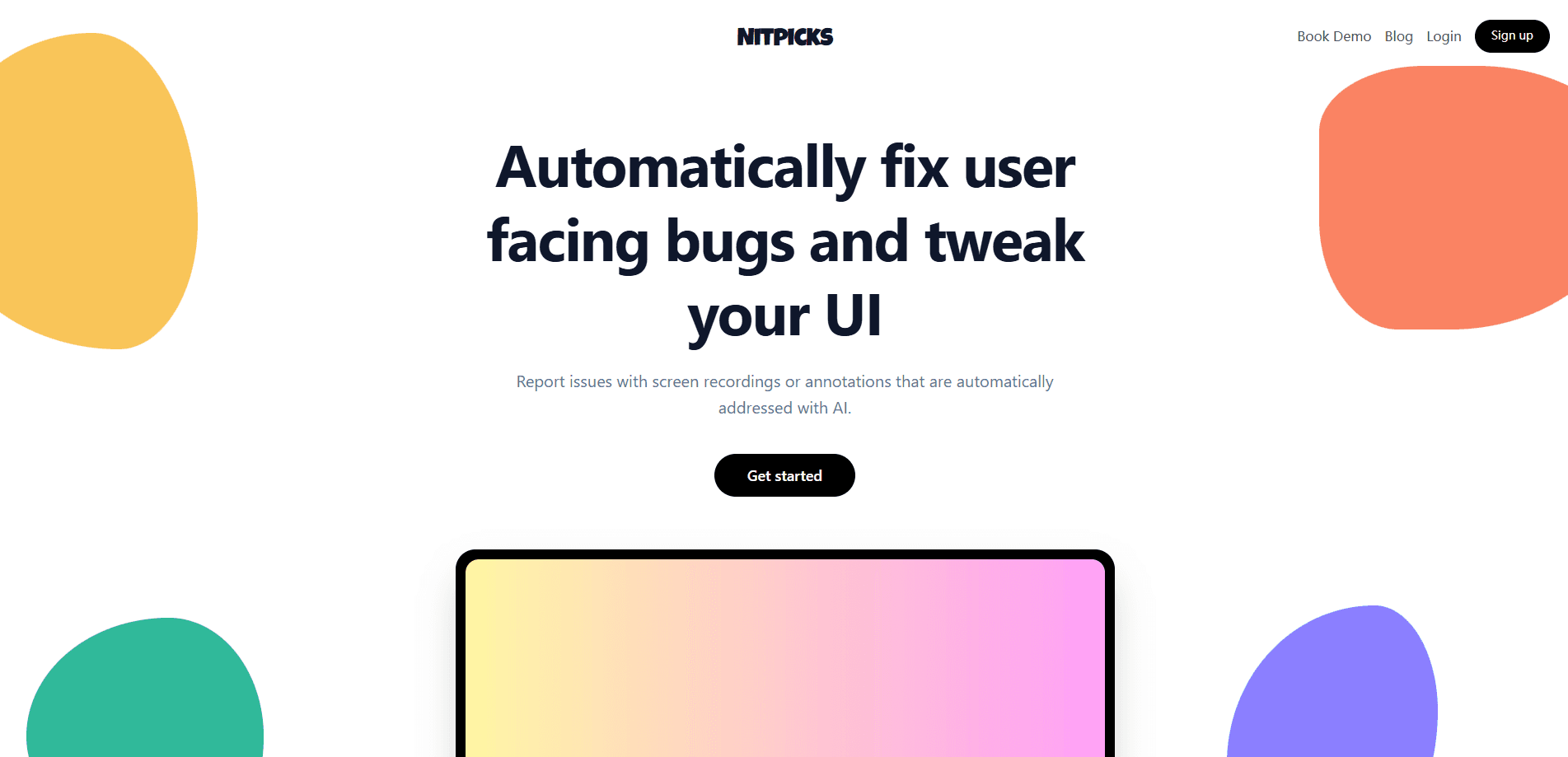
About Nitpicks
What Is Nitpicks
Nitpicks is an AI frontend bug fixer built around a simple idea: if you can explain a problem in a short video, the tool should be able to fix it. It works as a Chrome extension that records your screen and voice, or lets you annotate individual page elements one at a time. From there, an AI agent writes the code change and pushes it to your development workflow for review.
The main problem it tackles is the gap between spotting a bug and getting it fixed. Reporting an issue usually means writing it up, waiting for triage, and hoping a developer has time. Nitpicks compresses that loop into minutes by turning feedback directly into a suggested patch. That's the whole pitch.
The tool isn't a full replacement for your engineering team. It handles user-facing UI and frontend changes, and it still runs your existing tests, linters, and build steps before submitting anything. Anything outside that scope, like backend architecture or complex logic, still needs a human. Think of it as a QA automation tool for the visual layer, not a new dev team. If your product lives in a browser and your backlog is full of small visual fixes that nobody has time to pick up, that gap is exactly where this tool earns its place.
Getting Started
- Install the Nitpicks Chrome extension and sign up on the website. The free plan works without a credit card.
- Press Ctrl + Shift + A to enter annotation mode, or start a screen recording to describe the issue in your own words.
- Click the element you want changed and write what should be different. Nitpicks reads the context from the page itself.
- Connect your development tooling, such as your test suite, linters, and build pipeline, so the agent follows your standards.
- Review the generated change in your normal code review flow before it ships.
Product Information
A quick look at Nitpicks's pricing, supported platforms, and performance.
Best for
The users, tasks, and scenarios where this tool fits best.
Users
- Product managers
- QA testers
- Designers
Tasks
- Fixing visual bugs
- Small UI tweaks
- Turning customer feedback into changes
Scenarios
- Daily QA passes
- Early product testing
- Handing work to development
Key features
Screen Recording to Code
Point Nitpicks at a page, record your screen and voice, and describe what you want changed, and the agent will read the context of the page itself to figure out which elements your recording actually refers to. The AI frontend bug fixer interprets the recording and writes the code that addresses it. It's the fastest path when a problem is easier to show than to type out. No ticket required.
Element-by-Element Annotation
Press Ctrl + Shift + A to enter annotation mode, then click each element you want to flag and write what should change. This suits a structured QA review, where you walk a page and log issues one by one. The annotation to code loop stays tight, because each note maps to a specific on-screen target. The agent knows exactly what to touch.
Automated Fix Delivery
Once feedback is captured, Nitpicks implements the change automatically and sends it to your dev team for review within minutes, so the fix is often ready before the person who spotted the bug has moved on to their next task. Nothing skips code review. You still approve the result through your normal workflow. That's it.
Development Tool Integration
The agent plugs into the tooling you already use. It runs your test suites, applies your linters and formatters, executes custom CLI commands, and verifies that changes compile in your build pipeline. Every configured check runs before a change reaches review, so broken code gets caught early. Wrap it around your workflow, not the other way around. That means your existing quality bar still applies to anything the agent writes, and you don't have to loosen your standards just to move faster.
Team-Wide Contribution
Anyone who can record a video can contribute to product development, not just developers. Product, QA, design, and even sales can flag improvements and get code delivered, which spreads the load beyond a single engineering team. That's the point. If you can talk through a problem, you can help fix it, and the tool handles the rest of the translation into code.
Pros and cons
Pros
- Turns feedback into code changes without a written ticket, cutting the usual triage delay.
- Works with the tests, linters, and build tools you already run, so output follows your standards.
- The free plan needs no credit card. Single user. No limits.
- Annotation mode gives precise, element-level targeting for structured QA reviews.
Cons
- The Chrome extension dependency means it's built around browser-based web products, not native mobile or desktop apps.
- It covers user-facing UI and frontend work, so backend logic and architecture changes still need a developer.
- The free plan asks you to bring your own Anthropic API key, which adds a separate setup step and cost.
Frequently asked questions
It converts screen recordings and on-screen annotations into code changes that fix UI and frontend bugs. You show the problem, and the AI agent writes a patch and sends it to your team for review. So what do you need to start? Just the extension and a connected codebase.
Related content
Explore related tools, skills, and articles for Nitpicks.
Nitpicks Alternatives
Forefront
Forefront · CodingForefront is a web platform for building with open-source AI. It lets you fine-tune leading open-source language models on your own data, evaluate how they perform, and run them through an API or export them to host yourself. Developers who want the convenience of a closed-source platform but insist on owning their models and data are the target audience here.

Startkit
StartKit.AI · CodingStartkit is a boilerplate for building AI SaaS and AI wrapper products. Think of it as an AI startup boilerplate with the boring parts already wired up: authentication, Stripe and Lemon Squeezy payments, usage limits, transactional email, and an AI API starter that talks to OpenAI, Anthropic, Groq, or Llama. You clone the repo, set your price, and start on the part of your product that people actually pay for. It's Next.js under React and Tailwind, so most of the boilerplate code already feels familiar.
Testim
Tricentis · CodingTestim is an AI-powered test automation platform for building and running end-to-end tests across web, mobile, and Salesforce applications. It leans on machine learning to keep tests stable when an interface changes, so teams spend less time fixing broken selectors. Not bad for an automated testing tool you can start using today. You create tests by recording actions in a browser, then optionally add JavaScript when you need more control. It's a solid pick for busy QA teams.