

Nitrosend
Nitrosend · Writing · Marketing
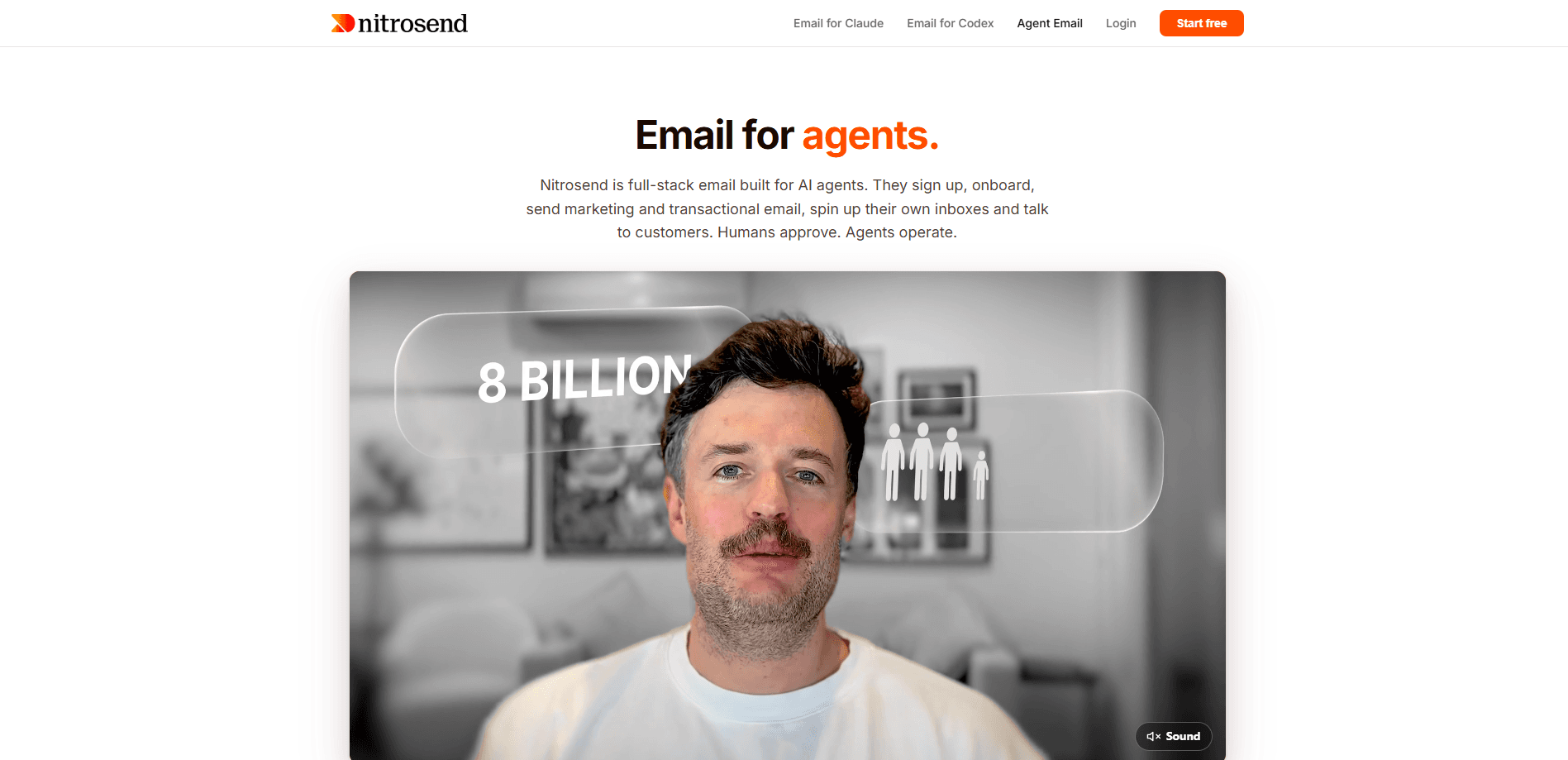
Nitrosend is a full-stack email platform built for AI agents. Instead of a dashboard you click through, you point a tool like Claude, ChatGPT, Codex, or Cursor at its MCP server and let the agent sign up, connect your domain, and send marketing and transactional email. Humans stay in the loop through approval gates, so the agent operates while you keep control.
About Nitrosend
What Is Nitrosend
Nitrosend is an email delivery platform where the primary user is an AI agent, not a marketer sitting at a screen. You connect an MCP-compatible assistant, hand it a goal, and it handles account setup, domain verification, campaign builds, and sends on its own. The human side is mostly approvals and inbox triage.
The pitch is simple. Agents already write your drafts and answer your customers, so Nitrosend gives them a real email identity on the domain you already own. Sends go out from genuine addresses at your apex domain, not a throwaway subdomain or someone else's domain. That verifiable identity matters. Deliverability depends on it.
The biggest constraint is scope. Nitrosend is an email layer, not a full CRM or a replacement for your existing inbox. Agent inboxes are still in beta by request, and goal-based marketing is in development, so early adopters live closer to the roadmap than the finished product. Need a mature, dashboard-driven email tool today? This isn't it yet.
Getting Started
- Add the Nitrosend MCP server to your client, for example
claude mcp add --transport http nitrosend https://api.nitrosend.com/mcpor the Codex equivalent. - Ask your agent to read
nitrosend.com/SKILL.mdand onboard itself, which walks it through account creation and billing. - Verify a sending domain so your agent can send from a real address you control.
- Give the agent a concrete first task, like building a welcome flow or sending a test email.
- Review the approval gates and confirm the send before it goes out.
Product Information
A quick look at Nitrosend's pricing, supported platforms, and performance.
Best for
The users, tasks, and scenarios where this tool fits best.
Users
- Small teams already using Claude, ChatGPT, or Codex
- Founders running multiple brands
- Developers building agentic workflows
Tasks
- Transactional email like receipts and password resets
- Marketing campaigns and newsletters
- Inbox triage
Scenarios
- A customer writes back at 3am and you want an agent to handle the routine reply before you wake up.
- You keep Gmail or Outlook as-is but want agents to send from the same domain without migrating your team.
- You want a first branded send tested end to end without hand-clicking through a dashboard.
Key features
Agent-First Onboarding
The agent creates the account, sorts billing, verifies the domain, and sends its first email with zero human steps. You point it at the skill file and it walks itself through the whole platform, which cuts the usual setup drag down to a single well-written prompt. No dashboard tour required.
Real Addresses on Your Domain
Sends go out from genuine addresses at the apex domain you own, not a subdomain workaround. That gives your agent a verifiable identity it can sign up with and be reached at, which is what deliverability and trust actually depend on. Big difference for inbox placement.
Outbound and Inbound Over MCP
Agents read, search, and reply through the MCP connection, so a thread stays searchable from the first message onward. Inbound replies land back in the same system the agent already watches, which means it can triage the inbox before you open it.
Smart Forwarding and Approval Gates
The agent handles routine replies and forwards anything sensitive to the right human inbox. Approval gates sit exactly where you place them, so the agent acts on its own for low-stakes work while high-stakes sends wait for a person. That split is the whole point of the agentic email model.
Gmail Coexistence
Every message, claimed or not, still forwards to the provider you already use. Your team keeps Gmail, Outlook, or Zoho unchanged while your agents get Nitrosend on the same domain, so nobody has to migrate an inbox to get the benefit. Zero migration, real email automation.
MCP, API, and CLI on Every Plan
Full MCP access, a REST API with SDK, and CLI access are included even on the free tier. Bring-your-own sending and AI keys are available on paid plans, so you can route through infrastructure you already pay for.
Pros and cons
Pros
- The agent-first model removes most manual setup, since onboarding and the first send run without dashboard clicks.
- Unlimited contacts on every plan means you pay for what you send, not how many people you store.
- A free tier with three brands and full MCP, API, and CLI access makes testing cheap.
- Gmail and Outlook coexistence lets agents send from your domain without migrating your whole team.
Cons
- Agent inboxes are beta by request and goal-based marketing is still in development, so you're adopting a moving roadmap.
- The daily sending allowance depends on your plan and sender standing, which means new accounts ramp up slowly before reaching full volume.
- It's an email layer, not a complete CRM, so you'll still need other tools for pipeline and contact management.
Frequently asked questions
It's a full-stack email platform that AI agents operate through an MCP connection. Agents sign up, connect your domain, and handle marketing plus transactional email, while humans approve the sends that matter. You can also use the REST API, SDK, or CLI if you'd rather call it directly. Think agentic email, not another dashboard.
Related content
Explore related tools, skills, and articles for Nitrosend.
Nitrosend Alternatives

Google EmbeddingGemma 2
Google DeepMind · Writing · Image · CodingGoogle EmbeddingGemma 2 is a 740M-parameter open model that turns text, code, images, audio, and video frames into vectors in one 768-dimension space, running on phones and laptops.

MePersona
MePersona, Inc. · Writing · Productivity · MarketingMePersona is an AI unified inbox for creators. It learns your voice, drafts replies to fan messages from 12 platforms, and sends only what you approve.

Fluence
Yay Software (Yannick Huchard) · Writing · Voice & Language · ProductivityFluence is an Android app that reads PDFs, EPUBs, Word files and web articles aloud, follows each sentence as it speaks, and answers questions about the text on the phone itself.