

NocoBase
NocoBase · Coding
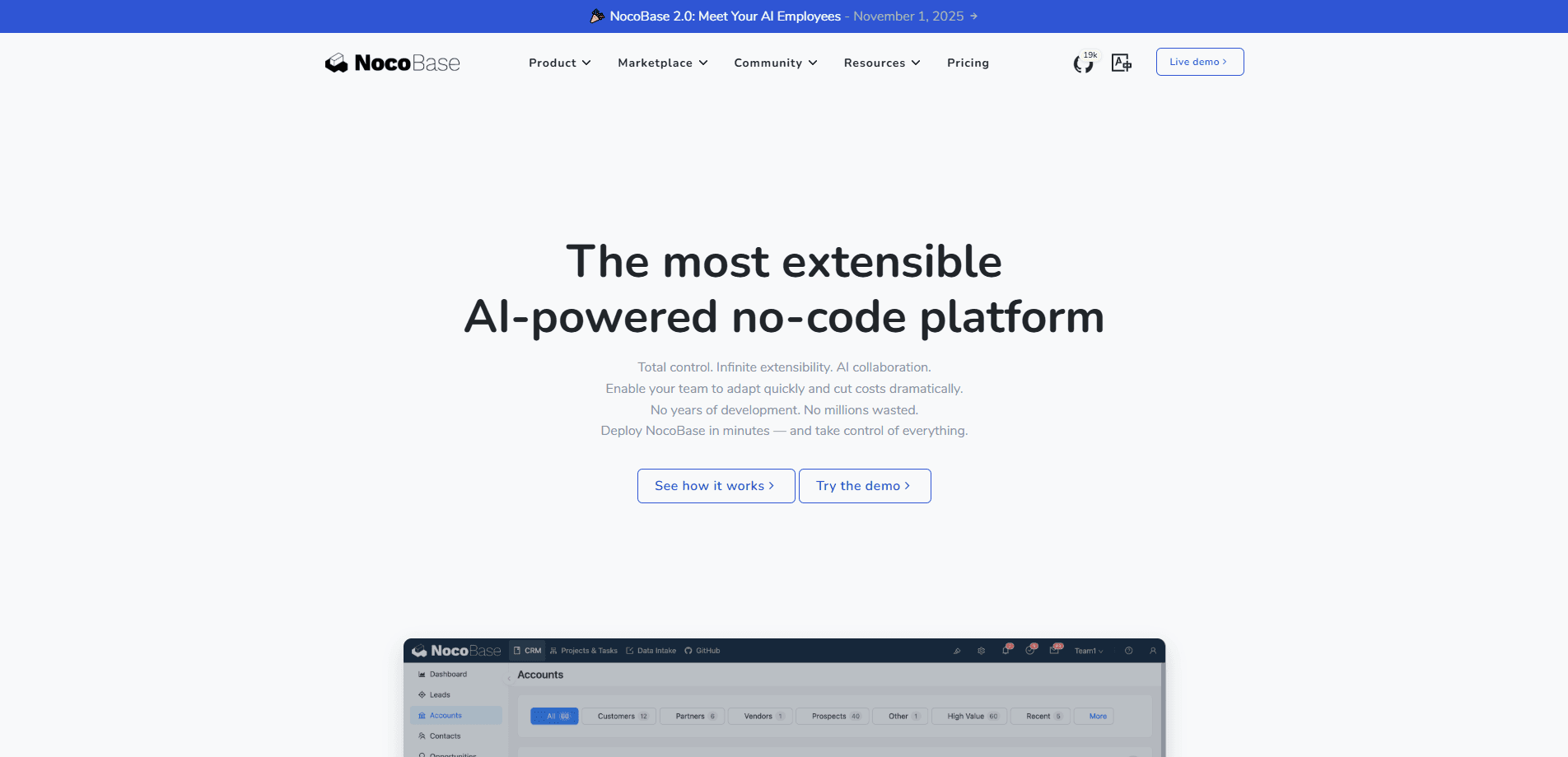
NocoBase is an open-source AI no-code platform for building business systems and internal tools. It pairs a WYSIWYG visual builder with AI coding agents like Claude Code and Cursor. Think of it as an open-source no-code builder with a serious backend. If you need a CRM, help desk, or project tracker you can self-host and extend, this low-code development platform targets exactly that job.
About NocoBase
What Is NocoBase
NocoBase is a self-hosted, open-source low-code development platform built around a data model driven architecture. Instead of generating an app from scratch every time, it gives you production-tested foundations: user management, permissions, workflows, and a visual interface for configuring data models, pages, and logic. That mix is the pitch. You're not buying a finished product, you're getting infrastructure to assemble business app after business app.
The AI angle is what separates it from older no-code tools. Coding agents get a full CLI and skills, so tools like Claude Code, Codex, and Cursor can handle setup, development, migration, and release. Non-coders keep a one-click switch into configuration mode where they review data models, pages, workflows, and permissions visually. AI and people can split the work however the project demands.
The catch is commitment. So what does it actually cost? Community Edition is free, but the useful commercial extras are one-time purchases, not cheap subscriptions. Version control, SSO, and advanced workflow features sit in the Professional and Enterprise tiers. Standard Edition runs $800. Professional is a hefty $8,000. Small teams should confirm the free tier covers them before planning an upgrade.
Here's the value in plain terms. A business app builder without open source usually means renting someone else's server. NocoBase pricing flips that.
Getting Started
- Deploy NocoBase locally or to your own server, either through Docker or by pulling the source from GitHub.
- Since it's self-hosted, connect your main database during setup and configure your admin account.
- Create a data model by defining tables and field types, or let an AI agent generate models, pages, and workflows from a plain-language request.
- Switch to usage mode and start entering data, or stay in configuration mode to refine the interface and interactions.
- Connect external data sources and build automated workflows once the core model works the way you need.
Product Information
A quick look at NocoBase's pricing, supported platforms, and performance.
Best for
The users, tasks, and scenarios where this tool fits best.
Users
- Small business teams
- Operations and IT managers
- Developers who prefer config over code
Tasks
- Building a CRM or help desk
- Automating approvals and multi-step business flows
- Connecting existing databases
Scenarios
- Centralizing scattered internal records
- Prototyping a business app fast
- Recommending a no-code platform to a team that insists on data ownership
Key features
AI and No-Code Building Together
NocoBase splits work between AI and people on purpose. Coding agents build and migrate; the WYSIWYG interface lets anyone review and adjust data models, pages, and permissions. You can hand off between the two at any point, so a non-coder can fine-tune what an agent generated without touching code.
Data Model Driven Architecture
Everything starts from the data model. Define your tables and field types once, and pages, workflows, and permissions build on top of that single source of truth. This is why foundations like user management don't get rebuilt for every new app. Change the model, and the rest of the system follows.
Extensible Plugin System
The platform is built to be extended, not locked down. Plugins cover everything from data sources and visualization to notifications and email managers, and you can write your own. Because it's open source, there's no vendor gatekeeping what you can add to a self-hosted instance.
Workflow Automation
Workflows handle the logic between data and people. Approvals, subflows, and webhooks let you automate multi-step operations across connected sources, which matters when an internal tool outgrows a simple form. It's one of the areas where the paid editions add noticeably more depth.
Users, Roles, and Permissions
Roles and access controls are part of the foundation, not an afterthought. You define what each user group can see and do, which keeps a self-hosted system safe to open up to a wider team or, on higher tiers, to clients. This is the piece business users care about most when moving off spreadsheets.
External Data Sources
Paid editions connect outside databases directly. Standard Edition adds MySQL and PostgreSQL as data sources, while Enterprise reaches Oracle, ClickHouse, and Doris. That means you can build interfaces and workflows on top of data that already lives in your own database, no migration required.
Multi-App and Multi-Space Deployment
Enterprise adds cluster deployment, multi-application architecture, and multi-space features for multi-tenant or multi-store setups. One instance can serve several isolated applications or logical workspaces, which fits companies running several business lines under one roof.
Data Visualization and Dashboards
Charts and dashboards present data from your models and workflows across several dimensions. For teams replacing stack after stack of manual reports, this is often the visible payoff: one place to see the numbers that used to be scattered across files.
Pros and cons
Pros
- Open-source and self-hosted, so you keep full source code and control over your data.
- The free Community Edition builds unlimited apps with no caps on users or data volume.
- AI coding agents and a WYSIWYG interface let both developers and non-coders work on the same system.
- A data model driven core means foundations like users and permissions don't get rebuilt for every project.
- Commercial editions are one-time payments for lifetime use, not recurring subscriptions.
Cons
- The Community Edition shows a NocoBase logo on the interface, which some businesses won't want publicly visible.
- Useful extras like SSO, version control, and advanced workflows cost real money, with Professional Edition at $8,000.
- Self-hosting means you handle deployment, backups, and updates yourself, so a non-technical team will need someone technical around.
- External database connections to MySQL, PostgreSQL, and others require at least the $800 Standard Edition.
Frequently asked questions
It's a platform for building business systems and internal tools, such as CRMs, help desks, project trackers, and asset management apps. You configure data models and interfaces rather than writing an app from scratch, and you run the result on your own infrastructure.
Related content
Explore related tools, skills, and articles for NocoBase.
NocoBase Alternatives
Forefront
Forefront · CodingForefront is a web platform for building with open-source AI. It lets you fine-tune leading open-source language models on your own data, evaluate how they perform, and run them through an API or export them to host yourself. Developers who want the convenience of a closed-source platform but insist on owning their models and data are the target audience here.

Startkit
StartKit.AI · CodingStartkit is a boilerplate for building AI SaaS and AI wrapper products. Think of it as an AI startup boilerplate with the boring parts already wired up: authentication, Stripe and Lemon Squeezy payments, usage limits, transactional email, and an AI API starter that talks to OpenAI, Anthropic, Groq, or Llama. You clone the repo, set your price, and start on the part of your product that people actually pay for. It's Next.js under React and Tailwind, so most of the boilerplate code already feels familiar.
Testim
Tricentis · CodingTestim is an AI-powered test automation platform for building and running end-to-end tests across web, mobile, and Salesforce applications. It leans on machine learning to keep tests stable when an interface changes, so teams spend less time fixing broken selectors. Not bad for an automated testing tool you can start using today. You create tests by recording actions in a browser, then optionally add JavaScript when you need more control. It's a solid pick for busy QA teams.