

Nolain OCR
Nolain · Coding
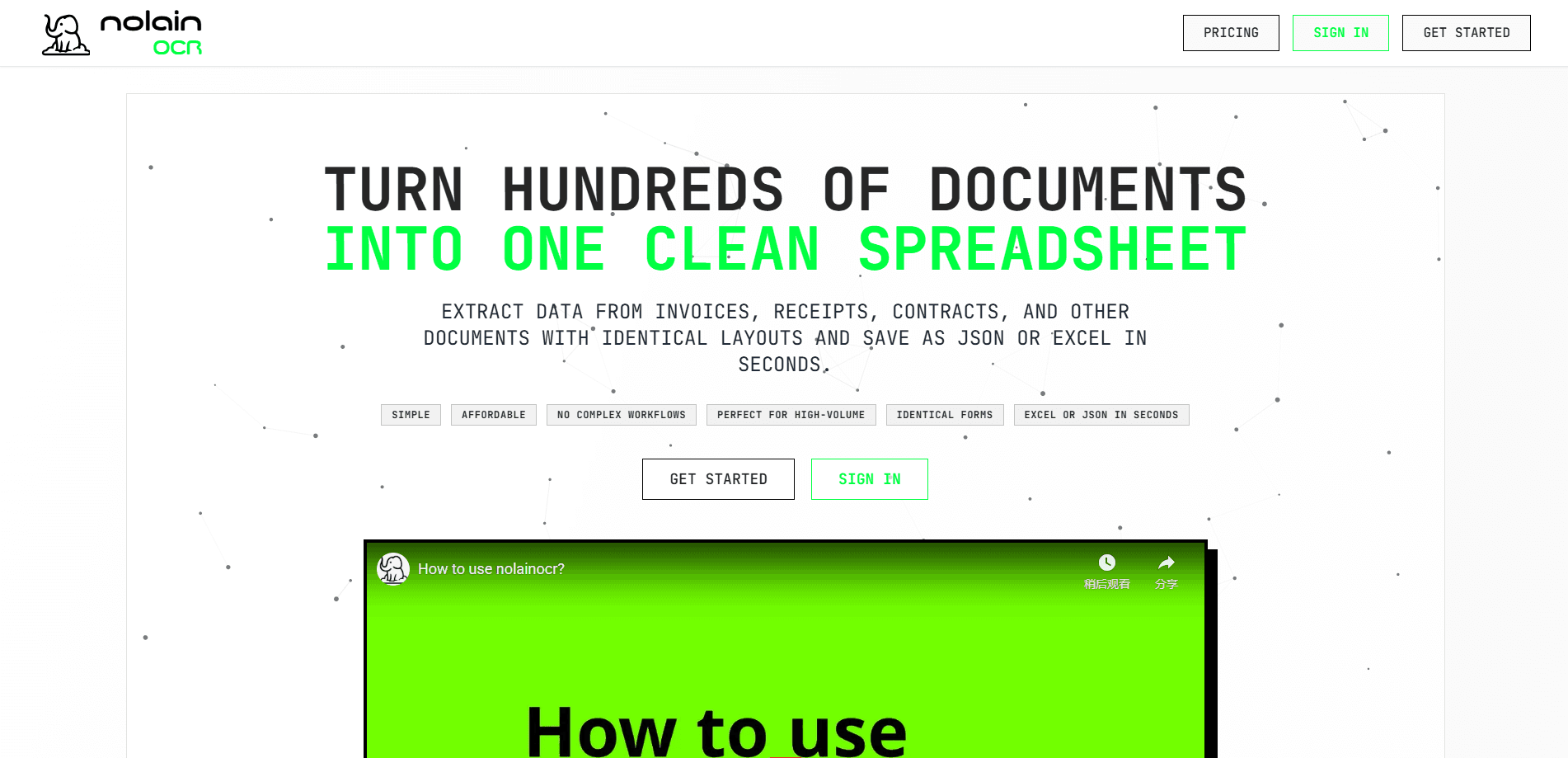
Nolain OCR is a web-based invoice and receipt OCR tool that pulls structured data out of PDFs and returns it as Excel, Google Sheets, or JSON. Need PDF to Excel conversions at scale? Point it at a batch of invoices, receipts, forms, or contracts, and it reads the fields you care about instead of making you retype them. The whole flow takes about four clicks. That's the pitch. High-volume document data extraction without building a custom pipeline.
About Nolain OCR
What Is Nolain OCR
Nolain OCR is a document data extraction service built for teams that handle the same paperwork over and over. Accounting firms, logistics departments, and insurance back offices all run on PDFs that look nearly identical from one document to the next. Nolain OCR reads those files and writes the values into a spreadsheet you can actually work with.
The core idea is layout awareness. If your invoices share a template, you merge them into one PDF and the system recognizes the pattern, then extracts every page in a single pass without asking you to map fields first. Different layouts? You group documents by type, make one PDF per group, and run each batch separately. It's a workaround, not automation magic, but it fits how a lot of real paperwork arrives.
The honest limitation is scope. This is tuned for repetitive, similar documents, not for messy one-off scans or handwriting-heavy material. It also only accepts PDF input, so you'll need to convert anything else first. Documents that vary wildly in format force you to spend real time sorting them before any extraction can begin.
Getting Started
- Create an account at nolainocr.com and open the dashboard.
- Upload a PDF file. Merge same-layout documents into one PDF to process them together.
- Set pages per document so the tool knows where one invoice ends and the next begins.
- Pick which columns you want in the output and press extract.
- Download the results as Excel, Google Sheets, or JSON.
Product Information
A quick look at Nolain OCR's pricing, supported platforms, and performance.
Best for
The users, tasks, and scenarios where this tool fits best.
Users
- Accounting and bookkeeping teams
- Logistics and supply chain staff
- Freelance bookkeepers and small firms
Tasks
- Invoice data extraction
- Receipt processing
- Form digitization
- Contract data pulls
Scenarios
- Month-end close
- Expense reporting
- Purchase order intake
- Claim intake at an insurer
Key features
Four-Click Extraction Workflow
Upload, configure, extract, download. That's the entire flow, and it's what separates Nolain OCR from tools that demand field mapping before anything happens. There's no setup wizard and no template builder to learn. A team that just wants a spreadsheet by end of day gets it. The low overhead is the point.
Layout-Aware Batch Processing
Nolain OCR recognizes repeated layouts, so documents built from the same template get processed page after page in one run while the tool keeps each document's values separate in the final export. Merge fifty matching invoices into a single PDF and the tool treats them as one job. This is exactly where manual data entry gets expensive: same layout, hundreds of times.
Flexible Output Formats
Results export as Excel, Google Sheets, or JSON. Excel and Sheets cover the finance crowd. JSON matters if you want to feed the extracted values straight into another system without hand-cleaning a spreadsheet first, which is where most spreadsheet-based OCR tools leave you stuck. You choose the columns before extraction, so the output starts close to usable.
Built-In Page Preview
Before extraction you can preview uploaded pages and confirm the file loaded correctly. It's a small thing that saves a wasted run. Anyone who's watched a broken scan produce garbage output will appreciate seeing the pages first.
Column Selection Control
The tool lets you toggle which fields appear in the output, with four selected by default. You're not stuck with every scraped value. Turn off what you don't need and the export stays clean, which matters when the same document feeds different downstream reports.
Industry-Specific Solutions
Nolain OCR publishes tailored pages for accounting, logistics, insurance, and invoice processing, each describing the relevant fields and the specific documents that team tends to handle every week. It helps you check whether your use case is covered before you commit time to testing.
Pros and cons
Pros
- Genuinely short workflow. Four clicks from upload to spreadsheet beats configuring a pipeline.
- Handles same-layout documents in bulk, which is where manual entry hurts most.
- Multiple export formats, including JSON for teams that need to push data into other systems.
- Career pages for accounting, logistics, and insurance make it easy to judge fit.
Cons
- PDF-only input. You'll need to convert images, scans, or spreadsheets before uploading.
- Mixed-layout batches need manual sorting into separate files, which adds prep time.
- No public API details, so teams wanting programmatic access can't confirm support without contacting Nolain directly.
Frequently asked questions
It reads PDF invoices, receipts, forms, and contracts and returns the data as a structured spreadsheet or JSON file. Instead of retyping values, you upload, configure, extract, and download.
Related content
Explore related tools, skills, and articles for Nolain OCR.
Nolain OCR Alternatives

Base Code
Base44 (Wix) · Coding · ProductivityBase Code is a shared cloud development environment from Base44. Teammates describe changes to an existing GitHub codebase in chat, preview them live and send them back as pull requests.

Google EmbeddingGemma 2
Google DeepMind · Writing · Image · CodingGoogle EmbeddingGemma 2 is a 740M-parameter open model that turns text, code, images, audio, and video frames into vectors in one 768-dimension space, running on phones and laptops.

GitGlow
GitGlow · Coding · ProductivityGitGlow is a local-first desktop Git client that lets independent developers review their own code and their AI agents' changes in one place before shipping.