

NoMac.app
NoMac.app · Coding
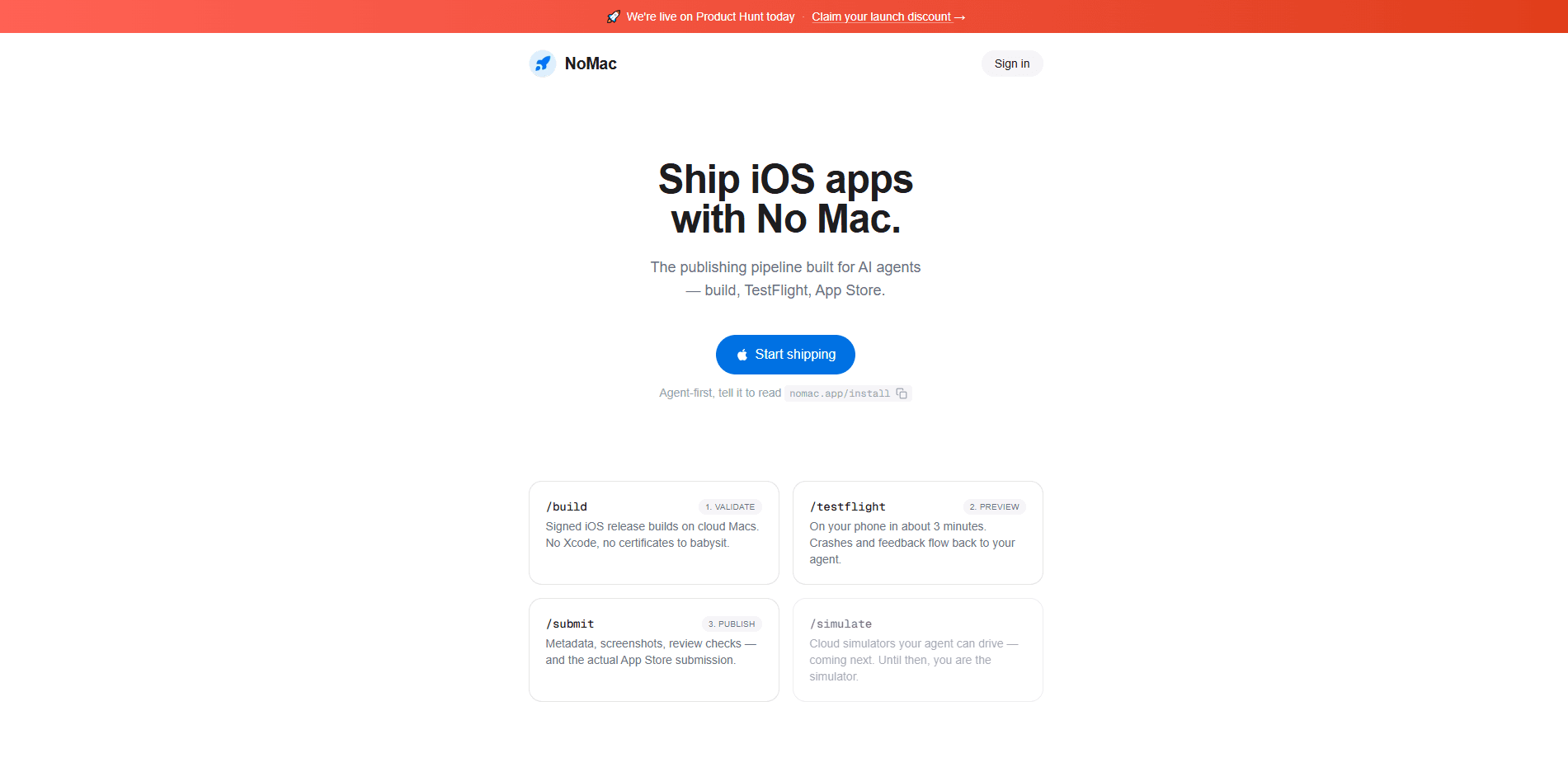
NoMac.app is a cloud Mac service built for AI coding agents. Instead of buying Apple hardware, you spin up a full macOS virtual machine on Apple silicon when a task needs one, let your agent run Xcode builds, code signing, and TestFlight uploads, then stop the machine and pay only for the seconds it was alive. It fills the one gap an AI agent can't cover on its own: iOS build automation, from archive to App Store submission. Call it remote Mac for coding that only exists while you need it.
About NoMac.app
What Is NoMac.app
NoMac.app is on-demand Mac infrastructure for AI agents. You get a real macOS VM on Apple silicon with root access, a full desktop OS rather than a locked-down sandbox. Xcode, the iOS SDKs, and the command line tools come preinstalled, along with Node, Python, Ruby with CocoaPods, a JDK, and Flutter.
The point is narrow and useful. Building an iOS or macOS app, signing it, and uploading it to TestFlight all require a Mac. If you write code on Windows or Linux and hand the release work to an agent, something still has to run xcodebuild and altool. NoMac.app is that something. Your agent reaches the machine over MCP, the CLI, the REST API, or plain SSH, and runs whatever you'd run on a local Mac.
The biggest limit is what you don't get back. Stop a session and the Mac and its files are gone. That includes anything your agent installed and any credentials you sent it. You have to pull your work out first with nomac pull, rsync, or scp. This design keeps sessions clean and private. It also means you can't treat the machine as persistent storage.
Getting Started
- Sign in at nomac.app and pick a plan, either 5 hours a week or 25 hours a week.
- Start a session with
nomac start, or through MCP, the REST API, or SSH, and wait roughly 40 seconds for the Mac to come up. - Sync your project to the machine with
nomac sync ., then install anything the image doesn't already have. - Run your build, signing, and upload steps, such as
xcodebuildfor the archive andaltoolto push the build to TestFlight. - Pull your artifacts back with
nomac pull, then runnomac stopto delete the machine and end billing.
Product Information
A quick look at NoMac.app's pricing, supported platforms, and performance.
Best for
The users, tasks, and scenarios where this tool fits best.
Users
- AI agent developers
- Indie iOS developers on Windows or Linux
- Automation and DevOps engineers
Tasks
- Building iOS apps with `xcodebuild`
- Code signing releases
- Uploading to TestFlight
- Running the iOS simulator
Scenarios
- Releasing an agent-built app when you don't own a Mac
- Weekly release cycles with bursty Mac needs
- Testing a toolchain you don't have locally
Key features
On-Demand Apple Silicon Macs
Every session is a fresh macOS virtual machine on Apple silicon with root and a full desktop OS. Nothing is shared, and stopping the machine deletes it along with anything installed on it. That makes each build reproducible and keeps one project's credentials away from the next session.
Preinstalled iOS Toolchain
Xcode, the iOS SDKs, and the command line tools are already on the image, so an agent can build without a setup script first. Node, Python, Ruby with CocoaPods, a JDK, and Flutter are there too. That covers most of the mobile stacks people actually ship. Think of it as an Xcode cloud Mac that boots on demand. Anything else, the agent installs.
Four Ways to Connect
Your agent can reach a Mac over MCP, the CLI, the REST API, or plain SSH. The CLI keeps the common loop short. Start, sync, run a build, stop. For agent setups that already speak MCP, the whole thing plugs into the agent's existing tool list rather than living in a separate terminal.
Pay-by-the-Second Billing
The clock runs only while the Mac is ready. Setup and queue time are free. There's a one-minute minimum, then per-second charges after that. Hours refill every week, and unused hours don't carry over. For bursty workloads, that keeps the plans honest.
Disposable, Private Sessions
Each session gets thrown away at stop, so credentials you send to the machine don't linger. The trade-off is real. Uncommitted work goes with it. The nomac pull command, rsync, and scp are how you get builds and files back before you stop.
iOS Simulator Support
The image includes the iOS 26 runtime and iPhone and iPad device types, so your agent can boot a device and drive it with simctl, screenshots included. A first boot takes about 90 seconds. That's enough for a smoke test on a device that isn't physically present.
Pros and cons
Pros
- Removes the last Mac dependency from an otherwise Windows or Linux agent workflow
- Billing by the second with free queue and setup time keeps short jobs cheap
- Four connection methods (MCP, CLI, REST, SSH) fit both agent runtimes and plain scripts
- Fresh, disposable machine per session means no leftover credentials or state
- Full Xcode and iOS SDK image with Flutter, React Native, and Expo toolchains covered
Cons
- Everything on the machine is deleted at stop, so uncommitted work is lost if you forget to pull it
- No free plan, so you're committing to a subscription before trying it
- Signing and TestFlight uploads still need your own Apple Developer membership, same as any Mac
- Only one session at a time, and unused weekly hours don't roll over
Frequently asked questions
Your own macOS virtual machine on Apple silicon, with root and a full desktop OS instead of a sandbox. Xcode, the iOS SDKs, and the command line tools come preinstalled, plus Node, Python, Ruby with CocoaPods, a JDK, and Flutter. You reach it over MCP, the CLI, the REST API, or SSH, and install anything else you need.
Related content
Explore related tools, skills, and articles for NoMac.app.
NoMac.app Alternatives
Forefront
Forefront · CodingForefront is a web platform for building with open-source AI. It lets you fine-tune leading open-source language models on your own data, evaluate how they perform, and run them through an API or export them to host yourself. Developers who want the convenience of a closed-source platform but insist on owning their models and data are the target audience here.

Startkit
StartKit.AI · CodingStartkit is a boilerplate for building AI SaaS and AI wrapper products. Think of it as an AI startup boilerplate with the boring parts already wired up: authentication, Stripe and Lemon Squeezy payments, usage limits, transactional email, and an AI API starter that talks to OpenAI, Anthropic, Groq, or Llama. You clone the repo, set your price, and start on the part of your product that people actually pay for. It's Next.js under React and Tailwind, so most of the boilerplate code already feels familiar.
Testim
Tricentis · CodingTestim is an AI-powered test automation platform for building and running end-to-end tests across web, mobile, and Salesforce applications. It leans on machine learning to keep tests stable when an interface changes, so teams spend less time fixing broken selectors. Not bad for an automated testing tool you can start using today. You create tests by recording actions in a browser, then optionally add JavaScript when you need more control. It's a solid pick for busy QA teams.