

Notate.so
Notate · Coding · Productivity
Notate.so is a browser extension that turns any webpage, PDF, or video into a searchable highlight library. Highlight a paragraph, screenshot a chart, drop a note in the margin, then let it sync to Notion or Obsidian without copy-pasting anything. It's built for students, researchers, and anyone drowning in tabs they'll never reopen.
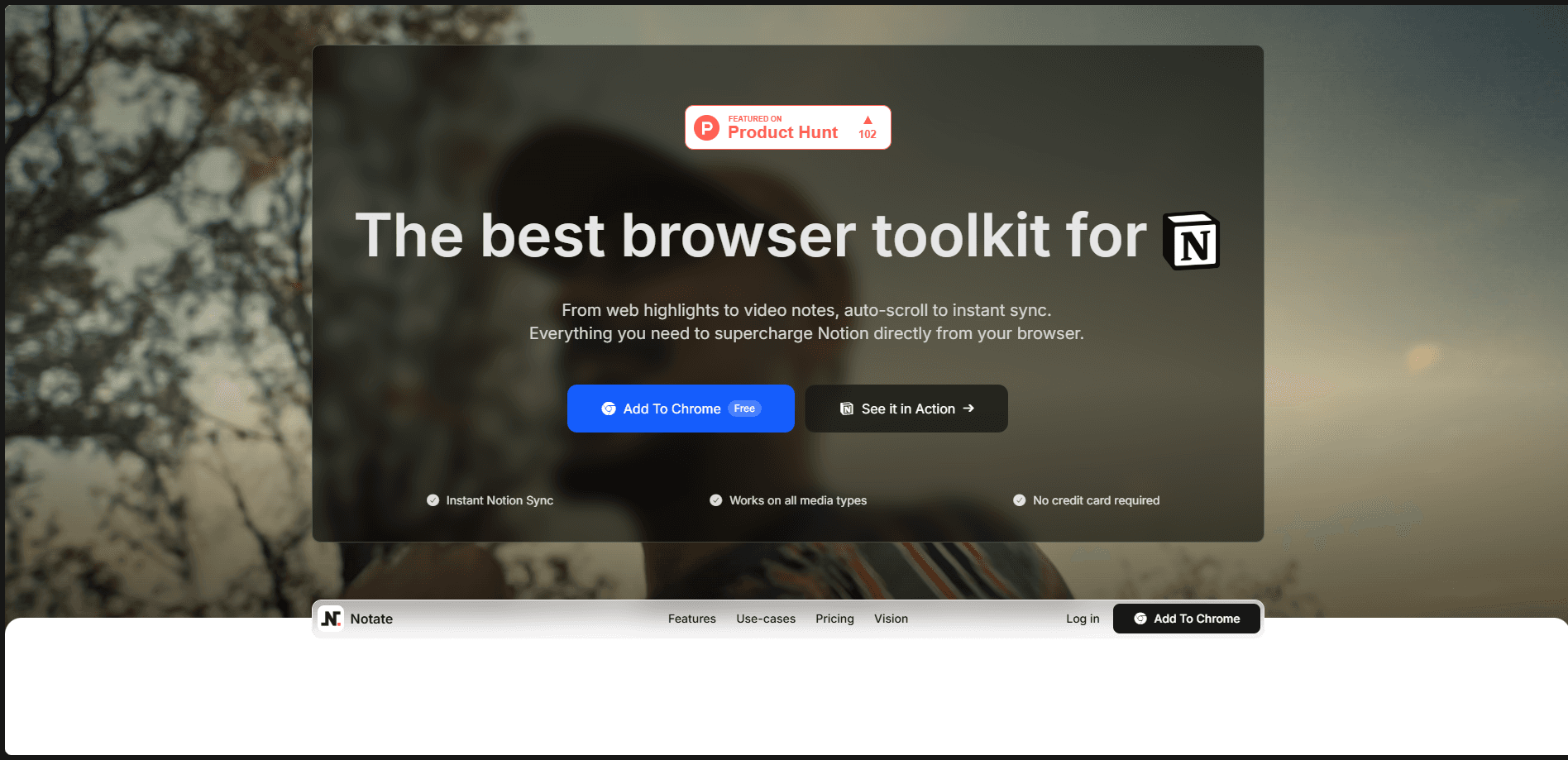
About Notate.so
What Is Notate.so
Notate.so is a Chrome extension, also available on Edge and Brave, that combines a web clipper, a highlighter, and an AI assistant in one toolbar button. You capture what matters on a page, the extension stores it, and everything flows into a Notion database or an Obsidian vault in real time. It doubles as an Obsidian web clipper for local-first users. The point is to stop losing the good parts of what you read.
The product solves a specific annoyance. You find a useful line, you copy it, you switch to Notion, you paste it, you realize you lost the source link, and you give up. Notate skips that loop. A highlight is one click, and the AI layer lets you ask questions about what you selected instead of pasting it into a separate chatbot.
The biggest limit is platform. No Firefox or Safari build yet. Setup also assumes you already live in Notion or Obsidian. If you don't use either, the sync story has nowhere to land.
Getting Started
- Install the Notate extension from the Chrome Web Store and pin it to your toolbar.
- Create an account, then connect your Notion workspace or point it at an Obsidian vault folder.
- Choose a page or database template so your highlights land in a structure you actually want.
- Open any article, PDF, or video, select text, and click the highlighter to save it.
- Review your captures in the extension panel, add notes, and tag them into collections.
Product Information
A quick look at Notate.so's pricing, supported platforms, and performance.
Best for
The users, tasks, and scenarios where this tool fits best.
Users
- Students
- Researchers
- Writers and analysts
Tasks
- Clipping quotes from long articles
- Highlighting key moments in YouTube videos
- Building a citation-ready reading list
Scenarios
- Working through a stack of open tabs before closing your laptop, without re-reading each one.
- Comparing sources across multiple tabs while drafting a report, with highlights syncing as you go.
- Prepping for an exam or literature review where you need fast recall of what each source said.
Key features
Universal Highlighting
Notate handles text on regular pages, content inside PDFs, and moments inside videos, all with the same click. You pick colors and styles to sort meaning at a glance. The video support adds timestamp anchors, so clicking a highlight later drops you back to that second of the clip rather than the top of the page. It just works. That's the whole pitch.
Notion Sync with Templates
Connect your workspace once and every highlight flows into Notion without manual paste. No copy-paste, no tidying up later. The setup offers page or database templates, so Notate builds the structure for you instead of dumping loose text. Once things are in Notion, its AI can search and summarize the whole collection, which is where a scattered reading habit turns into something usable.
Obsidian Sync for Local-First Users
For Obsidian users, highlights land in your vault as clean markdown files. Local-first, plain text, no lock-in. Folders can be organized by collection, date, or source, and wikilinks and tags are generated automatically. That last part matters if you use graph view or canvas, since your notes connect themselves instead of sitting as orphans.
AI Highlights and Page Chat
Open an AI chat on any single highlight to ask what it means in context, or chat with the whole page at once. Local files work too, so you aren't forced to paste text into ChatGPT for every question. That's the selling point. The answers are grounded in the page you're reading rather than the model's general knowledge.
Screenshots and Collections
You can capture any part of a page as an image, which is the practical way to save charts, diagrams, and visuals that don't survive as text. Everything you save can be organized into collections, tagged, and filtered later. Unlimited notes on the free plan means scratch thoughts don't cost you anything. Why not just use bookmarks? Because a bookmark saves a URL; this saves the sentence you actually needed.
Auto-Scrollback and Reminders
Auto-scrollback returns you to your highlights whenever you reopen a page, which quietly fixes the "where was that line again" problem. Handy. Email reminders send scheduled digests of your saved highlights so older captures resurface. It's a small feature that keeps a growing library from becoming write-only.
Pros and cons
Pros
- Saves highlights, notes, and screenshots in one place without leaving the page.
- Syncs to both Notion and Obsidian, covering the two most common note workflows.
- Free tier is generous enough for light reading: unlimited notes plus a daily highlight allowance.
- PDF and video support with timestamp jumps covers media plain clippers ignore.
- AI chat on a highlight keeps questions tied to the source instead of a blank prompt.
Cons
- No Firefox or Safari version yet. Non-Chromium users are locked out.
- Cloud sync and Notion/Obsidian sync sit behind the $4.99/month plan, which stings if you only want cross-device access.
- The free plan caps AI chats and page chats per month, so you can't lean on the assistant for free all month.
Frequently asked questions
It's a browser extension that lets you highlight text, screenshots, PDFs, and video moments on any page, then syncs everything to Notion or Obsidian. Think of it as a web clipper with a highlighter and an AI assistant attached.
Related content
Explore related tools, skills, and articles for Notate.so.
Notate.so Alternatives
Forefront
Forefront · CodingForefront is a web platform for building with open-source AI. It lets you fine-tune leading open-source language models on your own data, evaluate how they perform, and run them through an API or export them to host yourself. Developers who want the convenience of a closed-source platform but insist on owning their models and data are the target audience here.

Startkit
StartKit.AI · CodingStartkit is a boilerplate for building AI SaaS and AI wrapper products. Think of it as an AI startup boilerplate with the boring parts already wired up: authentication, Stripe and Lemon Squeezy payments, usage limits, transactional email, and an AI API starter that talks to OpenAI, Anthropic, Groq, or Llama. You clone the repo, set your price, and start on the part of your product that people actually pay for. It's Next.js under React and Tailwind, so most of the boilerplate code already feels familiar.
Testim
Tricentis · CodingTestim is an AI-powered test automation platform for building and running end-to-end tests across web, mobile, and Salesforce applications. It leans on machine learning to keep tests stable when an interface changes, so teams spend less time fixing broken selectors. Not bad for an automated testing tool you can start using today. You create tests by recording actions in a browser, then optionally add JavaScript when you need more control. It's a solid pick for busy QA teams.