

Notebooks - Your AI Whiteboard
Notebooks · Other
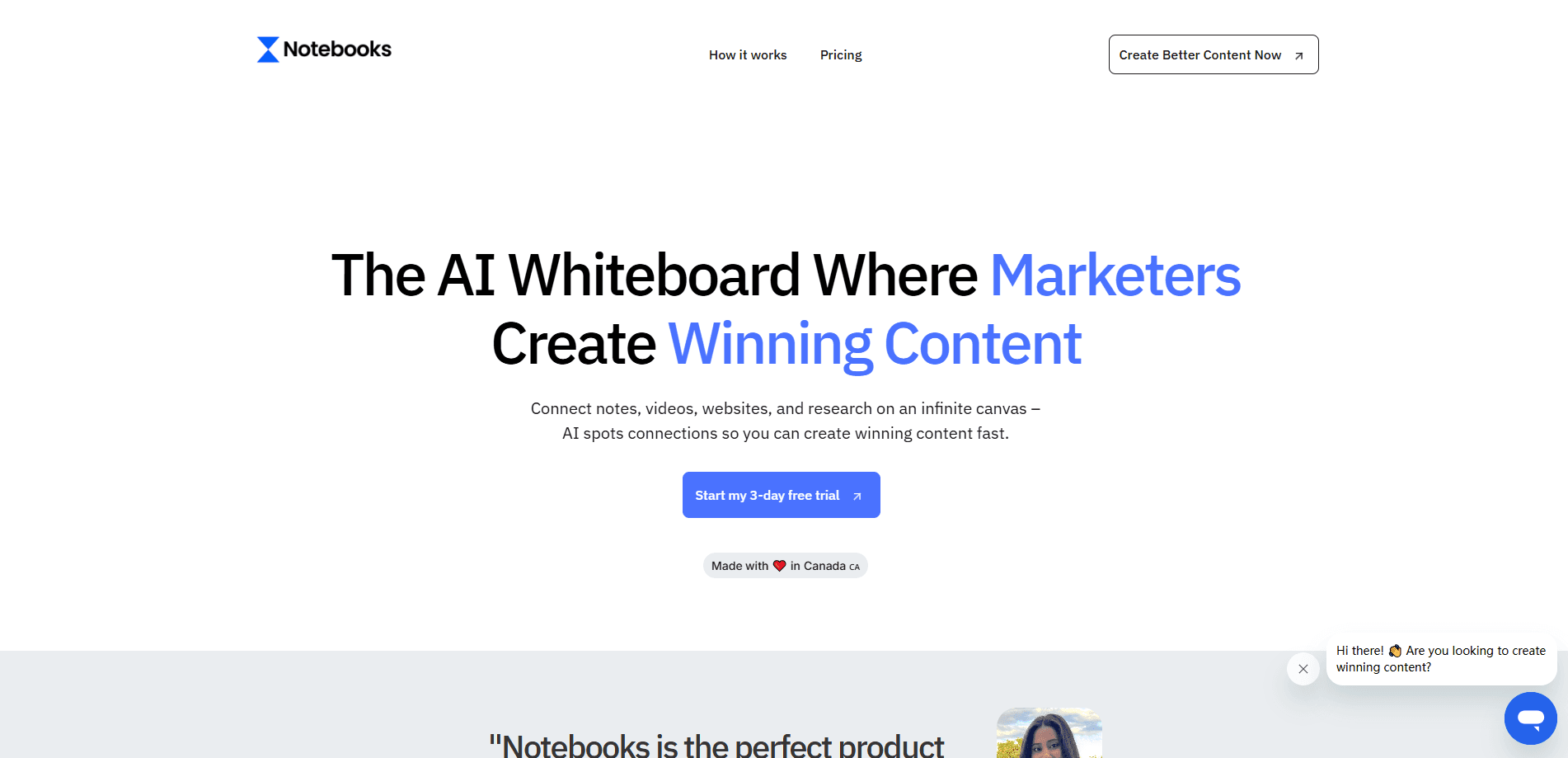
Notebooks is an AI whiteboard for content creators that links your YouTube videos, PDFs and research to models like Claude and ChatGPT, turning them into scripts and posts in your own voice.
About Notebooks - Your AI Whiteboard
What Is Notebooks
Notebooks is a web workspace built for content creators who juggle too many tools. You drop your raw material into one canvas: a YouTube channel, an Instagram profile, competitor videos, PDFs, Reddit threads or any article that sparks ideas. The tool reads what you upload and hands that context straight to an AI model.
Most creators already use ChatGPT or Claude, but every new chat starts from zero. You paste a transcript, lose the thread, and paste it again tomorrow. Notebooks fixes that by keeping your sources attached to the AI, so the model answers with your actual material instead of generic guesses. The site says it's used by more than 5,411 creators.
The catch is focus. This is a tool for marketing and content work, not a general note app, and it runs in the browser only. There's no mobile app and no public API, so anything you build lives inside their dashboard.
Getting Started
- Sign up at dashboard.notebooks.app with an email, no credit card needed for the free tier.
- Create a notebook and drop in your sources: a YouTube link, an Instagram reel, a PDF or a webpage.
- Pick an AI model such as Claude, ChatGPT or Gemini and ask it to find angles, outline a script or draft a post.
- Refine the output, then export or copy it into wherever you publish.
Product Information
A quick look at Notebooks - Your AI Whiteboard's pricing, supported platforms, and performance.
Best for
The users, tasks, and scenarios where this tool fits best.
Users
- YouTube and short-form creators
- Social media marketers
- Solo founders and small teams
Tasks
- Writing video scripts
- Researching audience demand
- Repurposing long content
- Keeping a consistent voice
Scenarios
- Planning a week of content
- Launching a product
- Client work for an agency
Key features
One Canvas for Every Source
Notebooks accepts YouTube videos, Instagram reels and TikToks, PDFs, images, voice notes and any website URL. You dump everything related to a project in one place, and the AI works from that shared pile instead of a single pasted transcript. For creators who research across platforms, it removes the copy-paste loop.
Model Choice in One Workspace
The free tier lists ChatGPT 5.4, Gemini 3.1 Pro and Claude 4.6 as the models you can switch between, and the marketing refers to Claude, ChatGPT and DeepSeek. Picking a model per task lets you match the tool to the job, such as a fast draft or a careful rewrite, without paying for three separate subscriptions.
Voice Matching From Your Own Content
Because the AI reads your uploaded videos and past posts, its output leans on patterns from your actual writing. That's the core promise: content that sounds like you rather than the flat default tone most general chatbots produce. The quality depends on how much of your own work you feed it.
Credit-Based Usage
Notebooks charges credits based on the model, file type and length of what you process. The company gives a rough example: about 5 credits for a 1,200-word blog post using GPT-4o with three YouTube videos attached. The Starter plan includes 1,500 credits and Pro Creator includes 2,500, so heavy users should watch consumption.
Competitor and Audience Research
You can bring competitor channels and community threads into a notebook and ask the AI to spot recurring themes, hooks or gaps. It turns scattered reading into a shortlist of angles worth making. This is aimed at creators who want data behind their ideas rather than guessing.
Notebooks That Stay Separate
Starter caps you at 5 notebooks while Pro Creator allows unlimited ones. Separate notebooks keep unrelated projects apart, so a client's material doesn't mix with your personal channel. For agencies and people running more than one brand, that separation is the main reason to move up a plan.
Pros and cons
Pros
- Pulls YouTube, Instagram, TikTok, PDFs and websites into one workspace, so you stop pasting transcripts between apps
- Output reflects your own content, which cuts the generic feel common in AI drafts
- Model choice in a single subscription, avoiding separate ChatGPT, Claude and Gemini bills
- Free tier and a 7-day trial make it cheap to test before paying
Cons
- Browser only, so there's no mobile app for capturing ideas on the go
- No public API, which blocks teams that want to wire it into their own publishing pipeline
- Credits run out on heavy use, and the pricing page doesn't list a plain unlimited plan
- It's tuned for marketing and creator content, so writers in other fields get less value
Frequently asked questions
ChatGPT forgets your sources between chats, so you paste the same transcript again and again. Notebooks keeps your uploaded videos, PDFs and links attached, so every prompt already has the full context and the model answers from your real material.
Related content
Explore related tools, skills, and articles for Notebooks - Your AI Whiteboard.
Notebooks - Your AI Whiteboard Alternatives

Odyssey 3
Odyssey · OtherOdyssey-3 is Odyssey's foundation world model. It simulates physics in real time, turns a prompt into an interactive environment, and adapts to robots, cars and games.

JarvisCore
Prescott Data · Coding · Productivity · OtherJarvisCore is an open source Python runtime where AI agents work as equal peers on an agent mesh, claim tasks from a shared ledger, and reach external services through a zero-trust broker.
Clef
Cloudflare · Business · OtherClef is Cloudflare's open-source decision model for Workers AI. It returns calibrated probabilities for typed questions, not generated text, so agents can classify, route, and act fast.