

NotLikeAI
NotLikeAI · Writing · AI Detection
NotLikeAI is an AI humanizer that rewrites ChatGPT or Claude output into natural, human-sounding text. It offers tone controls, a free plan and paid tiers from $3.99 per month.
About NotLikeAI
What Is NotLikeAI
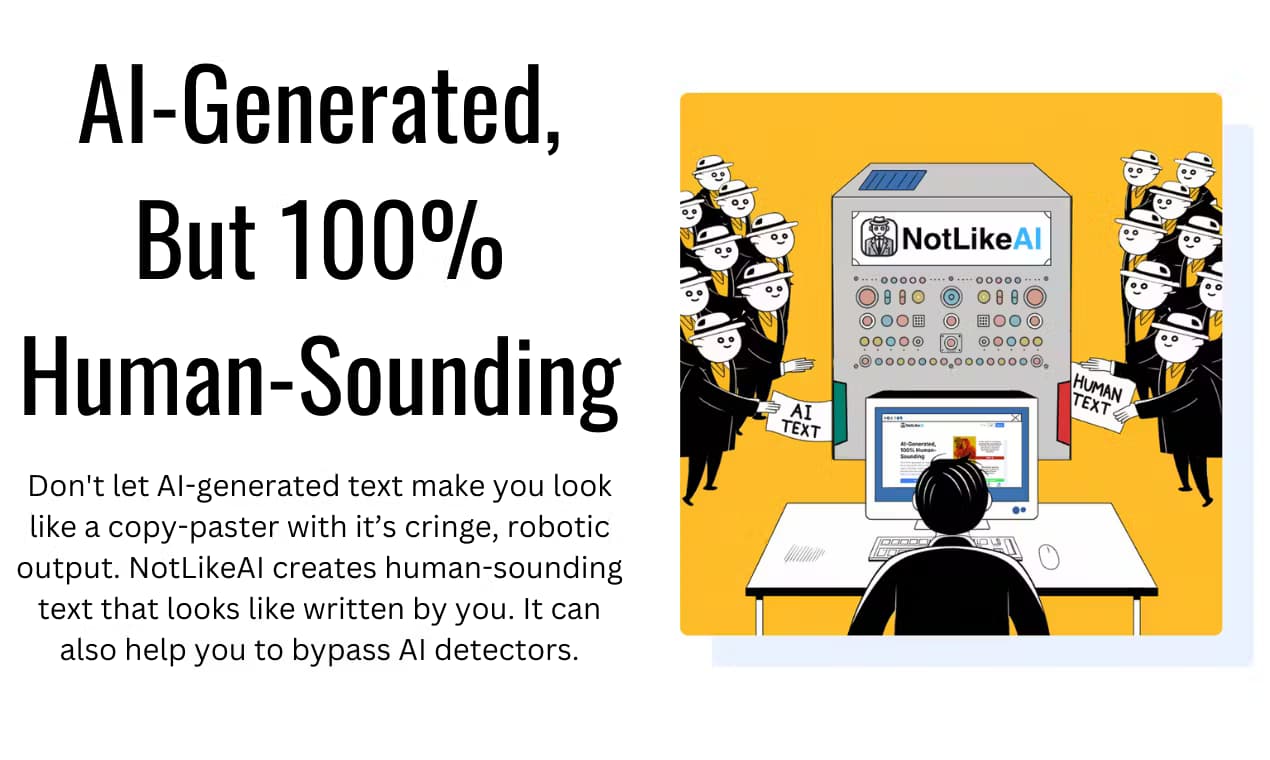
NotLikeAI is an AI humanizer built for one job: taking AI-generated writing and making it read like a person typed it. You paste a draft from ChatGPT, Claude or Gemini, pick a tone, and the tool rebuilds the phrasing, sentence lengths and word choices to strip out the patterns detectors look for. Most people reach for it to bypass AI detection on work they drafted with a chatbot first.
It runs in a browser, so there's nothing to install. Most people use it as a cleanup step after drafting, not as a replacement for writing from scratch.
The catch is accuracy. Humanization works well on blog posts, emails and social copy, but technical or factual content can pick up small errors during the rewrite. Read the output before you publish it.
Getting Started
- Go to the NotLikeAI site and create a free account with an email and password.
- Paste the AI-generated text you want to rewrite into the input box.
- Choose a tone, such as Neutral, Friendly, Professional or Sarcastic.
- Run a normal generation first, then use Enhanced Humanization if you want extra work done against detectors.
- Review the result, copy it out, and keep an eye on your monthly generation count in the dashboard.
Product Information
A quick look at NotLikeAI's pricing, supported platforms, and performance.
Best for
The users, tasks, and scenarios where this tool fits best.
Users
- Bloggers and freelance writers
- Students
- Small business marketers
Tasks
- Rewriting a ChatGPT first draft
- Softening formal tone
- Reducing detector flags
Scenarios
- Polishing a week of social posts in one sitting
- Cleaning up a blog draft before publishing
- Tightening a client email or newsletter
Key features
Human-Like Text Generation
NotLikeAI works as a human-like text generator by taking AI output and reworking sentence structure, vocabulary and rhythm to mirror how people actually write, including small inconsistencies detectors treat as human. You keep the meaning, the tone gets looser.
Tone Selection
You pick a voice before generating, with options like Neutral, Friendly, Professional and Sarcastic. Matching tone to audience matters: a casual setting reads better for social posts, while a professional one suits client work and reports.
Enhanced Humanization
A second pass aimed squarely at AI detection. After the standard rewrite, this mode reworks the text further to avoid flags from GPTZero, Originality.ai, Copyleaks and Turnitin in third-party tests. It's the feature most people upgrade for.
Simple Browser Interface
Paste, pick a tone, generate, copy. There's no setup, no plugins and no technical configuration, which makes it quick to try if you have never used a humanizer.
Generation-Based Plans
Usage is counted by the number of generations, not words. Free gives you 5 generations and 2 enhanced passes a month, Basic lifts that to 200 and 20, and Pro reaches 1000 and 100.
Fast Processing
A decent AI text rewriter has to keep up with normal editing. Third-party testing clocked standard 500-word samples at roughly 8 to 12 seconds, with peak-hour runs stretching to about 25 seconds, which is fine for a paste-and-go workflow.
Pros and cons
Pros
- Free tier is genuinely usable, so you can judge output quality before paying anything.
- NotLikeAI pricing is low for the category, with entry at $3.99 a month against rivals that often start near $10.
- Tone options cover the common cases, from casual posts to professional documents.
- Output usually reads more natural than the robotic draft you started with.
- Processing is quick, so it slots into a normal editing routine.
Cons
- Bypass rates sit below premium competitors, which matters if a piece has to clear a strict detector.
- Technical and factual text can pick up errors during rewriting, so those pieces need a careful read.
- Free plan is capped at 5 generations and 2 enhanced passes a month, which runs out fast.
- No documented API or mobile app, so it won't fit automated pipelines or phone-first workflows.
Frequently asked questions
It rewrites AI-generated text so it sounds like a person wrote it. You paste a draft, choose a tone, and it returns a version with more varied, natural phrasing you can use to humanize AI text before publishing.
Related content
Explore related tools, skills, and articles for NotLikeAI.
NotLikeAI Alternatives

Google EmbeddingGemma 2
Google DeepMind · Writing · Image · CodingGoogle EmbeddingGemma 2 is a 740M-parameter open model that turns text, code, images, audio, and video frames into vectors in one 768-dimension space, running on phones and laptops.

MePersona
MePersona, Inc. · Writing · Productivity · MarketingMePersona is an AI unified inbox for creators. It learns your voice, drafts replies to fan messages from 12 platforms, and sends only what you approve.

Fluence
Yay Software (Yannick Huchard) · Writing · Voice & Language · ProductivityFluence is an Android app that reads PDFs, EPUBs, Word files and web articles aloud, follows each sentence as it speaks, and answers questions about the text on the phone itself.