

NuPlay
Nurix AI · Voice & Language · Marketing
NuPlay is Nurix AI's platform for building AI voice and chat agents that handle customer and business workflows. It runs on live enterprise systems and improves with every interaction.
About NuPlay
What Is NuPlay
NuPlay is an enterprise platform from Nurix AI for building and running AI voice and chat agents. It targets companies that want agents to answer calls, qualify leads, and resolve support tickets inside the systems they already use. That focus on production work, rather than a demo chatbot, sets it apart from lighter tools.
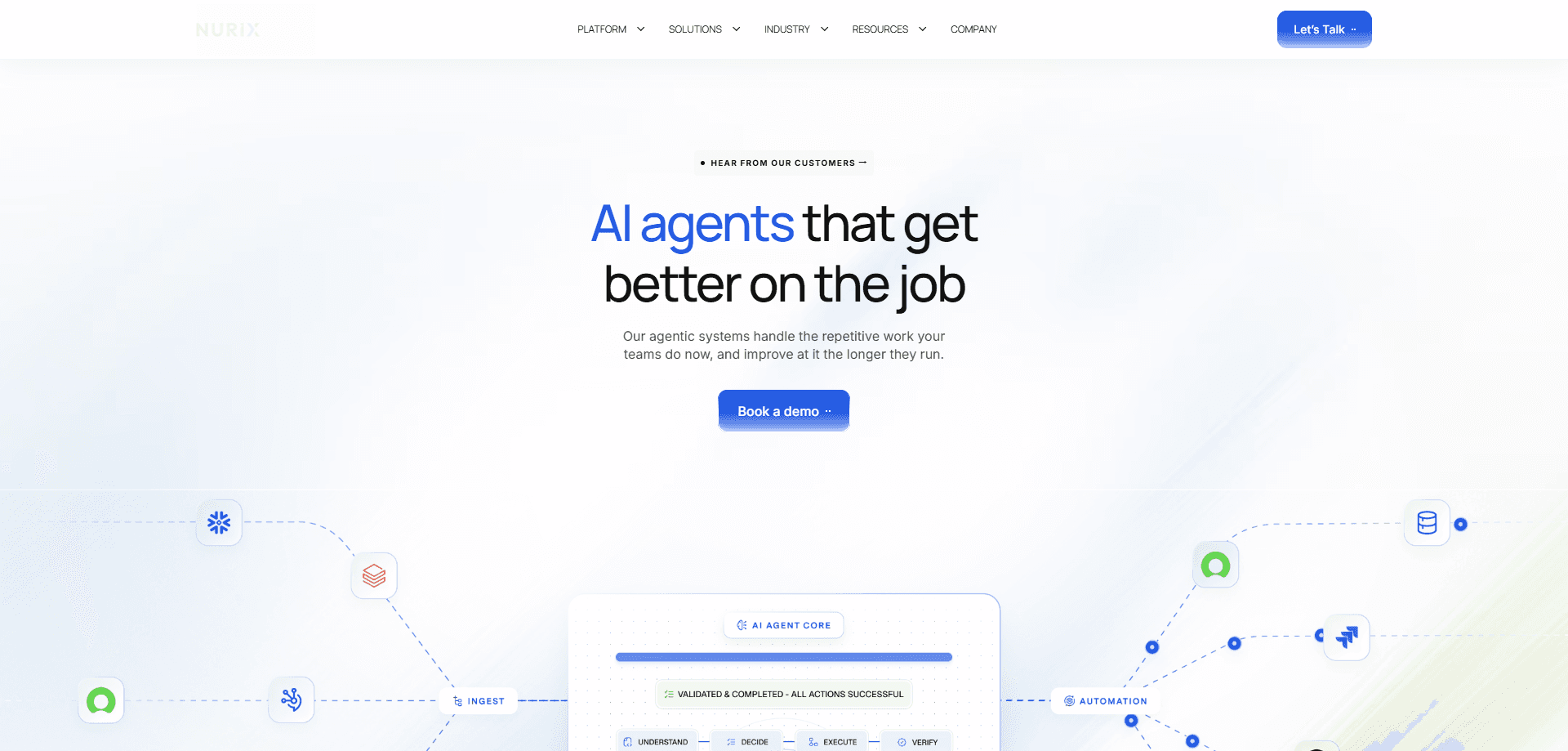
The platform is built around layered components. NuContext holds shared context about your business, NuPro runs the agents, NuStack connects them to outside systems, NuPulse monitors what happens, and NuLoop scores each run and feeds fixes back. Nurix AI describes NuPlay as self-improving: the agents are meant to get sharper as they see more real conversations.
It reaches customers across voice, SMS, email, and chat, and keeps context as a conversation moves between channels. Nurix AI says the platform supports 400+ integrations with CRMs, ERPs, schedulers, and internal APIs, so an agent can create a ticket, update a record, or trigger a workflow mid-call.
The main constraint is that NuPlay is not a self-serve product you sign up for and use alone. Nurix AI runs it as a managed, enterprise deployment: you book a demo, the company maps your processes, and a deployment engineer takes the agents live. There is no public price list, so cost depends on the deal. Small teams that want a quick plug-in agent will find this heavier than they need.
Getting Started
- Request a demo through the NuPlay or Nurix AI website and describe the workflow you want to automate.
- Work with Nurix AI to map the process and choose where an AI voice or chat agent fits.
- Connect your CRM, ticketing system, or internal APIs so the agent can read data and take actions.
- Set the agent's tone, vocabulary, and fallback behavior so it matches your brand and escalates to a human when needed.
- Go live, then use the monitoring dashboard to track outcomes and the improvement loop to tune the agent over time.
Product Information
A quick look at NuPlay's pricing, supported platforms, and performance.
Best for
The users, tasks, and scenarios where this tool fits best.
Users
- Enterprise support teams
- Sales and revenue teams
- Operations and back-office groups
- Customer experience leaders at large firms
Tasks
- Handling inbound support calls
- Qualifying sales leads
- Replacing a rigid IVR menu
- Processing order and refund requests
- Screening job applicants
Scenarios
- Scaling a support line through a seasonal spike
- Running outbound campaigns across regions
- Keeping context when a chat turns into a call
- Auditing what an AI agent did
Key features
Self-improving agent loop
NuPlay is built so agents get better as they work. NuLoop watches each run, scores it against the outcome you asked for, and upgrades the agent's context and behavior. Nurix AI says this is the core difference: most automation tools perform the same on day one and a year later, while NuPlay compounds. The practical effect is that you spend less time retraining an agent by hand.
Multi-agent orchestration
Rather than one flat bot, NuPlay supports agents that reason through branching logic, handle multi-turn conversations, and trigger other agents for sub-tasks. A support agent might pass a billing question to a specialist agent and pick the thread back up afterward. For companies with complex journeys, this maps to how the work actually splits across teams, not to a single script.
400+ system integrations
Agents are only useful if they can act. NuPlay connects to CRMs, ERPs, schedulers, and internal APIs, so an agent can pull personalized data, write a record, or kick off a workflow while the conversation is still going. Nurix AI lists 400+ connections, which means the agent usually works inside your existing stack instead of asking you to replace it.
Model-agnostic execution
NuPlay runs on Nurix AI's own models, Astra and SEAL, and also lets you route work across other models based on accuracy, latency, or cost. You can switch models as needs change without rebuilding the agent. That matters for teams worried about being locked to one vendor's model lineup as the field moves.
RAG and knowledge synthesis
The agent grounds its answers in your documents, CRMs, wikis, and help centers through a retrieval layer. Instead of answering from a generic model, it pulls the right passage for the question. For support and sales, this is what keeps answers accurate to your products and policies rather than plausible but wrong.
Real-time monitoring and analytics
NuPulse is the dashboard layer, showing active workflows, agents, completed work, and outcomes as they happen. Teams can track deflection, drop-off, CSAT signals, and conversion rates, and connect those numbers back to specific agent decisions. Nurix AI positions this as moving from "what happened" to "what needs to change."
Enterprise governance and compliance
Role-based access, audit logs, version control, and PII redaction are built in. Every run can be traced from the prompt used to the action taken, which gives product, support, and compliance teams a shared record. For regulated industries, that audit trail is often the line between a pilot and a production rollout.
Context shared across channels
NuContext gives every agent a single view of your business context that carries across voice, SMS, email, and chat. When a customer starts in chat and later calls, the agent already knows the history. A shared context layer also means agents learn from each other's runs instead of each starting from zero.
Pros and cons
Pros
- Agents act on live systems, so they finish tasks like creating tickets or updating records instead of only answering questions.
- The self-improving loop scores and upgrades agents automatically, which reduces the manual retraining that drags on other tools.
- Model-agnostic routing avoids locking you to one vendor's models as faster or cheaper options appear.
- Shared context across voice, chat, email, and SMS keeps conversations continuous when customers switch channels.
- Governance, audit logs, and PII redaction are included, which suits regulated industries that need a trace of every run.
Cons
- There is no public price list and no self-serve signup, so you start with a sales call and pricing depends on the deal.
- It is an enterprise deployment rather than a drag-and-drop tool, which puts it out of reach for small teams that want a quick chatbot.
- Nurix AI's headline metrics come from the vendor, so buyers should validate the cost and automation claims against their own workflows.
Frequently asked questions
NuPlay is an enterprise AI voice and chat agent platform built by Nurix AI. It lets companies deploy agents that handle support, sales, and back-office workflows inside their existing systems. Unlike a simple chatbot, it includes orchestration, integrations, monitoring, and a self-improvement loop in one platform.
Related content
Explore related tools, skills, and articles for NuPlay.
NuPlay Alternatives

Foley
Hanamori Labs, LLC · Voice & Language · Productivity · AI AssistantFoley is a voice to-do list that turns a spoken sentence into a filed task, complete with project, date and time, then helps you plan the day around what is already there.

HireKey
HireKey · Voice & Language · Productivity · LeaningHireKey is an AI job search copilot built by a former tech recruiter. It checks role fit, tailors resumes, runs interview practice and tracks every application.

Fluence
Yay Software (Yannick Huchard) · Writing · Voice & Language · ProductivityFluence is an Android app that reads PDFs, EPUBs, Word files and web articles aloud, follows each sentence as it speaks, and answers questions about the text on the phone itself.