

Offscript: Private Voice Memos
Richfield Labs · Voice & Language
Offscript: Private Voice Memos is a privacy-first voice recorder that turns spoken thoughts into searchable text without sending anything to the cloud. Built by Richfield Labs, it runs transcription on your iPhone or iPad, so recordings, transcripts, and tags stay on the device. Think of it as an AI voice recorder that never leaves your pocket. It's aimed at people who think faster than they type and want quick capture plus a search that respects their privacy.
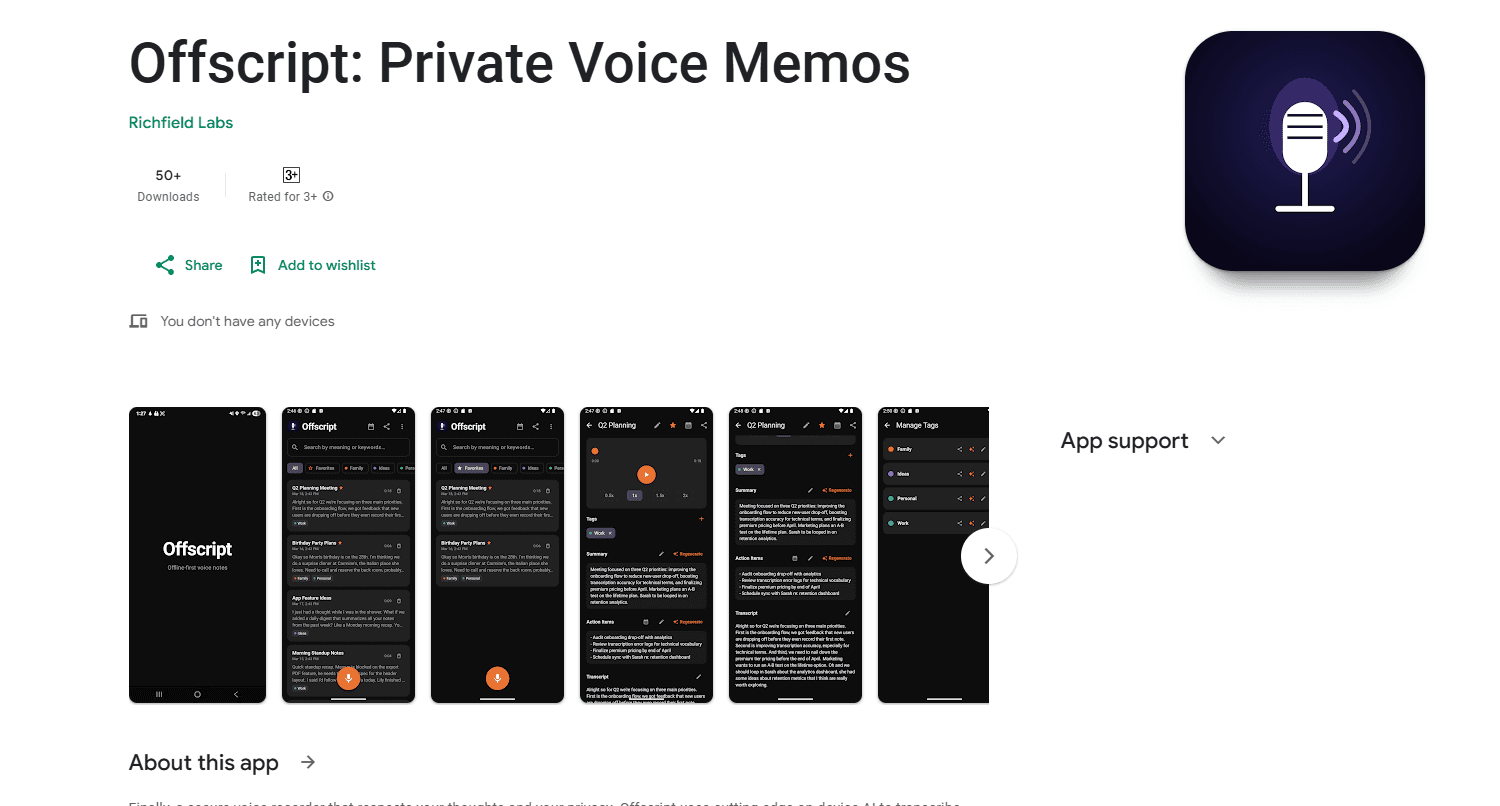
About Offscript: Private Voice Memos
What Is Offscript: Private Voice Memos
Offscript: Private Voice Memos is a voice note app that records your ideas, meetings, and daily notes, then converts them into text locally, and the whole design rests on a simple bet that a capable speech model running on the phone you already own is good enough for everyday notes. Instead of uploading audio to a server, it downloads a speech model once and does the work on your phone. That means your memos stay private by default.
The core problem it solves is friction. Writing takes time, and many note apps send your voice to a cloud service you can't inspect. Offscript skips both. You speak, and the app handles the rest on-device.
The main limit is that this is a focused tool, not a full workspace. It has no team sharing, no web dashboard, and no public API, so collaborative or cross-device workflows aren't its job.
Getting Started
- Install Offscript from the app store on your iPhone or iPad and open it.
- Let the app download its speech model once; transcription runs locally after that.
- Tap record and speak your note, then stop when you're done.
- Let Offscript transcribe the audio on-device, then add tags to organize it.
- Search by keyword or meaning to find the note later, and share it as text or Markdown.
Product Information
A quick look at Offscript: Private Voice Memos's pricing, supported platforms, and performance.
Best for
The users, tasks, and scenarios where this tool fits best.
Users
- Writers and creatives
- Students and researchers
- Privacy-conscious professionals
Tasks
- Turning spoken brainstorms into editable text
- Finding an old note fast
- Organizing daily notes
Scenarios
- Jotting an idea while walking
- Capturing a meeting on the go
- Keeping sensitive notes local
Key features
On-Device Transcription
Offscript converts speech to text right on your iPhone or iPad. It downloads a language model once, then works without sending audio to a server. That's offline transcription in the strict sense: no upload, no server queue, no waiting on someone else's machine. You get transcripts that stay private, and the app runs even when you'd rather not rely on a connection.
Search by Meaning
Keyword search only helps if you remember the right word. What if you don't? Offscript lets you search notes by meaning, so a half-remembered idea still turns up. This works across the languages you transcribe in, which matters if you mix languages day to day. That's a real time saver.
Tagging and Organization
You tag each note to keep a growing library tidy. Over time, tags become the fastest way to find a cluster of related memos instead of scrolling a long list, which gets painful once you've recorded hundreds of notes and can't recall what half of them were called. It's simple, and that's the point. No setup, no rules.
Biometric Lock
The app can lock everything behind Face ID, Touch ID, or your device passcode, which is a useful second layer on top of the on-device processing for anyone who leaves a phone on a shared desk or hands it to a friend. That extra step helps if someone else picks up your phone. Not ideal to skip if your notes are sensitive.
Playback Against Transcript
You can replay a recording while reading its transcript side by side. If a line looks off, you jump back to the audio and check. Handy for interviews and lectures where one word changes the meaning. Worth using every time.
Share as Text or Markdown
Notes go out as plain text or Markdown. That keeps them usable in a notes app, a doc, or a publishing tool without conversion, which saves you the usual cleanup step that comes with exporting from voice apps. The export is clean enough to paste straight into your writing workflow.
Multilingual Support
Offscript transcribes in 99 languages with automatic detection, and the interface ships in 19 languages, so a note recorded in Spanish still turns up in a search you run in English later. If you speak more than one language, you don't have to switch settings for every recording. It just works.
Pros and cons
Pros
- Transcription runs on-device, so recordings and text stay off the cloud.
- Search by meaning finds notes even when you forget the exact wording.
- Biometric lock adds protection beyond local processing.
- Supports 99 transcription languages with automatic detection.
- Shares notes as text or Markdown for easy reuse.
Cons
- Works on iOS only, so Android users can't use it yet.
- No public API means you can't wire it into your own tools.
- No team sharing or web dashboard, which limits collaboration.
Frequently asked questions
It records voice notes and turns them into searchable text on your device. People use it for ideas, meetings, lectures, and daily notes where privacy matters and typing feels slow.
Related content
Explore related tools, skills, and articles for Offscript: Private Voice Memos.
Offscript: Private Voice Memos Alternatives

Foley
Hanamori Labs, LLC · Voice & Language · Productivity · AI AssistantFoley is a voice to-do list that turns a spoken sentence into a filed task, complete with project, date and time, then helps you plan the day around what is already there.

HireKey
HireKey · Voice & Language · Productivity · LeaningHireKey is an AI job search copilot built by a former tech recruiter. It checks role fit, tailors resumes, runs interview practice and tracks every application.

Fluence
Yay Software (Yannick Huchard) · Writing · Voice & Language · ProductivityFluence is an Android app that reads PDFs, EPUBs, Word files and web articles aloud, follows each sentence as it speaks, and answers questions about the text on the phone itself.