

Okibi
Okibi · Coding · Productivity
Okibi is a CLI generator tool that turns your product into a command line interface AI agents can run on their own. Point it at your repo and it drafts, builds, and maintains a verified CLI.
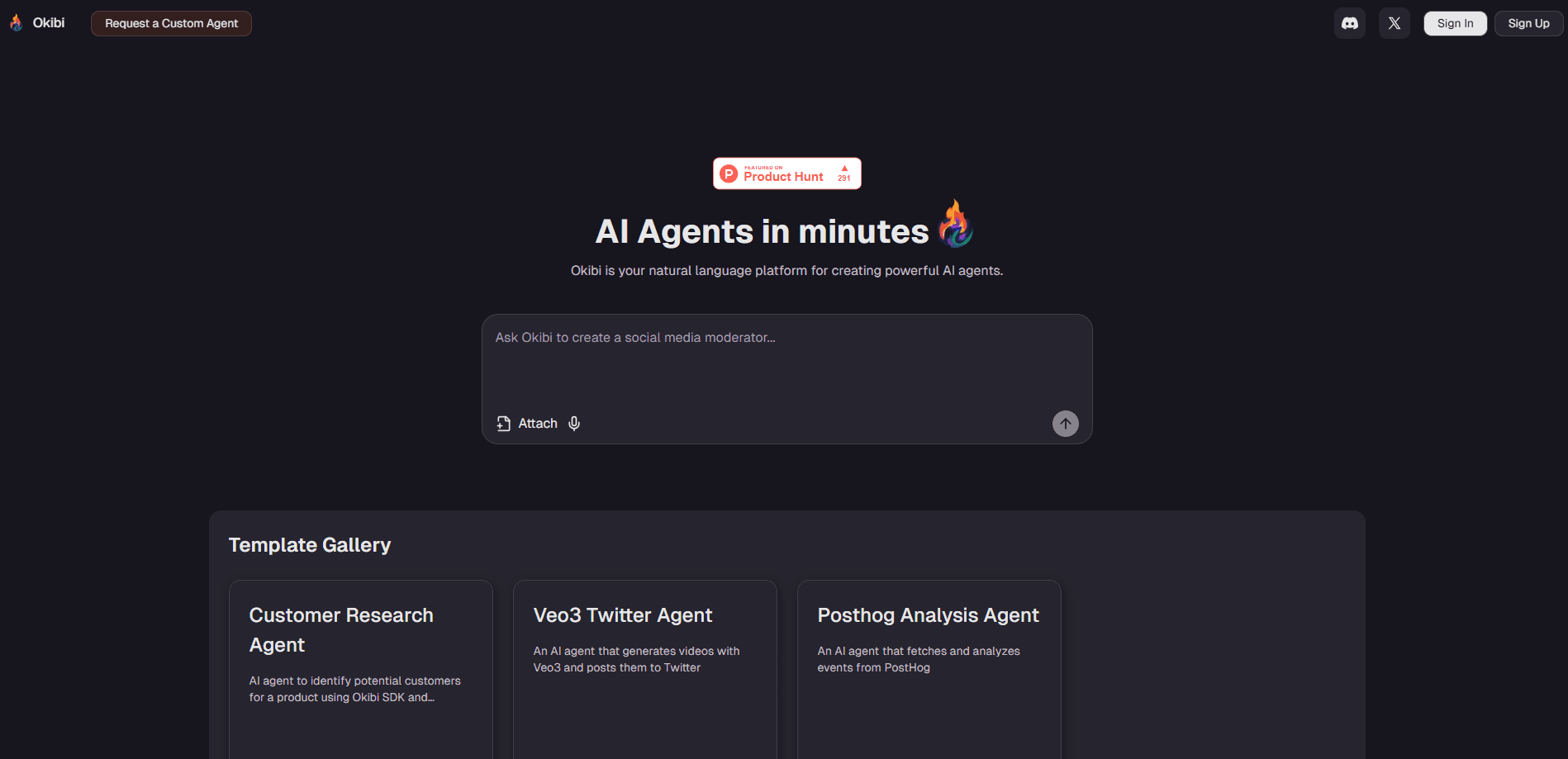
About Okibi
What Is Okibi
Okibi is a tool for making your product usable by AI agents. Agents live in the terminal, and they struggle with most of what's there today: an MCP server with a few tools can't cover the whole job, and a raw API forces the agent to build every call from scratch and sometimes build it wrong. Okibi takes the third path. It generates a CLI from your product, so every command is already built and runs right every time.
You start by pointing Okibi at an existing repository. It runs a scout pass, reads the server code, OpenAPI specs, GraphQL schemas, or plain route handlers, and returns a grouped first draft of commands. You give it direction, add or drop what you want, and generate.
The catch is that a CLI is only useful if it's correct. Okibi doesn't stop at writing one. Every command it builds is executed for real in a cloud sandbox and scored, so what ships is a compiled binary with generated docs rather than a hopeful draft. The other limit to keep in mind is scope: this is infrastructure for teams who ship products to developers. If you're an individual looking for a chat app, it's not built for you.
Getting Started
- Install the Okibi CLI with
curl -fsSL https://okibi.ai/install | sh, then runokibi auth loginto connect your account. - Open Okibi inside your repository. The scout starts automatically and returns a grouped first draft of commands.
- Steer the command set: add missing operations, remove ones you don't need, and direct it toward the jobs that matter most for your product.
- Run the generate step. Okibi builds every command, runs each one for real in a cloud sandbox, and unpacks the finished CLI into your project.
- Review the generated docs and skill file, then distribute the CLI to your users and their agents.
Product Information
A quick look at Okibi's pricing, supported platforms, and performance.
Best for
The users, tasks, and scenarios where this tool fits best.
Users
- Developer platform teams shipping an API
- Startups without a dedicated developer experience hire
- Solo builders testing agent automation
Tasks
- Turning an API into an agent-ready CLI
- Keeping a CLI current as the product changes
- Cutting the sign-up wall for agents
Scenarios
- Evaluating how agents would use your product
- Launching a product for an agent-first audience
- Maintaining several products at once
Key features
Generates a CLI from Your Product
Okibi reads server code, OpenAPI specs, GraphQL schemas, or plain route handlers and turns them into a grouped command surface. It works with any language your repo happens to use. The point is that agents get commands that are already built, not a blank API they have to assemble themselves.
Research and Command Design
Before writing a single command, Okibi works out what your product is used for and which jobs matter most. It reads the existing tools around it, from competitor CLIs to MCP servers and SDKs, then designs a set that matches what those tools do and adds what none of them cover. Every candidate command is scored, and you keep what you want.
Real Verification, Not Just Compilation
Each command is built to one standard: structured JSON output, error messages that name the fix, and dry-run mode on anything that writes. Then it runs for real in a cloud sandbox, and the whole CLI gets scored. Compiling is the floor, not the finish line.
Ships as a Real Compiled Binary
What you get is a compiled binary with generated docs that both people and agents can use. It's an agent-ready CLI, not a wrapper script you have to babysit. Whenever your product updates, Okibi picks up the changes and maintains the CLI for you.
Built-In Identity for Agents
Okibi Identity solves the sign-up wall. An agent that needs an account sets one up using its user's identity, and every request carries short-lived signed proof of who it's acting for. One identity works across every Okibi CLI, so an agent can arrive at your product ready to onboard its user.
Generated Skill File
Every CLI ships with a generated skill file. An agent that installs your CLI already knows how to use your product, so you don't have to teach it from scratch or hope it reads the docs.
Source Access and Self-Hosting
On the Production plan you get access to the source and can self-host. For teams with strict data rules, that means the product CLI runs inside your own environment instead of only on Okibi's infrastructure.
Pros and cons
Pros
- Removes the main reason agents fail to use a product, since every command is pre-built and verified rather than improvised at request time.
- Verification runs each command for real in a sandbox, so broken commands surface before they reach your users.
- Handles any repo language and reads OpenAPI specs, GraphQL schemas, or route handlers, which lowers the setup bar.
- Okibi Identity lets agents create accounts on a user's behalf, addressing the sign-up step that usually stops them.
- Free plan needs no credit card, so you can test agent distribution on one private repo before paying.
Cons
- The Free plan caps you at one private beta CLI with no public distribution, so it can't validate a real launch on its own.
- Additional production CLIs cost $100 per month each, which adds up for teams running many products.
- Live command usage has ceilings even on Production: 5,000 successful commands per month are included, then $0.05 each.
- It's developer-facing infrastructure, so non-technical users get little out of it.
Frequently asked questions
It generates a command line interface from your product so AI agents can use it on their own. Instead of relying on a few MCP tools or a raw API, agents run the same structured commands your human users do, which is what makes agent automation practical.
Related content
Explore related tools, skills, and articles for Okibi.
Okibi Alternatives

Base Code
Base44 (Wix) · Coding · ProductivityBase Code is a shared cloud development environment from Base44. Teammates describe changes to an existing GitHub codebase in chat, preview them live and send them back as pull requests.

Google EmbeddingGemma 2
Google DeepMind · Writing · Image · CodingGoogle EmbeddingGemma 2 is a 740M-parameter open model that turns text, code, images, audio, and video frames into vectors in one 768-dimension space, running on phones and laptops.

GitGlow
GitGlow · Coding · ProductivityGitGlow is a local-first desktop Git client that lets independent developers review their own code and their AI agents' changes in one place before shipping.