

Olovka AI
Olovka AI · Writing · Leaning · AI Detection
Olovka AI is an AI essay writer for students. It drafts academic papers in your field and voice, keeps citations near the text, and turns finished essays into quizzes for revision.
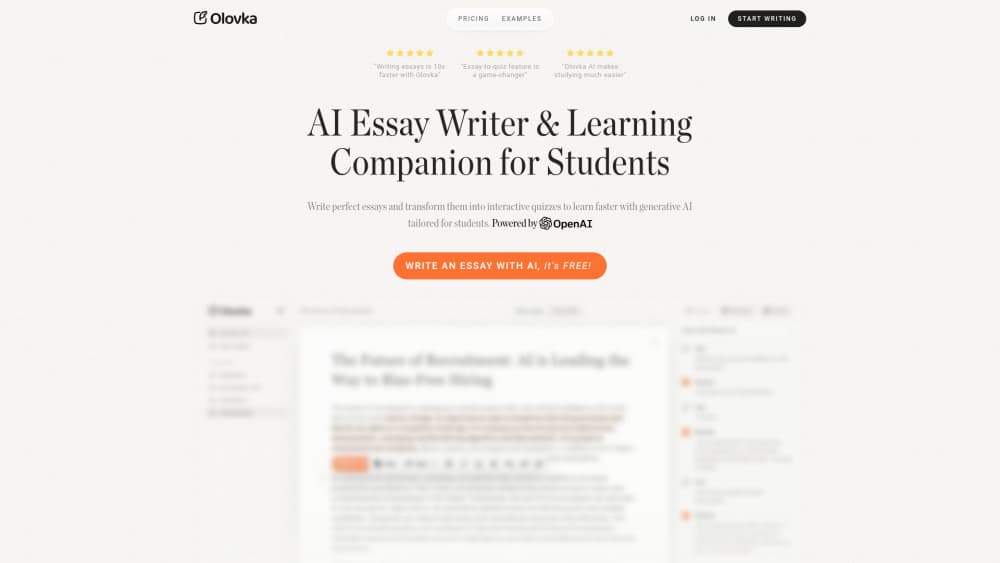
About Olovka AI
What Is Olovka AI
Olovka AI is a browser based writing tool built for students rather than marketing teams. You choose a paper type (essay, thesis, research paper, literature review, case study, project report, reflective journal), set your academic level and field, and then work inside a text editor that helps you write. It doesn't hand you a finished file.
Most AI essay writing tools open with a prompt box and a wall of text. Olovka works the other way. Think of it as an essay writing assistant with one rule: you keep the pen. It suggests the next sentence, rewrites a paragraph you highlight, and expands or shortens a section when you ask.
The limits are worth knowing before you sign up. Everything runs in a browser, there's no mobile app, and the free tier caps you at 10,000 AI words. References come from an AI search rather than a fixed database, so each one needs a manual check before it lands in a graded paper.
Getting Started
- Sign in at olovka.ai with a Google account. No card is needed for the free plan.
- Open the editor and set the paper type, academic level, field and writing language.
- Type your thesis or paste your notes, then build the sections with AI Autocomplete and the editing commands.
- Run quiz generation on the finished draft, or switch to lecture notes to record and summarize a class.
- Check the citations, then copy the text into your school template or export it.
Product Information
A quick look at Olovka AI's pricing, supported platforms, and performance.
Best for
The users, tasks, and scenarios where this tool fits best.
Users
- University students writing long papers
- Non-native English speakers
- Students juggling lectures and deadlines
Tasks
- Drafting a literature review
- Turning an essay into revision material
- Trimming a draft that ran long
- Summarizing a recorded lecture
Scenarios
- The night before a deadline
- Exam week
- Coursework in a second language
Key features
Paper type and academic level presets
Olovka asks what you're writing and who it's for before it generates anything. Essay, thesis, research paper, literature review, case study, project report and reflective journal each get a different shape, and the field setting changes the vocabulary it reaches for. That's the practical gap between this and a general chatbot, which treats a lab report and a philosophy essay the same way.
AI Autocomplete inside the editor
Autocomplete suggests the next clause or sentence while you type. Take it, ignore it, or push it somewhere else. The design goal is that you stay the author: the tool nudges, it doesn't dump 800 words and leave you to clean up.
Rewrite, Expand & Shorten commands
Highlight a paragraph and pick a command. Rewrite changes the phrasing, expand adds explanation or evidence, shorten cuts the section down. This is the part most students will touch daily, because fixing a clumsy sentence is faster than staring at an empty line.
Tailored style and tone controls
You can set tone and style so the draft doesn't read like generic AI output. Paired with the level setting, it aims the writing at high school, undergraduate or graduate expectations. It can't turn a weak argument into a strong one, and it won't invent the source you forgot to read.
Research and chat while you write
You can chat with your own essay inside the editor and ask for a definition, an explanation or a different framing of a paragraph. Journal and web citations get suggested as you type. Treat each reference as a lead rather than a fact: open it and confirm it exists before it goes into the bibliography.
Essay to quiz and AI lecture notes
Any finished draft can go through the essay to quiz feature, which is how Olovka pitches active recall over rereading. The same account also holds AI lecture notes: live recording, transcription, summaries and automatic assignment detection. Flashcards are listed as coming soon, so that part isn't usable yet.
Pros and cons
Pros
- Paper type presets mean you don't start from a blank page and a vague prompt.
- The editing commands match how revision actually works: rewrite, expand, shorten.
- The essay to quiz feature turns your own draft into practice questions, which few writing tools bother with.
- AI lecture notes and the essay editor live in one account, so study and writing stay together.
- The free plan gives 10,000 AI words, enough to test the workflow on a real assignment.
Cons
- Web only. There's no mobile app, so drafting on a phone means a browser tab.
- No public API is documented, so nobody can wire Olovka into a script or a school system.
- Citations are AI generated. A plausible but wrong reference can slip through if you don't verify it, which is a real risk in graded work.
- Academic rules differ by institution. Where AI assistance is banned, using Olovka can count as misconduct regardless of how the editor is designed.
Frequently asked questions
It's a writing and study tool for students. You draft essays and papers inside its editor with AI suggestions, then turn a finished draft into a quiz or record a lecture for notes.
Related content
Explore related tools, skills, and articles for Olovka AI.
Olovka AI Alternatives

Google EmbeddingGemma 2
Google DeepMind · Writing · Image · CodingGoogle EmbeddingGemma 2 is a 740M-parameter open model that turns text, code, images, audio, and video frames into vectors in one 768-dimension space, running on phones and laptops.

MePersona
MePersona, Inc. · Writing · Productivity · MarketingMePersona is an AI unified inbox for creators. It learns your voice, drafts replies to fan messages from 12 platforms, and sends only what you approve.

Fluence
Yay Software (Yannick Huchard) · Writing · Voice & Language · ProductivityFluence is an Android app that reads PDFs, EPUBs, Word files and web articles aloud, follows each sentence as it speaks, and answers questions about the text on the phone itself.