

Ona
Ona (formerly Gitpod) · Coding
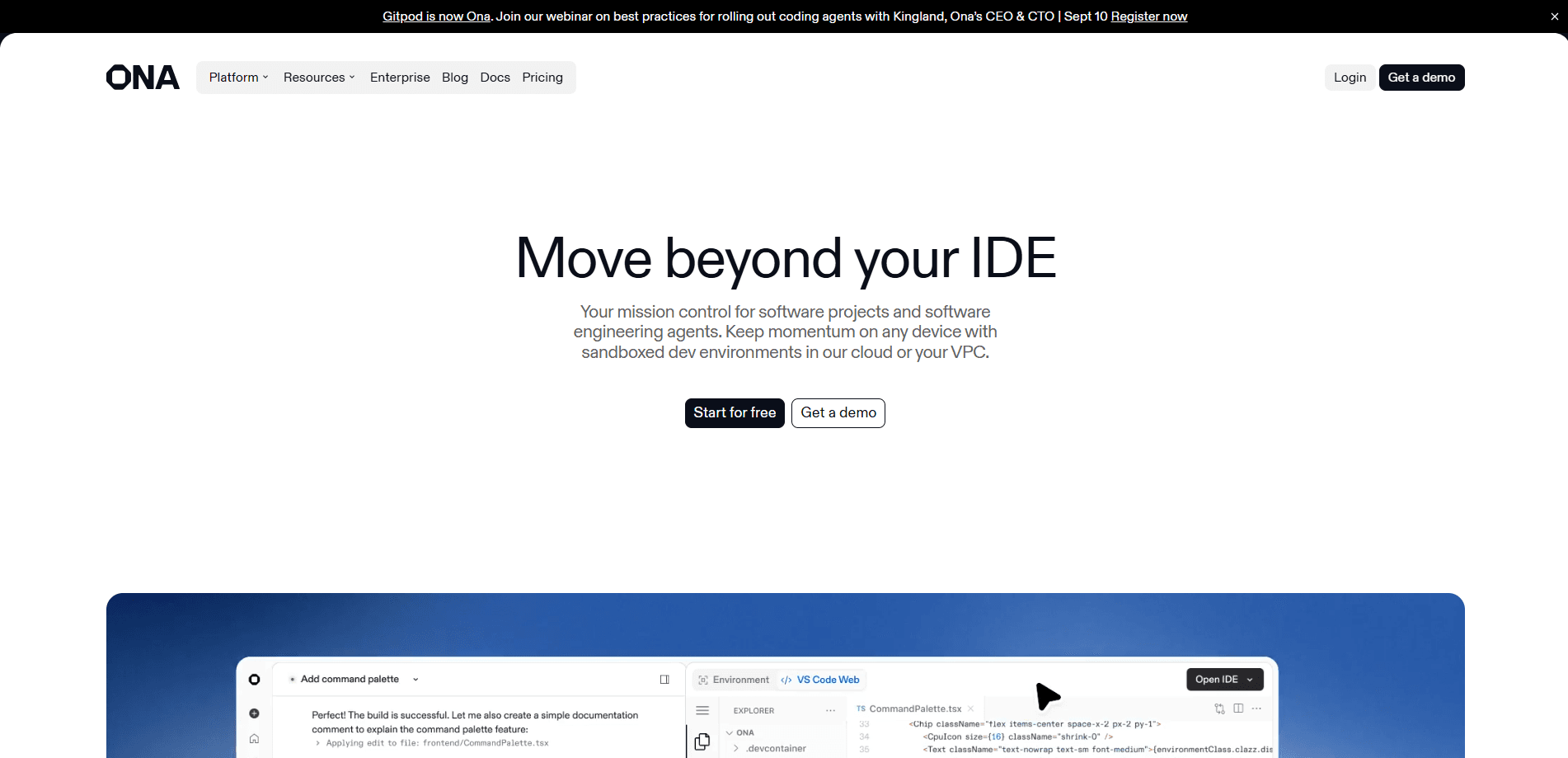
Ona is an AI agent platform for background agents that runs a team of AI software engineers in the cloud, with environments you orchestrate, govern and secure inside your own infrastructure.
About Ona
What Is Ona
Ona, also listed as Ona HQ, is a cloud development environment and AI coding platform previously known as Gitpod. Instead of keeping an agent tied to one laptop session, you delegate software work to agents that run in the cloud around the clock and come back with pull requests ready for review.
The company targets engineering organizations that care about control. Every agent runs inside an environment you define as code, so permissions, network access and runtime limits stay consistent whether a task runs for ten minutes or three days. You can run Ona in its own cloud or host it in your VPC on AWS or GCP.
The main limitation is access. Ona is built for enterprises and does not publish prices, so you have to talk to sales to get on board. New customer signup also closed after OpenAI acquired the company in June 2026, and existing users were pointed toward Codex for new work.
Getting Started
- Request access through the contact sales form and set up your organization.
- Define your development environment as code with Dev Containers so every run starts identically.
- Connect your source control, issue trackers and editors, then add an AGENTS.md so the agent learns your conventions.
- Start an interactive session or schedule background automations, then review the pull requests the agents open.
Product Information
A quick look at Ona's pricing, supported platforms, and performance.
Best for
The users, tasks, and scenarios where this tool fits best.
Users
- Enterprise engineering teams
- Platform and DevOps engineers
- Developers managing long jobs
Tasks
- Modernizing and migrating code
- Reviewing pull requests
- Turning issues into code
Scenarios
- Offloading work outside office hours
- Enforcing compliance across a fleet
- Standardizing environments
Key features
Governed agent environments
Every agent works inside an ephemeral environment built from your Dev Container definition, so it has the tools it needs and nothing else. Policies, permissions, network access and runtime controls are set once and apply to every run. That consistency is what lets an agent work unattended without opening the door to stray access.
Background automations
Ona agent automations run fleets of agents on a schedule, on pull request events or from a webhook, rather than one task at a time. You describe the job once and it repeats without someone pressing start. This is the feature that turns agents from a chat helper into recurring infrastructure.
Repository context with AGENTS.md
Drop an AGENTS.md file into a project and the agent reads your architecture, commands and conventions before it touches code. You can also import configuration you already use with Claude Code or Cursor and add skills for repeated tasks. The result is fewer invented patterns and more pull requests that look like your team wrote them.
Integrations with your stack
Ona connects to source control, IDEs, issue trackers such as Jira and Linear, and tools like Notion, plus cloud providers and databases. It pulls context from wherever your work already lives instead of asking you to move it. The platform supports VS Code embedded in the environment for hands-on edits.
Deployment in your own cloud
You can run Ona in its managed cloud or host it on AWS or GCP inside your VPC. Source code stays within your perimeter, with no exposure to public internet or third-party services. The choice lets security teams keep review power over where agent code and data actually sit.
Enterprise governance and security
Environments are isolated and temporary by default, with SSO, OIDC and SCIM built in for identity. Administrators enforce role-based access control across every development activity and keep audit logs of what changed. Identity providers connect so developer and agent permissions are managed in one place.
Pros and cons
Pros
- Runs agents in the cloud so long jobs continue after you close your laptop, and they return reviewed pull requests.
- Configures environments as code with Dev Containers, which removes setup drift across developers and agents.
- Supports deployment in your own VPC, so source code and data stay inside your security perimeter.
- Ships built-in SSO, OIDC, SCIM and RBAC, which fits organizations with strict compliance rules.
- Handles whole-project work through automations and AGENTS.md rather than single chat responses.
Cons
- No public pricing, so you cannot estimate cost without contacting sales.
- New customer signup is closed after the OpenAI acquisition, which rules out casual trials.
- Setup assumes real infrastructure work, since you configure runners, guardrails and identity before agents run.
- It is aimed at enterprises, so a solo developer or small team gets little of the governance value.
Frequently asked questions
Ona is used to run AI coding agents in the cloud. You delegate software tasks such as refactors, migrations and pull request reviews to background agents that work inside governed environments and return finished code for review.
Related content
Explore related tools, skills, and articles for Ona.
Ona Alternatives

Base Code
Base44 (Wix) · Coding · ProductivityBase Code is a shared cloud development environment from Base44. Teammates describe changes to an existing GitHub codebase in chat, preview them live and send them back as pull requests.

Google EmbeddingGemma 2
Google DeepMind · Writing · Image · CodingGoogle EmbeddingGemma 2 is a 740M-parameter open model that turns text, code, images, audio, and video frames into vectors in one 768-dimension space, running on phones and laptops.

GitGlow
GitGlow · Coding · ProductivityGitGlow is a local-first desktop Git client that lets independent developers review their own code and their AI agents' changes in one place before shipping.