

Onepin
Podonos · Voice & Language · Video
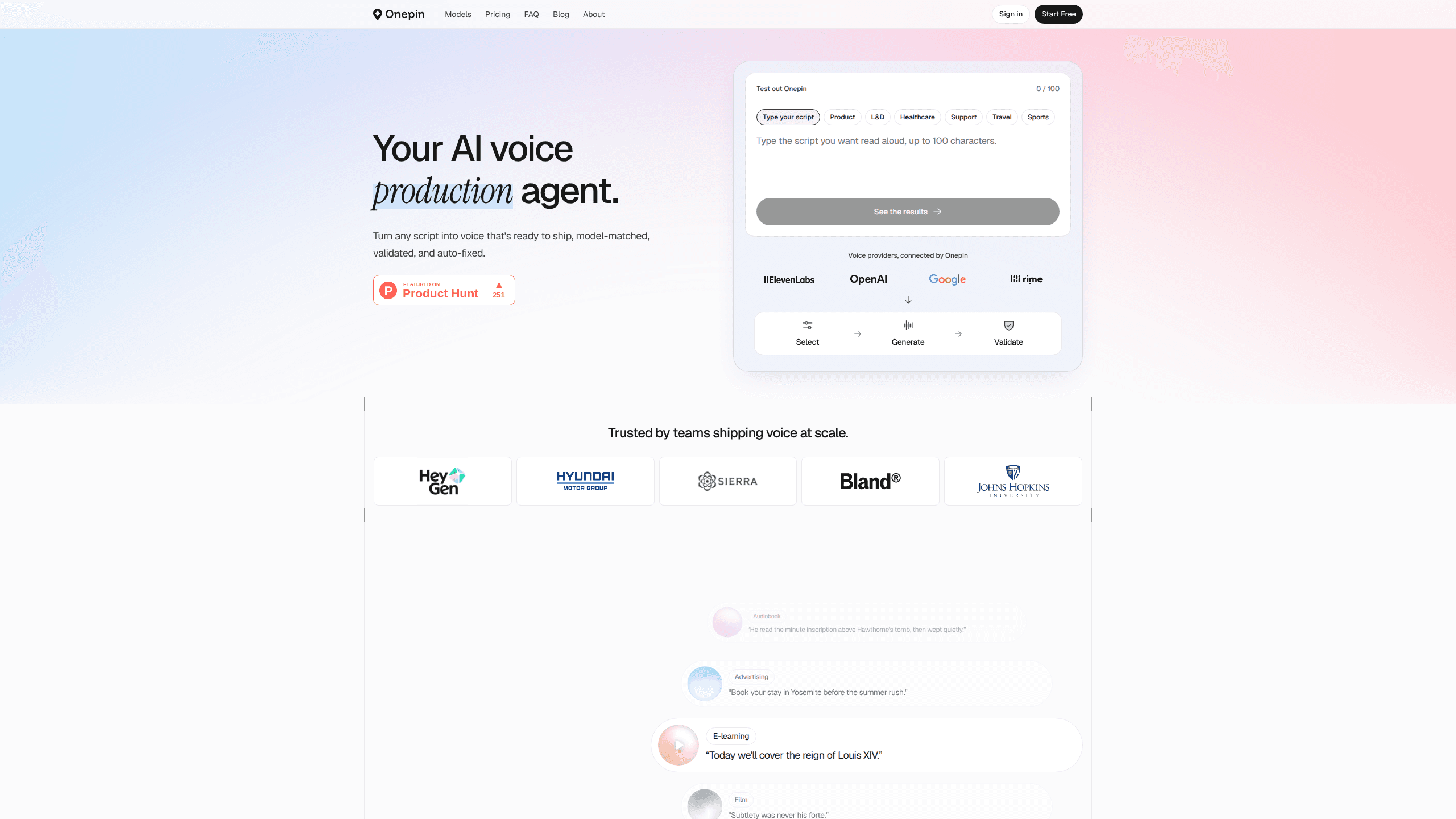
Onepin is an AI voice production agent that sends each line of a script to the best TTS model, scores every take, and repairs mispronunciations before export.
About Onepin
What Is Onepin
Onepin is a web platform from Podonos, the team behind a speech evaluation service for AI voice. It sits one layer above text to speech providers. You bring a script, and Onepin picks a voice, sends each line to a model that fits the language and quality bar, listens to the result, and fixes what fails.
The product exists because good TTS models still ship bad takes. A name gets stressed wrong, a date gets read as digits, a line comes back flat. Onepin handles that gap with its own scoring models for naturalness, clarity, and pronunciation, then corrects or regenerates the lines that miss your threshold. It is TTS orchestration plus a quality gate, not another AI voice generator.
Three limits matter. Pronunciation correction is in beta and works only for US and UK English. The catalog covers 10 languages today. And open-source model access is listed as coming soon, so you work with commercial providers for now.
Getting Started
- Create a free account at app.onepin.ai. No card is needed for the 1,000 starter credits.
- Paste a script or upload a file, then describe the job in plain language: audience, language, tone, and length.
- Let the agent propose voices and a model route, or edit the workflow nodes yourself.
- Run the workflow. Each line gets scored, and failed lines go back through correction or a fallback model.
- Play the result in the browser, or export the audio on a paid plan.
Product Information
A quick look at Onepin's pricing, supported platforms, and performance.
Best for
The users, tasks, and scenarios where this tool fits best.
Users
- Game studios
- Audiobook publishers
- Localization and dubbing teams
- YouTube and TikTok creators
Tasks
- Turning a finished script into publish-ready audio without a listening pass on every line.
- Fixing a brand name or place name that a model keeps saying wrong.
- Running one script across several languages and comparing takes on the same scale.
- Adding an AI voiceover to an app or an AI video through the Python SDK, CLI, or MCP server.
Scenarios
- A weekly podcast episode
- A game update with hundreds of NPC lines in five languages
- An e-learning course that ships in three languages
Key features
Auto-routing picks a model for each line
Onepin keeps a catalog of 50 featured models from 26 providers, including ElevenLabs, Cartesia, Google Cloud, Azure, Deepgram, MiniMax, and Alibaba Cloud. Routing looks at language, use case, cost ceiling, and quality gate, then sends each line to the model that should handle it best. The choice stays visible in the run, so you can override it.
Four validators score every take
Accuracy, naturalness, clarity, and pronunciation each get a score before a line leaves the run. Accuracy uses word error rate, which catches dropped or swapped words. Clarity looks for artifacts and noise that a transcript will never show. The validators turn text to speech validation into a pass or fail for every line, and a failure is retried, corrected, or sent to a fallback model.
The normalizer rewrites the script first
Numbers, dates, currency, abbreviations, and symbols get expanded into the words a speaker would say. "20" becomes "twenty," and "$20" becomes "twenty dollars." Onepin says nearly half of TTS errors start in the text, so this step removes them before a model ever sees the line.
Pronunciation correction for names and jargon
A phoneme injector finds names and technical terms, pulls a pronunciation from Onepin's reference, and passes the line to a validator that listens to the audio. Failures go to a corrector that edits the generated take. The chain is in beta and limited to en-US and en-GB, and a workspace dictionary keeps your team's agreed pronunciations on record.
The agent builds the workflow for you
You describe the job, and the agent assembles the node graph: source, translator, normalizer, generator, validators, export. Templates cover common jobs like audiobooks and dubbing. Every node stays editable, so a producer can change the model, the emotion setting, or a threshold without touching code.
API, SDK, CLI, and MCP on every plan
The REST API covers workflows, runs, voices, usage, and uploads. The Python SDK installs with pip and ships a CLI, and an MCP server lets Claude, Cursor, or another agent drive Onepin in natural language. Automating a weekly run takes a few lines of code.
Pros and cons
Pros
- Validation catches pronunciation faults that transcript checks read past, which is the failure mode that ruins a finished take.
- You can keep your own ElevenLabs or Cartesia keys on Studio and above, so provider rates and relationships stay intact.
- The free plan gives 1,000 credits and needs no card, enough for about 15 minutes of validated audio.
- Seats are free on every plan, which suits teams that share one workspace.
- API, CLI, and MCP access are included even on the free tier, so you can test automation early.
Cons
- The free plan blocks downloads and exports, so you can hear the audio in the browser but can't drop it into an edit.
- Pronunciation correction is beta and English-only, which leaves Japanese, Korean, and German names to the normalizer and retries.
- The catalog covers 10 languages, fewer than the 30 or more that some individual providers offer.
- Podonos says it is still working toward GDPR compliance, which will hold up some European buyers.
Frequently asked questions
Onepin is an AI voice production agent for teams that publish voice. It routes scripts to TTS models, checks each line for accuracy, naturalness, clarity, and pronunciation, and fixes the lines that fail. The output is audio you can ship, not a raw model response.
Related content
Explore related tools, skills, and articles for Onepin.
Onepin Alternatives

Foley
Hanamori Labs, LLC · Voice & Language · Productivity · AI AssistantFoley is a voice to-do list that turns a spoken sentence into a filed task, complete with project, date and time, then helps you plan the day around what is already there.

HireKey
HireKey · Voice & Language · Productivity · LeaningHireKey is an AI job search copilot built by a former tech recruiter. It checks role fit, tailors resumes, runs interview practice and tracks every application.

Fluence
Yay Software (Yannick Huchard) · Writing · Voice & Language · ProductivityFluence is an Android app that reads PDFs, EPUBs, Word files and web articles aloud, follows each sentence as it speaks, and answers questions about the text on the phone itself.