

OnVerb
OnVerb · Other · Prompts
OnVerb is a web-based AI workspace that puts GPT-5, Claude, and Gemini behind one chat window, with reusable system prompts, document uploads, and shared team libraries.
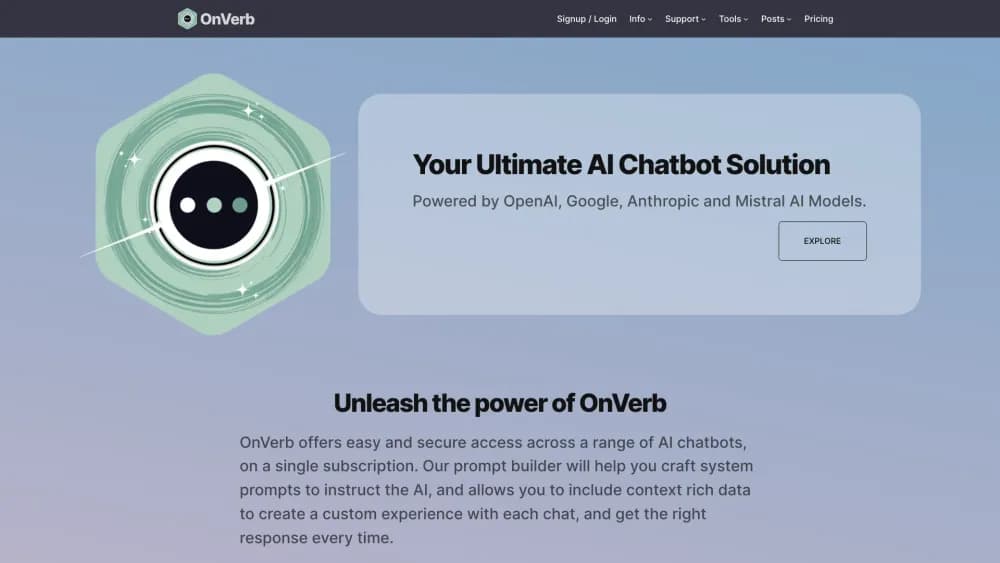
About OnVerb
What Is OnVerb
OnVerb is an AI chat platform for teams that collects several model providers in one account. You open a chat, pick GPT-5, Claude 4.5, or Gemini 2.5 Pro, and work in the same window instead of paying for three separate subscriptions. The company builds the product around one idea: most AI work fails because the context gets lost, not because the model is weak.
That context lives in system prompts. A system prompt is a saved block of instructions, examples, and rules that tells the AI who it is and how it should answer. OnVerb turns that block into a reusable asset you can attach to any chat, share with colleagues, and update once when your brand voice changes.
The platform also stores the documents you feed it, keeps your outputs in Saves and Pages, and tracks every request against a credit balance. OnVerb markets itself as an AI productivity platform rather than a single chatbot, and the shared prompt library is the feature that carries that claim. Chat credits are OnVerb's token-based currency, priced per model, so a Gemini flash request costs less than a Claude Opus one. The main limits are practical: it runs in a browser only, there's no public API documented, and heavy use depends on buying more credits.
Getting Started
- Create an account at onverb.com with your email, verify it, and log in to the dashboard.
- Open Dashboard, then Subscriptions, and pick a monthly plan or buy a one-off credit pack under Billing. The free tier starts you with 50 credits a month.
- Go to Prompt and either choose a preset system prompt or write your own with your tone rules, examples, and reference material.
- Start a new chat, select a model, set the temperature slider, and attach any documents you want the model to read.
- Save useful answers to Saves, publish recurring reference material as a Page, and check My Usage when you want to see where your credits went.
Product Information
A quick look at OnVerb's pricing, supported platforms, and performance.
Best for
The users, tasks, and scenarios where this tool fits best.
Users
- Marketing teams
- Small agencies
- Researchers and analysts
- Operations leads
Tasks
- Writing with a fixed brand voice
- Comparing model output
- Reading long documents
- Cleaning structured data
Scenarios
- A team standardising its AI habits
- Weekly reporting
- Client work with several voices
Key features
System Prompts That Act Like Saved Experts
A system prompt holds the instructions, context, guidelines, and examples that shape every answer in a chat. OnVerb treats these as reusable objects rather than throwaway text, so you build a marketing writer or a research assistant once and use it everywhere. When your guidelines change, you edit the prompt instead of retraining habits across a team.
Multi-Model Chat in One Window
The model picker covers OpenAI's GPT-5 and GPT-4 line, Anthropic's Claude 4.5 family, and Google's Gemini 2.5 models. You choose per task, which means a quick rewrite can run on a cheaper model while a long analysis goes to a stronger one. The point isn't model collecting. It's avoiding four logins and four bills for the same afternoon of work.
Document Uploads and AI Document Analysis
You can upload reference files and ask questions about them inside a chat. OnVerb keeps those files available for later threads, which turns scattered PDFs into a working knowledge base. Teams that handle contracts, research, or client briefs get the most from this, provided they keep the uploads organised.
Shared Prompt Library for Team AI Collaboration
Prompts can be saved, named, and shared with colleagues, so a proven instruction becomes a team asset. This is the practical side of team AI collaboration: a new hire inherits the prompts that already work instead of guessing at phrasing. Permissions and structure matter here, and a messy library gets unhelpful fast.
Saves and Pages
Saves store individual outputs you want to revisit. Pages collect related material into something closer to a living document you can share internally. Together they cover the gap between a chat log nobody reads and a wiki nobody updates.
CSV Processor
The CSV Processor runs AI instructions across structured rows. You can classify entries, rewrite fields, or generate short descriptions in bulk, which is handy for product catalogs and outreach lists. It's a batch tool, so results still need a spot check before they reach a customer.
Credit Tracking With Live Cost Estimates
Every request draws on chat credits, calculated from input and output tokens and the model you picked. OnVerb shows a live counter, per-interaction costs, and an estimate before you send. That transparency makes budgeting easier. It also means a long Claude Opus session can drain a free balance in a few prompts.
Pros and cons
Pros
- One subscription covers GPT-5, Claude 4.5, and Gemini 2.5 Pro, which removes the usual stack of separate AI bills.
- System prompts are reusable and shareable, so your best instructions survive staff changes.
- Document uploads plus Saves and Pages turn one-off chats into a small internal knowledge base.
- Credit tracking shows the cost of each request before and after you send it.
- The free tier includes 50 credits a month, enough to test the workflow without a card.
Cons
- Browser only, so there's no desktop app or mobile app for work on the move.
- No public API is documented, which blocks automation and custom integrations.
- Credit pricing varies by model, and heavy Claude Opus use burns through a balance quickly.
- Prompt and document management depend on team discipline, and a messy library slows everyone down.
Frequently asked questions
OnVerb is an AI chat platform for teams. It runs conversations across GPT-5, Claude, and Gemini in one workspace, with saved system prompts, uploaded documents, and shared pages so the same context follows you from task to task.
Related content
Explore related tools, skills, and articles for OnVerb.
OnVerb Alternatives

JarvisCore
Prescott Data · Coding · Productivity · OtherJarvisCore is an open source Python runtime where AI agents work as equal peers on an agent mesh, claim tasks from a shared ledger, and reach external services through a zero-trust broker.
Clef
Cloudflare · Business · OtherClef is Cloudflare's open-source decision model for Workers AI. It returns calibrated probabilities for typed questions, not generated text, so agents can classify, route, and act fast.

iFixAi
iFixAi · Business · OtheriFixAi is an open-source auditor for AI agents. It runs your agent through a simulation of your business, grades every reply, and returns an A to F scorecard backed by evidence.