

Open Agent Kit - Build Agents in Minutes
01.AI, with OSChina · Coding · Other
Open Agent Kit (OAK) is an open-source, model-agnostic platform for building and deploying AI agents. It ships a multi-agent framework, prebuilt tools, and a visual web UI.
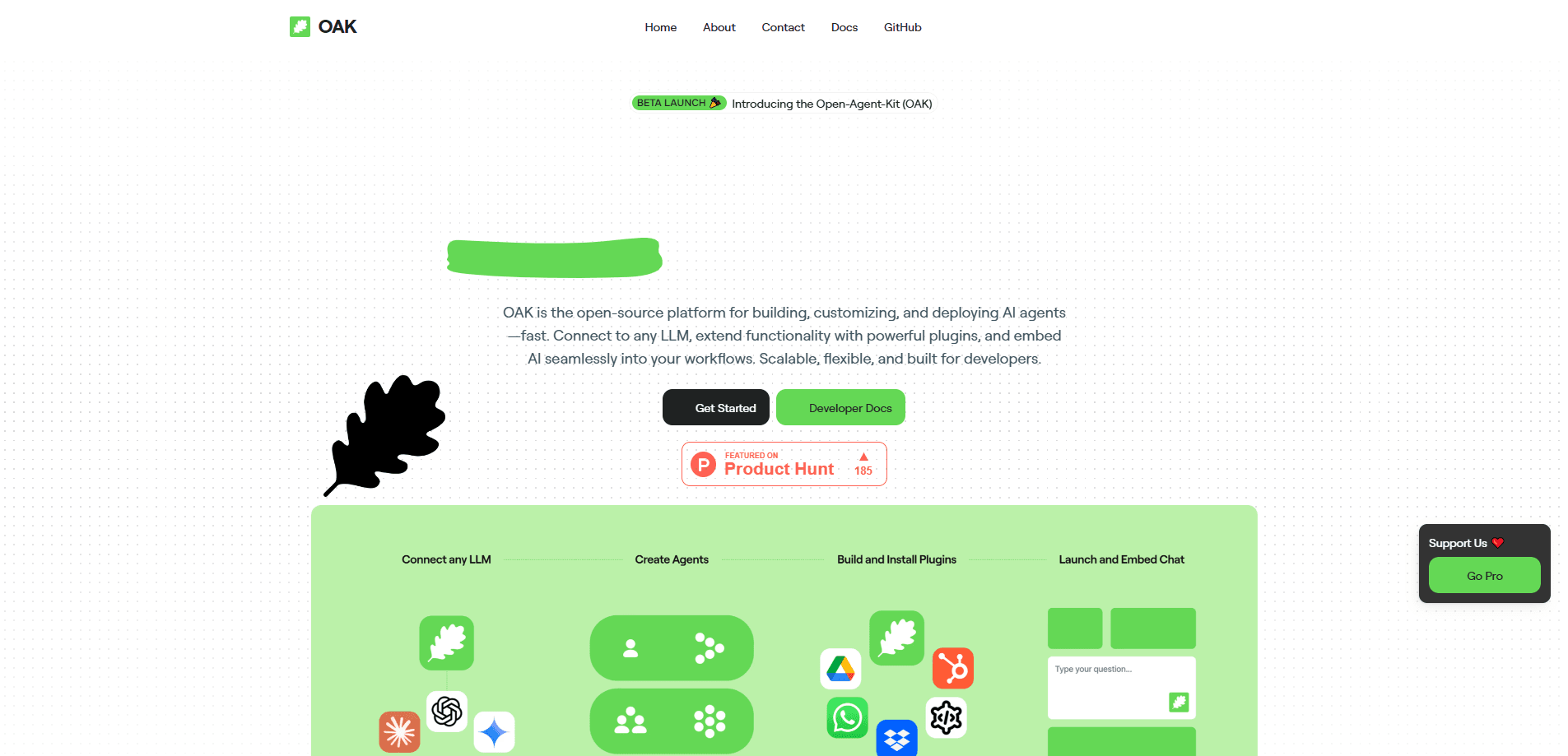
About Open Agent Kit - Build Agents in Minutes
What Is Open Agent Kit
Open Agent Kit is a community-driven project that aims to be an open, vendor-neutral counterpart to OpenAI's AgentKit. It's built by 01.AI together with OSChina, and the whole thing lives under the MIT license. The pitch is simple: you should be able to build AI agents that work with any model, any tool, and any platform, instead of getting locked into one company's stack.
OAK isn't a single product you download and run. It's an umbrella for four modules that cover the agent lifecycle: a multi-agent framework, a visual builder, a runtime, and a studio for evaluation and tracing. As an open-source AI agent framework, it puts the framework first, and right now that's the only piece that's fully shipped, so most of what you can use today comes from there.
The framework itself is called LangCrew. It sits on top of LangGraph and borrows the friendly concepts from CrewAI, so you get agents, tasks, and crews without wiring a graph engine by hand. That layer of prebuilt orchestration is the main reason to pick OAK over assembling your own stack.
The catch is maturity. Only one of the four modules is done, so you're adopting a project with a long roadmap rather than a finished platform. Teams that need everything today should treat OAK as a promising start, not a complete answer.
Getting Started
- Install the framework with
pip install langcrew(or install the tool library withpip install langcrew-tools). - Set an API key for a supported model provider, such as
OPENAI_API_KEY,ANTHROPIC_API_KEY, orDASHSCOPE_API_KEY. - Define agents with a role, goal, and backstory, then describe each task and hand it to an agent.
- Group the agents and tasks into a crew with
Crew(agents=[...], tasks=[...])and run it withcrew.kickoff(). - Clone the repository and run the Docker Compose stack to open the bundled web chat UI at http://localhost:3600.
Product Information
A quick look at Open Agent Kit - Build Agents in Minutes's pricing, supported platforms, and performance.
Best for
The users, tasks, and scenarios where this tool fits best.
Users
- Python developers who want a head start
- Teams that refuse vendor lock-in
- Startups prototyping multi-agent products
- Engineers evaluating agent frameworks
Tasks
- Building multi-agent workflows
- Adding human approval steps
- Giving agents real tools
- Visualizing agent runs
Scenarios
- Screening candidates at scale
- Planning a marketing campaign
- Sketching a trip itinerary
- Building an internal AI app
Key features
Multi-Agent Framework (LangCrew)
LangCrew is a high-level framework that runs on LangGraph and takes its cues from CrewAI. You define agents, tasks, and crews with plain Python objects, and the framework handles the orchestration between them. It supports sequential pipelines, conditional routing, and parallel execution, so the same code scales from a two-agent demo to a real workflow.
Prebuilt Tool Library
The langcrew-tools package is the official toolbox, and every tool inherits from LangChain's BaseTool for a consistent interface. It covers browser automation, a sandboxed code interpreter, terminal commands, filesystem operations, cloud phone control, data fetching, search, and image generation. That saves you from writing the same integration glue that every agent project needs.
Human-in-the-Loop Workflows
LangCrew builds approval steps into the framework rather than bolting them on. You can set interruption points before or after a task, pause for a person to review, and resume with their feedback. The bilingual UI components are designed to make those checkpoints usable in a real product, not just in a script.
Visual Agent UI
A companion Agent-UI protocol and React component library turn an agent run into something you can watch. The front end shows how the agent plans, schedules work, executes tasks, and calls tools, step by step. That's the difference between staring at raw logs and actually seeing what the crew is doing.
Multi-Layer Memory
Memory is split into short-term, long-term, and entity storage, with native PostgreSQL and Redis backends plus vector similarity search. Conversations stay coherent across threads, and knowledge carries over between sessions. For agents that need to remember context, this removes a lot of custom plumbing.
Real-Time Streaming
The framework streams at the token level and dispatches granular events as a run unfolds. You can follow agent thoughts, tool calls, and intermediate results as they happen, over WebSocket or SSE. That's what powers the live updates in the web UI, and it's also useful for debugging long runs.
Application Templates
The examples folder ships ready-to-run solutions for recruitment, marketing strategy, game content generation, travel planning, and job postings. Each one is a working multi-agent system you can read, run, and adapt instead of starting from an empty file. They double as a reference for how the framework is meant to be used.
Self-Hosted Deployment
You can run the whole stack on your own machine or server. A Docker Compose setup brings up the backend and the web chat front end together, and the only external dependency is a model API key of your choice. For teams that need to keep prompts and data in-house, that's a real advantage over hosted agent platforms.
Pros and cons
Pros
- Open source under the MIT license, so you can read, modify, and self-host every part of the stack
- Model-agnostic by design, which means no lock-in to a single provider's set of tools
- Sits on LangGraph and reuses CrewAI's intuitive concepts, so there's less to learn if you know either tool
- The prebuilt tool library covers browser, code, terminal, and search tasks without custom glue
- Full-stack support, including a React UI and Docker deployment, speeds up the jump from prototype to product
Cons
- Only the framework module is finished, so the visual builder, runtime, and studio are still promises on a roadmap
- The documentation lives mostly in the repo and README files, which makes onboarding rougher than a polished product manual
- Because it leans on LangGraph and LangChain, you inherit their dependency weight and version churn
- There's no hosted cloud option yet, so you have to run and maintain the deployment yourself
Frequently asked questions
Open Agent Kit (OAK) is an open-source, vendor-neutral platform for building AI agents. It grew out of 01.AI's work with OSChina as an open counterpart to OpenAI's AgentKit, and it bundles a multi-agent framework, a visual builder, a runtime, and a studio for evaluation.
Related content
Explore related tools, skills, and articles for Open Agent Kit - Build Agents in Minutes.
Open Agent Kit - Build Agents in Minutes Alternatives

Base Code
Base44 (Wix) · Coding · ProductivityBase Code is a shared cloud development environment from Base44. Teammates describe changes to an existing GitHub codebase in chat, preview them live and send them back as pull requests.

Google EmbeddingGemma 2
Google DeepMind · Writing · Image · CodingGoogle EmbeddingGemma 2 is a 740M-parameter open model that turns text, code, images, audio, and video frames into vectors in one 768-dimension space, running on phones and laptops.

GitGlow
GitGlow · Coding · ProductivityGitGlow is a local-first desktop Git client that lets independent developers review their own code and their AI agents' changes in one place before shipping.