
Open SaaS
Wasp (wasp-lang) · Coding
Open SaaS is a free, open-source SaaS starter kit built on Wasp, pairing React, Node.js and Prisma with ready-made auth, payments and an admin dashboard.
About Open SaaS
What Is Open SaaS
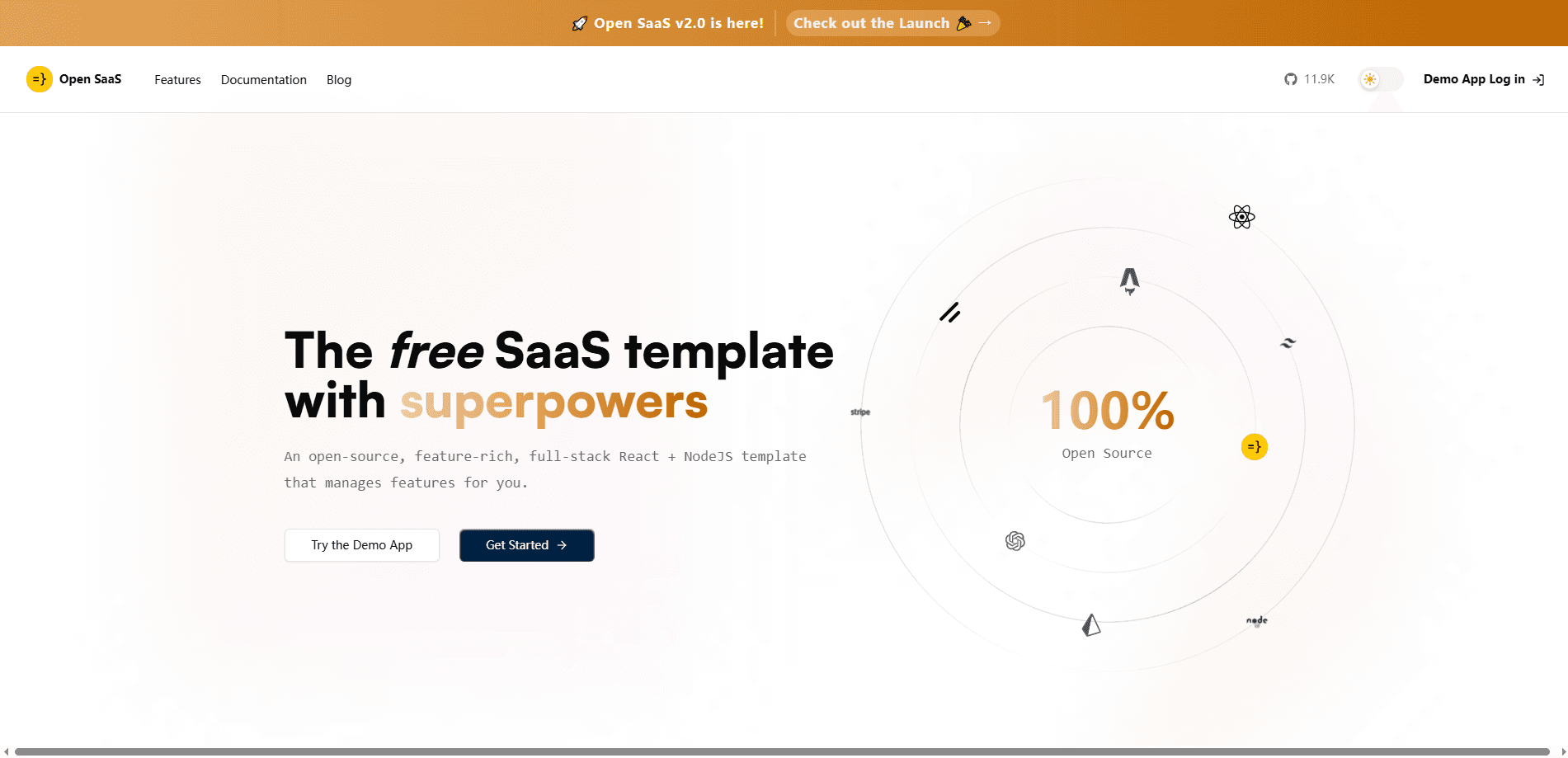
Open SaaS is a free template you build a SaaS product on top of, not a SaaS product itself. It bundles the parts most teams rebuild for every new project: verified user accounts, social login, subscription checkout, an admin dashboard, file uploads and email sending. The stack is React on the front end, Node.js and Prisma on the back end, all wired together by Wasp, a framework that reads a single config file and generates the glue code.
The pitch is speed. Instead of spending a week on auth, another on Stripe webhooks and a third on a settings page, you clone the repo and start on the feature that actually makes money. Who pays: nobody, because the template is licensed for free use and distribution. What you supply: your own keys for payments, email and hosting. One caveat matters up front. You are adopting Wasp, and that choice shapes everything else in the project, from how you define routes to how you deploy.
Getting Started
- Install the Wasp CLI with
npm i -g @wasp.sh/wasp-cli - Create your project with
wasp new -t saas, which drops a clean copy of the template into a new folder - Add your keys for a payment provider (Stripe, Polar.sh or Lemon Squeezy), an email sender and an AI provider where you want them
- Run the dev server, then deploy the database, server and client with one command to Railway or Fly.io, or to any host you pick
Product Information
A quick look at Open SaaS's pricing, supported platforms, and performance.
Best for
The users, tasks, and scenarios where this tool fits best.
Users
- Solo developers and indie hackers
- Full-stack JavaScript developers
- Developers using AI coding tools
- Small startup teams
Tasks
- Adding verified accounts
- Setting up subscription billing
- Building an admin dashboard
- Uploading files to storage
- Sending transactional email
Scenarios
- Weekend MVP
- First commercial SaaS
- Learning full-stack structure
- Agency or client work
Key features
Full-Stack Auth Out of the Box
Open SaaS ships verified email accounts plus Google, GitHub, Slack and Microsoft login, all pre-configured. You own the user data, so there's no third-party auth bill and no vendor holding your login flow. Adding or removing a provider is a few lines in the config file rather than a rewrite.
Payments with Three Providers
Subscription billing is set up for Stripe, Polar.sh and Lemon Squeezy. Checkout and webhooks come wired, so you choose a provider and add your product IDs. The demo app on the site lets you run a test purchase with a card number before you touch real money.
Admin Dashboard
Every product ends up needing a back office, and this one is already built. The dashboard combines user management with charts and tables built from Shadcn UI components, and the site notes analytics can run through Plausible or Google Analytics. You get the screens a support or ops person needs without designing them from zero.
Type Safety Across the Stack
TypeScript support runs end to end. Wasp reads your backend functions and infers the types on the front end, so you don't install or configure a separate type-sync layer. It's the difference between catching a typo at build time and finding out in production.
AI-Assisted Development Setup
The repo is built for coding with an AI assistant. It includes a custom AGENTS.md, skills and a Claude Code plugin, plus opinionated defaults that cut the boilerplate an assistant has to write. That means fewer wrong turns when you hand a task to Claude Code, Cursor or Codex.
Jobs, Email and File Uploads
Background jobs and cron run by defining a function in the config, and the email setup connects to SendGrid, Mailgun or plain SMTP. File uploads use AWS S3 presigned URLs, and the example is fully documented. These are the unglamorous pieces that stall a project, and they arrive finished.
Blog, Docs and One-Command Deploy
A Markdown blog runs on the Astro Starlight template, which is good for SEO. Playwright end-to-end tests and a GitHub Actions CI pipeline are included. And because you own all the code, there's no lock-in: deploy to Railway or Fly.io with one command, or to any host yourself.
Pros and cons
Pros
- 100% free and open source, so there's no license fee and no paid tier to unlock core features
- Ships auth, payments, email, jobs, file uploads and an admin dashboard in one repo, which removes weeks of setup
- Wasp gives full-stack type safety and inferred types without a third-party sync tool
- Built for AI coding assistants, with rules, skills and a Claude Code plugin included
- No vendor lock-in, so you can self-host or deploy to Railway, Fly.io or any other host
Cons
- The whole project runs on Wasp, so adopting the template means adopting that framework and its config-driven way of working
- You still bring and pay for your own services, including payment processing, email, hosting and storage
- It's a template rather than a managed product, so there's no support desk and you handle your own updates
- Some examples, like the OpenAI and S3 integrations, need your own keys and accounts before they run
Frequently asked questions
Open SaaS is a free, open-source starter kit for building SaaS apps. It bundles the features nearly every product needs, like user auth, subscription payments, an admin dashboard, file uploads and email, into one React and Node.js codebase built on the Wasp framework. You clone it and start on your own features.
Related content
Explore related tools, skills, and articles for Open SaaS.
Open SaaS Alternatives

Base Code
Base44 (Wix) · Coding · ProductivityBase Code is a shared cloud development environment from Base44. Teammates describe changes to an existing GitHub codebase in chat, preview them live and send them back as pull requests.

Google EmbeddingGemma 2
Google DeepMind · Writing · Image · CodingGoogle EmbeddingGemma 2 is a 740M-parameter open model that turns text, code, images, audio, and video frames into vectors in one 768-dimension space, running on phones and laptops.

GitGlow
GitGlow · Coding · ProductivityGitGlow is a local-first desktop Git client that lets independent developers review their own code and their AI agents' changes in one place before shipping.