

OpenAI Academy
OpenAI · Leaning
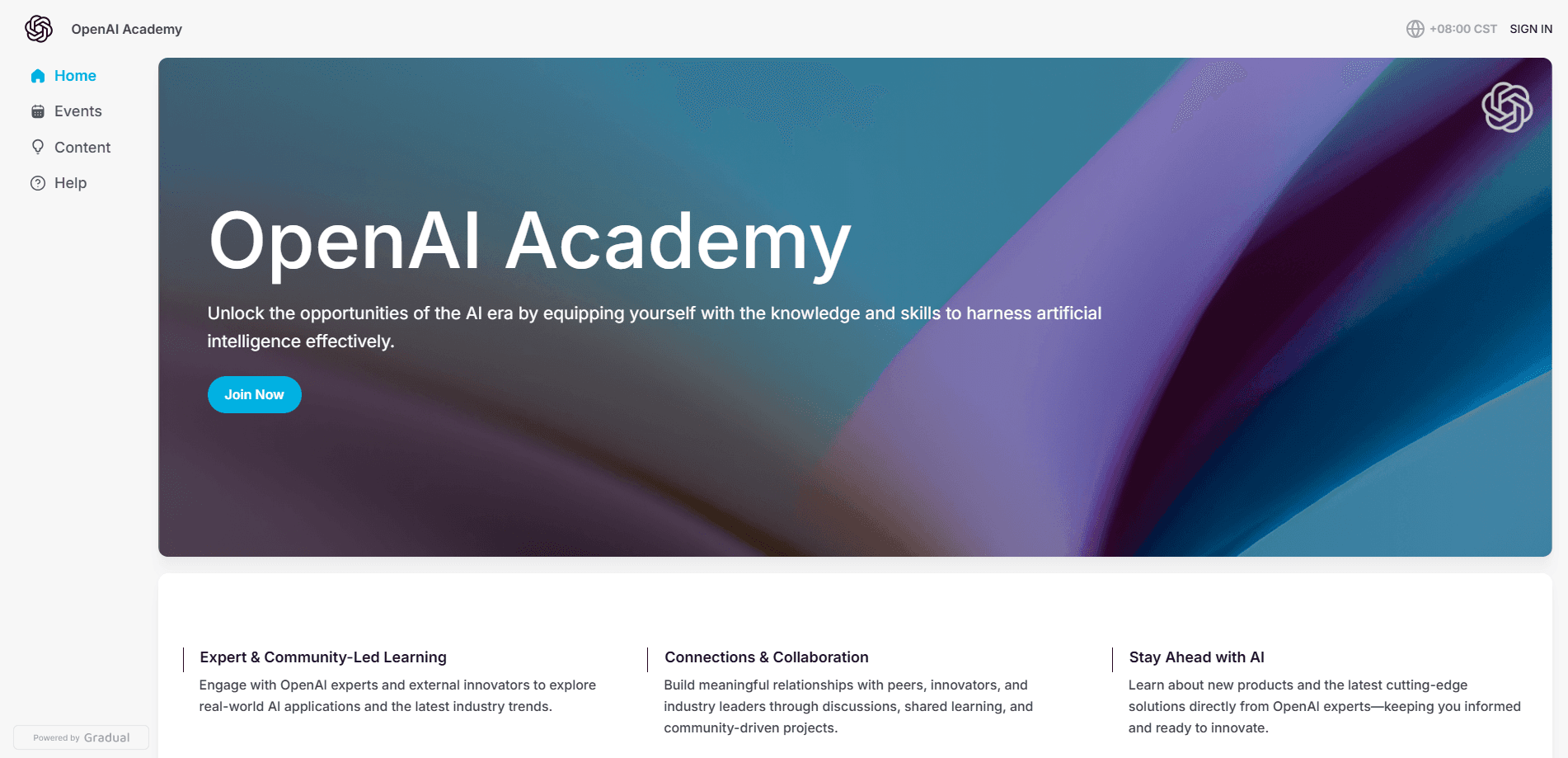
OpenAI Academy is OpenAI's free learning hub, pairing self-paced courses with live events so people and teams can build practical AI skills.
About OpenAI Academy
What Is OpenAI Academy
OpenAI Academy is a free learning platform from OpenAI that teaches people how to learn AI for work, in school, and in daily life. It brings structured courses, on-demand sessions, and live events into one place, aimed at everyone from total beginners to developers building with the OpenAI API.
The platform organizes its material around who you are rather than which product you use. Four tracks cover knowledge workers, builders, leaders, and educators, so you pick the path that matches your job and skip the rest. Each track mixes short self-paced courses with practical exercises, letting you apply a technique to real work instead of just reading about it.
The main limits are access and scope. Everything runs in the browser, there's no dedicated mobile app, and a large share of the catalog is delivered in English. Live sessions happen on a fixed schedule and often fill up, so you can't always get into a specific event on demand. You can watch recorded replays afterwards, but the newest material sometimes waits there before it lands in a course.
Getting Started
- Go to academy.openai.com and browse the four skill tracks to find the one that fits your role.
- Create a free account with your email so your progress and enrolled courses stay saved.
- Pick a starting course and work through the lessons at your own pace, pausing and resuming anytime.
- Register for an upcoming live event or watch an on-demand replay if a session suits your schedule.
- For builder topics, follow the Codex and API lessons that walk through real development tasks.
Product Information
A quick look at OpenAI Academy's pricing, supported platforms, and performance.
Best for
The users, tasks, and scenarios where this tool fits best.
Users
- Knowledge workers who want to apply AI to daily tasks
- Developers building with the OpenAI API
- Team leads and managers planning AI adoption
- Teachers and students
Tasks
- Learning to write better prompts
- Setting up an AI workflow for a team
- Studying for an AI-related role
- Drafting an AI adoption plan
Scenarios
- Starting from zero with no technical background
- Upskilling during a lunch break
- Bringing AI into a classroom
- Building a prototype on the API
Key features
Role-based learning tracks
OpenAI Academy splits its catalog into four tracks: Apply AI at Work, Build with AI, Lead AI Adoption, and Teach and Learn with AI. You pick the track that matches your role and skip the material that doesn't apply. This keeps a beginner from wading through developer content and a developer from sitting through intro lessons.
Self-paced courses with practical exercises
Self-paced courses let you work through lessons on your own schedule and apply each technique to something you're actually doing. Progress saves to your account, so you can stop mid-course and pick up later. The focus sits on habits you repeat, like prompting and reviewing output, rather than abstract theory.
Live events and on-demand replays
The platform runs a steady schedule of live events, including livestreams, bootcamps, and office hours, including sessions for government professionals and K-12 educators. You register for an event in advance and attend online. If the timing doesn't work, recorded replays let you catch up after the fact.
Builder content for Codex and the API
The builder track teaches Codex across the software development lifecycle and covers building with the OpenAI API. Lessons target people who already write code and want to use OpenAI tools in real projects. It treats development tasks as the unit of learning, not as a side note.
Education and leadership resources
Dedicated material serves educators and organizational leaders. The education path covers applying AI to teaching, academic work, and career preparation, while the leadership track helps you turn a live initiative into a roadmap and an initial strategy draft. Both come with events aimed at those audiences.
Pros and cons
Pros
- Costs nothing to use, with courses, replays, and events all free.
- Role-based tracks mean you skip irrelevant material and start where you are.
- Content comes straight from OpenAI, so it matches the tools you actually use.
- Mixes self-paced lessons with live sessions, which suits different learning styles.
- Builder material covers Codex and the API with real development tasks.
Cons
- No dedicated mobile app, so you're tied to a browser.
- Much of the catalog is English-only, which limits access for non-English speakers.
- Live events run on a fixed schedule and can fill up, so you can't always attend on demand.
- No formal certification or credential for completing courses.
Frequently asked questions
OpenAI Academy is a free learning platform from OpenAI that teaches practical AI skills through self-paced courses, live events, and resources. It's built for people who want to use AI at work, in school, or in daily life.
Related content
Explore related tools, skills, and articles for OpenAI Academy.
OpenAI Academy Alternatives
Kaggle AI
Google · Coding · LeaningKaggle AI is a community platform where people build, test, and compare machine learning models against shared data. It combines data science competitions, tens of thousands of public datasets, and free cloud notebooks with GPU and TPU access, so anyone with a browser can train a model without buying hardware. Google owns the platform, and joining costs nothing.

Bunch
Bunch AI · Leaning · BusinessBunch is an AI leadership coaching app that turns a few spare minutes a day into real management practice. It hands you one short, personalized tip each day, tracks how you respond, and lets you compare notes with peers inside private groups. The pitch is simple: you lead better by practicing a little, often, instead of sitting through a weekend seminar. Think of it as a leadership training app you actually open.

AI Mock Interview
SQLPad · Coding · LeaningAI Mock Interview is a practice tool built into SQLPad that simulates real job interviews and gives you instant feedback on both what you say and how you say it. You pick a role template or upload a job description, answer questions out loud in real time, and then review a transcript with notes on structure, clarity, and grammar. It's aimed at data professionals prepping for SQL, Python, data engineering, machine learning, and system design roles, and it works entirely in the browser. No install needed.