

OpenBot
OpenBot · Coding
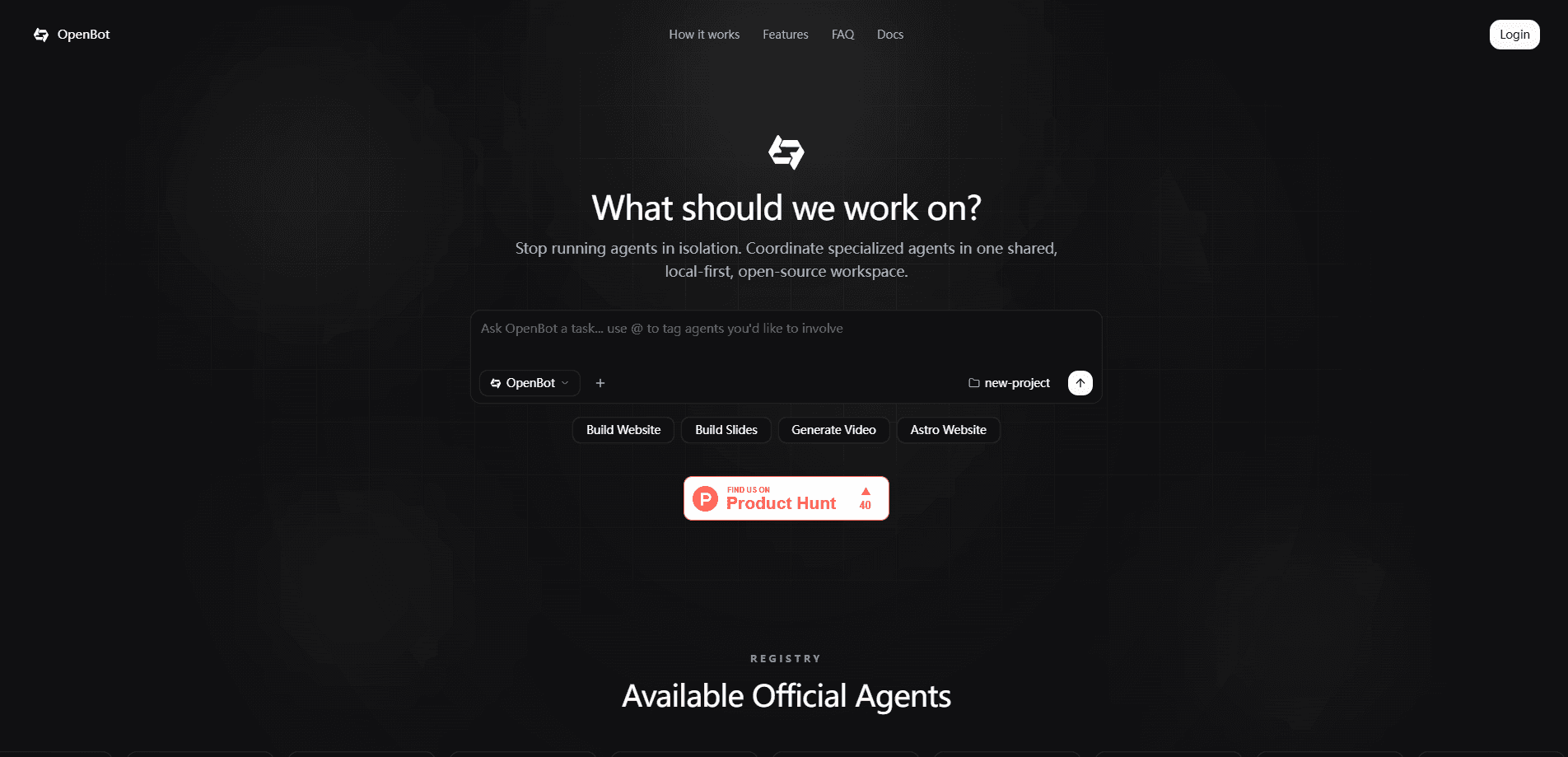
OpenBot is a personal AI agent that takes a goal and hands it to the right specialist agent to get the job done. You describe what you want in plain language, and its multi-agent coordination routes the work to Claude Code, Codex, Cursor, Pi, and other agents running on a managed cloud computer. It's built for people who want real work finished rather than another chat window. It starts with a 7-day free trial before moving to $60 per month.
About OpenBot
What Is OpenBot
OpenBot is a personal AI agent platform for people who need tasks completed, not just answered. You give it a goal, and it decides which specialist agent should handle it, then lets that agent work in a shared cloud workspace. The specialists include well-known coding agents such as Claude Code, Codex, Cursor, and Pi, all coordinated under one agent you talk to directly.
The appeal is that it runs on its own managed cloud computer, so it keeps working while you sleep or step away from your desk. You don't install anything locally, and you don't have to babysit a terminal session.
The main limits are around cost and scope. There's no free tier, only a 7-day trial followed by a $60 monthly subscription, which puts it above what casual users might want to pay for a personal assistant. It also leans heavily toward technical and coding workflows, so if your needs are simple writing or translation, a lighter tool will likely serve you just as well.
Getting Started
- Visit the OpenBot website and start the 7-day free trial, which doesn't require a local install.
- Set up your account and connect the workspace where your agent and its specialists will run.
- Describe a real task in plain language, the kind of work you'd normally delegate to a person.
- Let OpenBot pick a specialist, watch it work, and step in only when you want to redirect the effort.
- Review the finished output, then decide whether the monthly plan fits how often you'd use it.
Product Information
A quick look at OpenBot's pricing, supported platforms, and performance.
Best for
The users, tasks, and scenarios where this tool fits best.
Users
- Solo developers and founders
- Small teams of up to three
- Builders testing agent workflows
Tasks
- Delegating multi-step coding work
- Long-running background jobs
- Prototyping small apps or scripts
Scenarios
- Overnight task runs
- Weekend side projects
- Trying agent tools without setup
Key features
A Personal Agent That Delegates
OpenBot isn't a single model answering questions. It's a coordinator. It reads your goal and assigns the work to the specialist agent best suited to it. You talk to one agent, and it manages the handoffs behind the scenes. That structure is what separates it from a plain chatbot with a bigger context window.
Specialist Agents Running Alongside
The platform ships with recognized coding agents already running, including Claude Code, Codex, Cursor, and Pi. Because they share one workspace, a task can move between them without you copying context by hand each time. The exact roster may grow, so check the site for the current lineup.
A Managed Cloud Computer
OpenBot gives your agent its own always-on cloud computer rather than borrowing your laptop. That means work keeps going while you sleep. Step away, and it doesn't stop. For anyone uneasy about letting an agent read files and run commands on a personal device, this is a real advantage.
Shared Access for Small Teams
A single subscription covers you and up to two other members, which is unusual for a personal agent product. Small teams can share one always-on workspace instead of buying separate seats. No seat juggling. It's a deliberate fit for tiny studios rather than large organizations with formal access rules.
No Local Installation
There's nothing to install. You sign up, then connect the workspace. Start handing over tasks right from the browser. That removes the setup friction that usually comes with self-hosted agent frameworks. So why not just run an agent locally? You can, but then you own the upkeep. With OpenBot, you're relying on its managed infrastructure rather than your own.
Pros and cons
Pros
- Coordinates several specialist agents under one interface, so you don't juggle separate tools yourself.
- Runs on a managed cloud computer, letting tasks continue while you're away from your desk.
- No local installation, which lowers the barrier for people who'd rather not configure an agent environment.
- The subscription covers up to three members, making it reasonable for a very small team.
Cons
- There's no free tier, so you can't evaluate it long-term without paying $60 a month.
- It's aimed at coding and technical work, which limits its appeal if you mostly want writing or research help.
- Details on data handling and any API access are thin on the public site, so teams with strict compliance needs should ask directly before committing.
Frequently asked questions
It's a personal AI agent that takes a goal you describe and coordinates specialist agents, including coding agents like Claude Code and Codex, to complete it on a managed cloud computer. Think of it as a manager for AI workers rather than a single chatbot.
Related content
Explore related tools, skills, and articles for OpenBot.
OpenBot Alternatives
Forefront
Forefront · CodingForefront is a web platform for building with open-source AI. It lets you fine-tune leading open-source language models on your own data, evaluate how they perform, and run them through an API or export them to host yourself. Developers who want the convenience of a closed-source platform but insist on owning their models and data are the target audience here.

Startkit
StartKit.AI · CodingStartkit is a boilerplate for building AI SaaS and AI wrapper products. Think of it as an AI startup boilerplate with the boring parts already wired up: authentication, Stripe and Lemon Squeezy payments, usage limits, transactional email, and an AI API starter that talks to OpenAI, Anthropic, Groq, or Llama. You clone the repo, set your price, and start on the part of your product that people actually pay for. It's Next.js under React and Tailwind, so most of the boilerplate code already feels familiar.
Testim
Tricentis · CodingTestim is an AI-powered test automation platform for building and running end-to-end tests across web, mobile, and Salesforce applications. It leans on machine learning to keep tests stable when an interface changes, so teams spend less time fixing broken selectors. Not bad for an automated testing tool you can start using today. You create tests by recording actions in a browser, then optionally add JavaScript when you need more control. It's a solid pick for busy QA teams.