

opencode
Anomaly · Coding
opencode is an open source AI coding agent that runs in your terminal, IDE, or desktop app and helps you write, explain, and refactor code. It doubles as a terminal coding assistant and an AI pair programmer, connecting to more than 75 LLM providers, including Claude, GPT, and Gemini. Bring your own API key or use the tested models from OpenCode Zen. Because it processes requests locally and doesn't store your code, it fits teams that care about privacy.
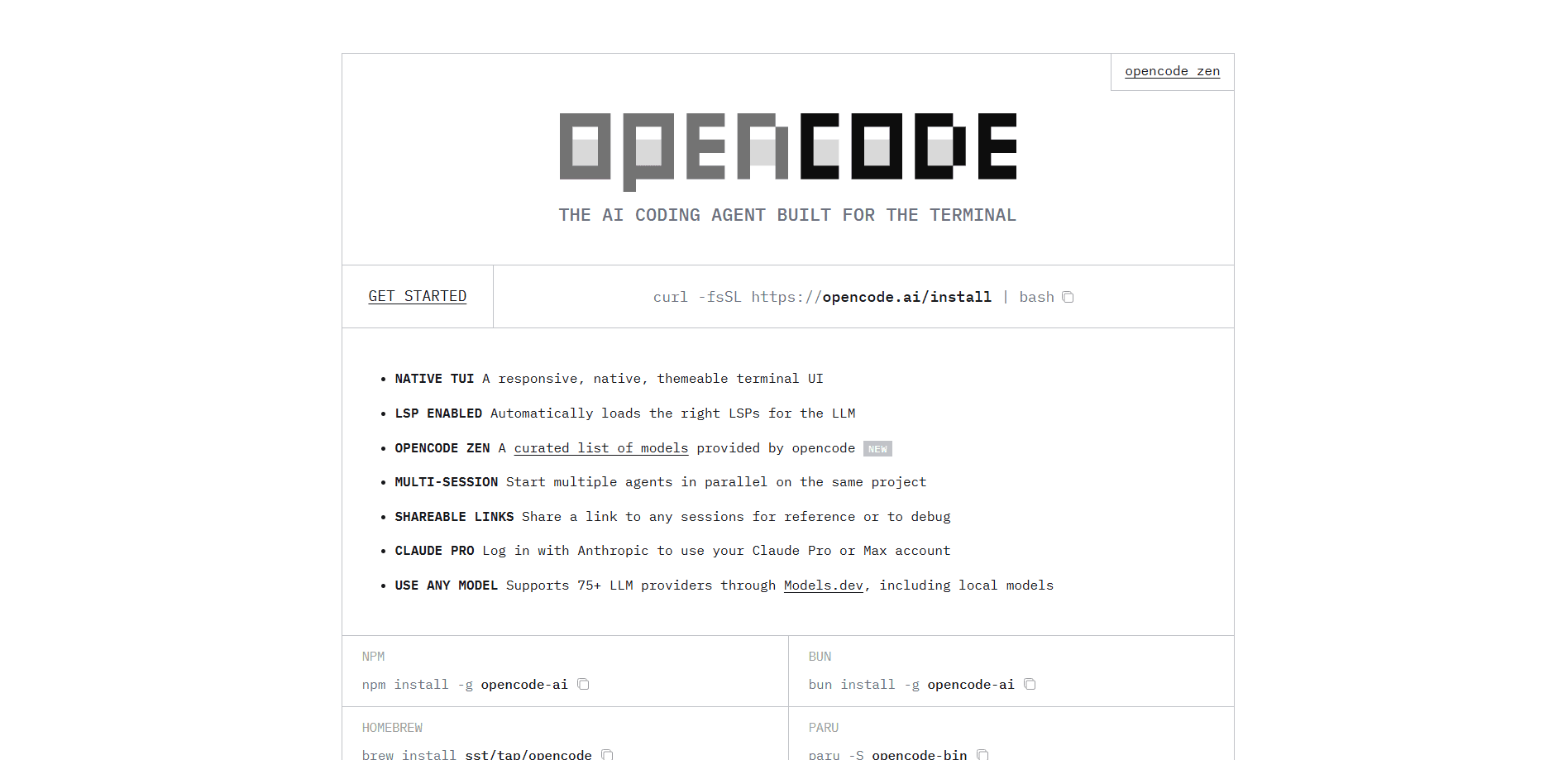
About opencode
What Is opencode
opencode is a coding assistant that lives where developers already work. Instead of a browser tab, you get an agent inside your terminal, a desktop app, or an IDE extension that reads your project, answers questions, and edits files on your behalf. The project is open source, so you can inspect how it works and run it on your own machine. Nothing hidden.
The main problem it solves is vendor lock-in. Most AI coding tools tie you to one model provider. opencode lets you swap providers through a single config, including local models, so you aren't stuck when pricing or quality shifts. It also avoids storing your code or context data, which matters if you work on private or regulated codebases.
The tradeoff is setup. You need API keys and a modern terminal emulator, and the raw terminal interface asks more of you than a polished SaaS editor. That's real friction. If you want a zero-config experience, this isn't it.
Getting Started
- Install opencode with the script
curl -fsSL https://opencode.ai/install | bash, or use npm, Homebrew, or your package manager. - Run
/connectinside the TUI and pick a provider. OpenCode Zen is the tested default; you can also paste any other API key. - Navigate to your project folder and start opencode, then run
/initso it analyzes the codebase and writes an AGENTS.md file. - Ask questions or request changes in plain language, like explaining how authentication works or adding a new feature.
- Review the edits opencode proposes and commit what you keep.
Product Information
A quick look at opencode's pricing, supported platforms, and performance.
Best for
The users, tasks, and scenarios where this tool fits best.
Users
- Backend and systems developers
- Privacy-focused engineers
- Cost-conscious tinkerers
Tasks
- Understanding unfamiliar code
- Adding features
- Refactoring and cleanup
- Running parallel work
Scenarios
- Debugging a failing test late at night
- Onboarding onto a new team repo
- Prototyping a small script
- Sharing a session for review
Key features
Multi-Provider Model Support
opencode connects to over 75 LLM providers through Models.dev, including Claude, GPT, Gemini, and local models. You switch providers by editing a config file, so you can compare quality and cost without changing tools. The optional OpenCode Zen gateway offers a curated list of models the team has tested and benchmarked for agent work. Does it always pick the right provider? No. You do. That's the point.
Terminal User Interface
The native TUI is the core of opencode. It runs entirely in your terminal, supports multi-session work on one project, and lets you drive everything with slash commands like /connect, /init, and /models. Auto-loading language servers give the model accurate context about your code, which cuts down on wrong guesses. Small edits lean on code completion, while larger changes get a full-file rewrite you can review.
Editor and Desktop Coverage
You aren't limited to the terminal. opencode also ships as a desktop app and an IDE extension, so you can start a task in one place and keep working in another. The same agent and config back all three surfaces.
Privacy-First Data Handling
opencode doesn't store your code or context data, and processing happens locally or through direct calls to your chosen provider. That design lets it run in privacy-sensitive environments. The only exception is the optional /share feature, which sends a conversation to opencode's hosted share pages and can be turned off.
Session Sharing
Any session can get a share link for reference or debugging. Teammates open the link to see the full exchange, which is handy when you want a second opinion on how the agent reached a result. You control whether sharing is enabled in your config.
Open Source and Extensible
The project is open source, with more than 208,000 GitHub stars and roughly 950 contributors as of writing. You can read the code, file issues, and run it self-hosted. Installing is a single command through the install script, npm, Homebrew, or a package manager.
Pros and cons
Pros
- Works with any of 75+ providers, so you're not locked to one model or vendor.
- Doesn't store your code or context, which suits private and regulated projects.
- Runs in the terminal, as a desktop app, and as an IDE extension from one config.
- Open source with a large contributor base and an active release cadence.
- Optional Zen gateway gives you pre-tested models if you don't want to shop around.
Cons
- Setup requires API keys and a modern terminal emulator, so it isn't plug-and-play for beginners.
- The terminal interface asks more of you than a polished graphical editor, and there's a real learning curve.
- Pricing is per request through your provider, which means your bill depends on usage and is harder to predict than a flat plan.
- Sharing a session sends that conversation to opencode's servers, so you have to disable it for strictly local work.
Frequently asked questions
The agent itself is open source and free. You pay only for the model calls, either through your own provider's API or pay-per-request via OpenCode Zen.
Related content
Explore related tools, skills, and articles for opencode.
opencode Alternatives
Forefront
Forefront · CodingForefront is a web platform for building with open-source AI. It lets you fine-tune leading open-source language models on your own data, evaluate how they perform, and run them through an API or export them to host yourself. Developers who want the convenience of a closed-source platform but insist on owning their models and data are the target audience here.

Startkit
StartKit.AI · CodingStartkit is a boilerplate for building AI SaaS and AI wrapper products. Think of it as an AI startup boilerplate with the boring parts already wired up: authentication, Stripe and Lemon Squeezy payments, usage limits, transactional email, and an AI API starter that talks to OpenAI, Anthropic, Groq, or Llama. You clone the repo, set your price, and start on the part of your product that people actually pay for. It's Next.js under React and Tailwind, so most of the boilerplate code already feels familiar.
Testim
Tricentis · CodingTestim is an AI-powered test automation platform for building and running end-to-end tests across web, mobile, and Salesforce applications. It leans on machine learning to keep tests stable when an interface changes, so teams spend less time fixing broken selectors. Not bad for an automated testing tool you can start using today. You create tests by recording actions in a browser, then optionally add JavaScript when you need more control. It's a solid pick for busy QA teams.