

Opengeni
Cloudgeni · Coding · Productivity · Business
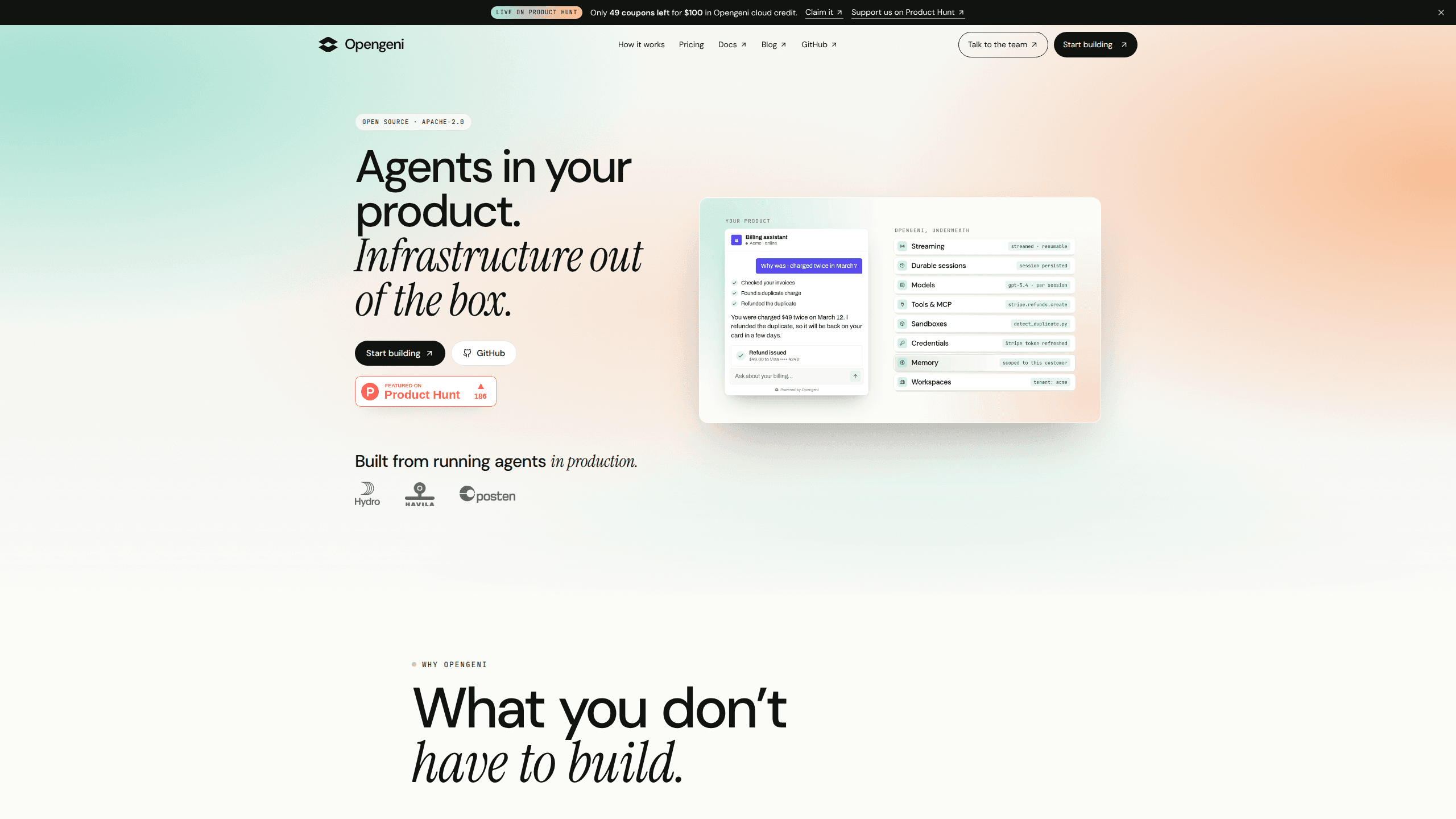
Opengeni is an open-source AI agent runtime that gives each agent its own cloud computer, with tools, encrypted credentials and shared team workspaces.
About Opengeni
What Is Opengeni
Opengeni is an open-source AI agent runtime from Cloudgeni, a team based in Norway. Each agent gets a computer in the cloud with a shell, git, Python and a browser, so the work keeps running after you close your laptop. Most teams meet AI coding agents on a laptop first and hit the limits of that setup within a week.
The product has two faces. In the web app you sign in, connect a model, hand over a task and come back later. Developers who want to embed AI agents in their own product add one backend route and one React component, which turns Opengeni into an AI agent platform rather than a single chatbot. The same code also supports self-hosted AI agents on Kubernetes under Apache 2.0.
The limits are worth knowing before you commit. On the managed cloud, workspace data sits on Microsoft Azure in the EU, and cloud sandboxes are not pinned to a region yet. The project is young, at version 0.1.x, and self-hosting puts Kubernetes, Helm and your own model bill on your plate.
Getting Started
- Sign up at app.opengeni.ai. The Free plan needs no card and includes $10 of usage every month.
- Connect a model. You can use a Codex or SuperGrok subscription, an API key from OpenAI, Azure OpenAI, OpenRouter or Vercel AI Gateway, or Opengeni credit.
- Connect your tools once. GitHub, Slack, your own MCP tools or an OpenAPI description can be shared with the whole workspace or kept to your account.
- Describe the outcome and add success criteria, then let the agent plan. You can start the task from the web app, from Slack or from your phone.
- Review the result, answer approvals or questions, and take the pull request or published site from there.
Product Information
A quick look at Opengeni's pricing, supported platforms, and performance.
Best for
The users, tasks, and scenarios where this tool fits best.
Users
- Development teams that already pay for Codex or SuperGrok
- Product teams adding an assistant to their own app
- Solo builders and consultants
Tasks
- Long refactors and migrations
- Recurring reports and data pulls
- Nightly triage and fixes
- Customer-facing workflows inside your product
Scenarios
- You start a task before a meeting and want it finished when you get back, including the test run and the pull request.
- Several agents need to work at once on separate branches, and you don't want them competing for one laptop.
- A teammate picks up a running chat while you are offline, reads the history and continues from the last step.
Key features
A cloud computer for every agent
Each session gets an agent sandbox: a Linux machine with git, a shell, Python and a browser. Ten agents can run at the same time on separate machines, so your own laptop stays free and the fans stay quiet.
Goals and schedules that outlast the session
You give the agent a goal with success criteria instead of a single prompt. It plans, checks its own work, waits when it needs an answer and continues until the goal is met or it stops with a reason. Schedules and inbound webhooks start runs with nobody watching.
Agent chat you can embed in your product
Opengeni ships a React component, OpenGeniChat, and an HTTP API. Your users get streaming replies, tool calls, approvals, attachments and a queue, while the agent reaches your product through MCP tools or an OpenAPI description and acts as the signed-in user.
A vault for credentials, not a folder of .env files
Keys, logins and one-time codes are encrypted on the server. A command refers to a stored secret by name, and the real value is filled in only when the tool runs. The model never sees the secret, and every use is recorded.
Any model, including plans you already pay for
Connect a Codex or SuperGrok subscription, or a key for OpenAI, Azure OpenAI, OpenRouter or Vercel AI Gateway. You can pick a different model for each task, and calls through your own subscription skip the credit markup.
Shared workspaces for teams
An organization holds several agent workspaces, each with its own members, roles, integrations and knowledge. Members can open and continue the same chat, and everyone keeps a personal workspace plus Only me conversations for private work.
Pros and cons
Pros
- Agents keep working after you close the lid, which is the difference between a demo and a task you can hand off.
- Calls made with your own Codex or SuperGrok subscription carry no Opengeni markup, so an existing plan goes further.
- Apache 2.0 covers the API and the Helm chart, so you can read the code and leave the managed cloud when you want.
- Credentials stay in an encrypted vault and never enter the model context or the logs.
- Embedding takes little work: one backend route and one React component instead of sessions, streaming and approvals built from scratch.
Cons
- Cloud sandboxes aren't pinned to a region yet, which is a blocker for teams with strict data residency rules. Self-hosting is the workaround.
- The project is at version 0.1.x, so features and docs still move. Budget time for reading release notes.
- Self-hosting means Kubernetes, Helm and Terraform plus your own model bill, which is real ops work for a small team.
- There's no native mobile app. You can start tasks from a phone browser, but the full experience is on the web.
Frequently asked questions
Yes, with a limit. The software is Apache 2.0 and free to self-host, and the managed cloud includes $10 of usage each month on the Free plan. Model calls paid with credit cost the provider's API price plus a 5% markup.
Related content
Explore related tools, skills, and articles for Opengeni.
Opengeni Alternatives

Base Code
Base44 (Wix) · Coding · ProductivityBase Code is a shared cloud development environment from Base44. Teammates describe changes to an existing GitHub codebase in chat, preview them live and send them back as pull requests.

Google EmbeddingGemma 2
Google DeepMind · Writing · Image · CodingGoogle EmbeddingGemma 2 is a 740M-parameter open model that turns text, code, images, audio, and video frames into vectors in one 768-dimension space, running on phones and laptops.

GitGlow
GitGlow · Coding · ProductivityGitGlow is a local-first desktop Git client that lets independent developers review their own code and their AI agents' changes in one place before shipping.