

OpenMemory Chrome Extension
Mem0 · Coding
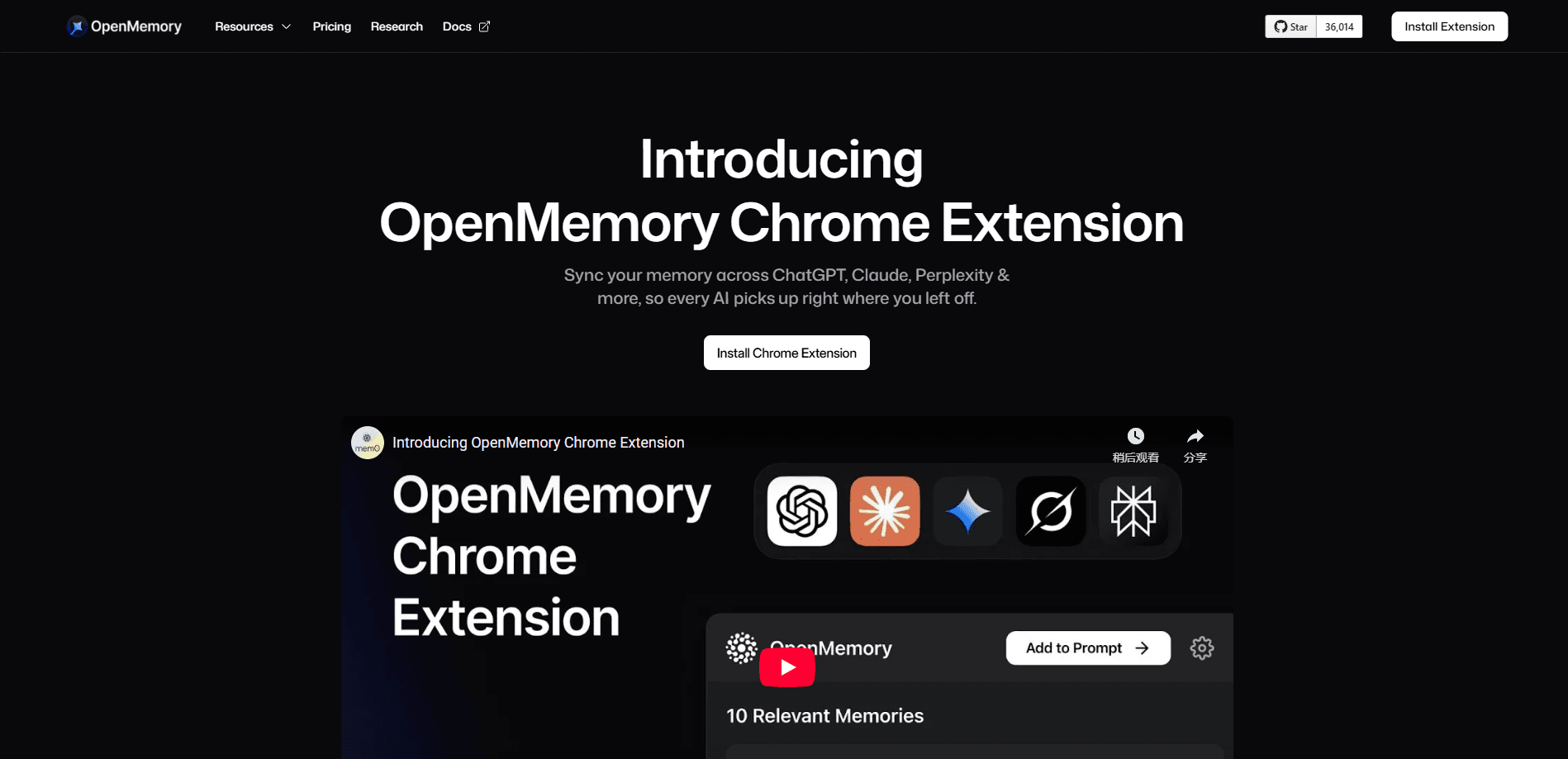
OpenMemory Chrome Extension is a free browser add-on from Mem0 that gives ChatGPT, Claude, Perplexity and Grok one shared memory, so context carries between assistants.
About OpenMemory Chrome Extension
What Is OpenMemory Chrome Extension
OpenMemory Chrome Extension is a browser add-on built by Mem0 (pronounced "mem-zero"). It adds a memory layer to the AI assistants you already chat with, and it pools their context into one place. The idea is simple: you tell ChatGPT something about a project, and the same fact is available when you open Claude or Perplexity later.
The extension targets a real gap. Every assistant keeps its own memory, so preferences, project notes and past decisions stay trapped inside one product. Move to another tab and you start over. OpenMemory solves that by acting as a universal memory layer that sits across the assistants rather than inside any single one.
There are limits worth stating up front. The extension runs only on Chrome for desktop, and it covers a fixed set of assistants instead of everything. Mem0 has also archived the project's code repository. It no longer ships active updates and now points users to the newer Mem0 and OpenMemory MCP products for ongoing memory work.
Getting Started
- Install the extension from the Chrome Web Store and sign in with your Google account
- Open your Mem0 dashboard to copy the API key, then paste it into the extension and set a user ID
- Chat with a supported assistant as usual, so the extension can pick up context in the background
- On ChatGPT and Perplexity just press enter, while on Claude click the Mem0 button or use the shortcut Ctrl + M
- Open the memory dashboard to review, edit or delete what the extension has stored
Product Information
A quick look at OpenMemory Chrome Extension's pricing, supported platforms, and performance.
Best for
The users, tasks, and scenarios where this tool fits best.
Users
- People who chat with several AI assistants
- ChatGPT power users
- Privacy-conscious users
- Casual users testing cross-tool memory
Tasks
- Carrying project context between assistants
- Reusing saved preferences
- Building on past conversations
- Syncing existing ChatGPT memories
Scenarios
- Drafting in ChatGPT and refining in Claude
- Comparing answers across tools
- Starting a new chat on a familiar topic
- Keeping a light record of preferences
Key features
Universal Memory Layer
The extension's core job is to share context across assistants. A fact you store while chatting with ChatGPT becomes available in Claude, Perplexity and Grok, so you're not locked into whichever tool you happened to use first. It works because the memory lives in Mem0's layer and each supported assistant reads from it rather than keeping its own private copy.
Smart Context Detection
OpenMemory watches your conversations and pulls out the details worth keeping. Rather than saving everything, it picks out preferences, project facts and decisions as you chat, then stores them. That automatic capture is what separates it from a plain bookmark tool, since you don't have to stop and tag anything yourself.
Intelligent Memory Retrieval
Storing memories is only half the job, and retrieval is where the extension earns its place. When you start a new conversation, it looks for memories tied to the current topic and brings the relevant ones back into view. You get continuity without pasting old chats by hand, and the retrieval stays focused instead of dumping every stored note into the prompt.
One-Click ChatGPT Memory Sync
If you already have memories saved in ChatGPT, the extension can import them in one action. That matters because most users build up a long history before they look for a cross-tool option, and rebuilding it by hand is the kind of chore that kills adoption. The one-click sync means you start with what you already have.
Memory Dashboard
A dashboard lists everything the extension has stored, and you can review, edit or remove entries from it. Seeing the full picture in one place is what makes the setup usable for people who care about what an assistant remembers. You keep a direct handle on the list instead of guessing at what was captured.
Google Sign-In Setup
Getting started takes a Google sign-in, an API key from your Mem0 dashboard and a user ID. There's no subscription and no card. The API key is what links the extension to your Mem0 account, and the user ID keeps your memories grouped under one identity so they don't mix with anyone else's.
Pros and cons
Pros
- Free with no usage limits, no ads and every feature included from the start
- Shares context across ChatGPT, Claude, Perplexity and Grok instead of locking memory into one tool
- Imports existing ChatGPT memories in one click, so you don't rebuild a saved history by hand
- Dashboard lets you review, edit and delete stored memories directly
- Automatic capture and retrieval mean you don't tag or paste anything yourself
Cons
- Works only on desktop Chrome, so mobile and other browsers are left out
- Messages are sent to the Mem0 API to be processed, which won't suit users who need everything to stay on-device
- The project's repository is archived and no longer actively maintained, so expect no new updates or assistant support
- Covers a fixed set of assistants, so anything outside ChatGPT, Claude, Perplexity and Grok isn't included
Frequently asked questions
It's a free Chrome browser add-on from Mem0 that gives a group of AI assistants one shared memory. You chat as normal, and the extension stores useful context and brings it back across ChatGPT, Claude, Perplexity and Grok. The goal is continuity, so you stop re-explaining the same things.
Related content
Explore related tools, skills, and articles for OpenMemory Chrome Extension.
OpenMemory Chrome Extension Alternatives

Base Code
Base44 (Wix) · Coding · ProductivityBase Code is a shared cloud development environment from Base44. Teammates describe changes to an existing GitHub codebase in chat, preview them live and send them back as pull requests.

Google EmbeddingGemma 2
Google DeepMind · Writing · Image · CodingGoogle EmbeddingGemma 2 is a 740M-parameter open model that turns text, code, images, audio, and video frames into vectors in one 768-dimension space, running on phones and laptops.

GitGlow
GitGlow · Coding · ProductivityGitGlow is a local-first desktop Git client that lets independent developers review their own code and their AI agents' changes in one place before shipping.