

OpenMemory MCP
Mem0 · Coding
OpenMemory MCP is a local AI memory server from Mem0 that gives MCP-compatible coding clients shared, persistent context, so your AI keeps your preferences across sessions.
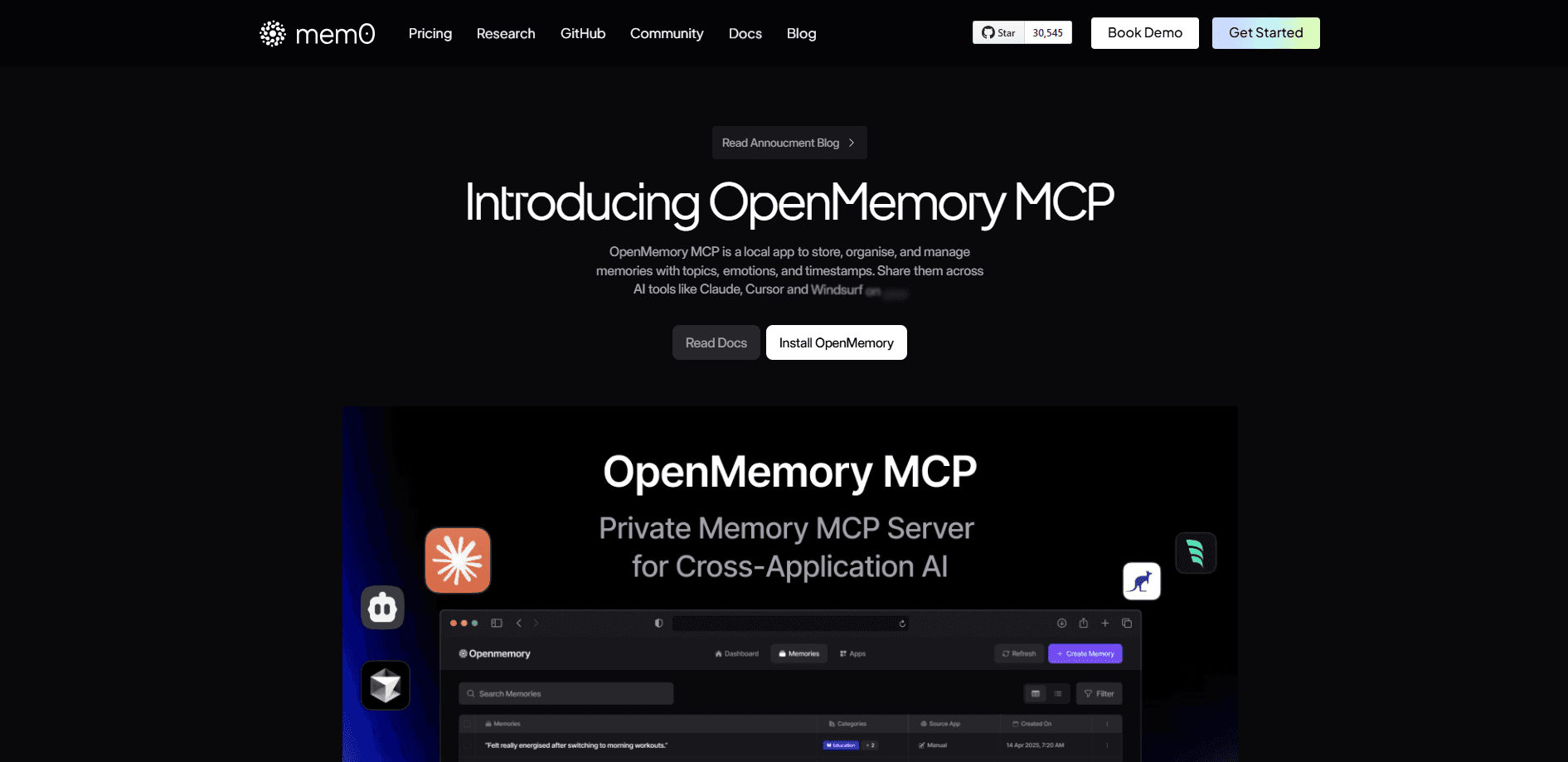
About OpenMemory MCP
What Is OpenMemory MCP
OpenMemory MCP is a private memory server built by Mem0 for clients that speak the Model Context Protocol. Instead of letting each coding assistant start from a blank slate, it stores what you tell it and hands the same memories to Cursor, Claude, Windsurf, Cline, and other MCP tools. The pitch is simple: state a preference once, and every connected assistant reads it back later.
The service runs on your own machine. Memories sit in a vector store you control, and no data travels to an outside server. That matters if your notes touch private code, internal docs, or client work you can't hand to a cloud vendor.
One thing to plan for before you commit. Mem0 has stopped active development of OpenMemory and now points users to its self-hosted memory server, which carries the dashboard, per-user keys, and audit log forward. You can still find the original project, but new setups should follow the self-hosted path instead.
Getting Started
- Install Docker and Docker Compose on the machine that will host your memories.
- Set an OpenAI API key for the memory extraction model, either as a global environment variable or a script parameter.
- Start the stack with one command, which brings up the MCP server, a Qdrant vector store, and the dashboard.
- Open the dashboard, pick the client you use, and copy the connection command it generates.
- Paste that command into your MCP client, restart it, and your assistant can start reading and writing memories.
Product Information
A quick look at OpenMemory MCP's pricing, supported platforms, and performance.
Best for
The users, tasks, and scenarios where this tool fits best.
Users
- Developers who jump between Cursor, Claude, and Windsurf and want each tool to know their stack
- Privacy-minded coders who keep proprietary work off cloud services
- Small teams that share a project
Tasks
- Keeping coding preferences consistent
- Carrying project context across tools
- Research and note gathering
Scenarios
- Moving a task from planning to execution
- Picking up work after a break
- Evaluating whether local memory fits your workflow
Key features
Cross-Client Shared Memory
The same MCP memory layer serves every MCP-compatible client you connect. Tell one assistant your preferences, and another reads them back later. Switching tools no longer means re-explaining yourself from scratch, which is the whole reason the project exists.
Fully Local Deployment
The stack runs on Docker with Postgres and a Qdrant vector database, all on your own hardware. Nothing leaves the machine unless you configure an external model provider for extraction. For teams with strict data rules, this private AI memory setup removes the usual cloud caveats.
Semantic Memory Retrieval
Memory search leans on vector embeddings, so it matches by meaning, not just exact words. Ask about a past decision and the server surfaces related entries even when your phrasing changed. That behavior suits long-running projects better than keyword lookup.
Access Control and Audit Logs
You can pause or revoke a client's access to a piece of memory, and the server records every read and write in a log. The dashboard shows which apps touched which memories and when, so a shared server stays traceable.
Dashboard for Memory Management
A web dashboard lets you browse, search, add, and delete memories, and it generates the connect commands for each client. It's the piece that turns a background service into something you can actually inspect and clean up.
Memory Metadata and Tagging
Entries carry metadata like topic, sentiment, and timestamps, which makes them easier to sort and search. You get more than a flat list of text, and that structure helps when the memory store grows.
Pros and cons
Pros
- Runs entirely on your hardware, so private code and notes stay off third-party clouds.
- Shares one memory across Cursor, Claude, Windsurf, and other MCP clients, cutting repeated setup.
- Semantic search finds memories by meaning, which holds up better than keyword matching on long projects.
- Access controls and audit logs let you see and limit who reads your stored context.
- Open source, so you can inspect the code and adapt the setup.
Cons
- Mem0 has stopped active development on OpenMemory, so new features land in the self-hosted Mem0 server instead.
- Setup assumes Docker and comfort with the command line, which will lose non-technical users fast.
- Extraction needs an external model key like OpenAI, so a truly offline run isn't available out of the box.
- Only MCP-aware clients benefit, and tools that haven't adopted the protocol are left out.
Frequently asked questions
It gives MCP-compatible AI clients a shared, lasting memory. Instead of forgetting your preferences and project details between chats, each tool can read what you've stored and pick up where the last one left off.
Related content
Explore related tools, skills, and articles for OpenMemory MCP.
OpenMemory MCP Alternatives

Base Code
Base44 (Wix) · Coding · ProductivityBase Code is a shared cloud development environment from Base44. Teammates describe changes to an existing GitHub codebase in chat, preview them live and send them back as pull requests.

Google EmbeddingGemma 2
Google DeepMind · Writing · Image · CodingGoogle EmbeddingGemma 2 is a 740M-parameter open model that turns text, code, images, audio, and video frames into vectors in one 768-dimension space, running on phones and laptops.

GitGlow
GitGlow · Coding · ProductivityGitGlow is a local-first desktop Git client that lets independent developers review their own code and their AI agents' changes in one place before shipping.