
OpenRead
OpenRead, Inc. · Business
OpenRead is an AI research assistant that handles research paper search, summarizes papers, answers questions about their content, and maps how studies connect.
About OpenRead
What Is OpenRead
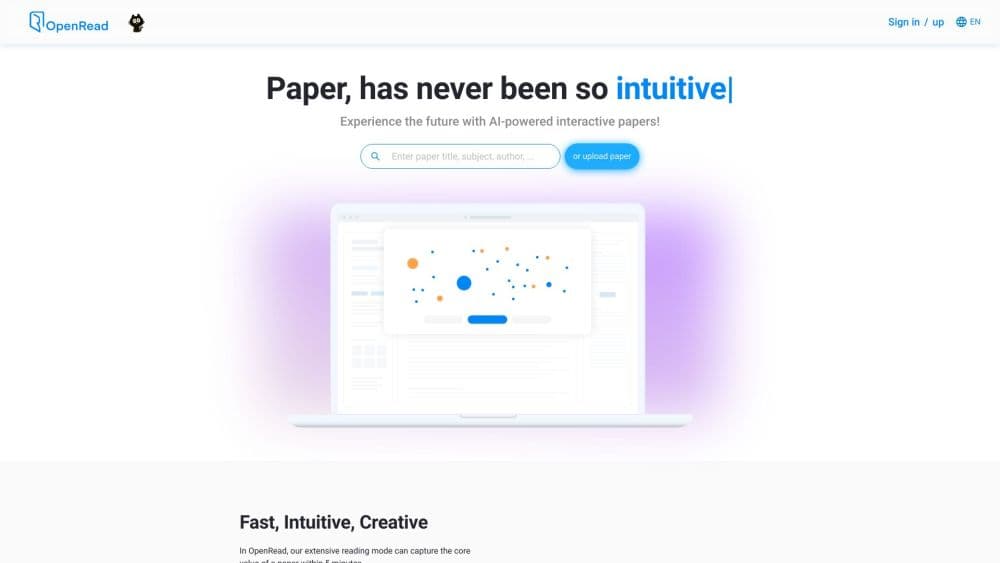
OpenRead is a browser-based research platform for students, academics, and anyone who has to read a lot of papers. You search a database that the company says covers 20,000 journals and refreshes every five minutes, or you upload your own PDF, and the platform breaks the document down so you can question it, condense it, and file it away.
The pitch rests on two ideas. The first is that reading should start with questions, not page one. Paper Q&A lets you ask about a specific section and get an answer pulled from the full document rather than a truncated chunk. The second is that single papers rarely tell the whole story, so Related Paper Graph draws the links between studies, and Paper Compare lines up to five of them side by side when their findings disagree.
The limits are worth knowing up front. The free tier caps most tools at five uses a month, PDF uploads are capped at 2MB per file, and the AI has a habit of sounding confident, so citation numbers and figures still need a check in the source. OpenRead also leans on its own models, Hawkeye and Oath, for parsing and answers, which means quality tracks the uploaded file's clarity.
Getting Started
- Create an account at openread.academy and confirm your email.
- Search the paper database from the homepage, or upload a PDF of your own.
- Read the AI summary first, then open Paper Q&A to ask about the parts that matter.
- Use Related Paper Graph to find connected studies, and Paper Compare when two papers disagree.
- Save what is useful into notes, which stay linked to the source paper.
Product Information
A quick look at OpenRead's pricing, supported platforms, and performance.
Best for
The users, tasks, and scenarios where this tool fits best.
Users
- Graduate students working through a reading list
- Researchers tracking a field
- Writers of literature reviews
Tasks
- Getting the gist of a paper before deciding whether to read it
- Asking a paper a direct question
- Checking whether two studies agree
Scenarios
- A deadline review at 2 a.m.
- Starting a thesis chapter
- Following one narrow topic for months
Key features
Paper Espresso
Paper Espresso is OpenRead's summarizer. It pulls the core claims, methods, and results out of a paper and hands them back in a short read, so you can decide in seconds whether the full text is worth your time. The free tier gives five per month; paid plans raise it to 100 or drop the cap entirely.
Paper Q&A
You ask a question about a paper and get an answer drawn from the whole document, not a paragraph picked at random. OpenRead says the query runs against the complete parsed dataset, which is how it claims accuracy on details like a specific metric. This is the feature that separates it from a plain PDF reader.
Related Paper Graph
The graph lays out how papers reference and build on each other, turning a citation list into something you can actually explore. It helps you find the defining studies in a field and see which recent work is picking up the thread. The free plan includes five uses a month.
Paper Compare
When studies contradict each other, Paper Compare sets up to five of them side by side so the differences are visible at a glance. It covers the methods and findings each paper reports, which is useful when a literature review needs to show where the field disagrees. Basic accounts get 30 comparisons a month.
Oat, the AI Assistant
Oat is OpenRead's chat assistant, and it is more than a paper tool. It answers questions, translates text, helps with homework, and on paid plans can search the web, read uploaded images, and draw. Premium users reach third-party models like Gemini, Claude, GPT, and Grok through a credit system.
Translate with LLM
The translation tool turns a paper or passage into another language using a large model rather than a rule-based translator. It keeps technical terms consistent across a long document, which matters when a paper's terminology has no clean everyday equivalent. The free tier allows five translations a month.
Pros and cons
Pros
- Free PDF uploads and parsing sit on every plan, including the free one, so you can try the core workflow before paying
- Search plus summarize plus question plus compare is one workflow, so you do not juggle four separate tools
- The paper database refreshes every five minutes and spans 20,000 journals, per OpenRead, which keeps newer work reachable
- Premium reaches third-party models like Gemini and Claude through credits, so OpenRead can route a hard question to a stronger engine
Cons
- The free tier caps almost everything at five uses a month, enough to test but not to work through a real reading list
- PDF uploads are limited to 2MB per file, which rules out long scanned dissertations and image-heavy supplements
- Answers still need verification, since an AI that reads the full text can still misstate a number or a citation
- The service runs on OpenRead's own parsing and answer models, so a messy scan can drag down summary and answer quality
Frequently asked questions
OpenRead helps you read and organize research papers. You search a journal database or upload a PDF, then use AI tools to summarize the paper, ask questions about it, compare it with others, and save notes that stay linked to the source.
Related content
Explore related tools, skills, and articles for OpenRead.
OpenRead Alternatives

Knocket
Knocket (Tencent RTC team) · Productivity · Business · ChatbotKnocket is a free live chat and contact page tool that lets visitors message you from your website, app, or a shareable link, with every reply handled from Telegram or one inbox.

shippedit.me
Krawlup · Marketing · Businessshippedit.me now redirects to Krawlup, a web platform that audits SEO, AEO and page speed every week, then hands the fixes to AI coding agents over MCP.

Ayven
Alknoma · Productivity · BusinessAyven is an AI control centre by Alknoma that turns a plain-language goal into a dated plan, hands the work to your people and AI agents, and asks for your approval only when the call is yours.