

OpenWispr
OpenWhispr · Voice & Language
OpenWispr is a free, open-source speech-to-text app for macOS, Windows, and Linux. It turns your voice into text and AI actions, running local models offline or cloud services with your own keys.
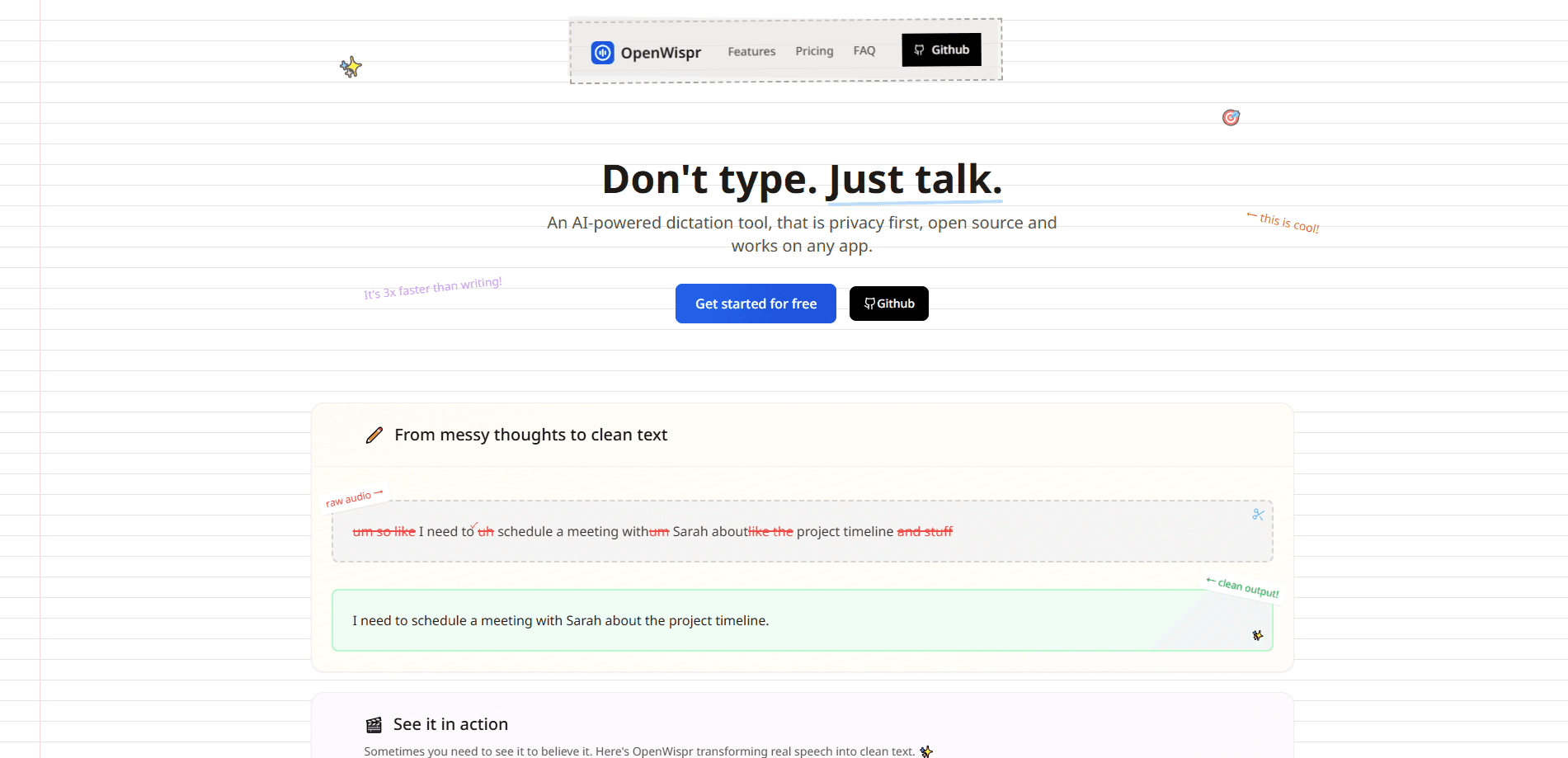
About OpenWispr
What Is OpenWispr
OpenWispr is a desktop dictation tool and a privacy-first voice app built as an open-source answer to paid voice-to-text services. Press a hotkey, speak, and your words land at the cursor in whatever program you already have open. The whole app is community-driven and released under the MIT license, so anyone can inspect the code, change it, or build on it.
The pitch is speed without handing over your data. Typing runs at roughly 40 words per minute on a good day, while talking gets most people to around 150. OpenWispr closes that gap for writers, developers, and anyone who thinks faster than they type.
The main limit is setup. Running models locally is what keeps audio on your machine, but those models need decent hardware and a bit of patience the first time they download. If you want zero configuration, you'll lean on cloud transcription instead.
Getting Started
- Download the installer for your platform from the official releases page, then install and open the app.
- Grant microphone permission and set a global dictation hotkey when the first-run setup asks.
- Pick a speech model. Choose a local option like Whisper or Parakeet for offline privacy, or connect a cloud provider with your own API key.
- Press the hotkey in any text field, speak, and release. The text is cleaned up and pasted at your cursor.
Product Information
A quick look at OpenWispr's pricing, supported platforms, and performance.
Best for
The users, tasks, and scenarios where this tool fits best.
Users
- Writers and bloggers
- Developers
- Privacy-conscious professionals
Tasks
- Writing long emails and reports
- Taking meeting notes
- Dictating in one language and pasting in another
Scenarios
- Daily note-taking across apps
- RSI or mobility limits
- Offline work on a plane or in a secure facility
Key features
Global Hotkey Dictation
OpenWispr listens for a hotkey you set, records while you speak, then pastes the cleaned text at your cursor in any application. You don't alt-tab to a separate recording window or copy text back manually. The same hotkey works in a code editor, an email draft, or a chat box.
Local or Cloud Transcription
Every core feature works with either local models or cloud providers. Local transcription covers Whisper, NVIDIA Parakeet, Cohere Transcribe, and similar engines, so audio never leaves the machine. Cloud processing handles speed and lighter hardware, and you can bring your own API key to avoid a subscription.
AI Agent and Voice Assistant
A dedicated hotkey sends what you say straight to an assistant such as GPT-5, Claude, Gemini, or Groq as a command, with no wake word. Highlighted text is edited in place, and answers paste at the cursor or stream into a floating panel. You can also opt in to sending a screenshot of your screen as context.
Meeting Transcription with Speaker Diarization
OpenWhispr detects Zoom, Teams, and FaceTime calls, then records and transcribes them with on-device speaker labeling. Voice fingerprinting recognizes the same person across meetings. Calendar integration with Google, Microsoft, or Apple pulls scheduled meetings in automatically, all without a bot joining the call. It works as a meeting transcription tool that keeps the audio on your own machine.
Notes with Semantic Search
Notes can be created, organized into folders, and searched by meaning instead of exact keywords. Cloud sync keeps them across devices, and AI actions let you summarize or reshape a note with a prompt. Team spaces let signed-in users share notes by link, domain, or invite.
Audio and Video Import
You can drag in existing files, batch-upload a set, or paste a YouTube URL to transcribe audio and video you already have. Speaker detection is optional on imports, which helps when turning interviews or recorded calls into text.
Public API and MCP Server
A REST API manages notes, folders, transcriptions, a custom dictionary, and snippets programmatically, and an MCP server connects your AI assistant to the same data. API key management sits on paid plans, and keys carry scoped permissions so a tool only touches what you allow.
Pros and cons
Pros
- Fully open source under the MIT license, so the privacy claims are auditable rather than taken on trust.
- Unlimited local dictation is free on every plan, which keeps offline transcription from ever hitting a paywall.
- Works across macOS, Windows, and Linux with the same feature set, plus an iPhone and iPad app on paid tiers.
- Bring-your-own-key cloud transcription avoids a forced subscription if you already pay for a model provider.
- Meeting transcription with speaker labels runs without a bot joining the call, which many hosts prefer.
Cons
- First-run setup asks you to pick and download a speech model, which is more work than a one-click web tool.
- Live speaker identification and voice fingerprinting aren't available on Intel Macs, so meeting notes there fall back to keyword search.
- API key management and cross-device sync sit behind paid plans, so heavier automation needs at least the Pro tier.
- The most advanced controls, like SSO and audit logs, only arrive with the custom-priced Enterprise plan.
Frequently asked questions
Yes. Local dictation is unlimited and free on every plan, and the app itself is open source. Paid tiers add cloud transcription limits, more meeting hours, and team features, but nothing about offline dictation is locked.
Related content
Explore related tools, skills, and articles for OpenWispr.
OpenWispr Alternatives

Off the Record
Weird Machines · Voice & Language · ProductivityOff the Record is a macOS app from Weird Machines that reshapes your voice in real time to block AI transcription, so people hear you normally and notetakers get nothing usable.
Cekura Bench
Cekura · Voice & Language · BusinessCekura Bench is a public benchmark that runs speech-to-speech models and deployed voice agents through 82 simulated phone calls, three times each, then publishes pass rates, latency and cost.
Griffin by Tavus
Tavus · Voice & Language · Video · ChatbotGriffin by Tavus is the first Human Interaction Model: a full-duplex, video-to-video system that watches, listens, and answers during a live video call in real time.