

Opera
Opera Norway AS · Coding · Productivity
Opera is a free browser with a built-in AI assistant that reads the page or tab you're on, summarizes files, and makes images without a login.
About Opera
What Is Opera
Opera is a browser made by Opera Norway AS, a company that has shipped browsers since the mid-1990s. The current desktop build, Opera One, splits the interface into movable parts: tabs sort themselves into islands by topic, the sidebar holds messengers and music, and an AI panel sits in the top right corner. The same account and sync carry to Android and iOS.
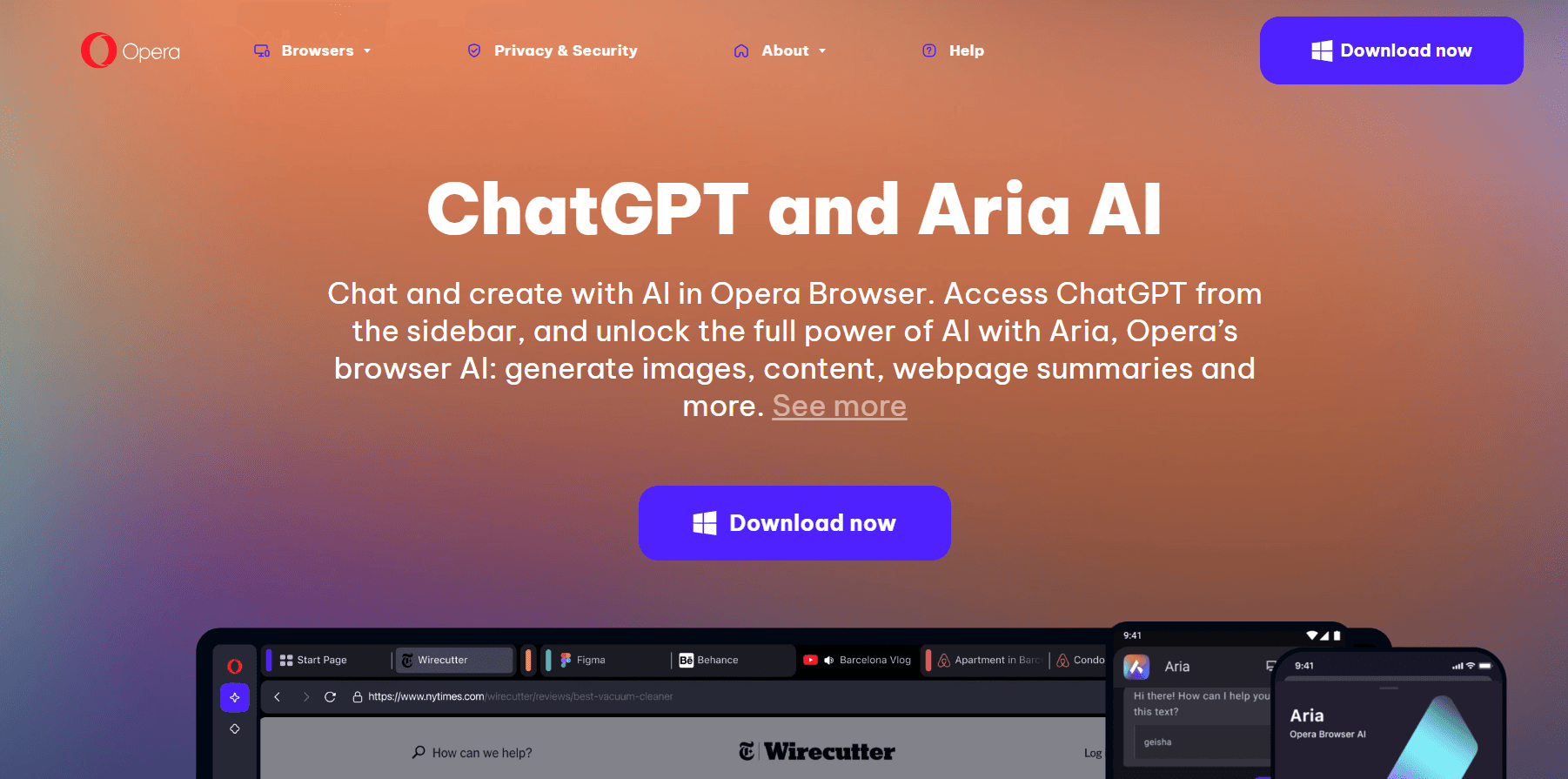
The main draw is Opera AI, the assistant that used to be called Aria. It answers questions about the page in front of you, compares tabs inside one island, reads PDFs and spreadsheets you upload, and builds images from a text prompt. Opera says the assistant runs on models from OpenAI and Google. You don't have to sign in to use it, which is rare for a browser AI.
Two limits are worth knowing. The heavier agentic tasks and the proxy network sit behind paid products: VPN Pro, and Opera Neon, a separate agentic browser at $19.90 per month. Opera AI also leans on the page being readable, so paywalled or script-heavy sites give thinner answers.
Getting Started
- Download Opera from opera.com for Windows, macOS, or Linux, or install it from Google Play or the App Store on mobile.
- Skip the account step if you only want to browse. Create a free Opera Account when you want sync, shared notes, or VPN Pro.
- Press Ctrl + O on Windows or Cmd + O on macOS to open Opera AI, then ask about the current page, a tab island, or a file you drop in.
- Highlight text on any page and pick Explore more or Translate to get an explanation or a translation into one of 50 languages.
Product Information
A quick look at Opera's pricing, supported platforms, and performance.
Best for
The users, tasks, and scenarios where this tool fits best.
Users
- Students digging into a subject
- Remote workers who live in chat
- Privacy-minded people on shared networks
Tasks
- Comparing sources across tabs
- Pulling numbers out of long reports
- Mocking up a visual
- Translating page text
Scenarios
- A research session that grows past twenty tabs
- Working on public Wi-Fi at a cafe or an airport
- Checking a long YouTube video for one detail
Key features
Opera AI inside the page
Opera AI opens from a button in the corner or with Ctrl + O. Because it sees the page and tab group you're in, short prompts work: "what does this table say" gets an answer without pasting half the article into a chat box. It also handles voice input and reads answers aloud.
Tab Islands that group themselves
Tabs that belong to the same task collapse into a labeled island, and the browser creates them without being told. You can rename an island, color it, and collapse it, which keeps a work project, a shopping list, and a news binge from mixing on one bar. Opera AI reads a whole island when you ask about a group of pages.
File and transcript analysis
You can upload images, PDFs, spreadsheets, and documents to the side panel for a summary, a comparison, or a specific figure. YouTube transcript access means a video turns into searchable text, which saves time when you only need one part of it.
Free AI image generator
The image generator builds pictures from a text prompt at no cost, and it works in the same panel as the chat. It's useful for a rough mockup, a moodboard, or a first draft of a cover, not for finished artwork with readable text.
Free VPN and ad blocker, no setup
Both tools are on from the first launch. The VPN has no data cap and no account requirement, and it covers browser traffic only, so other apps on the machine stay outside it. The ad blocker also strips many video ads before playback starts.
Sidebar messengers, music, and split screen
WhatsApp, Messenger, Slack, Spotify, and YouTube Music run in the sidebar, so a conversation stays visible next to the page you're reading. Split screen shows two tabs side by side, and Easy Files attaches recent downloads without a file picker.
Pros and cons
Pros
- Opera AI is free and works without an account, so you can test it in minutes with no signup wall.
- The free VPN and ad blocker come preinstalled, which cuts setup work on a new machine.
- Tab islands keep cluttered sessions readable, and the grouping happens on its own.
- Context awareness means short prompts work better than they do in a plain chatbot tab.
Cons
- The strongest agentic features live in Opera Neon, a separate browser at $19.90 per month, so the free build stops short of full task automation.
- Answers get thinner on paywalled pages, PDFs built from scans, and sites that render text with scripts.
- There's no public API for Opera AI, so teams can't wire the assistant into their own tools.
Frequently asked questions
Yes. The browser and Opera AI cost nothing, and no account is needed to browse or chat. Paid options are separate products: VPN Pro for the proxy network, and Opera Neon for agentic browsing.
Related content
Explore related tools, skills, and articles for Opera.
Opera Alternatives

Base Code
Base44 (Wix) · Coding · ProductivityBase Code is a shared cloud development environment from Base44. Teammates describe changes to an existing GitHub codebase in chat, preview them live and send them back as pull requests.

Google EmbeddingGemma 2
Google DeepMind · Writing · Image · CodingGoogle EmbeddingGemma 2 is a 740M-parameter open model that turns text, code, images, audio, and video frames into vectors in one 768-dimension space, running on phones and laptops.

GitGlow
GitGlow · Coding · ProductivityGitGlow is a local-first desktop Git client that lets independent developers review their own code and their AI agents' changes in one place before shipping.