

Opera Neon
Opera · Coding
Opera Neon is a paid AI browser from Opera that reads your open tabs, runs tasks, and connects external agents through MCP and a command line tool.
About Opera Neon
What Is Opera Neon
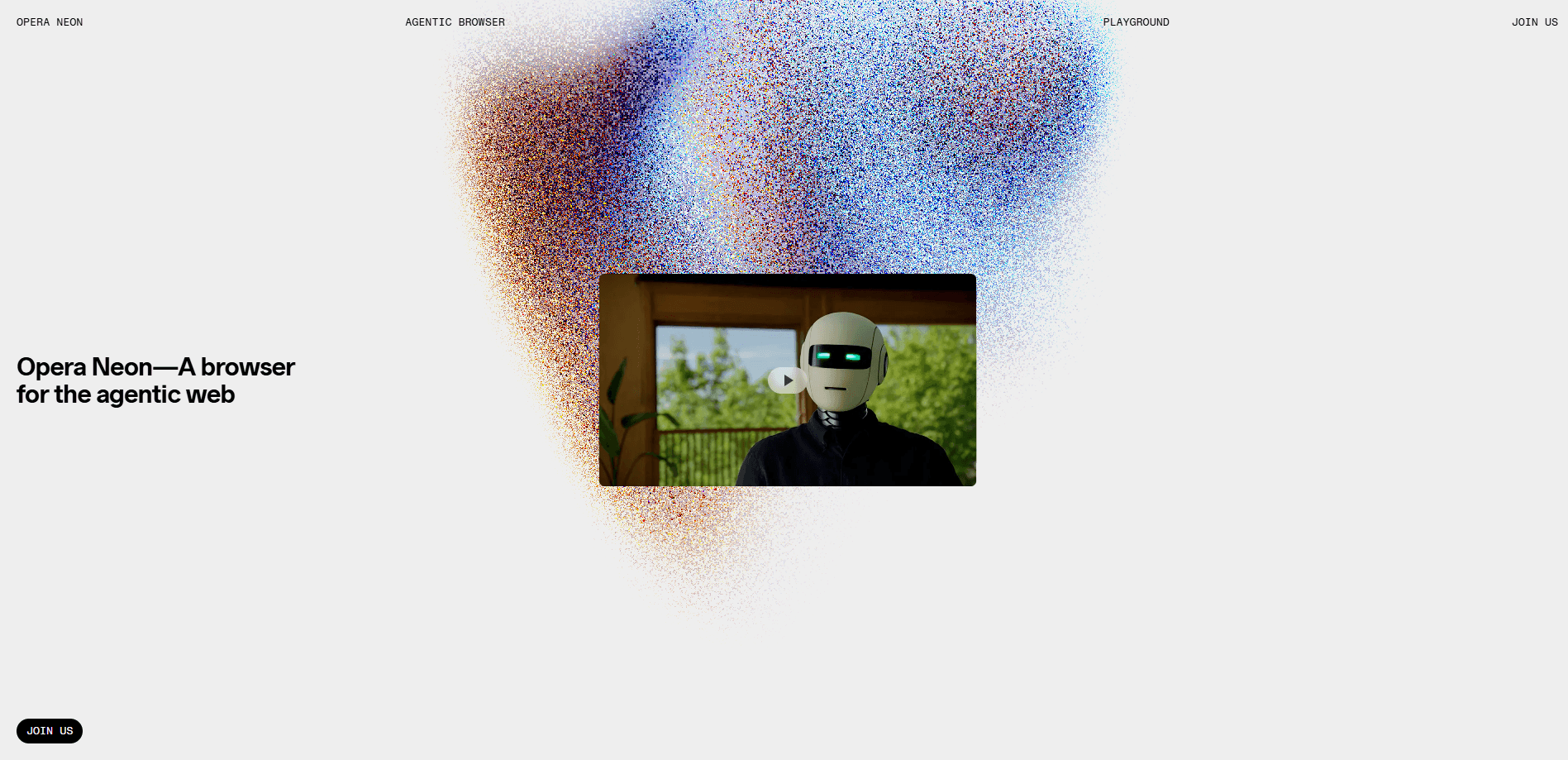
Opera Neon is an AI browser built by Opera, the Norwegian company behind the Opera browser. It came out of a closed preview on September 30, 2025 as a paid product aimed at people who lean on AI every day. Unlike a regular browser with a chatbot bolted on, Neon treats the browser itself as the place where agents work. It reads the pages you have open, keeps tab groups as shared context, and carries instructions across a whole session.
The core idea is that your browsing history and open tabs already hold the context an AI needs. Instead of pasting text into a chat window, you point Neon at the pages and ask it to compare, summarize, or act. The paid tier adds web agents that open and fill in pages, three research agents, image and video generation, and code projects you can deploy.
The limits matter before you pay. Neon is a paid product, so there's no free path to the agentic features. It runs on macOS and Windows only, and a mobile version wasn't out at launch. It also needs an Opera account, and its agents send webpage content to Opera and OpenAI servers, where it's kept for up to 365 days.
Getting Started
- Download Opera Neon for Windows or macOS and sign in with a free Opera account.
- Open a few pages on a topic you care about and start a task so the tabs share context.
- Ask Neon Chat to compare, summarize, or dig into the open pages.
- Subscribe to the Standard plan to switch on the agentic tools, deep research, and the top-tier models.
- Connect external agents like Claude Code or n8n through the MCP connector or the browser CLI if you want them working in your real session.
Product Information
A quick look at Opera Neon's pricing, supported platforms, and performance.
Best for
The users, tasks, and scenarios where this tool fits best.
Users
- People who run AI all day
- Researchers and analysts
- Developers who use AI agents
Tasks
- Comparing sources across tabs
- Booking, filling forms, and shopping
- Turning research into a deliverable
Scenarios
- A multi-step project like trip planning
- Recurring chores you repeat every week
- Switching from ChatGPT or Claude
Key features
Neon Chat with Page Context
Neon Chat runs its own conversations, along with Think and Reason modes for harder asks. It can see the pages you have open, so you open three articles and ask it to compare them or flag where they disagree. The paid tier raises the usage limits, and you can pick which model handles a given prompt.
Neon Do Web Agents
Neon Do is the part that acts. It opens pages, fills in forms, books, and shops while showing you the steps it plans to take. You can watch it work in real time, and pause, adjust, or take back control whenever you want. It runs inside your actual browser session, including sites you're signed into.
Three Research Agents
Neon splits research into Deep Research for long structured reports, One-Minute Research for fast overviews, and Local Research, which runs in your browser using your location and even sources you pay for. The split matters because the right depth changes with the question.
Neon Cards and Scheduled Tasks
Cards work like saved skills: you set up a workflow once, save it, and reuse it across Chat, Do, and the research agents. They're sorted into decks by type of work, and you can pull from a shared library or keep your own. Scheduled tasks let recurring jobs run without you restating them.
MCP Connector and Browser CLI
Neon acts as an MCP server, so external tools that speak the Model Context Protocol can plug into your live session. Claude Code, Lovable, and n8n are supported, and by default the link is read-only. Clicking and typing need your explicit approval, which keeps the agent on a leash.
Built-In Browser Tools and AI Models
Under the AI layer it's still a full browser, with Opera's ad blocker, free VPN, tab management, sidebar tools, and extensions. The subscription also opens a model lineup that Opera keeps refreshed, including Gemini, GPT, Claude Opus and Sonnet, Grok, and creative models like Veo 3.1 and Nano Banana Pro.
Pros and cons
Pros
- Uses your real logged-in session, so agents work with your actual accounts instead of a sandbox.
- Page context removes the copy-paste step that slows other AI workflows.
- The MCP connector and browser CLI fit into an existing agent setup.
- Runs on Opera's model-agnostic engine, so you're not locked to one provider's models.
- Keeps passwords, cards, and cookies on your device, and never trains on your data.
Cons
- It's paid only, and the agentic features need the $19.90 per month Standard plan, so there's no way to test them for free.
- Windows and macOS only, and the mobile version wasn't available at launch, which rules out phones and tablets.
- Webpage content from the agents goes to Opera and OpenAI servers and stays for up to 365 days, which won't suit everyone.
- You need an Opera account and a subscription to unlock the tools, so casual users pay for features they may never touch.
Frequently asked questions
Opera Neon is an AI browser from Opera that goes past answering questions and acts on tasks. It reads your open pages, runs web agents, and connects external AI tools to your live browsing session.
Related content
Explore related tools, skills, and articles for Opera Neon.
Opera Neon Alternatives

Base Code
Base44 (Wix) · Coding · ProductivityBase Code is a shared cloud development environment from Base44. Teammates describe changes to an existing GitHub codebase in chat, preview them live and send them back as pull requests.

Google EmbeddingGemma 2
Google DeepMind · Writing · Image · CodingGoogle EmbeddingGemma 2 is a 740M-parameter open model that turns text, code, images, audio, and video frames into vectors in one 768-dimension space, running on phones and laptops.

GitGlow
GitGlow · Coding · ProductivityGitGlow is a local-first desktop Git client that lets independent developers review their own code and their AI agents' changes in one place before shipping.