

Oppla AI
Oppla · Coding · Productivity
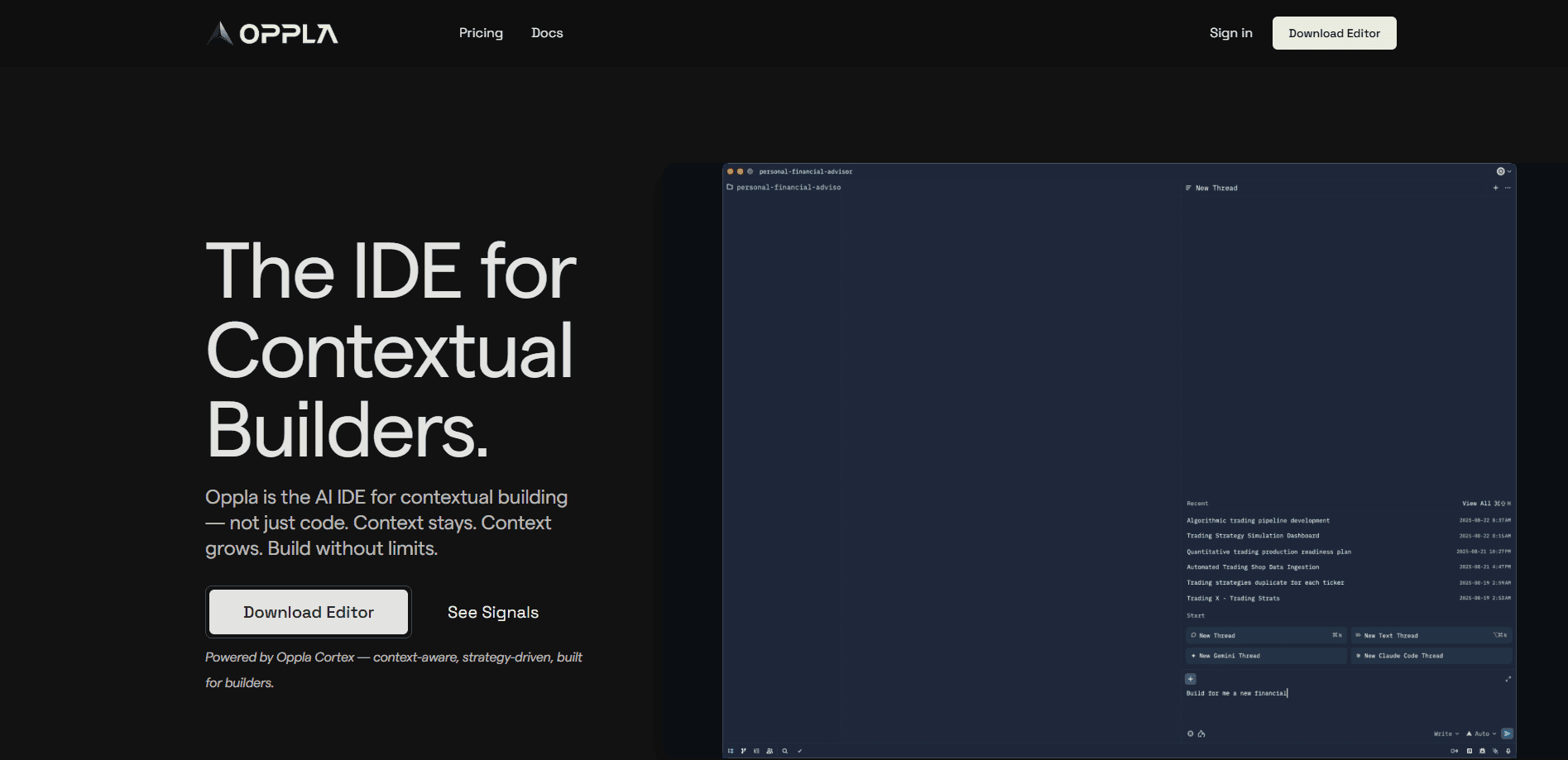
Oppla AI is an AI code editor for contextual builders. It keeps project context alive across sessions, runs coding agents on reasoning models and pairs with Signals to help you decide what to build.
About Oppla AI
What Is Oppla AI
Oppla AI is an AI IDE built for developers who care less about one-off code suggestions and more about keeping the whole picture together. The pitch is contextual building: every decision, every file and every interaction stays connected, so the editor builds on your earlier work instead of resetting each time you open a new chat. Oppla calls this staying alive context, and it treats that continuity as the product, not a bonus feature.
That framing answers a problem most people hit fast with AI coding tools. You ask for a change, get it, then lose the thread the moment the conversation ends or the window grows too large. Oppla's claim is that context grows with the project rather than being thrown away. The execution side runs on Oppla Cortex, the reasoning engine the company says powers full-context understanding at each step.
There are limits to keep in mind. Oppla is a young product from a small team, its free Explorer plan caps context windows, and the deeper context features sit behind the paid tiers. Anyone who wants a fully offline or self-hosted setup won't find one here.
Getting Started
- Download Oppla and sign up, then pick a plan if the free Explorer tier feels too tight for your project
- Open or start a project so the editor can build its context around your codebase
- Ask for work in plain language and let the coding agent run against reasoning models, keeping each change connected to the files it touches
- Add Signals when you want evidence on what to build next, then work from evidence to strategy to execution in one loop
Product Information
A quick look at Oppla AI's pricing, supported platforms, and performance.
Best for
The users, tasks, and scenarios where this tool fits best.
Users
- Solo developers
- Professional developers
- Teams and organizations
- Product-minded builders
Tasks
- Long-running projects
- Agent-driven coding
- Context-heavy edits
- Deciding what to build
- Prototyping ideas
Scenarios
- Picking work back up after a break
- A solo builder shipping an MVP
- A small team sharing a roadmap
- Moving from evidence to strategy
- Iterating on a feature over several sessions
Key features
Contextual Building
Contextual building is the core idea behind Oppla AI. Your work builds on itself, so every decision, line of code and interaction stays connected across sessions. The editor is designed to avoid the reset that happens when a chat ends or a window fills up, which means you spend less time re-explaining the project and more time moving forward. It's the difference between a tool that answers a question and one that remembers what you were doing.
Oppla Cortex Execution Engine
Oppla Cortex is the engine the company says powers full-context reasoning at every step. It carries the agent work: your request runs against the accumulated context rather than an isolated prompt. The result is an agent that acts with the wider project in view. Cortex is included on every plan, including the free Explorer tier, so nobody is locked out of the execution layer itself.
Coding Agents on Reasoning Models
Oppla runs a coding agent that takes instructions in plain language and works against reasoning models. The tiers differ mainly in how many agent requests and how much reasoning power you get: 50 requests on Explorer, 500 on Pro with advanced models, and 1,000 on Plus with extended models. Free users get a taste of it; heavier use points to Pro or Plus. It's built for people who delegate whole tasks rather than autocomplete a line.
Unlimited Autocomplete
Every plan, free included, ships with unlimited autocomplete. That's a deliberate line for Oppla: the basics of AI-assisted editing shouldn't be rationed, so the limits land on agent requests and context instead. For a solo developer it means the daily typing help never runs out, which is a small thing that adds up over a long project.
Signals for Product Decisions
Signals is the evidence layer that pairs with the editor. Where Oppla handles execution, Signals helps you spot opportunities, prioritize them and decide what to build next. It works from product and user evidence rather than guesswork. It's available on Pro and Plus. The two tools are meant to run together, taking a team from evidence to strategy to execution without leaving the workspace.
Team Collaboration and Documentation
Oppla's workspace connects community and documentation in the same place as the build. There's real-time collaboration and discussion for teams, a space to meet other builders and share what works. The documentation covers feature guides, tutorials and examples so you can pick up details without leaving the tool. For teams, that keeps the knowledge alongside the code instead of scattered across tools.
Pros and cons
Pros
- Context that persists across sessions saves constant re-explaining on long projects
- Unlimited autocomplete on every plan, even the free tier, so daily editing help never runs out
- Oppla Cortex runs on all tiers, which keeps the execution engine available to free users
- Signals ties product evidence to the build decision, putting strategy and execution in one workspace
- Yearly billing saves about 20 percent over monthly on the paid plans
Cons
- The free Explorer plan limits context windows, so larger projects hit a ceiling quickly
- Signals and unlimited context sit behind Pro and Plus, which raises the real entry cost for heavy use
- No self-hosted or fully offline option, which rules out teams that cannot work in a hosted tool
- Agent request caps mean heavy agent workflows on Pro or Plus can still run into the monthly ceiling
Frequently asked questions
Oppla AI is an AI code editor built for contextual building. It keeps your project context alive across sessions instead of resetting, runs coding agents against reasoning models through its Oppla Cortex engine, and pairs with Signals to help you decide what to build next.
Related content
Explore related tools, skills, and articles for Oppla AI.
Oppla AI Alternatives

Base Code
Base44 (Wix) · Coding · ProductivityBase Code is a shared cloud development environment from Base44. Teammates describe changes to an existing GitHub codebase in chat, preview them live and send them back as pull requests.

Google EmbeddingGemma 2
Google DeepMind · Writing · Image · CodingGoogle EmbeddingGemma 2 is a 740M-parameter open model that turns text, code, images, audio, and video frames into vectors in one 768-dimension space, running on phones and laptops.

GitGlow
GitGlow · Coding · ProductivityGitGlow is a local-first desktop Git client that lets independent developers review their own code and their AI agents' changes in one place before shipping.