

Optibot
Optimal AI · Coding
Optibot is an AI code review agent from Optimal AI. It installs into GitHub or GitLab, reviews every pull request with your full codebase in view, and fixes CI failures on its own.
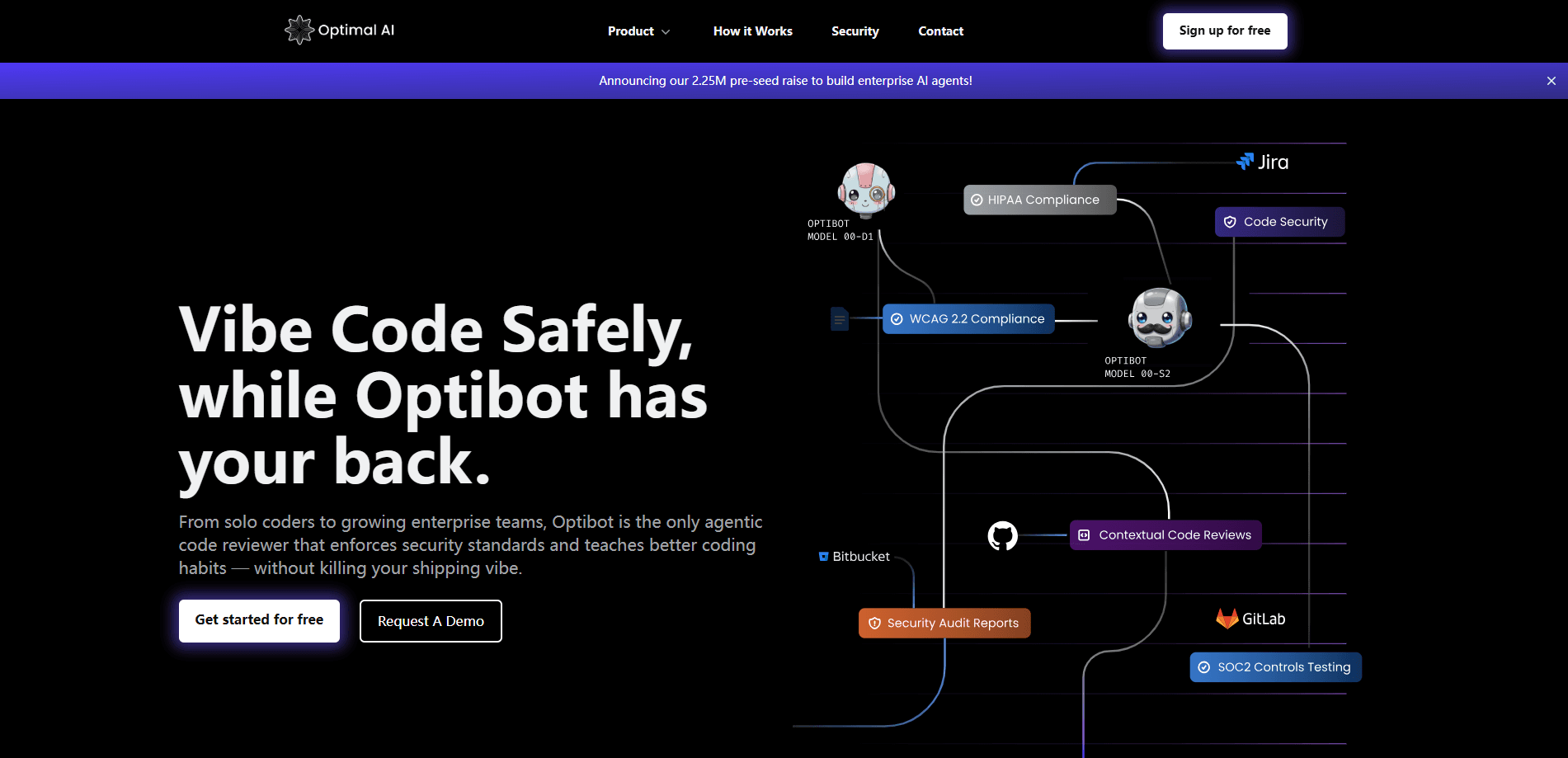
About Optibot
What Is Optibot
Optibot is an AI agent that reviews code the way a senior engineer would. It comes from Optimal AI, a company focused on engineering productivity. Instead of an automated code review that scans a single diff line by line, Optibot builds a knowledge graph of your whole repository, mapping how files, modules and dependencies connect. When a pull request lands, it reasons about the impact of the change across the codebase, not just the lines that moved.
The point is to cut review noise and catch the bugs a diff-only tool would miss. Optibot posts its findings as inline comments right on the pull request, so the whole team sees them where the work happens. It also watches your CI pipeline and repairs broken builds on its own.
The main catch is scope. Optibot is built for teams that already use GitHub or GitLab and ship code often. Solo hobby projects and teams outside those platforms get less from it. Pricing is per seat, and review limits reset each month, so a small team on a low plan can run short.
Getting Started
- Install Optibot on your GitHub or GitLab account. Setup takes under 10 minutes.
- Let it index your repository so it understands your architecture before the first review.
- Open or update a pull request. Optibot runs a multi-pass review without any command.
- Read the inline comments on the PR and act on the fixes you agree with.
- Turn on autonomous CI fixing and the security agent as your plan allows.
Product Information
A quick look at Optibot's pricing, supported platforms, and performance.
Best for
The users, tasks, and scenarios where this tool fits best.
Users
- Engineering teams
- Team leads
- Solo developers and small teams
Tasks
- Pull request review
- CI failure fixing
- Security scanning
- Release notes and changelogs
Scenarios
- Shipping with AI-generated code
- High-velocity sprints
- Multi-repo projects
Key features
Full Codebase Context
Optibot indexes your repository structure, files and dependencies, then uses that map to judge each change. It doesn't rely on a token limit or read only the diff, so it catches bugs that depend on how the rest of the system behaves.
Inline PR Comments
Reviews land as inline comments on the pull request itself, visible to the whole team. There's no separate dashboard to check and no review buried in CLI output. You discuss and merge in the same place you already work.
Autonomous CI Fixing
When a build breaks, Optibot can repair it without waiting for a human. It runs alongside your existing pipeline asynchronously, so it never blocks a build while it works.
AppSec Security Agent
A dedicated security agent scans for OWASP vulnerabilities, injection risks, misconfigurations and hard-coded credentials. Optimal AI says Optibot catches about twice as many security issues as single-pass reviewers, and it suggests fixes inline on the PR.
IDE and Editor Plugins
Optibot works as a VS Code and Cursor plugin, and as a Claude Code Skill, so you can trigger a full-context review before you push. Findings map to the exact file and line, which cuts the copy-paste back and forth.
Insights Productivity Platform
On the Pro and Max plans, Insights tracks PR cycle times, review times, deployment frequency and how much code AI wrote. You can ask Optibot plain-language questions about your engineering data and get an answer instead of a chart you have to decode.
Pros and cons
Pros
- Reads the whole codebase, not just the diff, so it catches cross-file and cross-repo bugs.
- Posts findings inline on the PR, so reviews stay where your team already works.
- Fixes CI failures on its own, which keeps a broken build from stalling a release.
- Security agent folds static analysis into the same review, cutting a separate tool.
- Runs asynchronously and never stores your code, which suits teams with strict rules.
Cons
- No free plan, so you pay per seat before you know if it fits your workflow.
- Tied to GitHub and GitLab, so teams on other platforms can't use it.
- Review limits are monthly and per user, so a busy small team can run short on a low plan.
- The deeper context and Insights features sit on the Pro and Max plans, not the cheapest tier.
Frequently asked questions
Optibot is an AI code review agent made by Optimal AI. It installs into GitHub or GitLab, reviews every pull request using full codebase context and posts its findings as inline comments. It also fixes CI failures and scans for security issues.
Related content
Explore related tools, skills, and articles for Optibot.
Optibot Alternatives

Base Code
Base44 (Wix) · Coding · ProductivityBase Code is a shared cloud development environment from Base44. Teammates describe changes to an existing GitHub codebase in chat, preview them live and send them back as pull requests.

Google EmbeddingGemma 2
Google DeepMind · Writing · Image · CodingGoogle EmbeddingGemma 2 is a 740M-parameter open model that turns text, code, images, audio, and video frames into vectors in one 768-dimension space, running on phones and laptops.

GitGlow
GitGlow · Coding · ProductivityGitGlow is a local-first desktop Git client that lets independent developers review their own code and their AI agents' changes in one place before shipping.