

Optimo
FATJOE · Other
Optimo is a browser-based suite of 38 AI marketing tools from FATJOE, covering keyword research, ad copy, blog writing, and social captions, free at 25 requests a day.
About Optimo
What Is Optimo
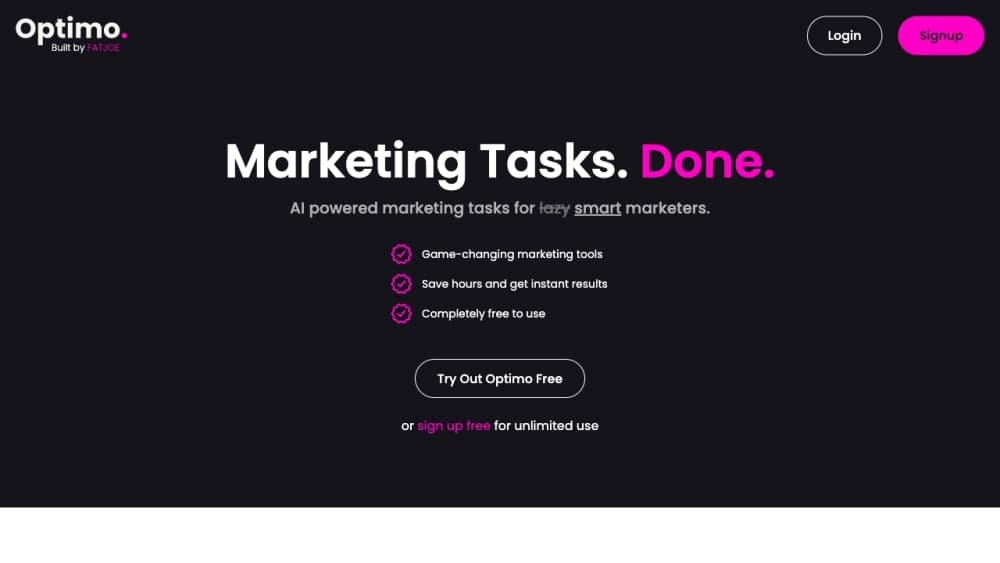
Optimo is a set of single-purpose AI marketing tools that run in the browser. You open the page for the task you need, paste a short description, and get a finished draft back in seconds. No account setup, no prompt engineering, no blank canvas.
The product comes from FATJOE, a UK link building and content agency, and that origin shows in the tool list. Keyword research, keyword clustering, topical maps, HARO pitch replies, and link building ideas sit next to Instagram captions and blog post generators. A marketing team can cover most of a campaign brief without leaving the site.
The limit is depth. Each tool is a form with one input box and one button, so you get a fast first draft rather than a workspace where you keep editing. Anything that needs brand rules, review cycles, or long documents still goes back to your own editor.
Getting Started
- Open askoptimo.com in a browser and pick a tool from the suite, for example Keyword Research or Instagram Captions.
- Type a description into the text box. The more context you give about the audience, product, or tone, the closer the first draft lands.
- Click Generate and wait a few seconds for the output to appear on the page.
- Copy the text into your own document, CMS, or ad manager and edit it before publishing.
Product Information
A quick look at Optimo's pricing, supported platforms, and performance.
Best for
The users, tasks, and scenarios where this tool fits best.
Users
- Freelance marketers
- Content writers
- Small business owners
Tasks
- Building a keyword list
- Writing social captions
- Drafting ad copy
Scenarios
- Refreshing a content calendar
- Pitching journalists
- Training a junior team
Key features
Keyword Research and Clustering
The keyword research tool takes one seed term and returns a list of semantically related keywords, while the long-tail and clustering tools expand that list and group it by topic. Together they cover the first pass of an SEO plan, the part that usually needs a paid subscription, which makes these the AI SEO tools most people try first. The output is plain text, so you still need a spreadsheet or rank tracker to size the volume.
SEO Title and Meta Description Writer
This tool generates title tags and meta descriptions for a page or list of pages. You describe the topic and the angle, and it returns options that fit common length limits. It's the fastest part of the suite for publishers who write many small pages and don't want to rewrite tags by hand.
Blog Writing Tools
Blog Post Brief, Intro, Titles, and Blog Post Generator split the writing job into four steps. The brief tool turns a topic into an outline for a writer, the intro tool gets past the first paragraph, and the generator drafts a full post you then edit. Splitting the job works better than one giant prompt when you're handing work to someone else.
Social Media Caption Tools
Instagram Captions works as an Instagram caption generator that returns several caption options with hashtags attached, and Reel Ideas, Tweet Ideas, and Social Media Post Ideas handle the neighboring formats. Each output is short enough to edit by eye. Hashtag suggestions are a starting point, not a researched set, so check them against your niche before posting.
Ad Copy Generators
The Facebook Ads tool returns primary text, headlines, and descriptions in the character ranges the platform expects. Google Advertising Copy and the Match Type Generator cover search campaigns on the same pattern. You get a volume of variants quickly, which helps in A/B testing. Every line still needs a compliance check before it runs.
Email and PR Writing Helpers
Email Subject Line Creator, Angry Customer Email Reply, HARO Pitch Response, and Digital PR Ideas handle the correspondence side of marketing. The angry customer reply tool is the unusual one, aimed at support inboxes that need a calm, structured answer within the hour. These tools save typing time on messages you write every week.
Pros and cons
Pros
- No signup friction: the tools work straight from the browser, so you can test one before creating anything.
- Broad coverage for marketing: 38 tools span SEO, social, ads, email, and PR, grouped so you can find the right one in two clicks.
- Useful free allowance: 25 requests per day covers typical solo use without a card on file.
- Structured outputs: ad and meta tools respect platform character limits, cutting the back-and-forth of manual trimming.
- Agency pedigree: built by FATJOE, so the briefs reflect how a working link building team writes.
Cons
- No editing workspace: every tool is a single form, so drafts have to be moved elsewhere to refine.
- Daily cap: 25 requests a day runs out fast during a full campaign build, and the Pro plan that removes the limit is still listed as coming soon.
- Text only: no images, no scheduling, and no publishing, so it's a drafting layer rather than a full marketing platform.
- Output needs review: generic inputs produce generic copy, and hashtag or keyword lists still need human filtering.
Frequently asked questions
Optimo is a collection of 38 AI marketing tools that run in a web browser. It covers keyword research, SEO titles, blog writing, social captions, ad copy, email subject lines, and PR outreach, with each task on its own page.
Related content
Explore related tools, skills, and articles for Optimo.
Optimo Alternatives

Odyssey 3
Odyssey · OtherOdyssey-3 is Odyssey's foundation world model. It simulates physics in real time, turns a prompt into an interactive environment, and adapts to robots, cars and games.

JarvisCore
Prescott Data · Coding · Productivity · OtherJarvisCore is an open source Python runtime where AI agents work as equal peers on an agent mesh, claim tasks from a shared ledger, and reach external services through a zero-trust broker.
Clef
Cloudflare · Business · OtherClef is Cloudflare's open-source decision model for Workers AI. It returns calibrated probabilities for typed questions, not generated text, so agents can classify, route, and act fast.