

OptiPrompt Pro
OptiPrompt Pro · Other · Prompts
OptiPrompt Pro is a prompt optimization tool for local AI models like Llama, Mistral, and Qwen2.5, tuning prompts for sharper answers across Chinese, Japanese, Korean, and other languages.
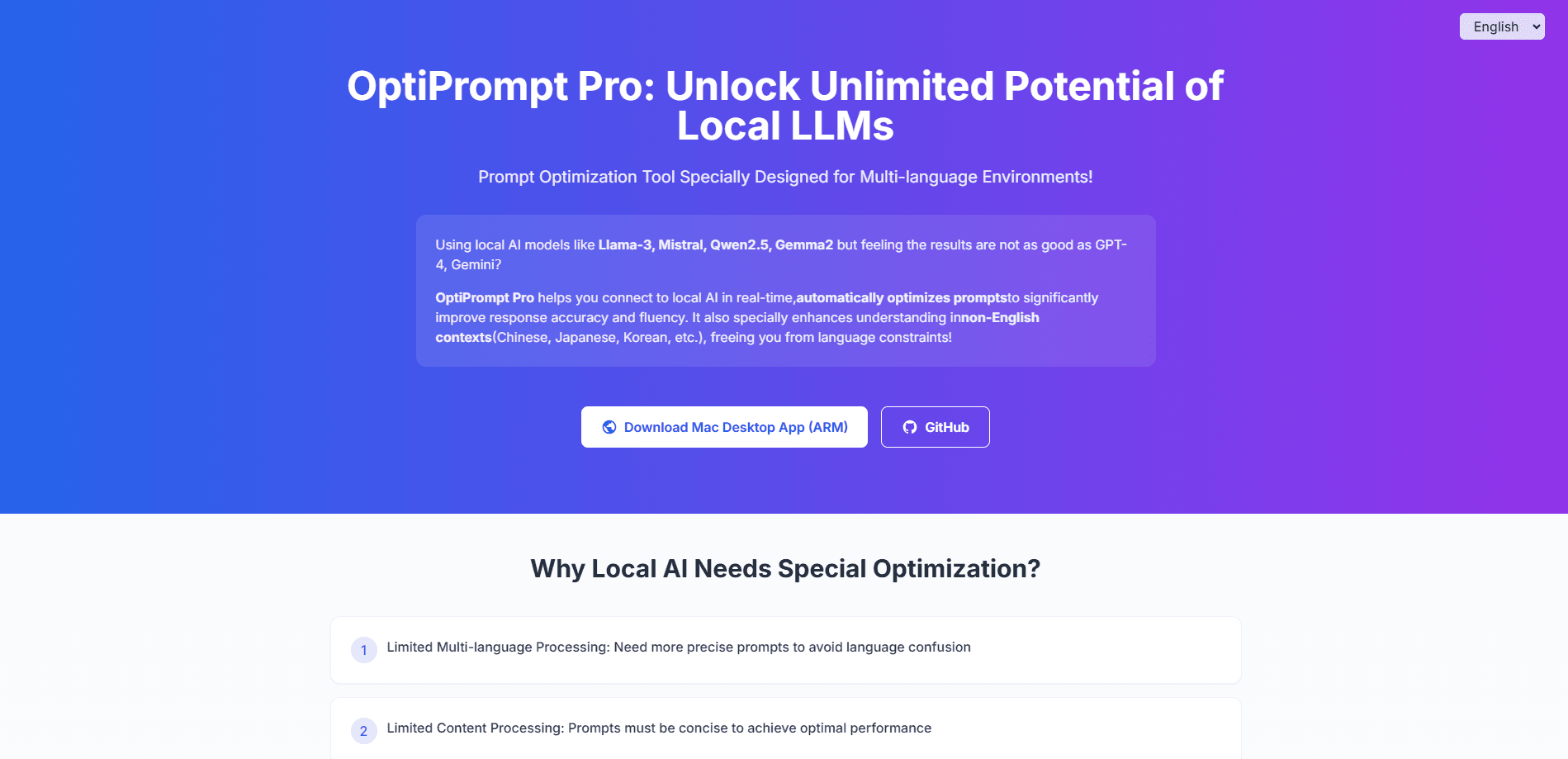
About OptiPrompt Pro
What Is OptiPrompt Pro
OptiPrompt Pro is a desktop app that rewrites your prompts before they reach a local AI model. It targets people running models such as Llama-3, Mistral, Qwen2.5, and Gemma2 on their own hardware, who notice the output trails what GPT-4 or Gemini deliver. The tool builds a live connection to your local model, then drafts prompt versions that fit how that model actually reads instructions.
The focus is multi-language work. Multilingual prompt optimization matters because local models handle Chinese, Japanese, Korean, and other non-English prompts less reliably than they handle English, so OptiPrompt Pro rebuilds your request with clearer structure and context before sending it. The pitch is simple: better prompts, better answers, without shipping your data to a cloud service.
The tradeoff is that it's a helper layer, not a chatbot. You still install Ollama and pull a model down yourself, and the quality of the result depends on which local model you're running. A small 7B model won't match a frontier cloud system no matter how clean the prompt is.
Getting Started
- Install Ollama and download a local model such as Llama-3, Mistral, Qwen2.5, or Gemma2.
- Open OptiPrompt Pro and let it detect the models running on your machine.
- Type your initial prompt and say which language and task you're aiming for.
- Run the optimizer, then send the rewritten prompt to your local model to see the response.
- Compare versions, check the quality readout, and save the prompt that works best.
Product Information
A quick look at OptiPrompt Pro's pricing, supported platforms, and performance.
Best for
The users, tasks, and scenarios where this tool fits best.
Users
- Content creators
- Developers and small teams
- AI enthusiasts
- Researchers
Tasks
- Rewriting a rough prompt
- Working in a non-English language
- Generating several prompt variants
- Testing response quality
Scenarios
- Running AI offline on a laptop
- Drafting multilingual customer replies
- Experimenting with a new local model
Key features
Automatic Model Connection and Prompt Optimization
OptiPrompt Pro detects the models Ollama is serving and connects on its own. From there it rewrites your raw prompt into a version built for that specific model's quirks. You don't hand-tune wording or guess at structure, since the tool handles the first pass for you.
Multi-language Calibration
This is the core reason to pick it over a generic prompt helper. The tool reshapes prompts for Chinese, Japanese, Korean, and other non-English contexts, where local models often confuse languages or miss nuance. It aims to keep your instructions readable in the target language instead of drifting back to English.
Quick AI Response Testing
Once a prompt is optimized, you can send it straight to the local model and watch the reply. That short loop means you judge a prompt by what it produces, not by how it reads. It saves the usual copy-paste shuffle between a prompt editor and a chat window.
Response Quality Analysis
The app reads back the model's answer and flags where it fell short, then suggests fixes. For anyone who's tired of reworking a prompt by feel, a plain quality readout turns guesswork into a checkable step.
One-click Multi-version Prompt Generation
A single click spins up several prompt versions at once. You compare them side by side and keep whichever your model handles best. Different phrasings trip different models, so a few options beat betting everything on one rewrite.
Pros and cons
Pros
- Keeps everything local, so prompts and responses never touch a cloud server.
- Tunes prompts for non-English languages, a gap most prompt tools ignore.
- Free to use, with no subscription blocking the core optimizer.
- Tests and scores responses in the same window, so you judge results instead of guessing.
- Speeds up prompt writing for people who don't want to learn prompt-craft by hand.
Cons
- You still need Ollama and a local model installed, which rules out anyone who wants a one-click web tool.
- Output quality is capped by your local model, so a weak 7B model stays weak no matter how good the prompt is.
- The macOS desktop app is the main build for now, which limits Windows and Linux users.
- No public API means you can't wire the optimizer into your own scripts or apps.
Frequently asked questions
It optimizes prompts for local AI models so they return more accurate, fluent answers. It's aimed at people running a local LLM such as Llama, Mistral, Qwen2.5, or Gemma2 on their own machine instead of paying for a cloud service.
Related content
Explore related tools, skills, and articles for OptiPrompt Pro.
OptiPrompt Pro Alternatives

Odyssey 3
Odyssey · OtherOdyssey-3 is Odyssey's foundation world model. It simulates physics in real time, turns a prompt into an interactive environment, and adapts to robots, cars and games.

JarvisCore
Prescott Data · Coding · Productivity · OtherJarvisCore is an open source Python runtime where AI agents work as equal peers on an agent mesh, claim tasks from a shared ledger, and reach external services through a zero-trust broker.
Clef
Cloudflare · Business · OtherClef is Cloudflare's open-source decision model for Workers AI. It returns calibrated probabilities for typed questions, not generated text, so agents can classify, route, and act fast.