

Opusense
Opusense · Writing · Productivity
Opusense is an AI field inspection platform for construction, engineering, and property teams. It captures photos, voice, and notes offline and turns them into client-ready reports.
About Opusense
What Is Opusense
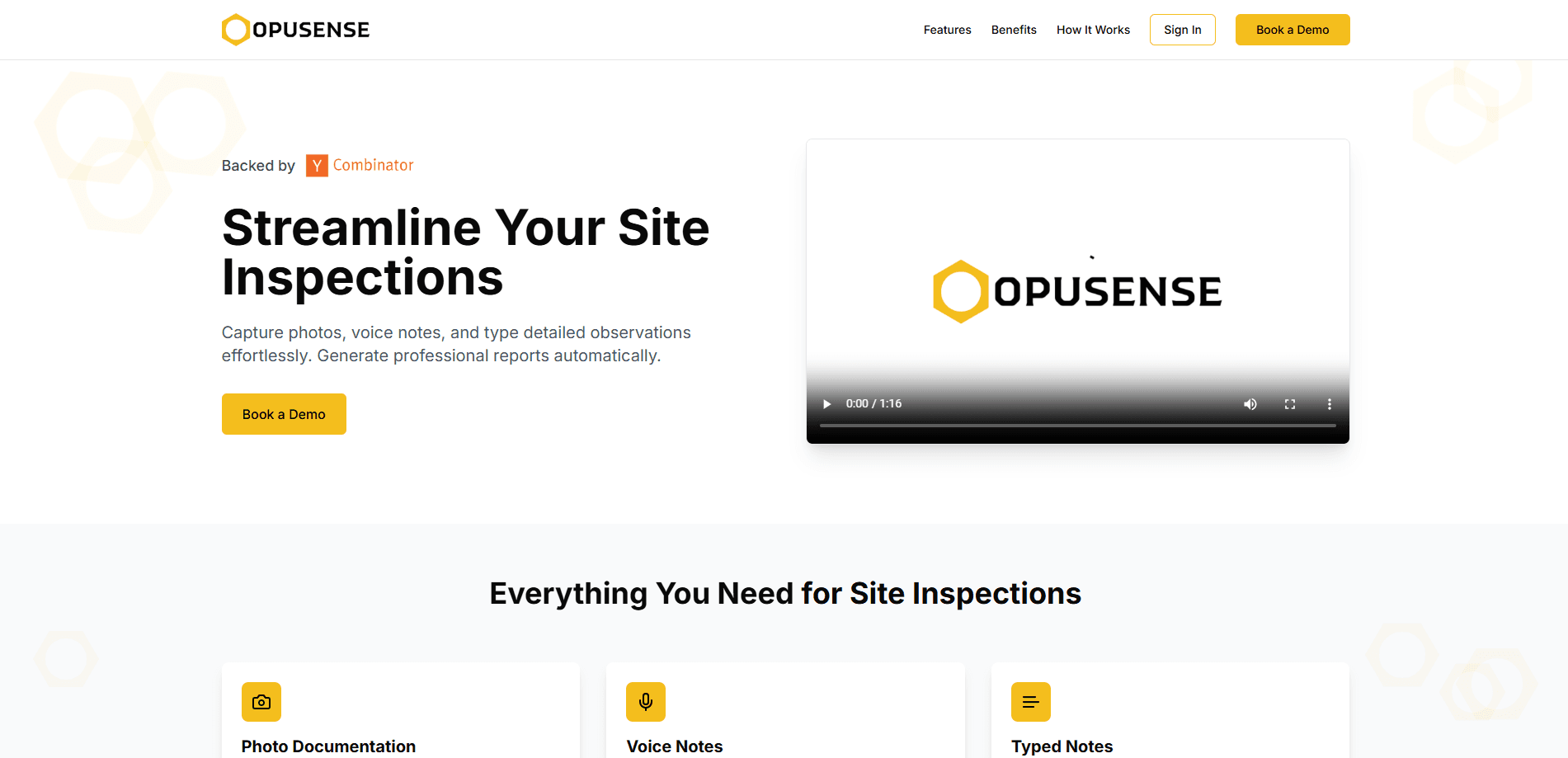
Opusense is a field operations platform built for people who inspect buildings, job sites, and properties for a living. It runs as a mobile app on iOS and Android and a web dashboard. You walk the site, snap photos, record voice notes, and type observations, and the software assembles that raw capture into a formatted report.
The core problem it solves is the gap between what you see in the field and what you hand a client. Most inspection teams still rebuild reports at a desk from scattered photos and scribbled notes. Opusense keeps the capture and the report in one place, so the walk itself produces most of the final document.
The main limits are scope and language. Opusense targets the built environment: construction, engineering, roofing, envelope consulting, and facility management. It's not a general note-taking app, and the report assistant works in English, French, and Spanish on the paid tiers. If your inspections live in one of those fields and one of those languages, the fit is tight.
Getting Started
- Sign up for the 14-day free trial at opusense.com. No credit card is required to start.
- Install the Opusense app on iOS or Android and sign in, or use the web dashboard.
- Open a project, then capture the site with photos, voice notes, or typed observations as you walk.
- Let the AI draft the report against your template, then review and edit the wording.
- Share the finished report with clients, consultants, contractors, or owners.
Product Information
A quick look at Opusense's pricing, supported platforms, and performance.
Best for
The users, tasks, and scenarios where this tool fits best.
Users
- Construction and general contracting teams
- Engineers and architects running field reviews
- Property and facility managers
Tasks
- Site and structural inspections
- Deficiencies and anomaly logging
- Weekly progress reporting
Scenarios
- Multi-building portfolios
- Offline site visits
- Regulated review workflows
Key features
AI Report Generation
Opusense drafts the report from your captured photos, voice notes, and text, then matches it to your firm's template. You edit the wording instead of building the document from scratch. The AI phrasing writes prose around your inputs, which is where most of the time saving comes from.
Offline Field Capture
The app keeps working with no signal. Photos, voice, and notes store on the device and sync to the cloud the moment you reconnect. This matters on sites where basements, tunnels, or rural locations kill connectivity mid-walk.
Voice Notes With Speech to Text
You record observations hands-free and the app converts speech to text in real time. Instead of typing one-handed while you walk, you talk through what you see and let the software transcribe it into the report.
Geotagged Photo Documentation
High-resolution photos carry automatic GPS tagging, time stamps, and annotation overlays. The images organize by project, building, and inspector, which turns a photo set into a searchable audit trail for compliance and client records.
Reviewer Workflow
On the Pro tier and up, a full reviewer workflow lets a second person review and edit reports before they ship. Teams that answer to consultants or owners can separate drafting from approval without passing files around by hand.
Dashboard and Report Assistant
Paid tiers add a dashboard assistant that queries your report database, plus a field assistant for document lookups. Tasks, replies, and photos move between field review teams, constructors, and owners in one place.
Smart Templates and Checklists
Structured templates know what a roof, an envelope, or a mechanical room should contain. Checklists and structured text input keep inspections consistent across inspectors, so reports don't depend on who walked the site.
Pros and cons
Pros
- Field capture merges photo, voice, and text into one record, so a single site walk feeds the whole report.
- Full offline mode means connectivity gaps don't stop an inspection.
- Reports generate in your firm's template and branding, which cuts reformatting for client delivery.
- Geotagged, time-stamped photos build an audit trail that stands up to compliance review.
- Plans scale from a solo inspector at $49 per month to multi-department operations at $149.
Cons
- There's no free plan, only a 14-day trial, so small teams should test carefully before committing.
- The report assistant covers English, French, and Spanish only, which leaves out other languages a global team might need.
- Pricing is per user per month, so a large field crew adds up fast.
- The product targets the built environment, so it won't help outside construction, engineering, or property work.
Frequently asked questions
Opusense is used to capture field inspections and turn them into finished reports. Teams photograph, record, and type observations on site, then let the AI draft a formatted report for clients, consultants, and owners.
Related content
Explore related tools, skills, and articles for Opusense.
Opusense Alternatives

Google EmbeddingGemma 2
Google DeepMind · Writing · Image · CodingGoogle EmbeddingGemma 2 is a 740M-parameter open model that turns text, code, images, audio, and video frames into vectors in one 768-dimension space, running on phones and laptops.

MePersona
MePersona, Inc. · Writing · Productivity · MarketingMePersona is an AI unified inbox for creators. It learns your voice, drafts replies to fan messages from 12 platforms, and sends only what you approve.

Fluence
Yay Software (Yannick Huchard) · Writing · Voice & Language · ProductivityFluence is an Android app that reads PDFs, EPUBs, Word files and web articles aloud, follows each sentence as it speaks, and answers questions about the text on the phone itself.