

OrateMe
Lavish Thakkar · Voice & Language · Leaning
OrateMe is an open source macOS dictation app powered by Google Gemini that types what you meant into any text field, across the languages you actually speak.
About OrateMe
What Is OrateMe
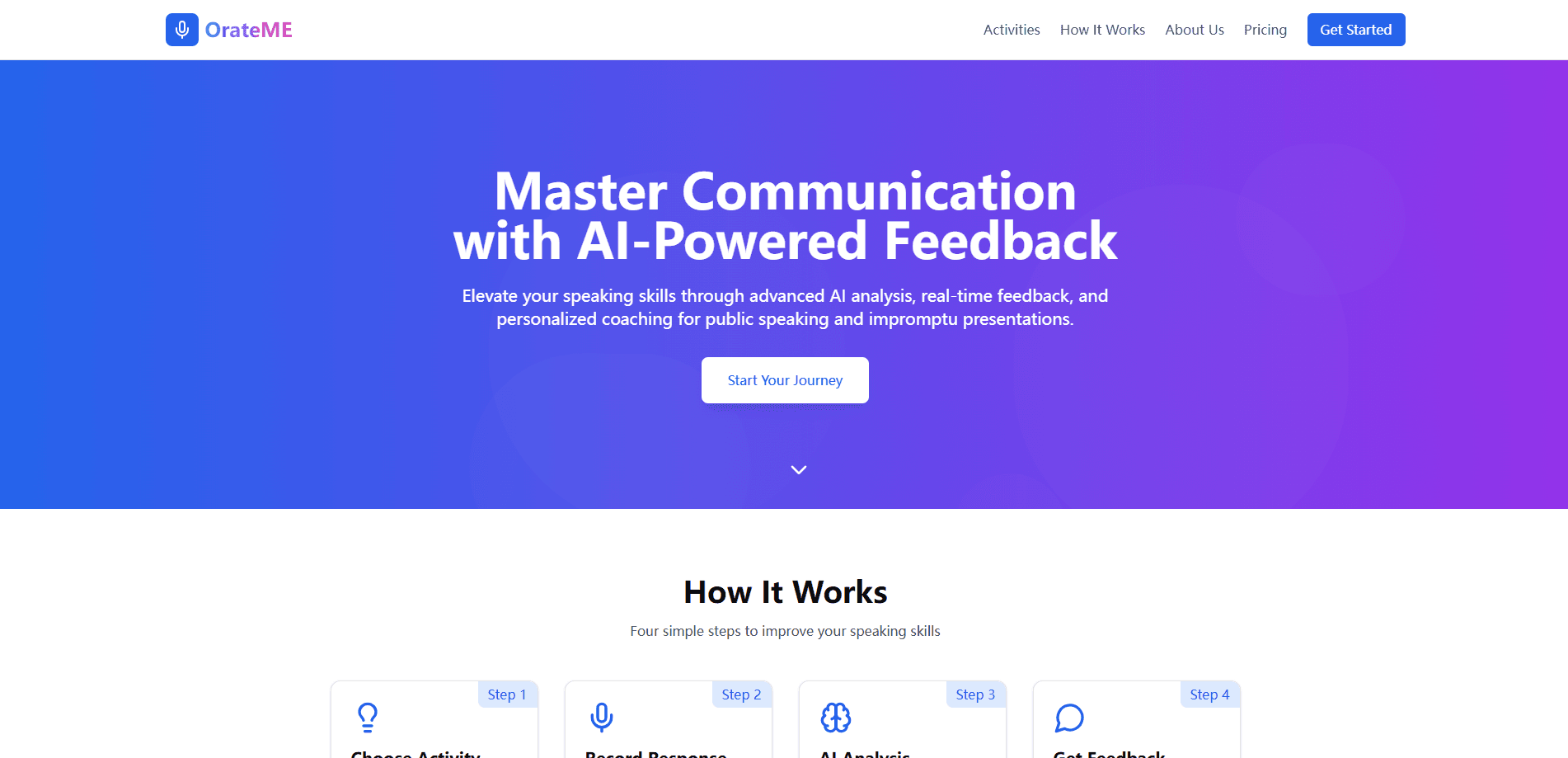
OrateMe is a dictation app for macOS built by independent developer Lavish Thakkar. You hold the right Option key, talk the way you normally talk, and the app writes clean text into whatever field is focused. It runs on top of Google Gemini rather than a speech-to-text model, so it listens to audio directly and works with the mixed-language speech that trips up most tools.
The idea behind it is narrow. Most dictation apps flatten anything that isn't standard English, because they rely on Whisper, which was trained on the internet's English. OrateMe swaps that out for Gemini, which handles code-switching mid-sentence: Hinglish, Spanglish, Taglish and dozens more. Because a real language model is listening, you can also give it instructions, like fixing grammar or formatting a list as bullets.
Two things shape who should use it. The app is macOS only, and it needs your own Google AI Studio or Vertex AI key, so you pay Google directly rather than a subscription. The whole codebase is open source on GitHub, and the transcript never passes through OrateMe's servers when you bring your own key.
Getting Started
- Download the OrateMe .dmg from GitHub and drag the app into your Applications folder
- Launch it and grant microphone access, then the accessibility permission needed to paste into other apps
- Add a Gemini API key from Google AI Studio, which has a free tier, or a Vertex AI key for heavier use
- Hold the right Option key, speak, then release it to have OrateMe transcribe and paste the text
Product Information
A quick look at OrateMe's pricing, supported platforms, and performance.
Best for
The users, tasks, and scenarios where this tool fits best.
Users
- Multilingual speakers
- Developers and writers
- Privacy-conscious professionals
- Mac power users
- Open source fans
Tasks
- Dictating notes and messages
- Code-switched writing
- Code and commands
- Instructional dictation
- Search and prompting
Scenarios
- Writing an email in a hurry
- A message to family abroad
- Jotting notes during a call
- Drafting in an editor
- Reducing typing strain
Key features
Native Multilingual Dictation
OrateMe listens through Gemini instead of a transcription model, so it works with the language mix you actually speak. It handles English, Hindi, Punjabi, Bengali, Tamil and around 90 more, and it stays with you when you switch language mid-sentence. That's the core difference from Whisper-based tools, which tend to flatten non-English speech into guesses.
Instructions, Not Just Transcription
Because a real language model is on the other end, you can tell OrateMe what to do with your words. Ask it to fix grammar, strip the filler words, format a list as bullets, handle dictated punctuation or translate a line as you speak. These are rules that follow through, not keywords that only sometimes register.
Works in Any Mac Text Field
The app lives in the menubar and types into whatever text field is focused, whether that's Slack, Mail, Notion, Obsidian or a terminal. There's no browser extension and no per-app setup, so one app covers every place you write on the Mac and removes the copy-paste step between tools.
Push-to-Talk Recording
Recording starts only while you hold the right Option key and stops when you release it, so nothing is always listening in the background. It's a small choice, but it matters if you work near other people or worry about a mic that never turns off.
Custom Vocabulary
You can add names, brands and jargon to a custom list, and OrateMe spells them correctly every time. For people who dictate code, product names or company terms, that turns a recurring correction into a one-time setup.
Recording History
The app keeps a local history of your recordings, so you can browse, replay and copy past transcriptions without hunting through documents. Everything stays on your machine, which fits the app's bring-your-own-key stance.
Pros and cons
Pros
- Handles code-switched and non-English speech that Whisper-based tools struggle with
- Follows real instructions, from grammar fixes to bullets to inline translation
- Works in any macOS text field with one menubar app and no per-app plugins
- Fully open source on GitHub, so you can read, fork or self-host it
- Bring your own Google key means no subscription and no middleman between you and Gemini
Cons
- macOS only, so there's no Windows, Linux or mobile version
- Needs a Google AI Studio or Vertex AI key, which adds a setup step before first use
- The OrateMe API credits option is listed as coming soon, so keyless use isn't available yet
- Gemini dictation runs slower than Whisper, and it keeps a working internet connection
Frequently asked questions
OrateMe is a macOS dictation app that turns your speech into typed text in whatever field is focused. It's built for people who talk more naturally than they type, and it's designed to keep mixed-language and code-switched speech intact instead of flattening it.
Related content
Explore related tools, skills, and articles for OrateMe.
OrateMe Alternatives

Prosp
Prosp · Writing · Voice & Language · MarketingProsp is an AI LinkedIn outreach tool built for agencies and sales teams, and it writes the message and the voice note in your own voice for each prospect so they actually reply. You connect your accounts, find leads, and let the AI draft and send personalized messages at scale, all from one inbox. It's built for people running outbound at volume. That's the whole pitch. Every touchpoint still has to feel human.

Wordly AI Translation
Wordly · Voice & Language · ProductivityWordly AI Translation is a real-time AI translation and captioning platform built for meetings, conferences, and events. It delivers live translation, captions, transcripts, and summaries in more than 60 languages, and attendees join by scanning a QR code or opening a link instead of using dedicated headsets. The platform works with Zoom, Microsoft Teams, Google Meet, and Webex, and it's designed for organizations that want multilingual access without hiring human interpreters for every session. Simple as that.
Musicful
Musicful AI · Voice & Language · VideoMusicful is an AI music generator and AI music video maker that turns text to music in minutes. Give it a text prompt, a set of lyrics, or a hummed melody and it returns a finished track with vocals and instruments. It also doubles as an AI song generator, produces music videos from the songs you create, and offers an AI cover tool plus a developer API. The platform runs in a web browser and through an Android app, so you can start a song on desktop and pick it up on your phone.